
Can You Build a Fiverr-Style Marketplace with Webflow?
Scope a Fiverr-style marketplace with Webflow. Compare listings, accounts, messaging, payments, and the limits of a first version.
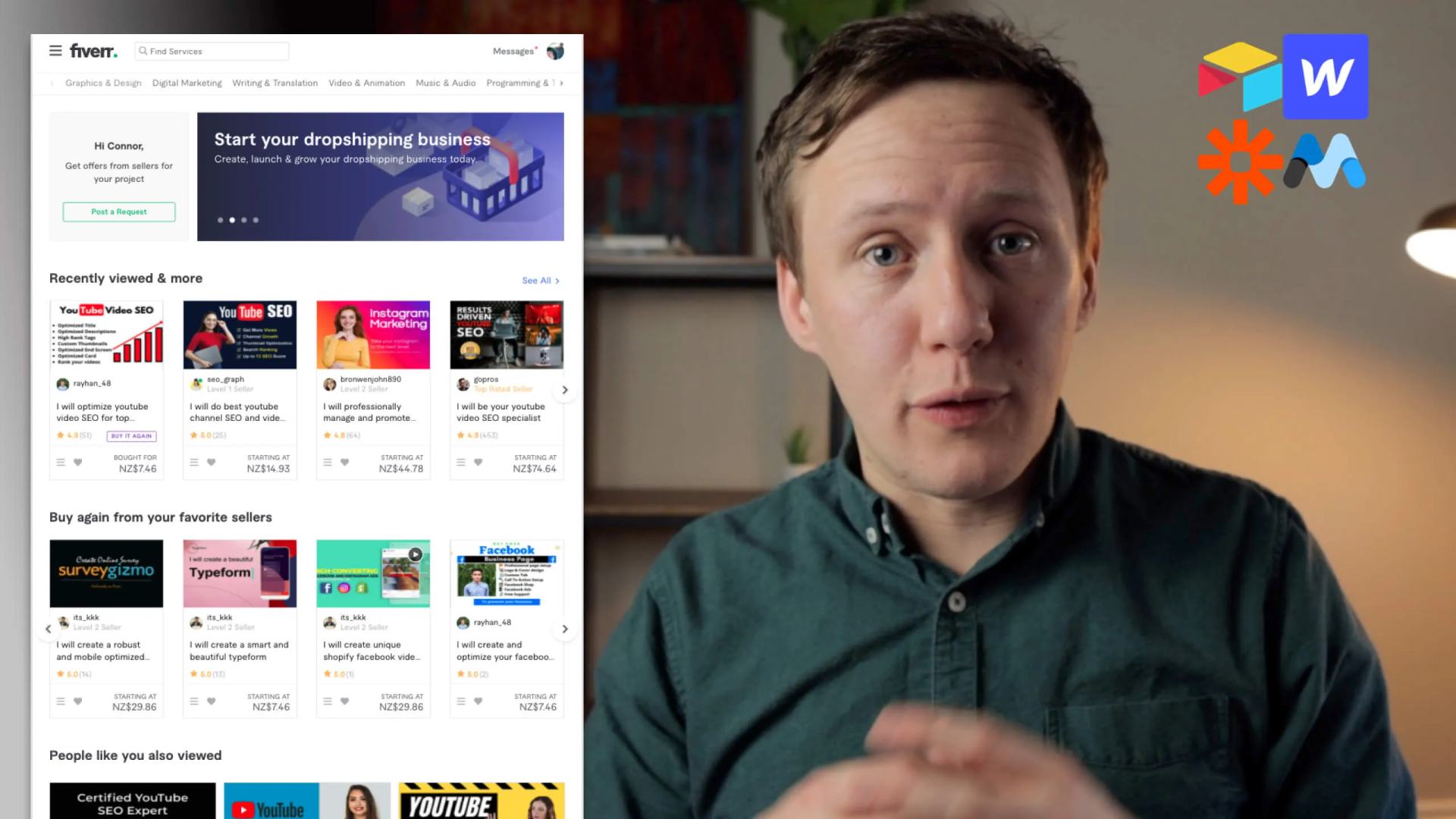
Watch: Can You Build a Fiverr-Style Marketplace with Webflow?
A Fiverr-style marketplace includes more than listing pages. This overview separates a simple directory from messaging and seller payments. In this video, I break down the key functionality of fiverr.com and tell you how easy or hard it is to rebuild with the AWZ stack. TIMESTAMPS:
- 00:00 Intro
- 00:56 The differences between Unicorn Factory and fiverr.com
- 02:56 Listing Page Design
- 03:30 Searching and Filtering
- 04:00 Building a shortlist of services and freelancers
- 04:21 Services Pages w/ Lightbox Gallery
- 04:44 Testimonials / Reviews
- 05:16 User Accounts for Freelancers and Clients
- 06:45 In-app messaging
- 07:49 In-app payments with transaction fees
- 09:33 The other No Code option
Scope a first version
Webflow can present listings and service pages. Accounts, private data, messaging, and seller payouts need separate design decisions. Start with a specific marketplace niche. Then define what one buyer can complete.
| Feature | First version | Boundary |
|---|---|---|
| Listings and galleries | Public CMS pages | Publish only approved profile fields |
| Search and filtering | A searchable collection | Test empty results and combined filters |
| Shortlists | Saved listing IDs | Tie private lists to the signed-in buyer |
| Reviews | Moderated submissions | Confirm reviewer identity and the completed service |
| Accounts | Separate buyer and freelancer roles | Login alone does not authorize record access |
| Messaging | Contact requests first | In-app conversations need storage, permissions, and moderation |
| Payments | Define the transaction before choosing tools | Seller payouts differ from collecting your own subscription |
Stripe Connect supports payments involving connected businesses. Decide who receives payment, who pays fees, and who handles refunds before choosing a charge model. A commission must follow your actual payment flow. Adding a percentage to a checkout does not establish seller payouts.
For an initial release, let buyers browse, shortlist, and request a quote. Test one buyer and two freelancers. Confirm neither freelancer can read the other's private records. Then use the Webflow marketplace MVP guide to plan the public pages.
Keep learning
More guides, free videos and course access for existing members, all in one place.
Go to LearnRather have it built for you?
We'll match you with vetted agentic talent who build it with AI, inside the tools you already use.
Schedule a callRelated posts
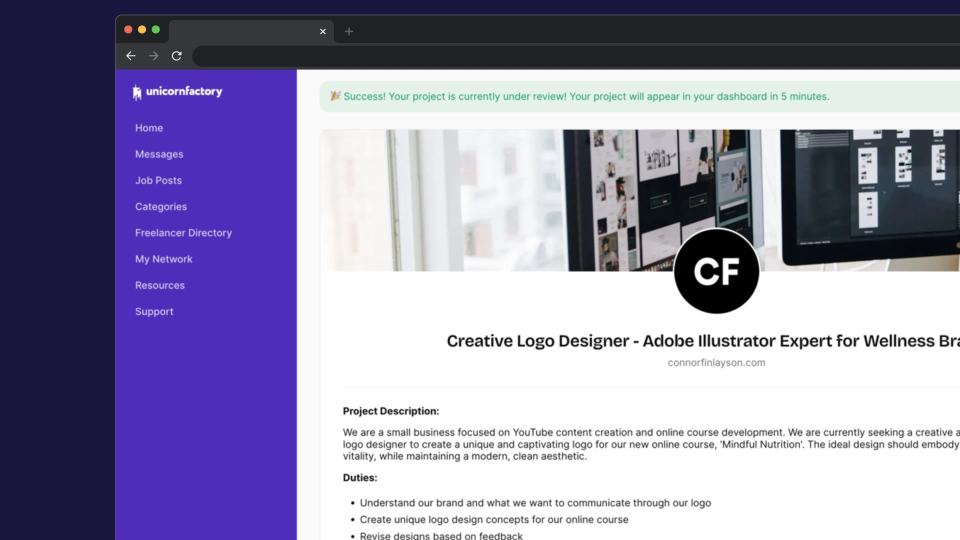
How I Built a Job Board with Automated Workflows
A Unicorn Factory job-board case study with automated workflows, human approvals, private-data checks, and failure handling.
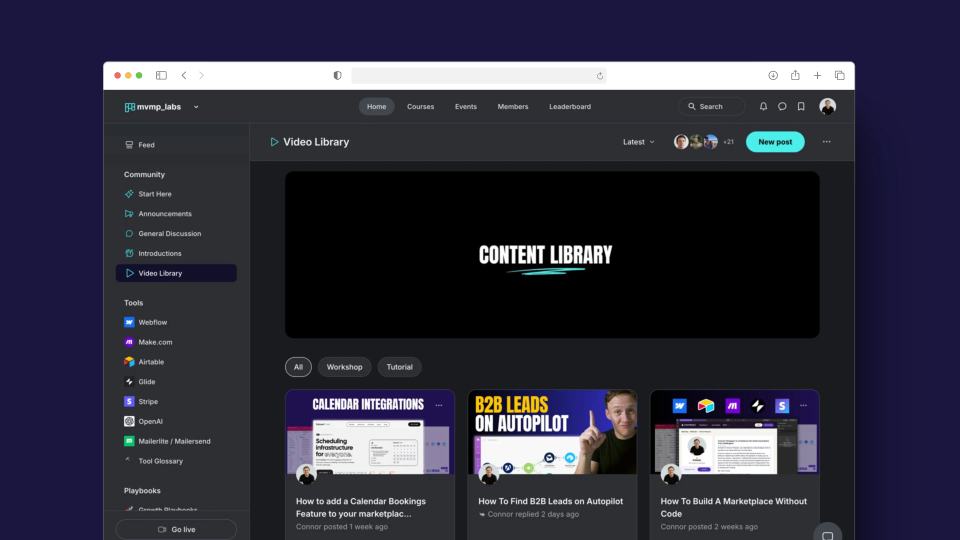
Introducing MVMP Labs: Build Your MVP with No-Code Tools
Historical announcement, updated October 7, 2026: this article describes the original MVMP Labs community beta. The course library is closed to new members. Existing members.
Code Meets No-Code: The Original Airtable Script Library Launch
The historical Code Meets No-Code launch announcement, with a current learning route for beginner Airtable scripts.