The MVMP Labs Blog
Tutorials, guides, and insights on building directories and marketplaces with no-code tools.
170 articles
Learn the fundamentals of building a profitable directory business using no-code tools like Webflow and Airtable.
Turn Videos into Short Clips with Tella 🎬 Duration: 8 minutes | Watch on Tella --- Welcome back to the third video in this series! In the last video, we covered how to use Tella to create blog pos...
If you’ve ever launched a directory website, you’ve probably asked yourself: **“How do I actually make money from this?”** Most people default to charging vendors for listings — $5, $10, maybe $20/month. And at first, that feels like a win… until the churn kicks in, vendors ghost, and your revenue stalls out. Here’s the truth: Listing fees are easy to set up — but hard to scale. The good news? There’s a better way. One that generates recurring revenue, increases vendor retention, and builds real community around your niche. ### It’s called the **Paid Community Business Model** — and in this post, I’ll show you exactly how to use it to monetize your directory site. You’ll learn: - How this model works and why it scales - What tools I recommend (including [Circle](https://www.connorfinlayson.com/a/circle)) - Real-world examples from projects like The Spokes Collective and Flag Football Finder - How to test your offer before building anything - What kind of income you can expect — and how to grow it If you’re tired of chasing $5 listings and want to build something sustainable, profitable, and fun — this guide is for you.
Most directory site owners eventually hit the same wall: they build out a great list of businesses, events, or services, maybe even add some basic location or category filters, and then… wonder why their Google traffic never really takes off. Sure, you might show up for a handful of broad keywords, but the specific, high-intent searches—the ones that actually lead to clicks, signups, or bookings—are nowhere to be found in your analytics. Here’s why: almost everyone stops at the basics. The real goldmine in directory SEO isn’t just “yoga studios” or “races in Canada”—it’s “beginner yoga studios in Ottawa” or “5K races in Toronto this spring.” Those _combo_ searches are what your best users type into Google, and they’re exactly where most directories miss out. But what if you could create dedicated landing pages for every high-value combo your users are searching for—without endless manual work or flooding your site with thin, useless pages? Imagine showing up for thousands of those ultra-specific, ready-to-convert searches, all with an automated, scalable workflow. **In this guide, you’ll learn:** - Why long-tail combo searches drive the best traffic for directories - How to set up your CMS and database for automated combo page creation - Step-by-step tactics for using Airtable and Whalesync to sync it all with Webflow - Practical strategies for managing SEO, avoiding junk pages, and scaling as you grow If you’re tired of settling for generic traffic and want your directory to finally rank for the keywords that matter, this walkthrough is for you. Let’s dig in—starting with the real reason most directories never tap into high-intent, long-tail search.
**So you launched your directory. Now what?** You’ve got listings, a homepage, maybe even a filter system. But unless those businesses know you exist, your site will just sit there collecting digital dust. In this post, I’ll show you how to turn your directory into a _relationship-building machine_ using a personalized outreach system that stands out in crowded inboxes. You’ll learn how to create cold emails that don’t feel cold — complete with: - 🔗 A link to the business’s live listing page - 🖼️ A custom preview thumbnail using their brand - 🎥 A personalized Tella video that walks them through your site - ⚙️ And a scalable automation workflow using Airtable + Make.com Whether you're just starting or want to systematize outreach at scale, this guide will help you build trust, spark conversations, and open doors for monetization down the line.
**You’ve got an idea for a directory.** Maybe it’s a local business directory. A niche marketplace. A curated list of tools, events, or service providers. You’ve seen the tutorials. Read the blog posts. Maybe even opened up Webflow or Airtable… But if you’re still staring at a blank page wondering where to start, this guide is for you. Here’s the truth: **Most people don’t fail to build because they lack skill. They fail because they overthink and never get started.** That ends today. In this post, I’ll walk you through the **exact process I’d follow to build a directory website from scratch in 2025**—even if I had: - Zero tech experience - No budget - No team Whether you want to create a simple listing site or a scalable, SEO-powered platform, I’ll show you how to go from **idea → prototype → MVP → monetized product** in 7 steps using no-code tools. ### Here’s what we’ll cover: 1. **How to get your idea out of your head** and into a shareable prototype using Notion 2. **How to build a simple, clean landing page in Webflow**—even if you’ve never used it before 3. **How to do basic keyword research and analyze competitors** (without paid SEO tools) 4. **How to build CMS-powered listing and detail pages** for your directory MVP 5. **How to automate your listing database** using Airtable, Make.com, and Whalesync 6. **How to create SEO category and location pages** that attract traffic passively 7. **How to monetize and promote your directory** without relying on ads This is the exact strategy I use (and teach) to launch profitable directories with no-code tools. And if you follow along, you’ll walk away with your first live version—ready to grow and earn. **Let’s build.**
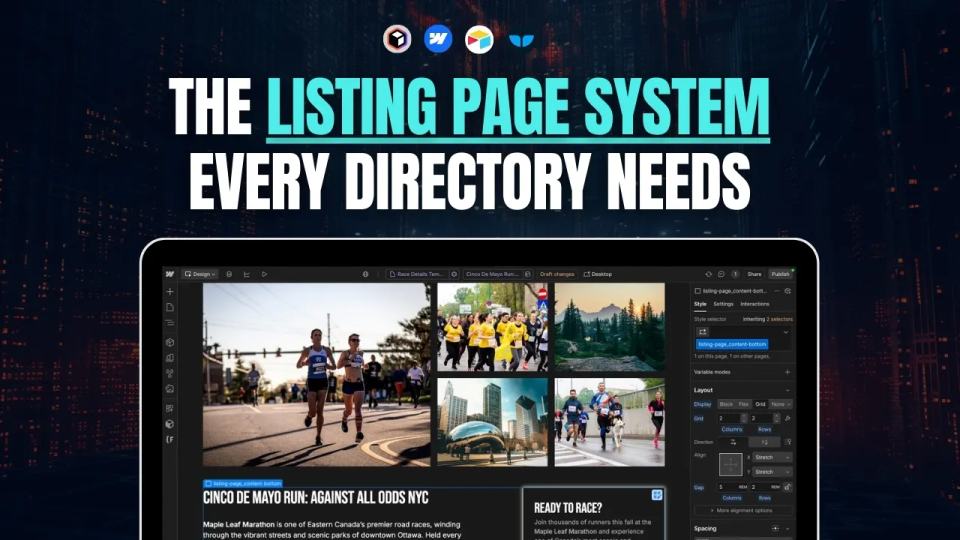
If you’re building a directory website, your **listing detail page** is the most important page on your site. It’s what ranks in search, what your users land on, and what potential advertisers will judge you by. Get this page right, and it becomes a conversion machine. Get it wrong, and all your traffic goes to waste. In this guide, I’ll show you exactly how to build **high-quality, scalable, and SEO-friendly listing pages** — the kind that actually drive traffic and results. We’ll cover: - What makes a great listing page (based on real-world examples) - How to design and structure your page for clarity and conversion - How to turn it into a dynamic template so you can scale fast - How to connect your backend and sync your data automatically - And how to **source, enrich, and clean listing content on autopilot** This is the same process I use across all my directory builds — from local marketplaces to nationwide platforms. If you're serious about launching a directory that grows without burning you out, this post will give you the full blueprint. Let’s get into it.
If you're thinking about building a content, tool, or product directory, this conversation with [Corey Moen](https://www.coreymoen.com/) is required viewing. Corey is the founder of [No-Code Supply](https://www.nocodesupply.co/), one of the most beautifully curated directories in the no-code space. He’s also a brand designer at [Webflow](https://www.connorfinlayson.com/a/webflow) and has worked on well-known projects like the [Whalesync](https://www.whalesync.com) directory, Webflow Experts, and more. We originally set out to talk for 40 minutes… it turned into 75. Why? Because Corey dropped so much gold on how to build high-quality directories—from design systems to automation to business models. Here’s the breakdown.
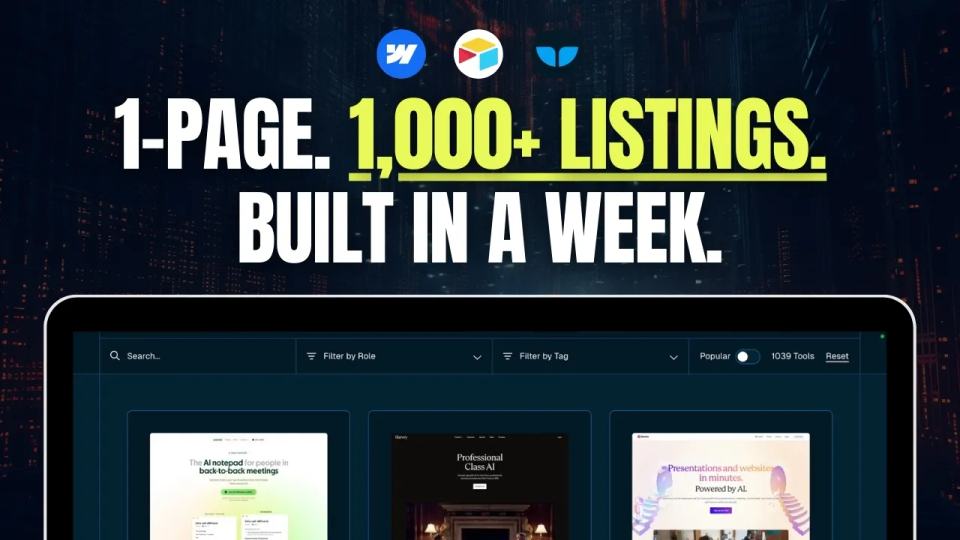
In this interview, I caught up with **Matt Busel**, co-founder of **Whalesync**, to talk about how they used their own product [to build a directory of over 1,000 AI tools] (https://www.whalesync.com/tools/ai-directory)— in just one week. We covered: - Why syncing beats automation for directories - How they structured their Webflow + Airtable + Whalesync tech stack - Step-by-step details of how they collected, enriched, and published the data - Tips for filtering, tagging, and optimizing your directory for SEO
If you’re building a directory website, relying only on Webflow CMS might seem fine at first—but as your site grows, you’ll quickly hit roadblocks that limit your scalability. Today, I’ll walk you through exactly why Webflow CMS alone isn’t enough, why you need a proper automation and data management system, and how Airtable can help you build a scalable, reliable database from day one. I’ll also show you how you can leverage ChatGPT to instantly generate your Airtable database structure, saving you hours of setup time. In this post, we’re going to cover: - Why Webflow CMS alone can’t serve as your database. - Why an automation and data management system is essential for scaling your directory. - The clear benefits of using a dedicated database tool like Airtable. - How to quickly design your database structure based on your website layout. - How to use ChatGPT to instantly generate your database schema. By the end of this video, you’ll have a clear understanding of how to set up a scalable directory database that grows seamlessly with your business. With that said, let’s jump straight into why Webflow CMS by itself won’t cut it.
Building websites in [Webflow](https://www.connorfinlayson.com/a/webflow) with Relume just got 10x more efficient! [Relume](https://www.connorfinlayson.com/a/relume) just launched a new feature that allows you to import your Relume Style Guide directly into Webflow, making it even easier and faster to build production-ready websites. If you use Webflow for client projects or personal sites, you’ll want to see this. Over the last few months, you have probably seen a ton of new AI website building tools launch, promising to get a website live in minutes without you needing to do a thing. The problem? Most of these tools skip crucial steps like feedback and iteration, forcing you to spend more time fixing AI-generated designs instead of streamlining your process. That’s why, despite all the new tools, I still stick to Relume—because it does what these other AI tools fail to do: incorporate me into the decision-making process. Instead of just giving a high-level idea of what I want, I work hand in hand with Relume to build a website from scratch, following a clear and logical design process. Today, I’m going to walk you through the updated way of building websites in Webflow using Relume and show you why this will help designers land more clients and make more money. ### **What we’ll cover:** 1. **How To Turn Your Website Idea Into a Sitemap** – Plan your site structure with Relume’s sitemap builder. 2. **How To Turn Your Sitemap Into Wireframes** – Turn your sitemap into wireframes, refine layouts, and get client feedback. 3. **How To Create Design Concepts For Your Wireframes** – Find inspiration, apply styles in Relume’s style guide, and bring wireframes to life. 4. **How To Efficiently Turn Your Concepts Into Webflow Sites** – Seamlessly transfer everything into Webflow with a structured design system. 5. **How Relume Will Help Designers Make Money Rather Than Replacing Them** If AI tools have ever felt like they cut corners instead of making the process smoother, this is the game-changer you’ve been waiting for. Let’s dive in.
[Webflow](https://www.connorfinlayson.com/a/webflow) just launched its **AI Site Builder**, and this is my **first time testing it out**. No edits, no deep dive—just a raw, unfiltered walkthrough of how this tool works. Instead of manually designing every element, this AI tool **generates an entire website** based on a few inputs. But how much control do you actually have? And is this something beginners can use, or will designers find it too limiting? Let’s jump in and see what Webflow’s AI Site Builder can do.
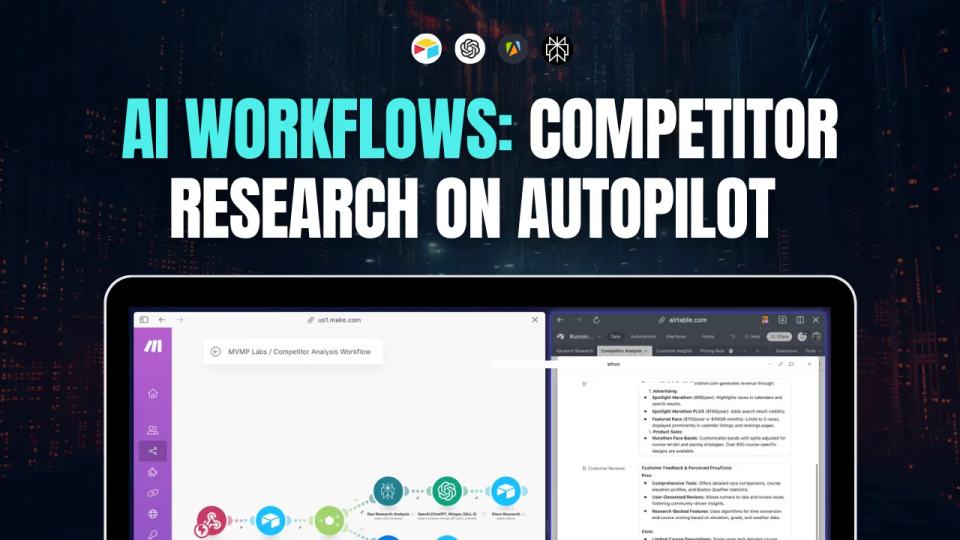
If you’re building a **directory business** or planning to rely on **organic search traffic**, understanding your competitors is **essential**. Without knowing who you’re up against, you might waste time targeting the wrong keywords or structuring your content in a way that **won’t rank well**. ## **The Problem** Manually researching competitors takes **too much time**. You’d have to: • **Search each keyword individually** in Google. • **Manually list out competitors** ranking in the top results. • **Analyze their websites** to understand their **business model, monetization, and strengths.** • **Identify content gaps** to position yourself strategically. For a few keywords, this might be manageable. But what if you’re working with **hundreds or thousands** of keywords? It quickly becomes overwhelming. ## **The Solution: Automating Competitor Research** Instead of doing all this manually, I built an **automated workflow** that handles everything for me. Using **[Make.com](https://www.connorfinlayson.com/a/make),** **[Apify](https://www.apify.com?fpr=9ni89),** **[Perplexity AI](https://perplexity.ai/pro?referral_code=51POEJHL), and** **[Airtable](https://www.connorfinlayson.com/a/airtable)**, I can: ✅ **Identify top competitors** ranking for my keywords. ✅ **Categorize them** by type (directories, blogs, vendor sites, etc.). ✅ **Extract key insights** about their business models, strengths, and weaknesses. ✅ **Use this data** to build a better SEO and content strategy. And the best part? This automation **costs only ~$3 per 1,000 keywords**—saving me **hours of work**. In this guide, I’ll walk you through my **four-step competitor analysis process**, showing you exactly how to **automate it from start to finish**.
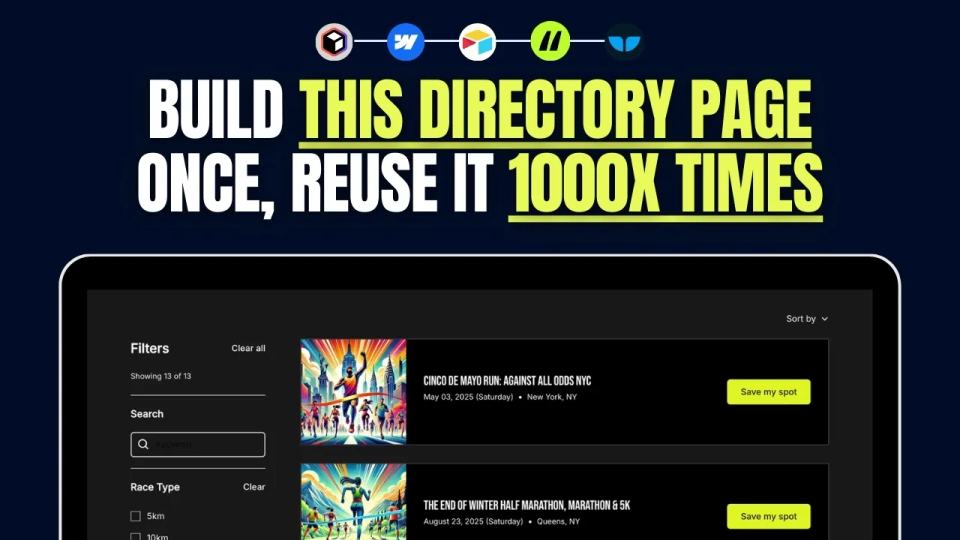
If you're building a directory website, the **listing page** is arguably the most important page. It's where users browse listings, apply filters, and find what they're looking for. A well-structured listing page improves user experience and SEO, making it easier for people to navigate your site and for search engines to index your content. In this guide, I’ll walk you through my **exact step-by-step process** for building a directory listing page in Webflow, from design to data syncing and filtering. A well-designed **listing page** ensures that visitors can quickly find relevant results without frustration. It also plays a significant role in SEO, helping individual listing pages rank based on target keywords. In this tutorial, we’ll cover: - Setting up your Webflow project using **[Relume](https://www.connorfinlayson.com/a/relume)**. - Designing your **listing page** with **Webflow components**. - Connecting **Webflow CMS** for dynamic content. - Syncing data between **[Airtable](https://www.connorfinlayson.com/a/airtable)** and **Webflow using** **[Whalesync](https://www.connorfinlayson.com/a/whalesync)**. - Implementing **search and filtering** with **Finsweet Attributes**. - Automating directory operations with **[Make.com](https://www.connorfinlayson.com/a/make)**. By the end of this guide, you’ll have a **fully functional, scalable listing page** that enhances user experience and boosts your site's SEO performance. Let’s get started!
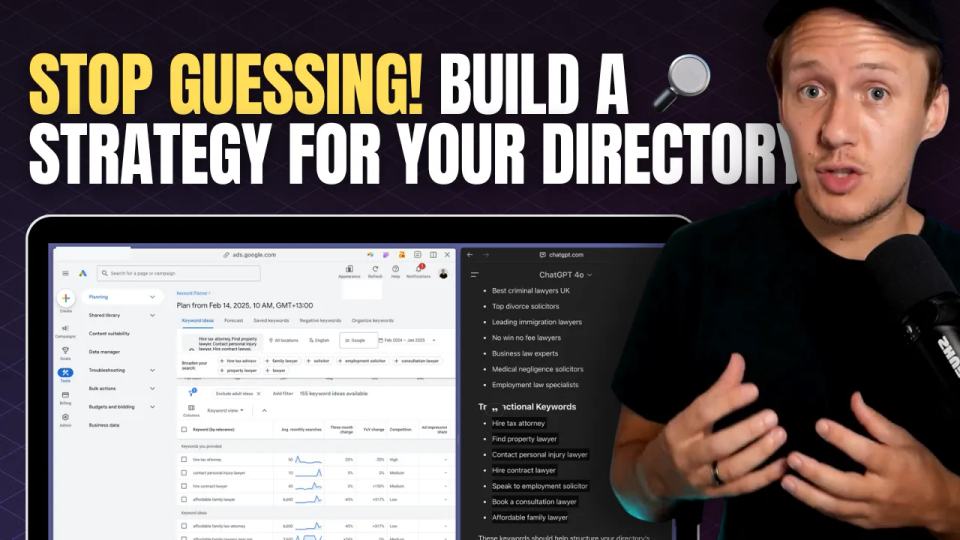
You’ve got an amazing idea for a directory. You’re excited, you know your niche, and you’re ready to start building. But before you dive in, ask yourself this: **How will people actually find your directory?** One of the biggest mistakes directory builders make is jumping straight into building without understanding how people search online. They assume that just because their idea is great, people will magically find their website. Unfortunately, that’s not how search engines work. Think about it—when was the last time you discovered a website by accident? The reality is that most people find what they’re looking for by typing specific search queries into Google. If your directory isn’t optimized for those searches, it won’t appear in results, no matter how useful it is. Without proper keyword research, you might be building something nobody is searching for. And if no one is searching for it, no one will ever find it. ### **What You’ll Learn** In this step-by-step guide, you’ll learn how to do keyword research specifically for directories. We’ll cover: 1. **How people search for directories** and how Google prioritizes search results. 2. **How to find keyword ideas** using Google Autocomplete, People Also Ask, ChatGPT, and Google Keyword Planner. 3. **How to analyze search volume and competition** to pick the best keywords. 4. **How to structure your directory** based on keyword research. 5. **How to analyze competition** and develop a strategy to outrank established players. By the end of this guide, you’ll have a clear strategy to ensure your directory gets found by the right people at the right time. Let’s get started. **If you’re still deciding on the focus of your directory, check out** [How to Pick the Right Directory Niche 2025 (Step-By-Step)](https://www.connorfinlayson.com/blog/how-to-find-the-perfect-niche-for-your-directory-site) **for more niche ideas.**
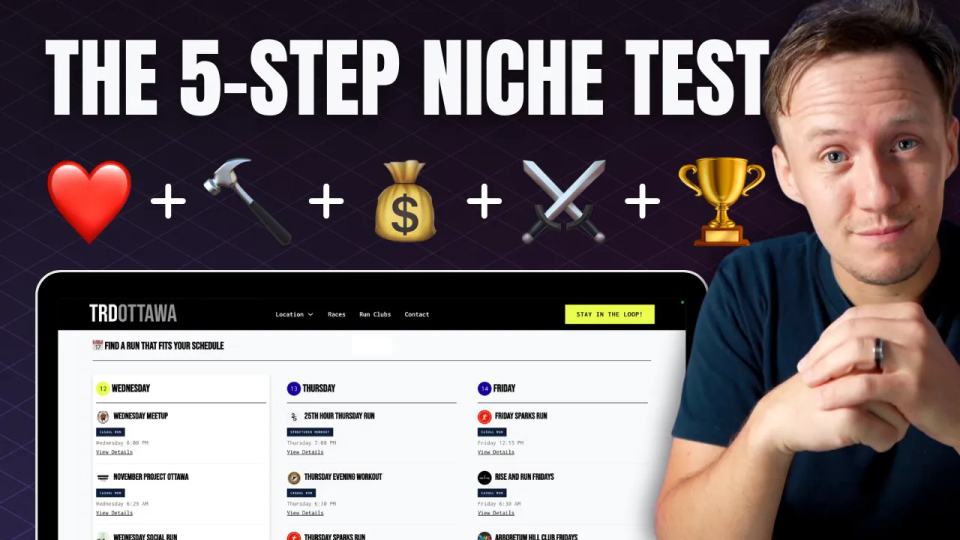
When you're thinking about starting a directory, the biggest question is: **Is this niche actually worth pursuing?** There’s nothing worse than sinking months into an idea only to realize it’s not profitable, nobody really needs it, or it’s just not something you enjoy working on. That’s why I use a **simple 5-step framework** to test any directory niche **before investing too much time and money**. This framework helps you figure out: ✅ **If you're actually interested in the niche** ✅ **If your directory solves a real problem** ✅ **Whether or not it can make money** ✅ **If the market is too saturated** ✅ **What unique advantage you have** If your directory checks all five boxes, **you’re on the right track**. If not, it’s a sign you need to pivot—or maybe even pick a different niche altogether. Let’s break it down.
You’ve probably come across the **most common ways to monetize a directory website**—ads, affiliate links, listing fees, or selling leads. But here’s the thing: **none of these models work without traffic.** - **Ads?** Useless if no one visits. - **Affiliate marketing?** Won’t convert if no one trusts your recommendations. - **Listing fees?** Businesses won’t pay if no one’s watching. - **Lead generation?** No visitors = no leads = no revenue. That’s why most directories fail. They set up a monetization plan, wait for the money to roll in, and nothing happens.So what do you do when you **need to start making money now** but you’re a brand-new directory?There are four tried-and-tested business models—and a fifth way that works even when you have zero traffic. Let’s break it down.
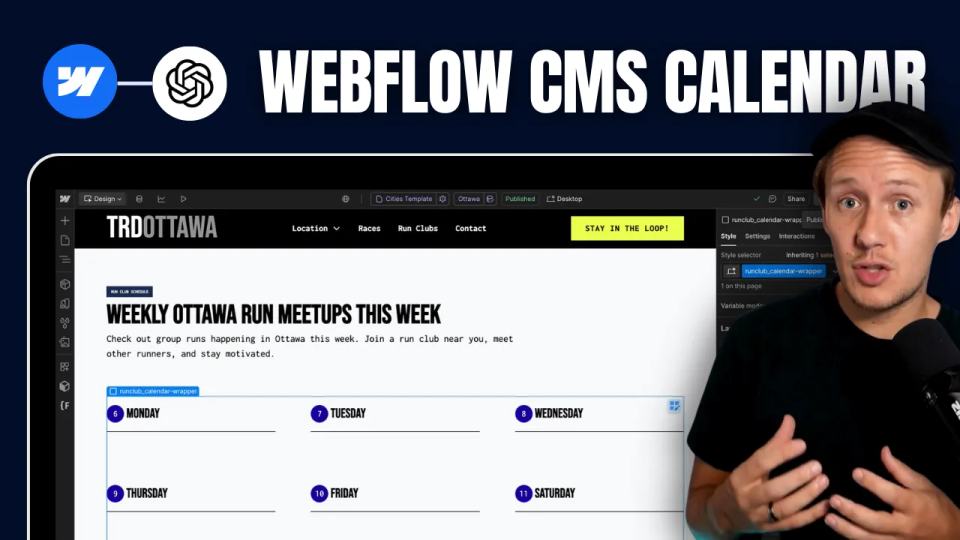
In today's video I am going to show you how I created this custom [Webflow](https://www.connorfinlayson.com/a/webflow) CMS calendar from scratch using AI. Not only will I show you how I built this feature, but I’m also going to share my exact process so you can build any CMS feature you want. Here’s what we’re going to cover: 1. How I created a dynamic CMS calendar that automatically shuffles CMS items (from one collection) into the correct day of the calendar. 2. How I automatically update the calendar daily so it always displays today’s weekday first. 3. How I optimize this daily calendar for both web and mobile devices. 4. Some quick tips for prompting the AI to get the best results fast. Let's get into it.
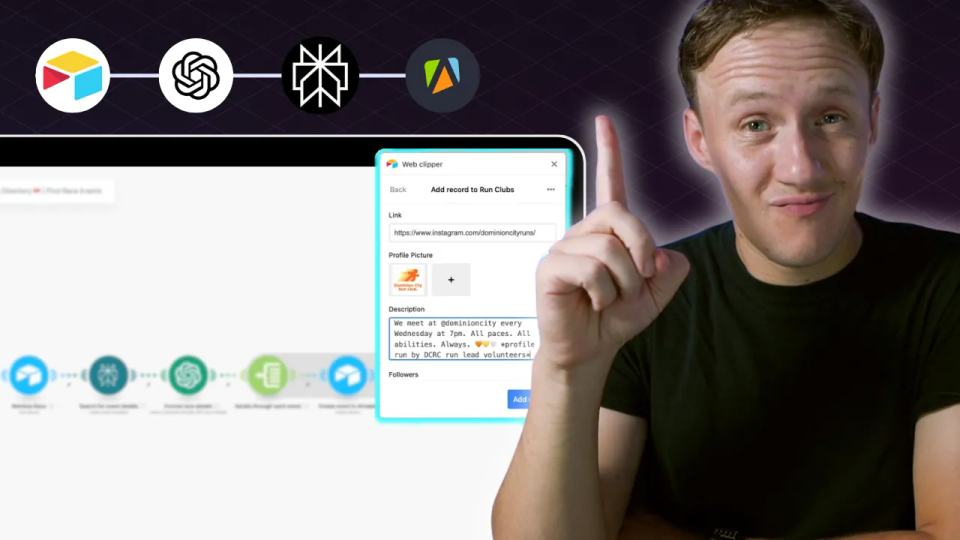
When it comes to building a directory, the secret to success isn’t the number of listings you have—it’s the quality of your content. A directory filled with outdated, inaccurate, or irrelevant information will fail to attract users, let alone keep them coming back. On the other hand, a directory with carefully curated, reliable, and enriched data becomes a trusted resource that stands out in any niche. In this guide, we’ll explore how to lay the foundation for a high-quality directory. You’ll learn: - Why curating your data beats scraping every time. - Where to find the best seed data to get started. - How to efficiently collect, enrich, and organize your data using tools like Airtable, Apify, and Perplexity AI. - Practical tips for cleaning and standardizing your data to ensure a seamless user experience. By the end, you’ll have a clear roadmap for creating a directory that users trust, value, and keep returning to. Quality isn’t just the key to a great user experience—it’s the cornerstone of long-term growth and monetization.
Over the last 48 hours, I designed, built, and automated a local business directory from scratch—and today, I’m going to break down exactly how I did it so you can replicate the process for any niche or market you want. Whether it’s running, baking, or connecting local businesses, building a directory can be simple, valuable, and packed with growth opportunities. In this post, I’ll cover: - Why you should build a business directory. - What no-code tools to use. - How to build your directory website. - How to organize and sync your data. - How to populate it with high-quality information. - How to add powerful search and filtering features. - How to monetize your directory. By the end of this guide, you’ll have a clear step-by-step roadmap to create your own directory website—whether you’re launching it as a business or a passion project. Let’s get started with why building a directory is such a game-changer.

Getting Started with Tella MCP in Claude Desktop If you're creating videos with Tella, you've probably spent hours managing your content library: organizing videos into playlists, updating metadata, s...
Turn Video Transcripts Into Blog Posts in Seconds with Tella MCP One of the most time-consuming parts of content creation is repurposing. You spend hours creating a great video, then spend another hou...
Automate Your Tella to YouTube Workflow: Complete Guide You've created an amazing video in Tella. Now you want to publish it on YouTube. The manual process looks like this: 1. Open Tella and find your...
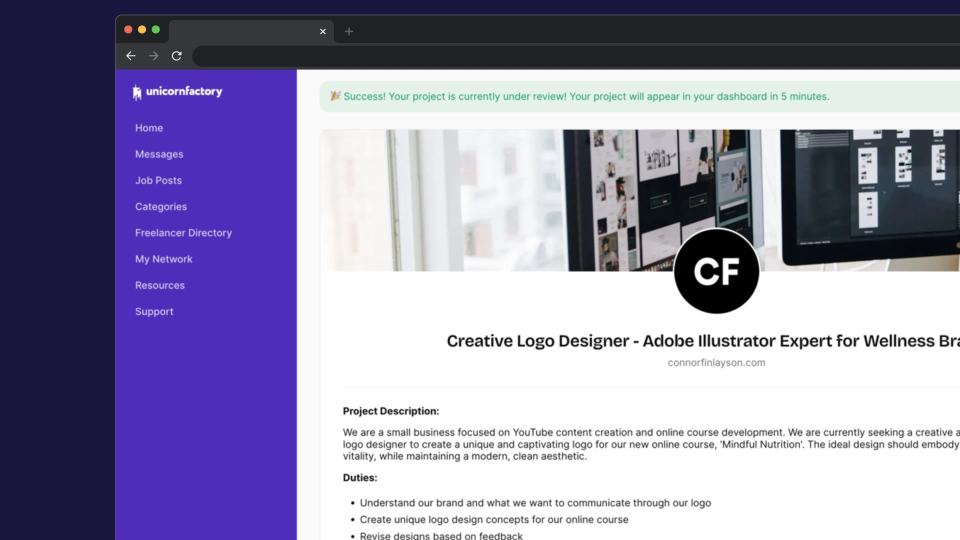
If you run a marketplace and are not leveraging AI yet, you are missing out. Since the first GPT API was released by OpenAI, I have been experimenting with different ways to improve my freelancer marketplace, Unicorn Factory – and today, I want to share with you three specific examples of how I am using AI today. Here is what I will show you: 1. A workflow for improving the quality of job listings clients post on Unicorn Factory. 2. A system for cutting down the time I spend on customer support by 4 hours per week. 3. A tool I created to make custom recommendations to clients who post jobs on our site. These are workflows that I am using on my site today, and they are something that can be easily replicated in your marketplace, whether you can code or not. This is something you don't want to miss out on. Let’s get into it:
Using Stripe to process payments in your no-code marketplace is one of the most efficient ways to streamline your payment workflows while ensuring security and scalability. In this post, I’ll walk you through: 1. What Stripe is and why it’s perfect for marketplaces 2. How to use Stripe Payment Links for no-code setups 3. Setting up advanced workflows with the Stripe API and Make.com 4. Common marketplace business models with Stripe: subscriptions, usage-based pricing, and buyer-seller transactions Let’s dive in.
In the previous posts in this series, we explored how to set up your [marketplace MVP using **Webflow**](/blog/manage-marketplace-data-airtable) to attract potential customers and sellers, [how to use **Airtable** to create a database for managing your marketplace](/blog/manage-marketplace-data-airtable), and [how to automate repetitive tasks with **Make.com**](/blog/how-to-automate-your-marketplace-workflows-with-make). Together, these tools help you build the foundation for your marketplace and streamline your processes. Now, as your platform starts to grow, it’s time to think about improving the experience for your users. The more seamless and intuitive your platform is, the easier it will be for buyers and sellers to interact—and that’s where **[Glide](https://www.connorfinlayson.com/a/glide)** comes in. **Glide** is a no-code app builder that transforms your Airtable database into beautiful, user-friendly apps. It’s ideal for creating customer portals, managing onboarding, enabling messaging, and handling other critical marketplace features. The best part? You don’t need to write a single line of code. At **[Unicorn Factory](https://www.unicornfactory.nz)**, Glide became a game-changer for handling tasks like job applications and freelancer dashboards. It didn’t just simplify things for my users—it made scaling the platform much easier for me too. In this post, I’ll show you how Glide works and why it’s an essential tool for marketplace founders. Here’s what we’ll cover: - Why Glide is the best tool for marketplace founders. - Step-by-step instructions to build your first Glide app. - Examples of essential marketplace features you can create with Glide. - How to integrate AI, payments, and custom CSS to take your apps to the next level. By the end of this guide, you’ll be ready to create functional, scalable apps that make your marketplace easier to use and more efficient. Let’s dive in!
In the last post, we explored h[ow Airtable serves as the database for your marketplace](/blog/manage-marketplace-data-airtable), keeping everything organized and connected. But as your marketplace grows, managing data manually becomes increasingly time-consuming. This is where \[Make.com]\() can help you take things to the next level. Back in the early days of [Unicorn Factory NZ](https://www.unicornfactory.nz), I made the classic mistake of trying to do everything myself. From forwarding client inquiries to updating freelancer profiles, every process relied on me. As demand grew, cracks started to show, and I knew something had to change. That’s when I discovered automation. It allowed me to scale from managing 20-30 inquiries a week to thousands per month—while doing less work. Automating or systematizing your work is important: it reduces errors, saves tons of time, and, most importantly, frees you up to work _on_ the business rather than _in_ the business. In this post, I’ll show you how to use \[Make.com]\() to create automations that streamline your marketplace operations. We’ll cover: - **Why Make.com is the perfect tool for marketplace builders.** - **How Make.com works, including key concepts like triggers, actions, and filters.** - **Practical workflows I use to run** **[Unicorn Factory](https://www.unicornfactory.nz)** **virtually by myself—and how you can copy them for your marketplace.** By the end of this post, you'll understand how automation works and be ready to set up your first Make.com workflow for automatically attracting potential customers to your marketplace. Let’s dive in!
In the first post of this series, we explored how **[Webflow](/blog/build-marketplace-mvp-webflow)**[ is all you need to build the first publishable version of your marketplace](/blog/build-marketplace-mvp-webflow)—your homepage, profile pages, and landing pages. But as your marketplace starts to see traction, you’ll need more than just a marketing site. You will need to start building systems. Keeping everything behind the scenes organized is the first thing on our priroity list. Whether you’re managing freelancer profiles, client projects, or transactions, your platform’s success depends on how well you can track and manage all that data. This is where Airtable comes in. Airtable is the tool that powers platforms like **Unicorn Factory**, acting as the backbone that keeps data clean, workflows efficient, and scaling simple. It transforms messy, disconnected processes into a centralized system you can trust. In this post, we’ll build on what you’ve already set up in Webflow by diving into Airtable. Here’s what we’ll cover: - Why Airtable is essential for managing marketplace data. - How to create a simple Airtable backend to organize your platform. - How Airtable forms streamline data collection. - How Airtable automations save time and reduce manual work. By the end, you’ll have a clear plan for turning Airtable into the engine that powers your marketplace. Let’s get started!
If you’ve ever dreamed of building a marketplace business but felt overwhelmed by where to start, this video is for you. Today, I’m going to walk you through the **step-by-step process of creating a marketplace MVP** using no-code tools. This is part of a six-part series where I’ll introduce you to some of the most powerful no-code tools I use to run my freelancer marketplace, **Unicorn Factory**. Each tool plays a unique role, and today, we’re starting with what I believe is the most important one: **Webflow**. In this video, you’ll learn: - Why Webflow is the perfect tool for building a marketplace. - How to create your first page in Webflow. - How to use Webflow CMS to generate dynamic landing pages. - Some quick tricks to speed up your learning as a beginner. - And finally, a simple game plan for building your marketplace MVP. There’s a lot to cover, so let’s dive in and start with why **Webflow** is the ideal tool for marketplace founders!
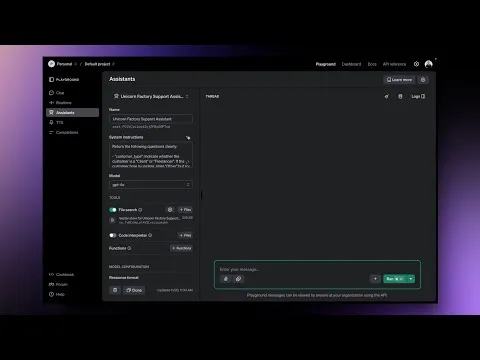
Running a platform like [Unicorn Factory](https://www.unicornfactory.nz), where freelancers and clients rely on smooth interactions, taught me one thing: manual customer support can quickly become overwhelming. Answering emails, managing support tickets, and ensuring accurate, consistent responses felt like a never-ending task. That’s when I turned to AI. By creating a custom GPT assistant, I transformed how we handle support queries. The assistant seamlessly manages incoming emails, retrieves precise answers from our knowledge base, and even generates support tickets automatically. It’s been a game-changer—not just in saving time but in ensuring top-notch customer experiences. In this guide, I’ll show you how to set up your own custom GPT assistant to simplify customer support for your business. Here’s what you’ll learn: - **How a GPT assistant works** and why it’s perfect for scaling support operations. - **The essential tools** I used, including Airtable, Make.com, and OpenAI’s API. - **How to build and maintain a knowledge base** so your assistant always has the right answers. - **Automating workflows** to create a fully hands-off system. - **Advanced applications** to take your automation to the next level. If you’re managing a growing business and struggling with repetitive support tasks, stick around. By the end, you’ll have everything you need to set up a powerful AI assistant that works as hard as you do.
Whenever I start something new – whether it’s a business, a project, or even something like a YouTube channel – I always come back to this mental model. It’s simple, but it has served me well, and it’s something I’ve seen successful founders use time and again. Here’s how it works: Imagine you’re standing in a field with 100 dirt mounds. Underneath two of them is $1 million each, but you don’t know which ones. Each mound takes two hours to dig up, and digging isn’t easy – it’s hard, physical work. When faced with this challenge, people tend to respond in one of three ways: 1. **The Shortcut Takers** This group doesn’t want to get dirty. They try to avoid the work – poking at the dirt, kicking the mounds, or brainstorming clever tricks. But nothing they do actually moves the dirt. Eventually, they convince themselves it’s impossible and give up. 2. **The Doubters** This group starts strong. They grab a shovel and dig into a few mounds. But after five or six mounds with no results, doubt creeps in. They start to think, “What if there’s no money at all?” The work feels harder, the reward seems further away, and they eventually stop digging. 3. **The Diggers** This is the group that succeeds. They grab a shovel, start digging, and don’t stop. They know the only way to find the reward is to keep going. Even if they don’t find the money right away, they think, “At worst, I’ll get stronger, I’ll get better at digging, and I’ll learn along the way.”
If you're running a marketplace, adding a fully automated job board can make things a lot easier for both clients and freelancers. Clients can quickly post jobs, review applications, and request introductions, while freelancers can find and apply for jobs that match their skills—all with almost no manual work. In this post, I’ll show you how we built a fully automated job board at **Unicorn Factory** using no-code tools like [Airtable](https://www.connorfinlayson.com/a/airtable), [Glide](https://www.connorfinlayson.com/a/glide), [Make.com](https://www.connorfinlayson.com/a/make), and [MailerSend](https://www.connorfinlayson.com/a/mailersend). While I'll be using **Unicorn Factory** as an example, you can apply the same system to any job board or marketplace. Whether you're looking to add a job board to your marketplace or improve the process for both clients and freelancers, this guide will show you how to set up a fully automated system that runs smoothly behind the scenes. If you're curious about how we’ve automated other areas of **Unicorn Factory**, you can also check out [How We Automated Our Client Follow-Ups with Make.com (And Why You Should Too)](https://www.connorfinlayson.com/blog/automated-client-follow-ups). ### What You’ll Learn: - **How the Job Board Works**: A breakdown of how clients and freelancers interact with the board, from posting jobs to making introductions. - **The Tools I Use**: How tools like [Airtable](https://www.connorfinlayson.com/a/airtable), [Glide](https://www.connorfinlayson.com/a/glide), [Make.com](https://www.connorfinlayson.com/a/make), and [MailerSend](https://www.connorfinlayson.com/a/mailersend) work together to keep everything running smoothly. - **Top Tips for Building Your Job Board**: Practical tips on picking a niche, organizing your database, monetizing early, and getting job listings fast. By the end of this post, you’ll know how to build a fully automated job board using no-code tools, saving time and creating a great experience for both clients and freelancers.
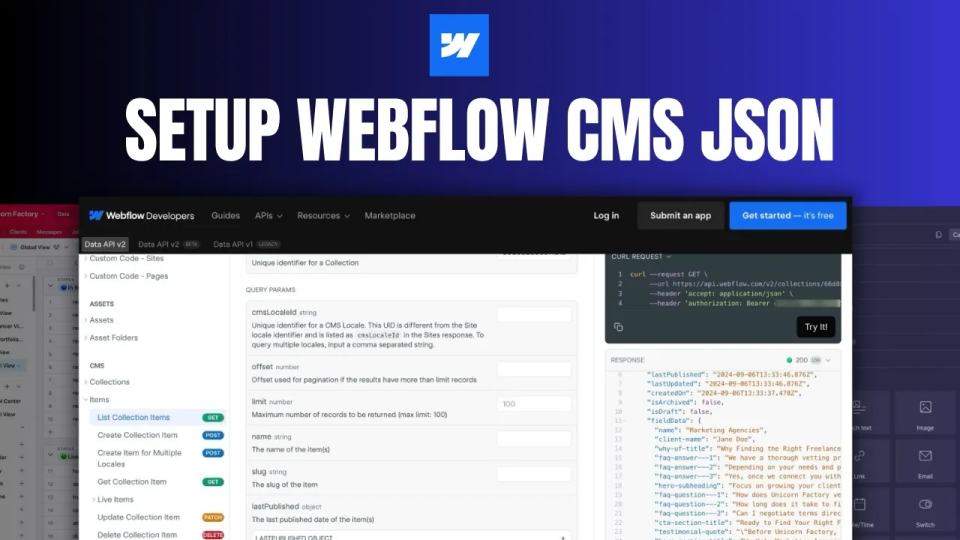
If you’re using Make.com to automate your workflows between Airtable and Webflow, you’ll need to learn how to set up the Field Data JSON correctly. This process is crucial for ensuring your data is mapped and transferred correctly from one platform to the other. In this article, we’ll walk through: - Why setting up the Field Data JSON is essential. - How to retrieve the JSON structure of your Webflow CMS collection. - How to generate your JSON by pasting your field data. - How to map fields in your JSON body. - How to edit your JSON if you need to make changes later on. Let’s dive in!
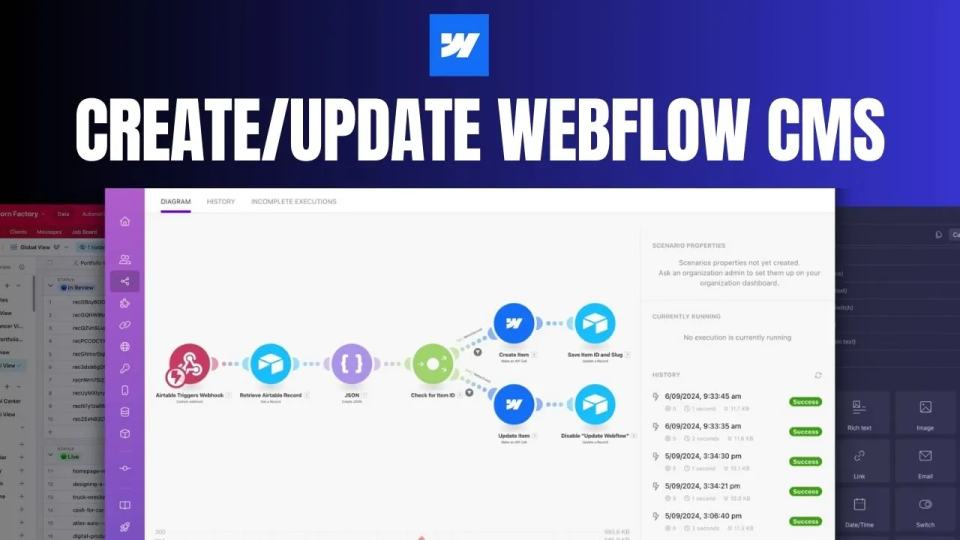
Keeping your Webflow CMS updated manually can quickly turn into a headache, especially when your project grows. The good news? Automating the process is easier than you think. By using **Airtable** and **Make.com** , you can automate the creation and updating of CMS items, making sure everything stays up to date without constant manual work. In this guide, I’ll show you how to set up a workflow that triggers CMS updates when records are created or changed in Airtable. This setup will save you time and ensure that your Webflow CMS runs smoothly — all without lifting a finger. Here’s what we’ll cover: - How to trigger a workflow with an Airtable webhook. - Retrieving Airtable records using Make.com. - Creating the Field Data JSON for Webflow. - Mapping fields in the Webflow CMS. - Automating the process of creating and updating CMS items. - How to manage future updates seamlessly. Let’s jump into how to set this up!
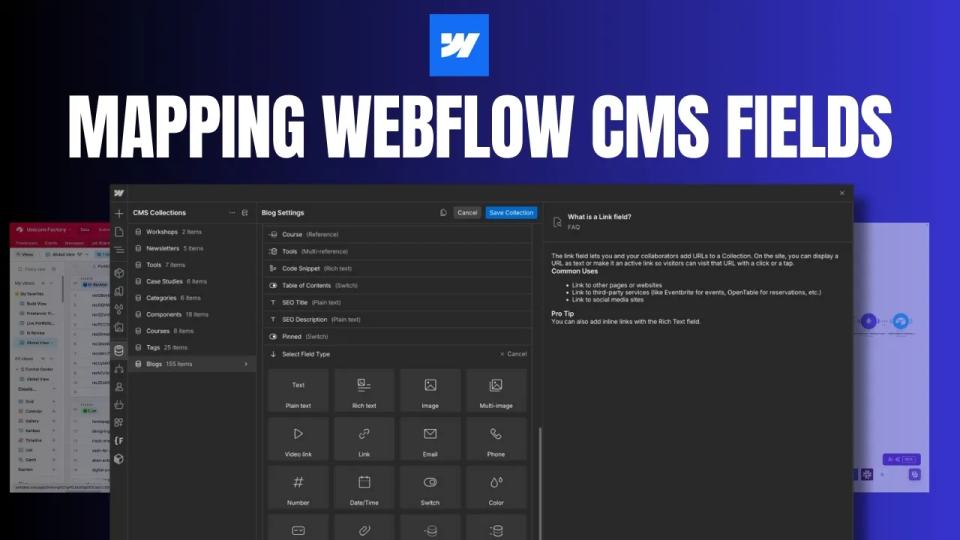
If you're using [Airtable](https://www.connorfinlayson.com/a/airtable) and [Webflow](https://www.connorfinlayson.com/a/webflow) together, you'll need to understand how to properly sync data between these two powerful tools. Below is a detailed field-by-field breakdown of how Airtable fields map to Webflow CMS fields, along with key tips and considerations.
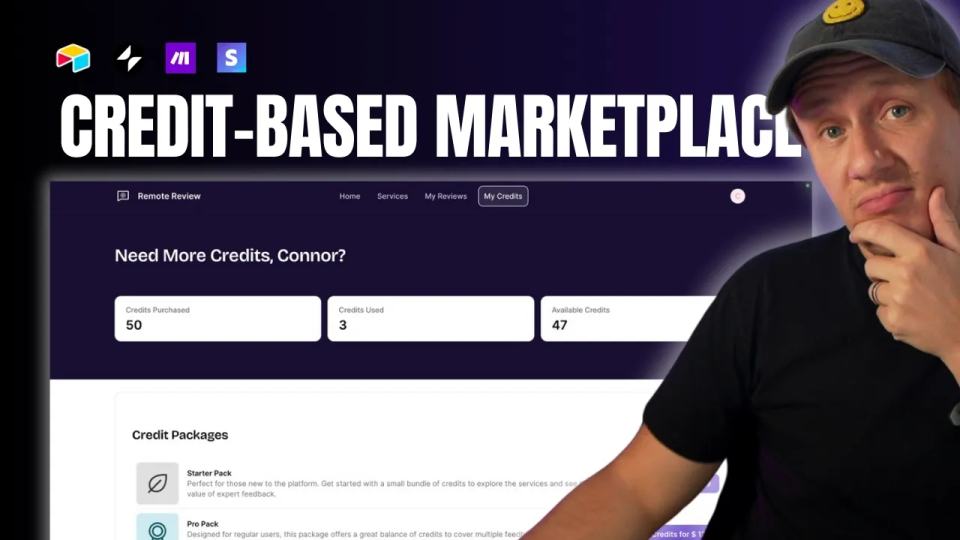
**Want to simplify payments in your marketplace and boost customer retention?** A credit payment system might be exactly what you need. By selling credits upfront, you streamline payments, reduce fees, and encourage repeat purchases. In this guide, I’ll show you **step-by-step** how to build a credit system for your marketplace using no-code tools like **Stripe, Airtable, Make.com, and Glide**. You don’t need coding experience, and you can set this up in a matter of hours. Whether you run a **marketplace, job board, or digital product platform**, this system works seamlessly to improve user experience and save you time. Let’s get started.
I’m thrilled to announce the beta launch of **MVMP Labs** — an invite-only community designed for non-technical founders who want to build and launch their MVPs (Minimum Viable Products) using no-code tools like Webflow, Airtable, and Make.com.
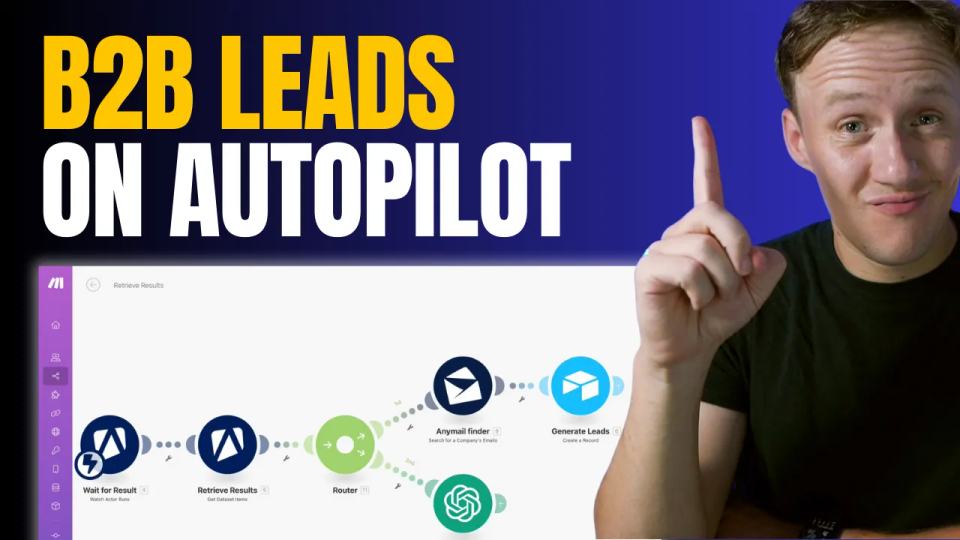
If you’ve been manually building your prospecting database, you’re probably sick of the tedious, repetitive tasks that come with it. But what if I told you there’s a way to automate the entire process, freeing up your time for more important things? Today, I’m walking you through a step-by-step guide to putting your lead generation on autopilot. This workflow is a game changer for anyone building a B2B marketplace, especially if you’re focusing on local business directories. We’re going to use a combination of Google My Business, Apify, Make.com, and AnyMailFinder to create a seamless, automated prospecting machine. Let’s get into it.
Over the last few years, I’ve been running my course business and mastermind using a mix of tools like Podia, Slack, and Zoom. And while each tool has worked well on its own, as my community has grown, managing everything across multiple platforms has started to become a bit of a nightmare. That’s why I decided it was time to streamline my setup and move everything to a single platform. After doing my research, two clear contenders stood out: Skool and [Circle](https://www.connorfinlayson.com/a/circle). Both platforms offer solid solutions for hosting courses and managing communities, but I wanted to find out which one was best suited for long-term growth and managing a large community. Today, I’m going to break down everything you need to know about these two platforms. Whether you’re looking to simplify your community management or scale a growing membership, this post is for you. Here’s what we’ll be going over: 1. **Feature Comparison:** A side-by-side look at what Skool and Circle offer. 2. **Key Differences:** How each platform handles navigation, automation, and customization. 3. **Pricing Breakdown:** A comparison of costs and transaction fees for both platforms. 4. **My Final Decision:** Which platform I chose and why it could be the right choice for your community. By the end of this post, you’ll have a clear understanding of the strengths and weaknesses of both platforms and how they might fit your specific needs. Whether you’re running a small, intimate community or looking to scale a larger group, this guide will help you make the best choice for your business. Let’s dive in!
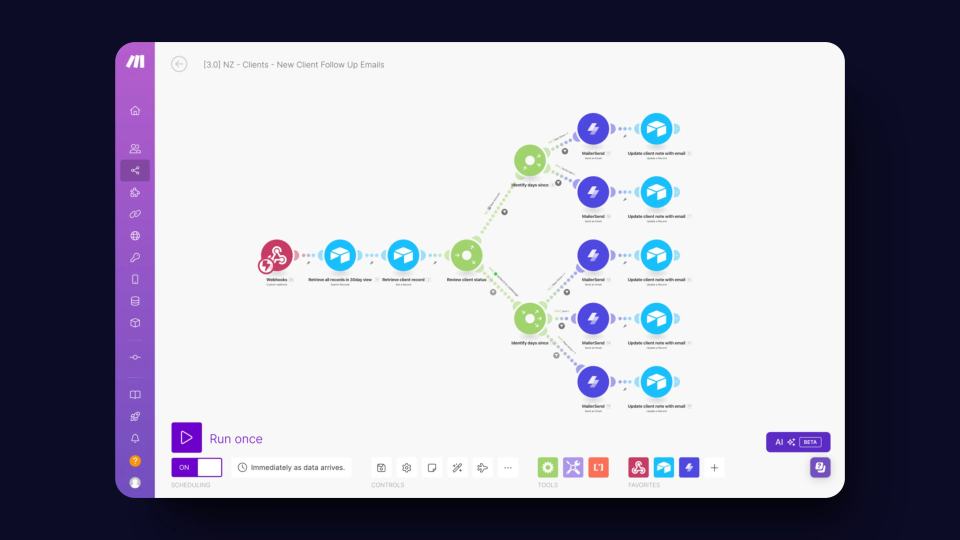
Manual follow-ups are the bane of every business owner's existence. They’re critical for keeping clients engaged and deals moving, but let’s be honest—they’re also a massive time suck. You know the drill: you’ve got a million things on your plate, and chasing down clients with reminder emails quickly falls to the bottom of the list. That’s exactly where we found ourselves at Unicorn Factory. We were spending way too much time on follow-ups, and it was holding us back. So, we decided to automate the whole process with [Make.com](https://www.connorfinlayson.com/a/make), and let me tell you—it’s been a game changer. In this post, you’ll learn: - How to set up a follow-up system that runs on autopilot, freeing you from manual drudgery. - How to send personalized, timely emails without lifting a finger. - How to keep your client data organized and up-to-date automatically with [Airtable](https://www.connorfinlayson.com/a/airtable). By the end of this post, you’ll know exactly how to ditch the manual follow-ups and reclaim hours of your time, all while keeping your clients happier than ever.
Validating a marketplace idea in a single day might sound impossible. But what if I told you there’s a straightforward way to do it that doesn’t require building out the entire platform first? This method isn’t new, but it’s incredibly effective—especially for talent marketplaces where you act as the intermediary. Before you spend months (or even years) building, let’s figure out if your idea has legs. Here’s what you’ll learn: 1. **How to attract your first potential clients without a finished product.** 2. **How to gauge real interest in your marketplace idea.** 3. **How to get paid for your service before you’ve even built your MVP.** If you’re ready to validate your idea quickly and effectively, let’s dive in.
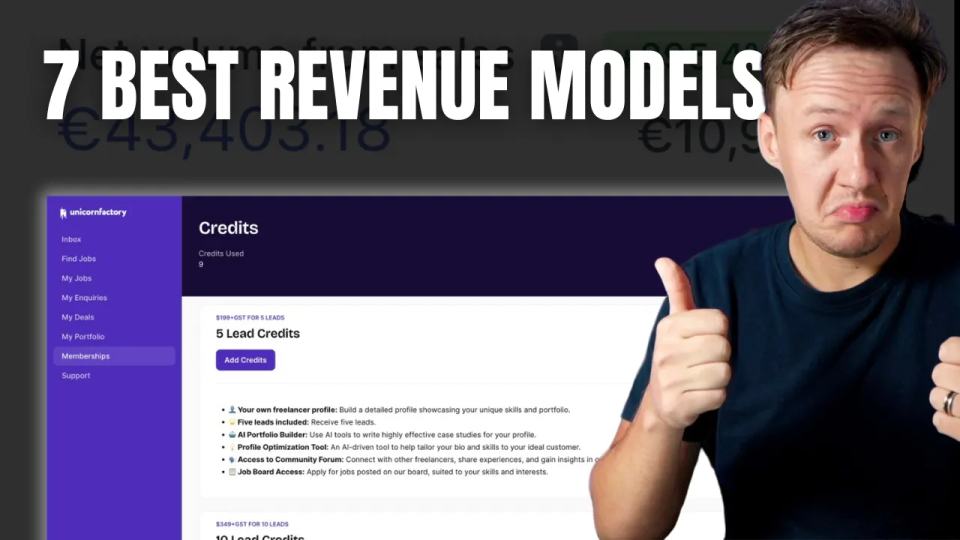
**Ever wonder why some marketplaces take off like rockets while others barely get off the ground? It’s not just luck. It’s the business model.** In today’s post, we’re cutting through the noise and getting straight to the point. I’m breaking down seven proven models that can turn your marketplace into a revenue-generating machine. Whether you’re just starting out or fine-tuning your platform, these insights will help you choose the right path and avoid costly mistakes. Here’s what we’ll cover: 1. **Commission-Based Model**: Align your success with your sellers’. 2. **Subscription Model**: Build a predictable revenue stream. 3. **Listing Fees**: Charge for visibility and quality. 4. **Freemium Model**: Attract users with free, upsell with premium. 5. **Lead Generation Fees**: Charge for tangible value. 6. **Affiliate Fees**: Monetize partnerships and ads. 7. **Value-Added Services**: Boost revenue with additional offerings. Let’s dive in.
When working with [Webflow CMS](https://www.connorfinlayson.com/a/webflow), one common challenge is tracking which specific page a form submission comes from. This can be crucial for optimizing lead magnets, understanding which blog posts drive sign-ups, and pinpointing the effectiveness of course landing pages. Unfortunately, Webflow doesn't offer a native solution for this. But don’t worry, we've got a workaround that will make this possible. In this tutorial, we'll cover: 1. Configuring your form inside the Webflow CMS. 2. Handling multiple forms in a Webflow project. 3. Sending form submissions to [Airtable](https://www.connorfinlayson.com/a/airtable). 4. Enhancing your existing Webflow form submissions. By the end of this tutorial, you'll be able to track the origin of your Webflow CMS form submissions, manage multiple forms efficiently, and integrate your data with Airtable for better analysis and insights.
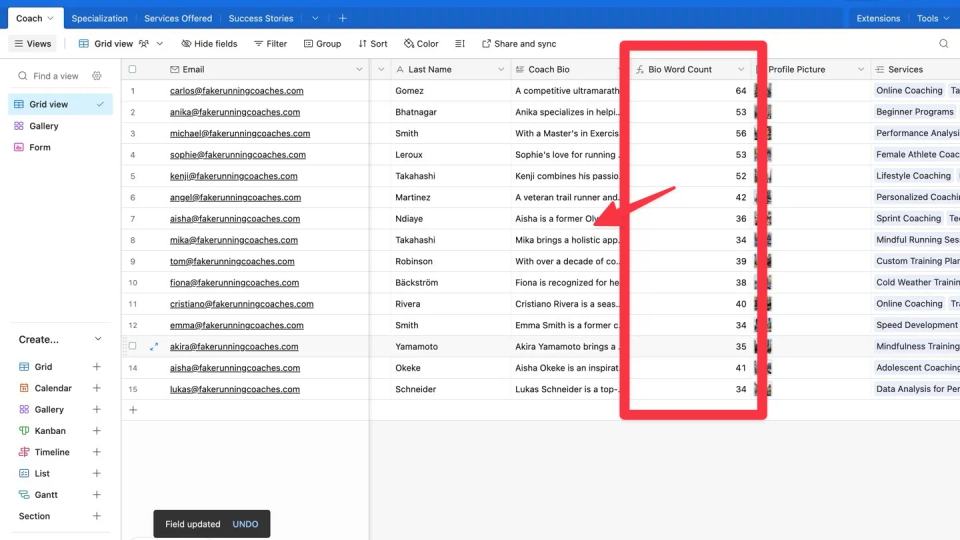
Today, we're going to learn how to create a word count formula in Airtable. This guide will help you set up a formula that automatically counts the number of words in any text field, making your data management easier. Counting words can be useful for many reasons, especially if you're building and managing online marketplaces: - **Content Quality:** Ensure product descriptions, seller profiles, and user reviews meet specific word count requirements. This helps keep the content on your platform high-quality and consistent. - **Feedback Analysis:** Easily quantify and categorize customer feedback and seller responses, making it easier to understand and analyze input. - **SEO Optimization:** Monitor and optimize content length for better SEO, improving your marketplace’s visibility in search results. Using a word count formula in Airtable will save you time and help keep your records accurate, making your marketplace more efficient and professional.
One of the biggest challenges new marketplace founders face is defining a niche. It’s incredibly tempting to skip niching down and offer a wide range of services and sellers. After all, Amazon sells everything, Uber offers Rides, Eats, and Scooters, and Airbnb provides Stays and Experiences. So, if it works for them, it should work for you too, right? I get it. Over the past year, I've received countless questions from aspiring marketplace builders: - "Is it better to start with a broad marketplace or a niche one?" - "How do I choose the right niche for my marketplace?" - "What if my niche is too small?" In this post, I’ll explain why focusing on a niche is actually a smarter strategy for new marketplace businesses. Using my own experience and a few proven strategies, I'll help you identify and define your niche so you can start building a successful marketplace. You'll learn how to use frameworks like Ikigai, map out industry ecosystems, identify key players and their challenges, and more. By the end, you'll have a clear path to finding a niche that is both fulfilling and profitable. Sound good? Let's get into it.
So, you want to start a marketplace business? You've been doing your research and are more confused than ever. With so many no-code tools out there, each with slightly different features and promises, it can seem like a lot is at stake when it comes to choosing the right tool. I get it. Over the last three years, the no-code space has changed drastically. Tools have gotten better, new tools have been launched, and it’s just hard to keep up. It's been three years since I posted my first YouTube video breaking down what no-code tools I used to build Unicorn Factory, and till this day, I still get tons of emails every month asking me questions like: - "What tools are you using on Unicorn Factory now?" - "What do you think about Bubble?" - "Have you tried [insert latest tool here]?" In this post, I will answer all of those questions and break down my exact no-code stack for building marketplaces in 2024. You will find out what I am using to power my freelancer marketplace Unicorn Factory today, why I prefer those tools for building marketplaces, and why I think you should choose the same stack to build your marketplaces. Sound good? Let's get into it.
Launching a no-code marketplace is exciting, but figuring out the costs can feel overwhelming. How much should you budget? Which tools do you need? And how can you avoid overspending while still building something effective? I’ve got you covered. In this guide, we’ll break down the costs of building your no-code marketplace step by step. From validating your idea with landing pages to scaling with advanced features, I’ll show you exactly what to expect at each stage. Here’s what you’ll learn: - The must-have tools for your pre-launch phase. - How to build an MVP without breaking the bank. - Advanced tools and strategies for scaling your marketplace. Whether you’re just starting out or ready to scale, this guide will help you create a roadmap for success. Let’s dive in!
Have you ever felt that Webflow's tools were just shy of what you needed? It's like Webflow has been reading our minds because they've just rolled out some big updates to their apps and API. These changes are set to change the game, letting you create more advanced features, adding greater functionality and flexibility to your projects. Let's dive in and see how these updates can help you take your Webflow projects to the next level.
[Relume](https://www.connorfinlayson.com/a/relume)'s new site builder tool is 🤯 Going from a website concept to a sitemap, and then to a multi-page wireframe with copy, used to take weeks. Now, it's 2 minutes, and here is how: 1. **Specify Your Website Concept**: Describe what kind of site you want to build. 2. **Generate a Sitemap**: Click and let Relume create your site's structure. 3. **Customize Your Sitemap**: Tweak it to fit your vision. 4. **Create Wireframes and Copy**: Watch Relume take over the design and writing. 5. **Finalize and Export**: Make your adjustments and export to Figma or Webflow. Interested in setting this up for you? Let's get into it...
Discover 5 game-changing no-code AI tools to revolutionize your business. Learn how to leverage AI features like chat completions, image to text, and more using Glide!
Learn how to simplify client portals for two-sided marketplaces using Glide and Airtable. Replace complex tools like Memberstack, streamline workflows, and manage payments with ease—no coding required.
Learn how to optimize your Webflow landing pages with automated workflows. In Part 1, discover how to use OpenAI's GPT-4 and Airtable Automations to generate SEO-friendly titles, meta descriptions, and headings. Boost your search engine visibility effortlessly!
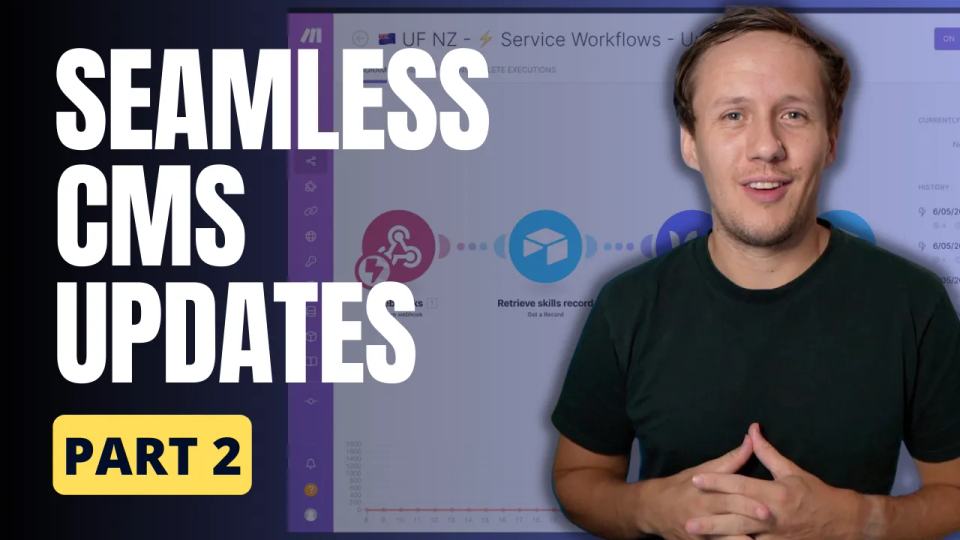
Learn how to automate your Webflow CMS item updates using Airtable triggers and make.com workflows. Streamline your landing pages and save time in Part 2 of our series.
Discover how to boost your Webflow landing pages with custom open graph images using Placid and automate the process with Airtable and make.com. Elevate your site's SEO and social media presence effortlessly!
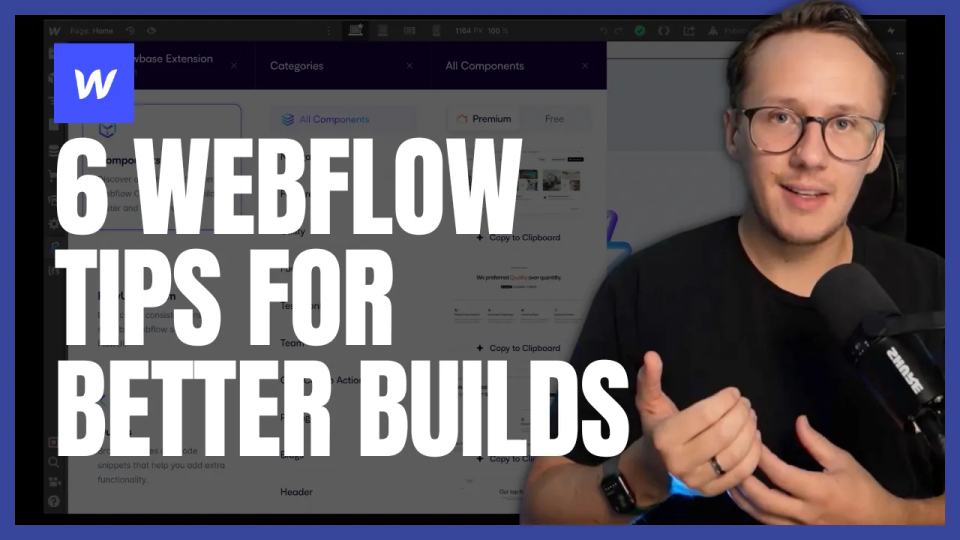
Designing and building Webflow sites used to feel overwhelming to me. From juggling inconsistent styles to figuring out how to keep projects organized, I often found myself stuck, frustrated, and redoing work I thought was finished. But after refining my process and adopting a few key tools and strategies, I’ve turned Webflow projects into something I actually enjoy—and even look forward to! In this post, I’ll share six practical tips that have transformed how I approach Webflow projects. Whether you’re a beginner or someone looking to streamline your workflow, these tips will help you create better designs, work more efficiently, and avoid common pitfalls. Here’s what we’ll cover: 1. **Starting with a Style Guide** for consistent and time-saving designs. 2. **Using Component Libraries** to speed up your build process. 3. **Adopting a Class Naming Framework** to keep your CSS clean and organized. 4. **Reusing Existing Components** for efficiency and design cohesion. 5. **Avoiding Lorem Ipsum** by using realistic placeholder text. 6. **Taking Care of On-Page SEO** to ensure your site performs well in search engines. Each tip comes with actionable steps and tools I’ve personally used to make my Webflow projects smoother and more enjoyable. Let’s dive in and start transforming the way you build!
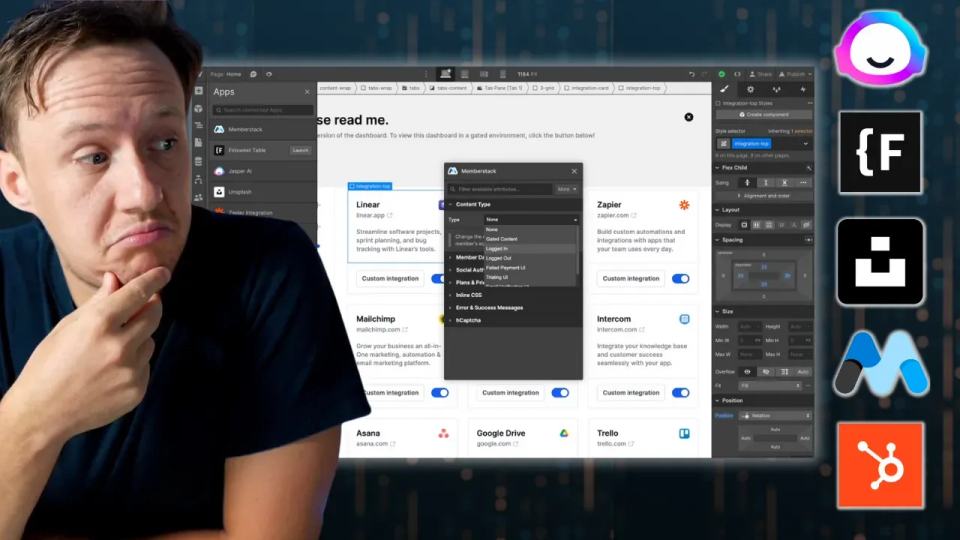
Learn to enhance your Webflow membership site by hiding or showing elements based on user login status with Memberstack 2.0. Follow our easy, step-by-step tutorial to create personalized and secure user experiences.
Elevate your web design workflow with Relume Ipsum. Learn how this AI-powered Figma plugin can generate compelling copy, saving you time and effort in creating engaging, consistent content.
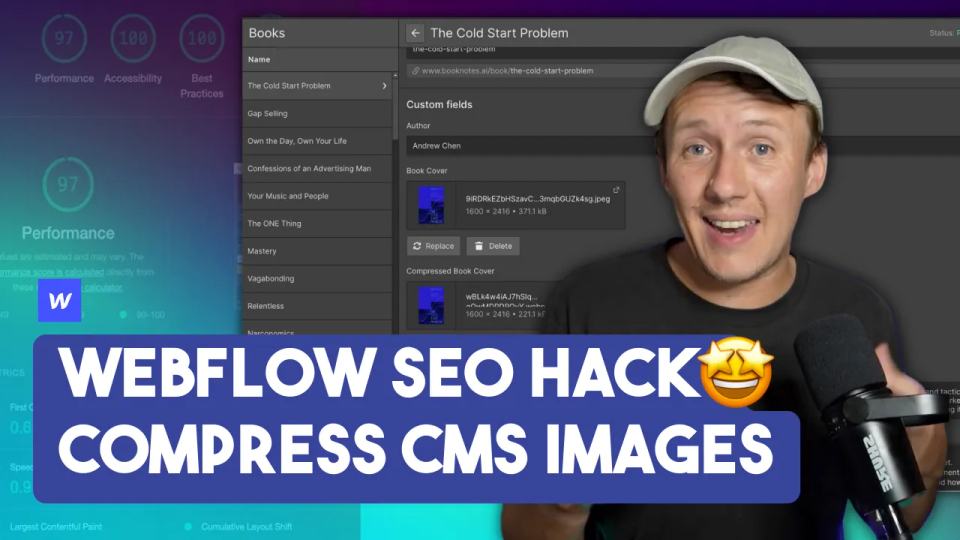
Learn how to improve your Webflow site's performance by bulk converting CMS images to WebP format. This tutorial will guide you through the process step-by-step, employing tools like Airtable and make.com to optimize your images efficiently.
Struggling with your Webflow site's performance? Learn how to use Google's Lighthouse tool to diagnose and fix common website issues, optimize your site speed, and boost your SEO rankings.
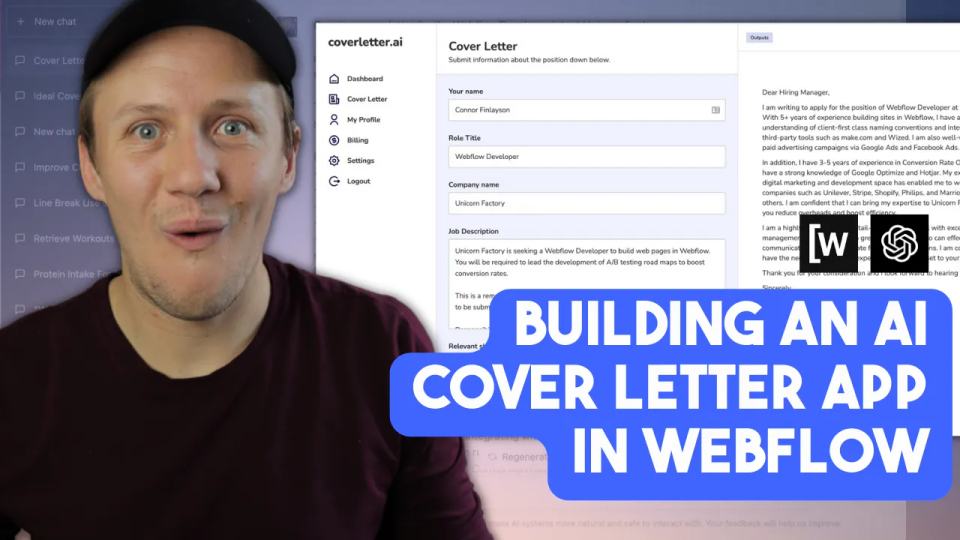
Learn how to revolutionize the job application process by building a custom cover letter generator app with GPT-3, Wized, and Webflow. Follow our step-by-step guide and streamline your applications effortlessly!
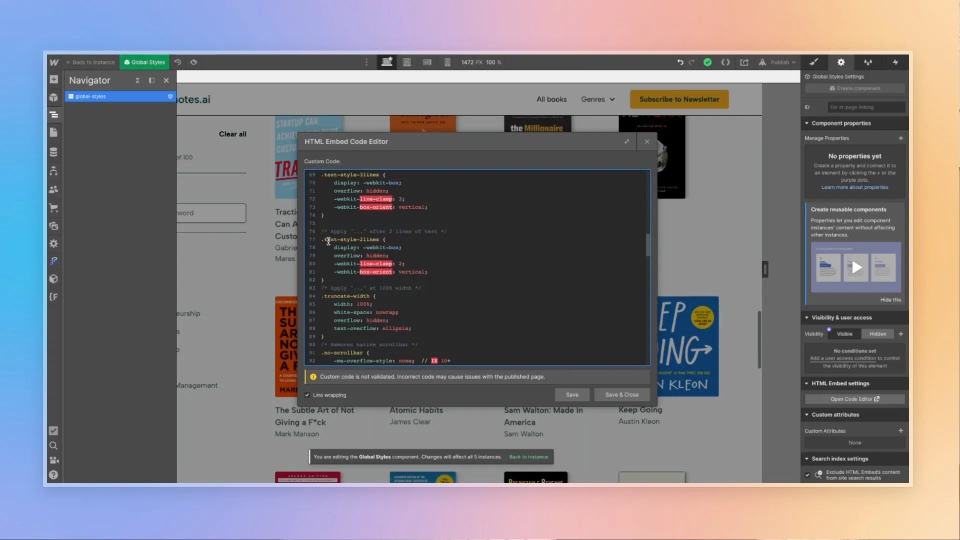
Unlock the power of custom code in Webflow! Learn how to use line clamping and other CSS tricks to create visually appealing and well-organized web designs.
Learn how to enhance your Webflow site with advanced search and filtering capabilities using Data Fetcher and Finsweet Attributes. Step-by-step guide for web developers and business owners.
Learn how to automate the creation and scheduling of Instagram posts using ChatGPT, Airtable, Placid, and make.com. Perfect for digital marketers and no-code enthusiasts!
Learn how to build a personalized book recommendation site using AI and NoCode tools. Discover the step-by-step process to generate landing pages with GPT-3.5, Webflow, Airtable, and WhaleSync.
Discover how Whalesync offers seamless two-way syncing between Airtable and Webflow, making it easier than ever to manage your data across platforms. Perfect for no-code developers and automation enthusiasts.
Considering upgrading to Memberstack 2.0? Discover the new features, migration tips, and how it stacks up against alternatives like Webflow Memberships or Wized in our comprehensive guide.
In this tutorial, I’m going to show you how to build a fully automated testimonial section for your Webflow CMS pages. Whether you’re running a marketplace, a directory, or an e-commerce store, this approach will help you display dynamic, page-specific testimonials without any manual updates. Here’s what we’ll cover: - Designing and styling the testimonial section in Webflow. - Setting up linked collections to connect testimonials with specific pages. - Using Airtable to manage testimonial data. - Automating the entire workflow with Make.com. By the end of this tutorial, you’ll have a seamless, scalable system that keeps your site fresh and professional while saving you time and effort.
Learn how to set up Airtable Interfaces to allow clients to safely manage their no-code marketplaces and directories. Avoid costly mistakes and ensure smooth workflows with this step-by-step guide.
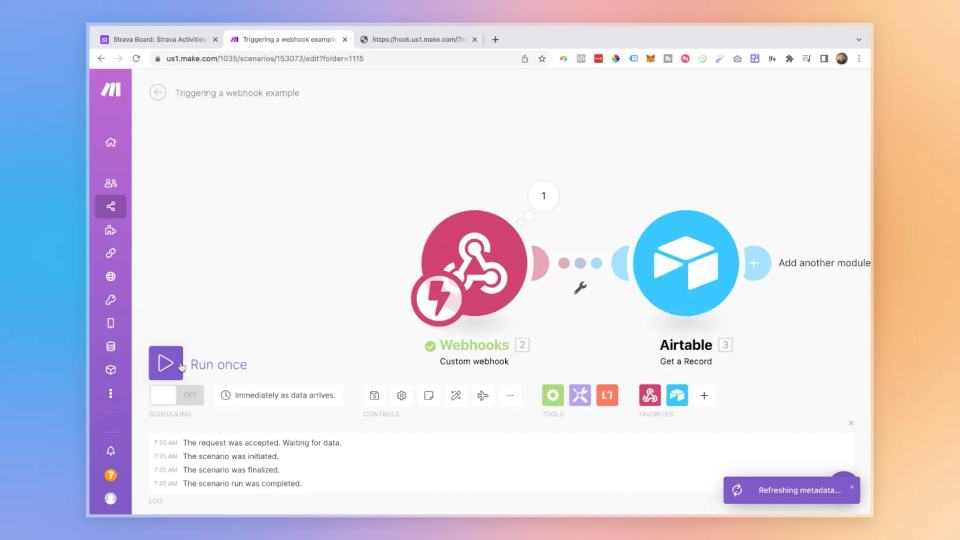
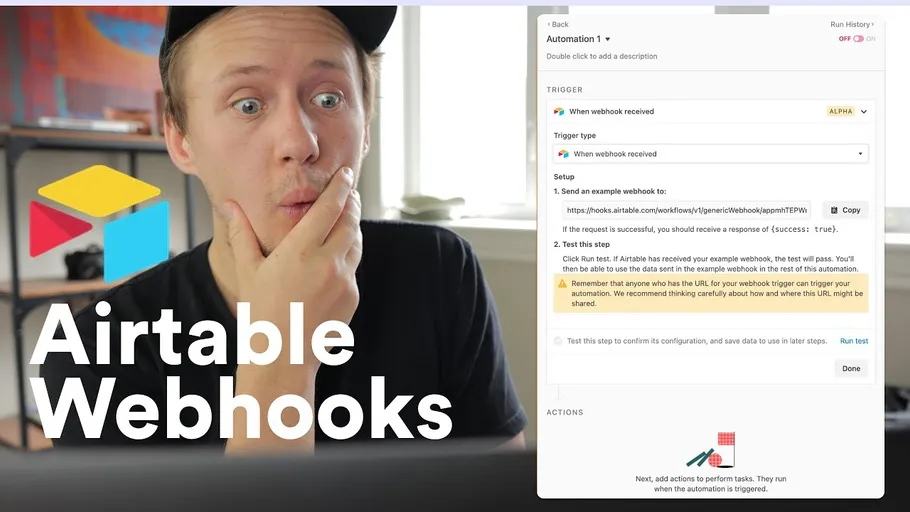
If you’ve ever felt the frustration of waiting for Airtable triggers to sync on a schedule, I know exactly how you feel. When I started building workflows for **Unicorn Factory**, those delays made everything feel sluggish—like my processes weren’t keeping up with the pace I needed. But then I discovered a game-changing solution: **webhooks**. Using webhooks, I’ve made my workflows snappier and more responsive. Whether it’s updating Webflow with client records or syncing data in real-time, this approach has completely transformed how my automations operate. Now, everything runs faster, smoother, and without the wait. In this guide, we’re breaking it all down. Here’s what you’ll learn: 1. **Why webhooks are a must-have:** How they eliminate delays and make Airtable workflows more responsive. 2. **Step-by-step setup:** A simple, clear process for connecting Airtable Automations to Make.com using webhooks. 3. **Real-life example:** See how you can use this setup to keep platforms like Webflow in perfect sync. By the end of this, you’ll know exactly how to make your workflows instant and efficient, saving yourself time and making your automations feel like magic. Let’s get started!
Discover the power of output.set in Airtable Automations! Learn how to optimize your workflows, harness API responses, and enhance your automation experience. Perfect for Airtable users, automation enthusiasts, and developers.
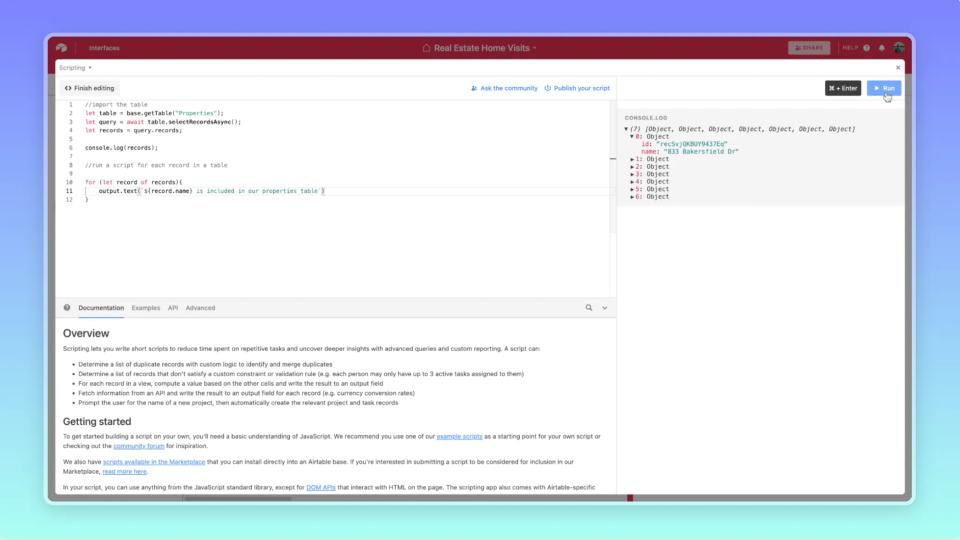
Discover how to run scripts for multiple records in Airtable and master bulk updates with ease. Learn to use the for function to automate your workflows.
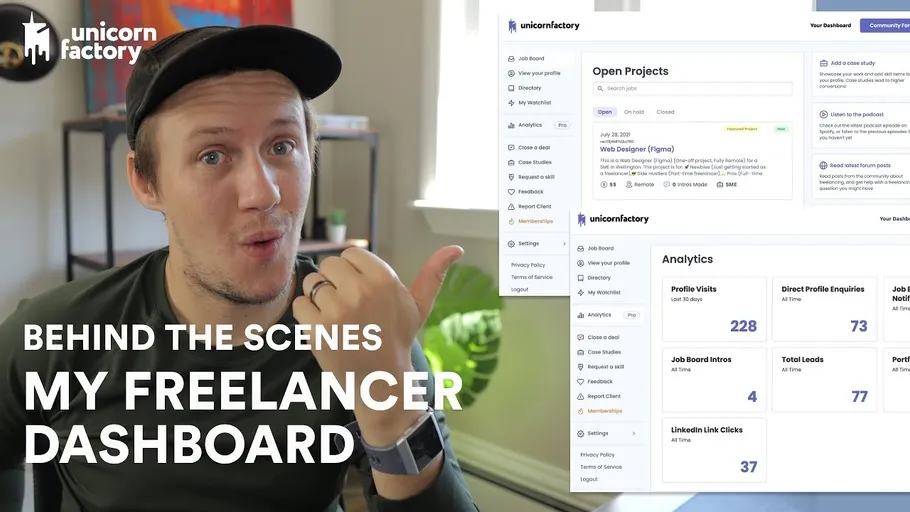
Discover how I created a customer dashboard for my freelancer marketplace using Glide in just one week. Follow my journey and learn how you can build your own no-code dashboard!
Discover how to overcome the limitations of Airtable's native integrations by using its powerful API. Learn how you can recreate your Webflow zaps with Airtable Automations!
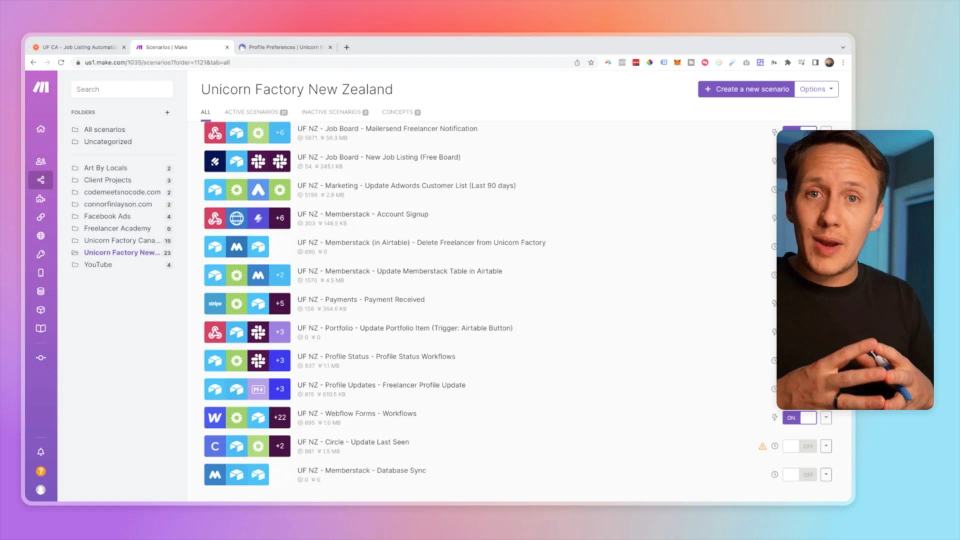
Discover why Unicorn Factory switched from Zapier to Make.com and how this change has improved our onboarding process and freelancer dashboard. Learn how to make the switch yourself!
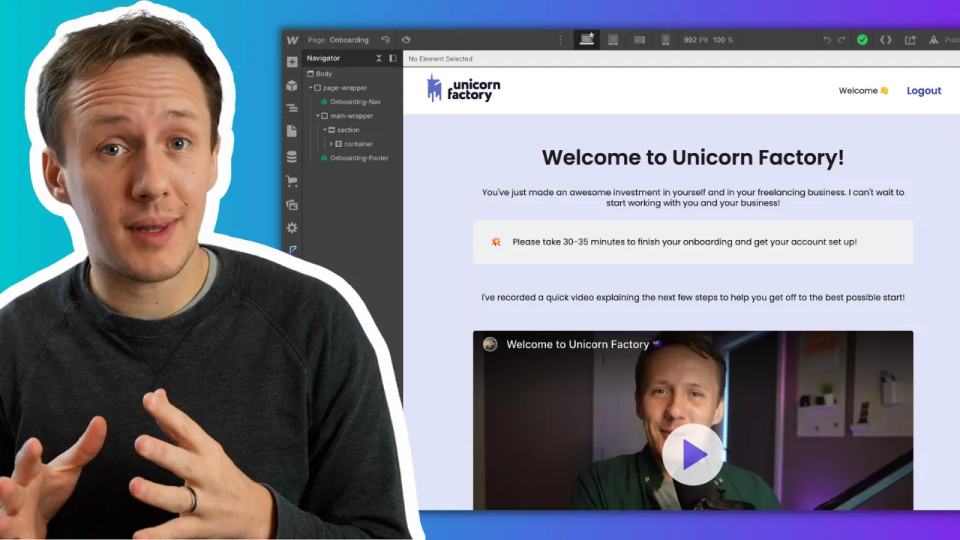
Boost your signup rates and slash support tickets with an effective onboarding process. Dive into our latest behind-the-scenes look at Unicorn Factory’s freelancer onboarding upgrades using Webflow and Tella.
Dive into my journey of building my first business. Learn the motivations behind it and the invaluable lessons I gathered along the way. Perfect for aspiring entrepreneurs!
Has someone copied your business? Learn the steps to protect your business, handle IP theft, and decide whether to take legal action or call them out publicly. A must-read for entrepreneurs and small business owners.
Discover how to build Webflow sites faster with Flowbase. This guide explores the features of Flowbase's new extension, including its components, FlowUI Systems, Icon Sets, Guides, and Tool Belt.
Building an online community can feel like juggling a dozen tools just to keep your members engaged, connected, and coming back for more. But what if there was a single platform that could do it all—host discussions, manage events, monetize your content, and now, even support live streaming? That’s where Circle steps in. In this post, we’ll cover: 1. **Circle’s new live stream feature**: How it works and why it’s a game-changer for community engagement. 2. **Monetization with paywalls**: Learn how to create private, paid groups to generate revenue. 3. **Mobile apps for iOS and Android**: Keep your members engaged on the go. 4. **Event management tools**: Simplify organizing and promoting events for your community. 5. **Why Circle beats Slack and Discord**: Discover why it’s the best tool for long-term engagement. By the end of this article, you’ll know exactly how to use Circle to simplify community management, boost engagement, and open up new revenue streams—all in one powerful platform.
Discover how to map every Webflow CMS field and integrate it seamlessly with Zapier or Integromat. This ultimate guide covers field types, database integration, and overcoming Webflow limitations.
Unlock the secrets of mapping single and multi-reference fields in Webflow CMS using Zapier and Integromat. Learn low-code techniques to overcome Zapier's limitations and streamline your Webflow automations.
Learn how to efficiently structure and automate Webflow CMS workflows using Zapier and Integromat. Our step-by-step guide ensures smooth updates and scaling.
Discover how to create an e-commerce store in Airtable using Stripe Payment Links. Ideal for no-code developers and entrepreneurs, this tutorial takes you step-by-step through the process of setting up a store without the need for platforms like Webflow or Shopify.
Discover Airtable's new Conditional Actions feature! Learn how to set up rules and conditions for running workflows in Airtable Automations to optimize your project management.
Discover a simple method to send Webflow form data to Airtable without using Zapier or Integromat. Follow our step-by-step guide to streamline your workflow.
Discover our new platform, Code Meets No-Code, designed to help no-coders seamlessly integrate Airtable scripts into their projects. Get started with easy-to-follow code snippets and exclusive discounts!
Creating hundreds of custom Facebook ads for the Unicorn Factory could have taken weeks, but with the right tools and workflows, I automated the entire process in just a few steps. In this post, I’ll show you how I generated over 300 ad variations for our service landing pages using no-code tools like Figma, Placid, Airtable, and Make.com. Here’s what we’ll cover: - Why Facebook ads are a cost-effective way to scale leads. - How I designed reusable ad templates in Figma. - The no-code tools I used to automate the creation process. - Step-by-step instructions to connect your data and start generating ads automatically. Let’s dive in and break it all down!
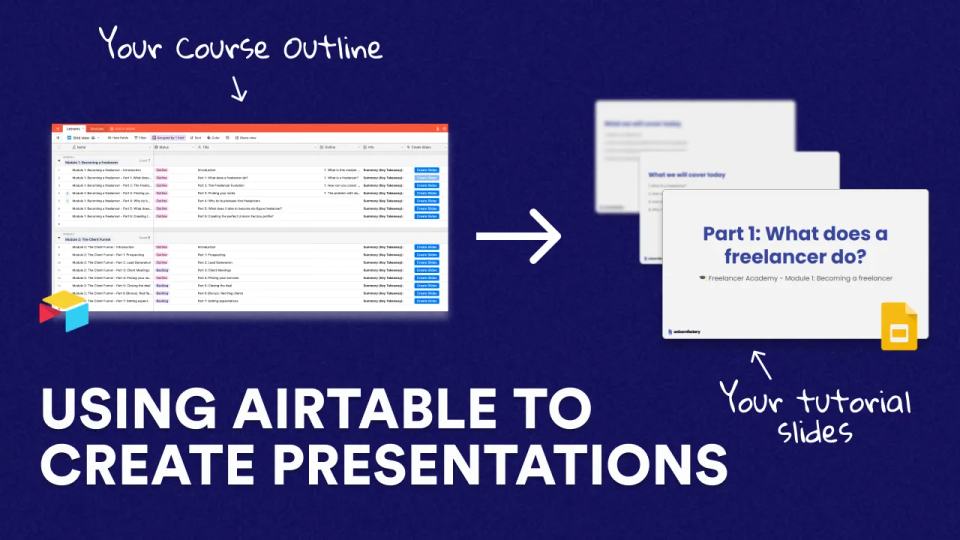
Learn how to automate the creation of slide decks for your courses or tutorials using Google Slides and Integromat. This guide walks you through setting up Airtable and Integromat for a seamless workflow.
Learn how to automatically upload custom Open Graph images to your Webflow CMS using Integromat. Perfect for Webflow developers, marketers, and designers looking to streamline their workflows.
Discover the top 5 tech jobs you can get without coding! Learn how to become a Webflow Developer, Workflow Automator, Airtable Consultant, Paid Ads Consultant, or Tech Copywriter and break into tech with in-demand skills.
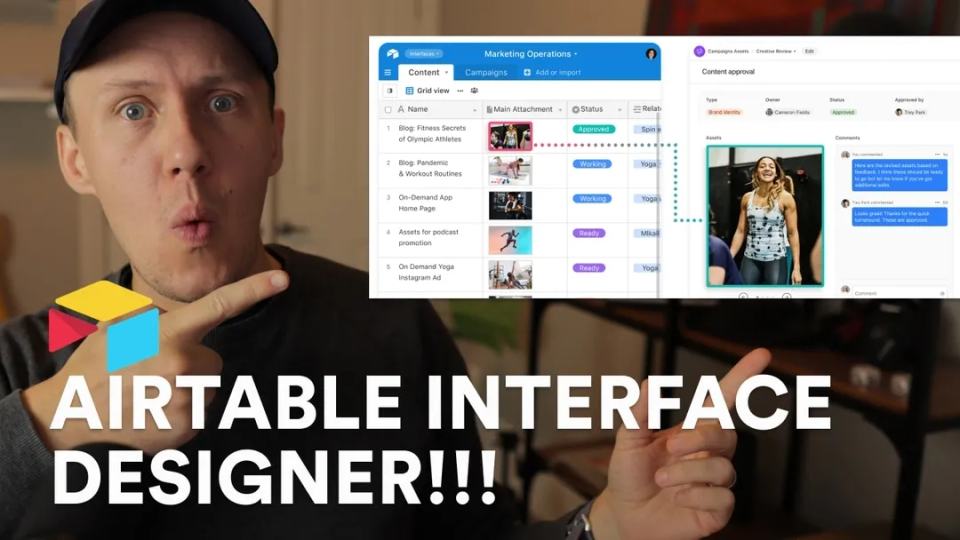
Discover the revolutionary Airtable Interface Designer, a game-changing feature that enhances team collaboration and productivity. Read my first impressions and why you need to try it!
Unlock the power of Zapier Transfers to easily batch transfer data from Airtable to Google Sheets. Discover this new feature and streamline your workflow. Perfect for small business owners, marketers, and data analysts!
Learn the 5-step process to build MVPs and add features to no-code projects. Simplify workflows with Webflow, Airtable, and Make.com automation tools.
When I first started Unicorn Factory, my main goal was simple: find freelance work for myself. But as the marketplace grew, I realized flying blind without solid metrics made it impossible to scale effectively. Tracking the right data didn’t just help me grow Unicorn Factory into a platform connecting thousands of freelancers with clients—it shaped every decision I made. From onboarding freelancers to generating consistent leads, knowing which numbers mattered most made all the difference. If you're building a marketplace and feeling overwhelmed by what to track or where to focus, you’re not alone. That’s why in this guide, I’ll share: - **How to define the one metric that drives growth** for your marketplace. - **How to break down key metrics** for supply (freelancers) and demand (clients). - **How to turn data into actionable steps** that help your marketplace thrive. - **How to set up simple tracking systems** using tools you can rely on. Marketplaces live or die by their ability to balance supply and demand. Without clear metrics, it’s easy to focus too much on one side and leave the other under-served. By understanding the numbers that matter, you’ll save time, avoid mistakes, and ensure your marketplace grows sustainably. Let’s get started.
Follow this 5-step guide to build MVPs and add features to your no-code projects. Learn best practices for Webflow, Airtable, and automation tools to streamline workflows and create scalable platforms.
Discover the pros and cons of running multiple businesses. Learn from my experience on how to manage various side hustles efficiently and determine when starting a new project is a good idea.
Learn how to effectively organize and manage your no-code projects' workflows, processes, and tools. From using Zapier, Airtable, and Parabola, to managing emails with Mailersend, this guide will streamline your no-code operations.
Curious about Integromat and how it stacks up against Zapier? Dive in to explore Integromat's strengths and how it excels in No-Code automation, using real-world examples from the Unicorn Factory.
Discover a quick and easy tutorial on how to send user-generated rich text, like links and headings, to Webflow CMS without the editor. Learn step-by-step workflows using Zapier and Integromat.
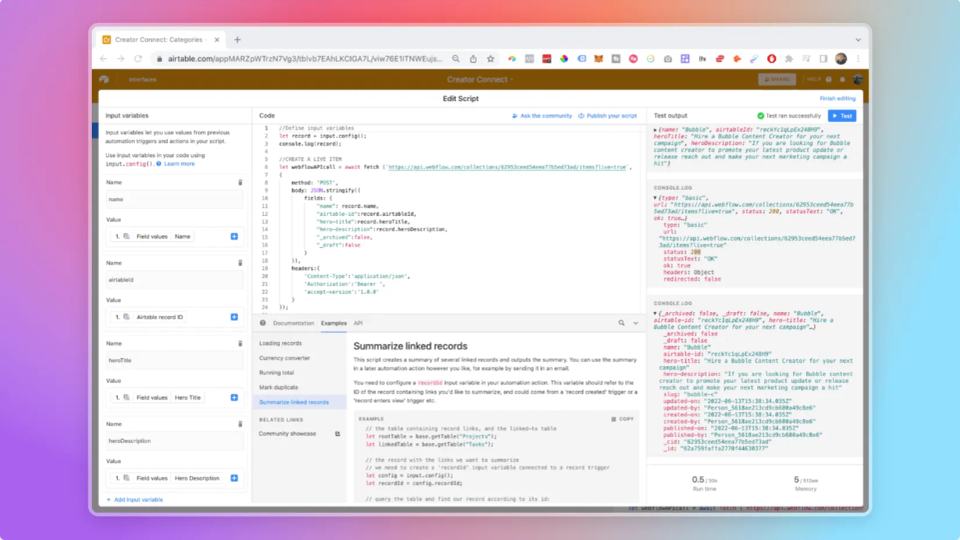
Discover how to harness the power of Airtable scripts to fully control and automate your Webflow CMS workflows. Learn to create, update, and delete CMS items effortlessly without third-party tools.
Unlock the full potential of your Webflow CMS by learning to automate tasks using Airtable Scripts. This step-by-step guide will show you how to create new CMS items effortlessly.
Discover how to turn Airtable into your Webflow CMS in this detailed guide. Perfect for Webflow Developers and Designers looking to enhance their workflow.
Learn how to use Airtable scripts to automate the deletion of Webflow CMS items. Master no-code workflows and save time managing your Webflow content. Part 4 of our comprehensive guide.
Discover how to work within the limitations of No-Code tools like Webflow, Airtable, and Memberstack to build powerful platforms. Learn from real-world challenges and solutions used in creating Unicorn Factory.
Discover the product improvement that significantly boosted Unicorn Factory's marketplace KPIs in its early days. Learn how this key feature can help grow your online marketplace.
Learn how to write Airtable scripts effortlessly and automate your workflows with platforms like Webflow and Memberstack, even if you have no coding skills. Unlock the potential of Airtable Automations in this comprehensive guide.
If you’ve ever felt limited by Webflow’s native features, you’re not alone. As powerful as Webflow is, there are always those small frustrations—things you _wish_ it could do but can’t. Maybe it’s collecting client feedback without the endless back-and-forth, streamlining your design workflow, or adding backend-like functionality without switching platforms. Here’s the good news: there are tools designed specifically to fill these gaps and make your life so much easier. In this post, I’m sharing **six tools** that will help you: - Streamline your feedback process and save hours on communication. - Add advanced features to your projects that Webflow doesn’t support natively. - Speed up your design and development workflows, so you can focus on the fun stuff. Whether you’re a freelancer, agency, or just starting out, these tools are all about helping you build better, faster, and smarter in Webflow. Let’s dive in!
Struggling to price your app or website for your new startup? Discover five essential principles for effective pricing and ensure your freelancer marketplace thrives from day one.
Learn to create an online art marketplace using Webflow, Airtable, and Zapier. No coding needed! Follow our step-by-step guide based on the 'Art By Locals' project to support local art communities.
Preparing to launch an online marketplace? Discover essential strategies to overcome early challenges and ensure a successful start. Learn more in our latest blog post.
Learn how to build a robust freelancer portal with Webflow, Memberstack, and Parabola. Explore the key features like the Job Board, Analytics Dashboard, and Case Studies functionalities. Perfect for freelancers, web developers, and digital marketers.
Learn how to use Airtable Webhooks for powerful workflow automation. Integrate seamlessly with Webflow, Memberstack, and Stripe. Perfect for no-code developers and small business owners!
Unlock the secrets of Webflow global swatches with this comprehensive tutorial. Learn how to streamline your design process and easily manage color schemes. Perfect for Webflow users, web designers, and online business owners.
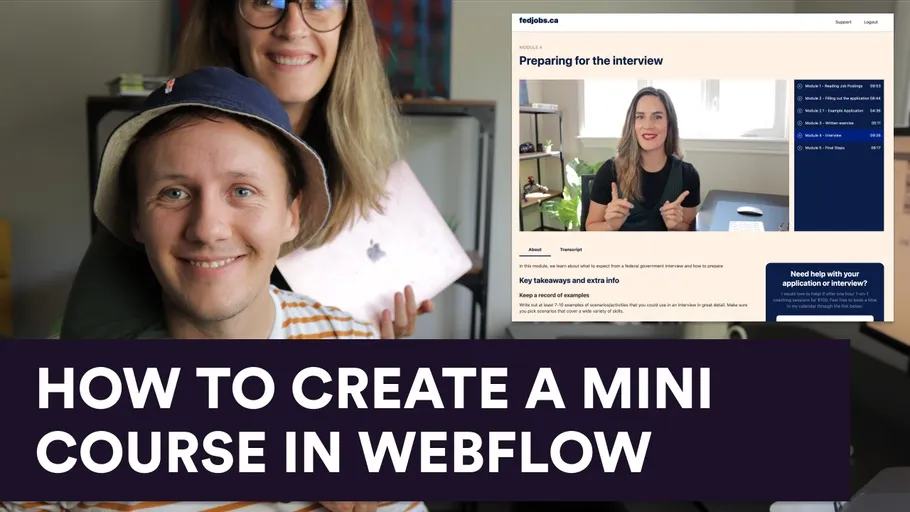
Learn how to create a mini-course in Webflow with our comprehensive step-by-step guide. Discover the essential tools and strategies to get your online course up and running efficiently!
Discover five essential ways to process payments in Webflow, perfect for ecommerce stores, membership sites, and marketplaces. Learn how to leverage Webflow CMS, Shopify, Stripe, and more to optimize your transactions.
Discover the best email marketing tools for no-code projects! Learn why Mailerlite and Mailersend are my top picks and understand the difference between transactional and marketing emails.
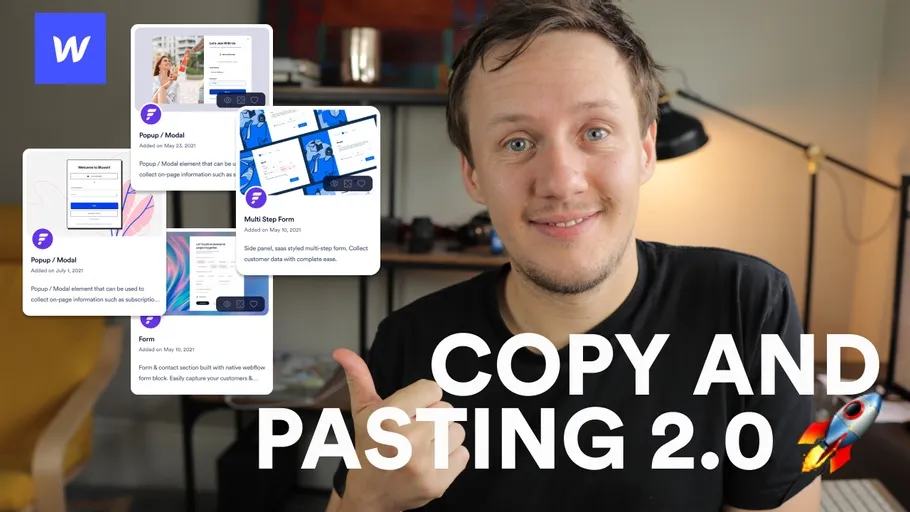
Discover how Flowbase Component Club allows Webflow designers to copy and paste UI components seamlessly. No downloads required. Save time and elevate your web design process. Exclusive discount inside!
Learn how to prefill Airtable forms with this comprehensive guide for beginners. Discover the steps to create profile update features using Airtable’s powerful prefill app, ensuring accurate and efficient data entry for your platform.
Discover how to master IF statements even if you don't know how to code. Learn how to use IF statements in Airtable to automate workflows, manipulate data, and more. Perfect for no-code enthusiasts and Airtable users.
Learn how to avoid automation mishaps in Airtable by using emojis, sections, and locked views. Ensure your workflows with Zapier run seamlessly and without errors. Ideal for Airtable users and productivity enthusiasts!
Discover the top 5 Webflow CMS projects that showcase the power of no-code tools. Get inspired by these amazing examples of Webflow and third-party integrations.
Unlock the ultimate potential of your No Code workflows by leveraging Webhooks. Learn how to use Webhooks with automation tools like Zapier, even if you can't code. Perfect for no-code developers, small business owners, and automation enthusiasts.
Discover the best no-code automation tools to supercharge your online business. From Zapier to Integromat, learn how to automate workflows, sync databases, and streamline your processes effortlessly.
Discover whether Airtable or Google Sheets is the superior No Code database tool for marketplaces, directories, or blogs. Our detailed review covers integration, visual data management, and long-term viability for No Coders.
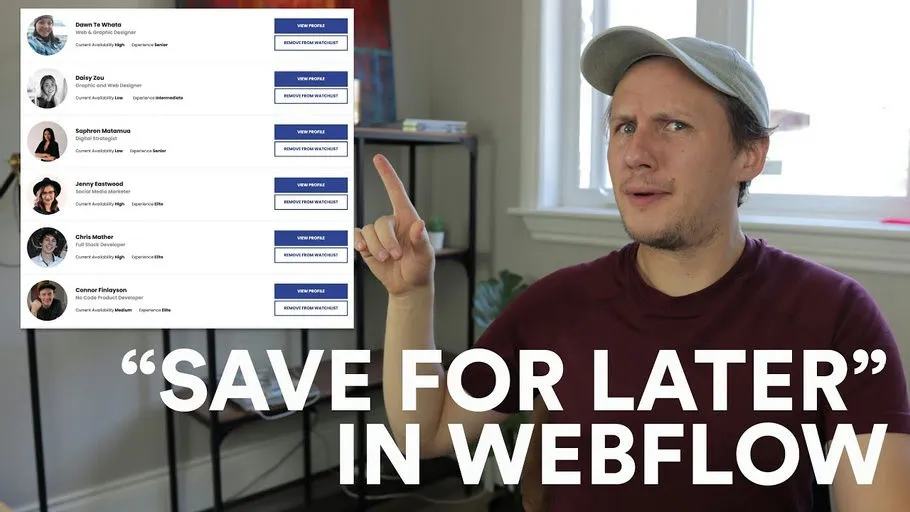
Build a wishlist or save-for-later feature in Webflow using Memberstack and Jetboost. No coding required.
Read our in-depth Circle.so review to learn how this tool can revolutionize your online community management. Discover features, usability, and why it's perfect for the Unicorn Factory community.
Discover how Chipbot Pylons can revolutionize your website engagement. This detailed review covers setup, use cases, and why it's a powerful alternative to traditional messenger apps.
Learn how to create user-specific links on your Webflow membership site using Memberstack. This step-by-step guide will walk you through setting up and embedding custom code to personalize user experiences.
Learn how to create conditional logic in Webflow forms using animations without any plugins or custom code. Perfect for beginners, this step-by-step tutorial will help you create dynamic, interactive forms with ease.
Discover the six essential skills every non-technical co-founder needs to build, launch, and grow a tech startup. From Facebook advertising to finance, these skills can make or break your business.
Discover the best Chrome extensions to optimize your workflows in Webflow, Airtable, and Zapier. These tools will boost your productivity and make your web design and automation tasks easier. Find out more!
Learn how to build a tech startup without the need for developers. Discover No Code tools like Webflow, Zapier, and Airtable to kickstart your entrepreneurial journey today!
Discover how to simplify your Webflow CMS management by syncing it with Airtable using the Nobull app by Finsweet. This guide walks through the setup and benefits of this game-changing tool, making Webflow data syncs easier than ever.
Discover 11 essential No-Code tools to supercharge your Webflow projects. Learn how to manage user accounts, GDPR compliance, and multi-language sites effortlessly.
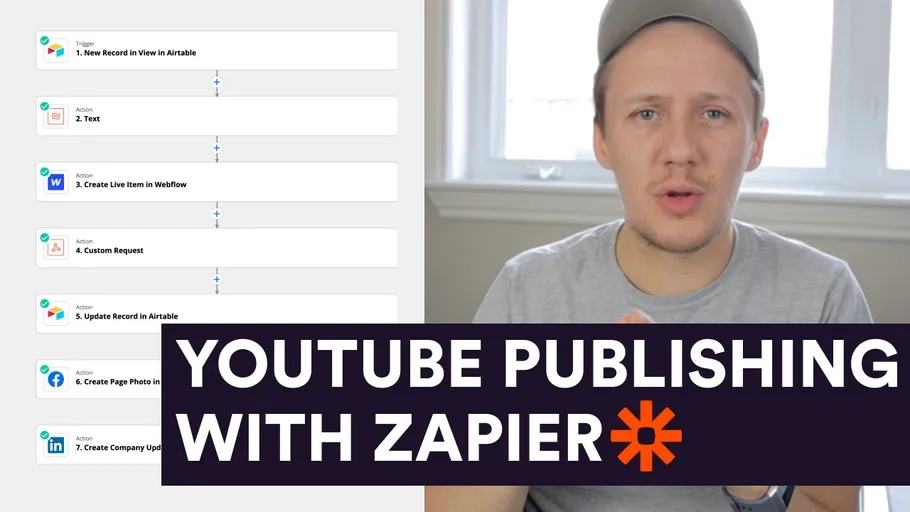
Discover the ultimate productivity hack for YouTubers and content creators! Learn how to automate your YouTube video publishing to social media platforms like Facebook and LinkedIn with a step-by-step No Code workflow.
Learn how to build a pre-launch landing page with Webflow, manage leads using Airtable, and automate your workflow with Zapier. Perfect for startups and small businesses.
Discover how to create a Fiverr-like freelance marketplace using no-code platforms such as Webflow, Airtable, Zapier, and Memberstack. We cover key functionalities, challenges, and essential tools.
Discover how Uber successfully finds and onboards drivers in new cities. Learn valuable lessons and strategies from my experience helping Uber launch in Wellington. Perfect for startup founders and entrepreneurs looking for early traction techniques.
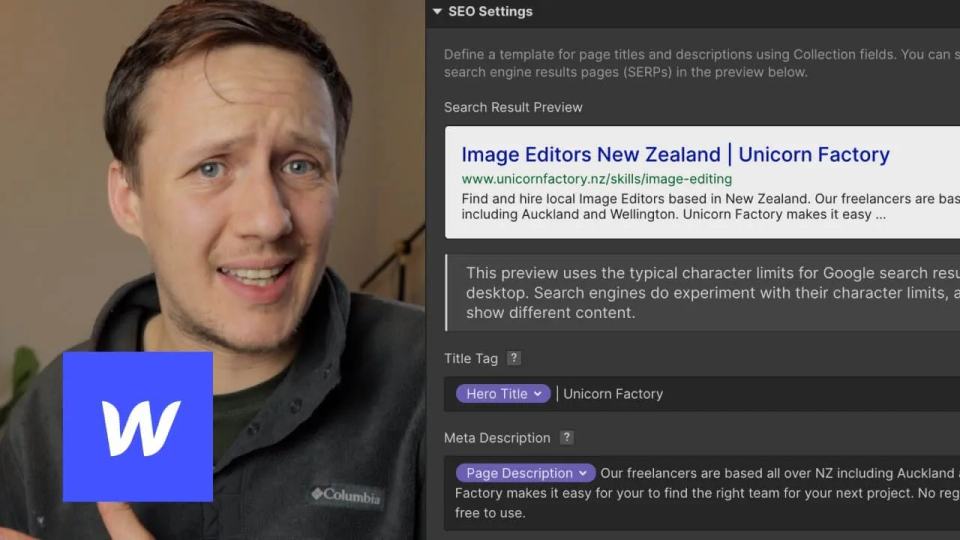
Learn how to easily manage your SEO Titles and Meta Descriptions in Webflow using Airtable and Parabola. Follow this guide to keep your on-page SEO optimized and effective.
Discover an advanced method to rank freelancers on your no-code marketplace. Learn to use Webflow for display, Airtable for calculations, and Parabola for automation!
Learn how to efficiently manage trial email workflows using Mailerlite, Airtable, and Zapier for the Unicorn Factory. Step-by-step guide and video included.
Discover how to enhance your Webflow landing pages with my Conversion Rate Optimization Workflow. Learn to use Airtable and Zapier to create multiple page variations and Google Optimize to identify which one converts best.
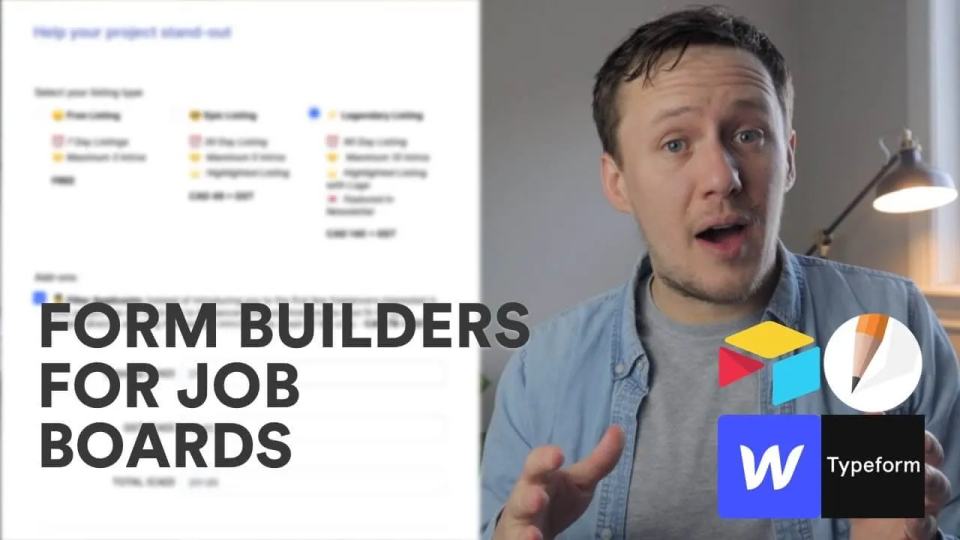
Looking for the best no code form builder for job boards? Discover how I upgraded Unicorn Factory with Jotform, adding seamless payment features. Find out why Jotform is the top choice for no-coders and job board owners.
Learn how to set up Google Analytics and Google Tag Manager for your online business. Understand user behavior, optimize marketing activities, and ensure your site complies with privacy policies and cookie consent forms.
Discover 7 amazing tips and tricks to enhance your Webflow CMS, optimize your online marketplace, and learn valuable insights from the MVMP program. Perfect for web designers and digital entrepreneurs!
Discover the potential of Airtable Automations as I compare it with Zapier and Integromat. Could Airtable become the leading no-code automation tool? Read on for an in-depth analysis.
Learn how to build a custom E-Learning platform with Webflow, Airtable, and Zapier. Get a behind-the-scenes look and decide if it's better than Teachable or Podia.
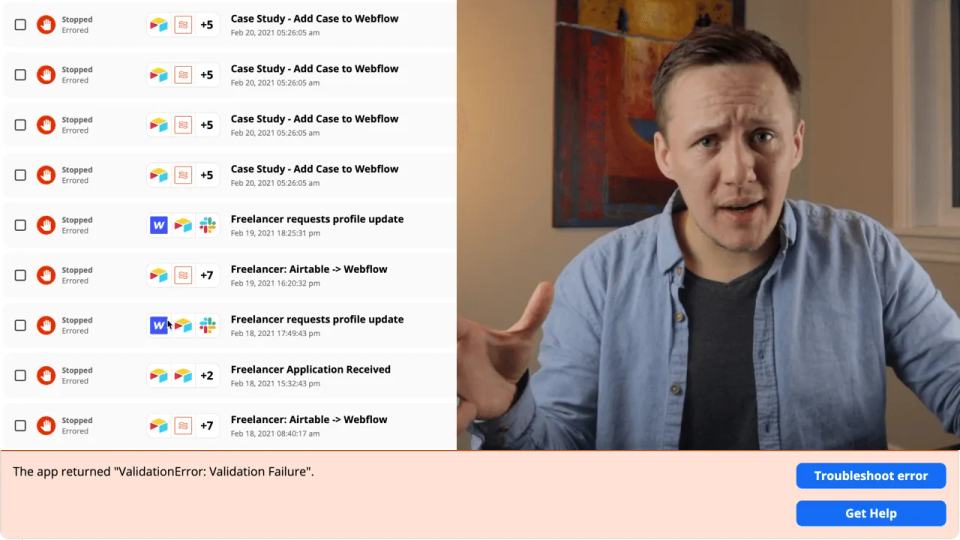
Discover why your Zapier workflows fail when sending data to Webflow and learn effective strategies to solve common errors, including the infamous 'Validation Error: Validation Failure'.
Discover how to set up an email verification system for your membership site using Webflow and Memberstack. Follow our step-by-step guide to ensure only verified members access your gated content.
Learn how to efficiently bulk update Webflow CMS items using Parabola. This comprehensive tutorial will guide you through each step, helping you save time and enhance your workflow.
Learn how to create custom membership sites on Webflow using Memberstack. This comprehensive guide covers setup, creating memberships, content gating, and integrating with tools like Zapier and Stripe. Ideal for Webflow developers, designers, and entrepreneurs.
Discover how MailerSend transforms the way No Code enthusiasts create transactional emails. Learn step-by-step how to integrate dynamic content using Airtable and Zapier. Perfect for entrepreneurs, digital marketers, and developers!
When I started building no-code marketplaces and websites, I remember feeling overwhelmed by the number of tools available. Everyone had their favorite platform, and the advice was always the same: "It depends on what you're building." That didn’t help much when I had no idea how to weigh my options. Should I prioritize functionality? SEO? Design? All I knew was that I wanted to get started—fast. Over time, I learned the ropes with Webflow, Airtable, and Zapier, building platforms like Unicorn Factory and other marketplaces. But along the way, I kept hearing about Bubble—a tool that seemed to do everything in one place. It left me wondering if I had made the right choice. Was Bubble better for someone starting fresh, or was my Webflow stack the best fit for me? If you’re asking similar questions, you’re in the right place. In this article, I’ll compare Webflow and Bubble based on their strengths, limitations, and ideal use cases. We’ll cover: - The **key differences** between Webflow and Bubble. - **When to choose** one platform over the other based on your project’s goals. - Tips for making the **best decision** for your no-code journey. By the end, you’ll have a clear understanding of which platform suits your needs—whether you’re creating a sleek website, a powerful app, or a marketplace like Unicorn Factory. Most importantly, you’ll feel confident enough to stop overthinking and start building. After all, the best tool is the one you know how to use—and I’m here to help you figure that out.
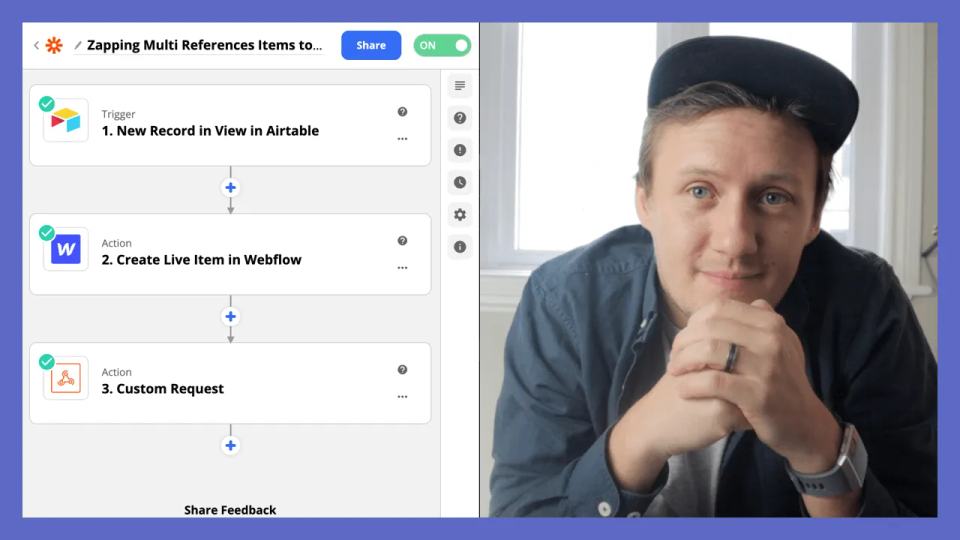
Learn how to automate the process of populating multi-reference fields in Webflow using Airtable and Zapier. This detailed guide simplifies workflow automation for your Webflow CMS.
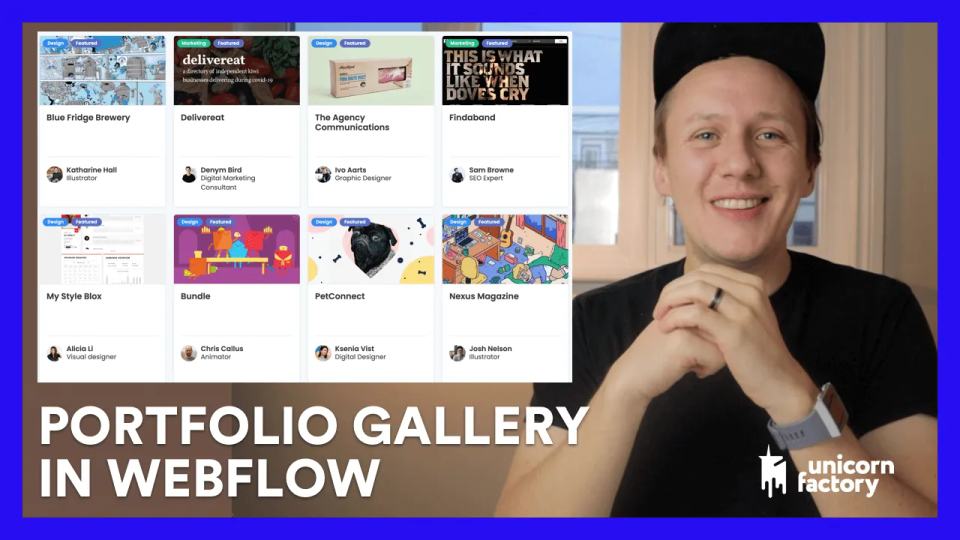
Learn how to build a dynamic portfolio gallery in Webflow with Airtable, Zapier, and Parabola. Boost your freelance conversions by adding compelling case studies to your service marketplace. Step-by-step guide included!
Learn how to monetize your no code marketplace with these 10 proven business models. From membership fees to lead generation, discover strategies to boost your online marketplace's revenue.
Discover the hidden dangers of restoring backups in Webflow! Learn what happens to your Zaps and Item IDs and how to use Parabola to fix the integration issues between Webflow and Airtable. Watch now to safeguard your projects!
Learn three powerful strategies to overcome the Chicken & Egg Dilemma and quickly gain traction for your marketplace. Discover actionable insights to optimize your conversions and kickstart your marketplace today!
Learn how to use Webflow Reference Fields and Zapier automation to create dynamic, data-rich profile pages. Perfect for web designers, no-code developers, and entrepreneurs looking to elevate their Webflow projects.
Curious about the real costs behind running a marketplace with No Code tools? Get an in-depth breakdown of monthly expenses spent on Airtable, Webflow, Zapier, and more to keep Unicorn Factory operational.
Learn how to create a dynamic analytics dashboard in Webflow using Airtable, Memberstack, and Parabola. Get step-by-step instructions for tracking profile views and enquiries effortlessly. Perfect for freelancers and entrepreneurs!
Learn how to create your first online directory using Airtable with this comprehensive step-by-step guide. Perfect for entrepreneurs and small business owners looking to add value to consumers and suppliers.
Learn to automate your lead workflow using Zapier, Webflow, and Airtable. Discover my step-by-step process and find out how I save hundreds monthly with Integromat.
Discover expert tips and strategies to learn Webflow faster. This beginner-friendly tutorial shares invaluable advice, from leveraging Webflow University to exploring the Webflow Showcase. Master Webflow and start building stunning websites today.
Discover how to effortlessly update freelancer profiles using Webflow, Airtable, and Zapier. This step-by-step guide is perfect for freelancers in the Unicorn Factory community looking for a streamlined workflow.
Discover how Zapier can save you weeks of work with our comprehensive crash course for beginners. Learn the ins and outs of automating tasks and boosting productivity today.
Discover a streamlined freelancer onboarding automation system used at Unicorn Factory. Learn how to integrate Airtable records into Webflow using Zapier in just three steps!
Explore the top No Code tools I used in 2020 to run Unicorn Factory, a freelancer marketplace. Learn how Webflow, Airtable, Zapier, and other tools can help you create a successful online business without coding.
Making the video is not the hard part. For me, filming a video usually takes 30–50 minutes. Sometimes less. Everything around the video is where the real friction lives. After recording, I still need to: \- Upload it to YouTube \- Write a proper title \- Write a custom description \- Create a blog post to go with it \- Repurpose it for socials \- Share it with my team That easily adds another 3–4 hours per video. That's the part that kills momentum. Recording feels creative. Publishing feels like admin. This is the gap Tella's new Video API finally starts to close.
If you’ve ever run a community, you know the pain of answering the same support questions over and over again. “How do I update my email?” “Where can I find this?” “Is this client a red flag?” — it adds up fast. Now imagine handing those questions off to an AI agent that actually knows your business. That’s exactly what Circle is promising with their new AI Agent feature — and in this post, I’m diving deep into whether it’s ready to take that job off your plate. Here’s what you’ll get from this breakdown: - What [Circle](https://www.connorfinlayson.com/a/circle) AI Agents are and how they work - Real-world examples of AI support in action - How I’m using them to handle onboarding, support, and coaching - How to set them up with custom knowledge and permissions - Where Circle’s AI still needs improvement - Whether the pricing makes sense for your stage Whether you’re running a small private mastermind or a growing freelancer marketplace, community support can eat up your time. Let’s explore if Circle AI Agents are finally the fix we’ve all been waiting for.