
How Corey Moen Built No-Code Supply – A High-Quality No-Code Directory Using Webflow & Airtable
Corey Moen’s No-Code Supply case study covers curation, Webflow, Airtable, scripts, sponsorships, and design choices.
 Airtable
 Webflow
 Make
MakeThis case study records my conversation with Corey Moen about No-Code Supply. Traffic and sponsorship figures describe that conversation's period. They are not current performance claims.
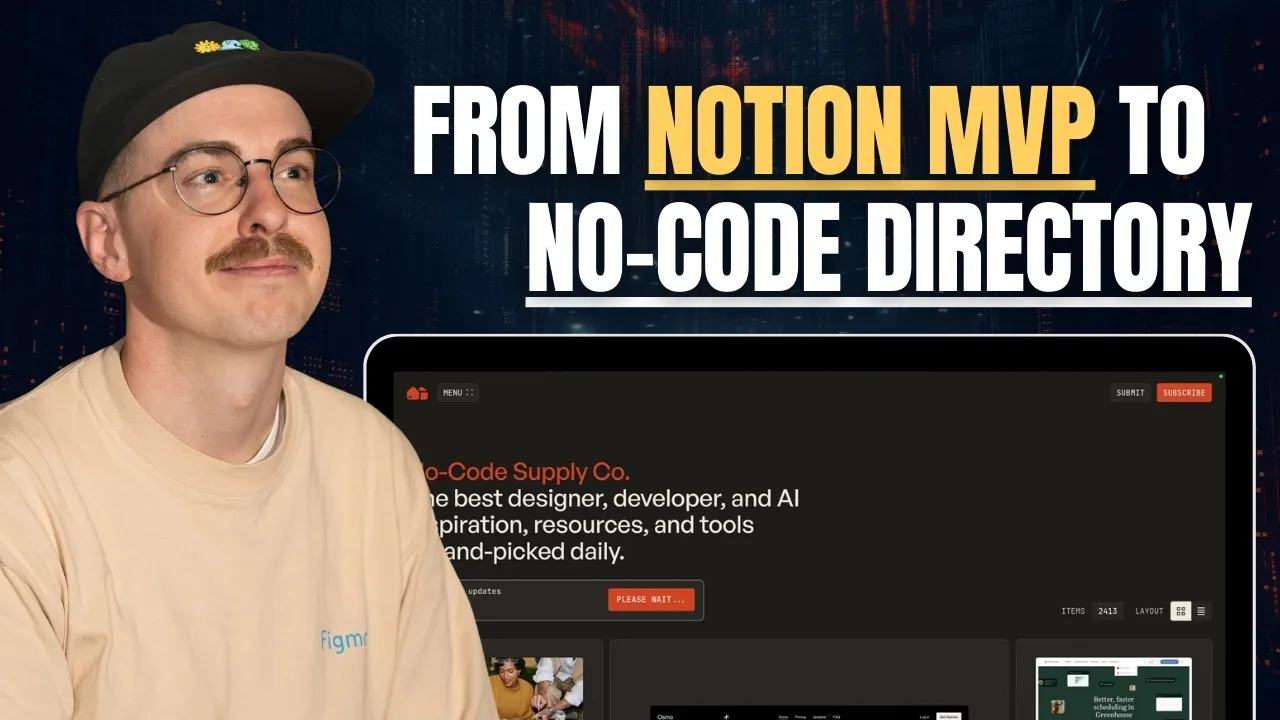
How No-Code Supply Started: From Notion Directory to Webflow Site
No-Code Supply didn’t start as a business. It started as a Notion doc Corey used to track tools, code snippets, and design inspo. Back in 2017-2018, when Corey was just getting into Webflow, he created mini directories in Notion to help him build microsites for clients. He'd save everything from “Made in Webflow” inspiration to useful JavaScript scripts. He eventually linked to those Notion pages from his portfolio (which helped him land his job at Webflow, by the way). People started reaching out, telling him how useful the resources were. So in 2023, he decided to turn it into a proper site—with Airtable as the backend and Webflow as the front.
Why Corey Uses Airtable and Webflow to Build and Manage His Directory
Corey uses Airtable for everything:
- Content storage and tagging
- Automations and scripts (for screenshots, metadata, etc.)
- Dynamic filtering and sorting
- Organizing what gets synced to Webflow via WhaleSync
This setup gives him more flexibility than the native Webflow CMS. For example, he can dynamically "feature" items by backdating them with a formula—something that would be super hard to manage in Webflow alone. He also uses Jetboost for filtering, Zapier for edge-case automations, and sometimes Make.com for social scheduling through Buffer. The best part? He’s whittled back most of the over-complicated automation and now keeps it simple: Airtable Web Clipper + a few key scripts. Clean and fast.
How Corey Designs Visually Stunning Directories in Webflow
Corey’s layout combines several useful design choices. It uses:
- CSS Grid for the responsive item grid
- A toggle to switch between grid and list views
- A floating, always-accessible search bar
- Minimalist UI inspired by sites like goods.wtf and read.cv
Corey intentionally mixes all content types (tools, scripts, templates) into one CMS collection for better performance and filtering. He uses Jetboost search to filter across tags, descriptions, and industries—all while keeping the layout clean and focused on visuals. He also shared some behind-the-scenes Figma inspo and even ideas for using localStorage to show users what’s new since their last visit. These details show how he thinks about returning visitors.
How No-Code Supply Makes Money with Sponsorships and Affiliates
Kind of. But that’s not the point. Here’s how Corey approaches monetization:
- Sponsors – Tools like WhaleSync and Audienceful get exposure across 2,000+ pages. They get traffic, he gets free access to the tools.
- Affiliate Links – A few tools have affiliate links, but since traffic is still growing (~10K visits/month), revenue here is low.
- Merch/Templates – He experimented with selling merch and Notion/Airtable templates, but it was too much work to maintain.
- Future ideas – Paid memberships, community access, or exclusive content… maybe. But only if he can maintain quality and consistency.
What he won’t do: spammy ads or auto-approved submissions. The quality bar stays high, period.
How Corey Automates Directory Curation with Airtable Scripts and AI
This was one of my favorite parts of the convo. Corey showed off his Airtable script library—screenshot grabbers, metadata enrichment, YouTube thumbnail pullers, and more. Most of them run with one click or automatically via Airtable automations. He also talked about how AI has completely changed how he writes scripts. He now uses Claude or Cursor to draft Airtable scripts quickly. His take: it’s more efficient to just prompt an AI with your schema and let it write the script than to hunt down the perfect code snippet. That said, because Corey understands the context behind code, he gets way better results from AI than someone who just copies and pastes.
Corey’s Take on Using AI Tools to Build and Maintain No-Code Directories
We talked a lot about AI tools like Lovable, Vercel AI templates, and “vibe coding” culture. Corey’s take is pretty clear: “AI can help you build something, but it won’t warn you when you're exposing API keys, violating GDPR, or building something that's going to fall over.” He’s cautious about adopting tools just because they’re new. And he’s even more cautious about building platforms he doesn’t fully understand—especially if they handle user data or payments. If you’re building something long-term, you want to know how the whole system works.
In our conversation, Corey described manually reviewing submissions against a design and quality bar. That curation decision remains useful even when scripts handle screenshots and metadata.
For your own directory, define the curation rules before automating submissions. Start with a focused directory niche and review each source record before publishing.
Keep learning
More guides, free videos and course access for existing members, all in one place.
Go to LearnRather have it built for you?
We'll match you with vetted agentic talent who build it with AI, inside the tools you already use.
Schedule a callRelated posts

How to Monetize a Directory Website with Paid Online Communities
A directory can introduce vendors to a paid community. The community needs its own useful offer beyond exposure on your website.
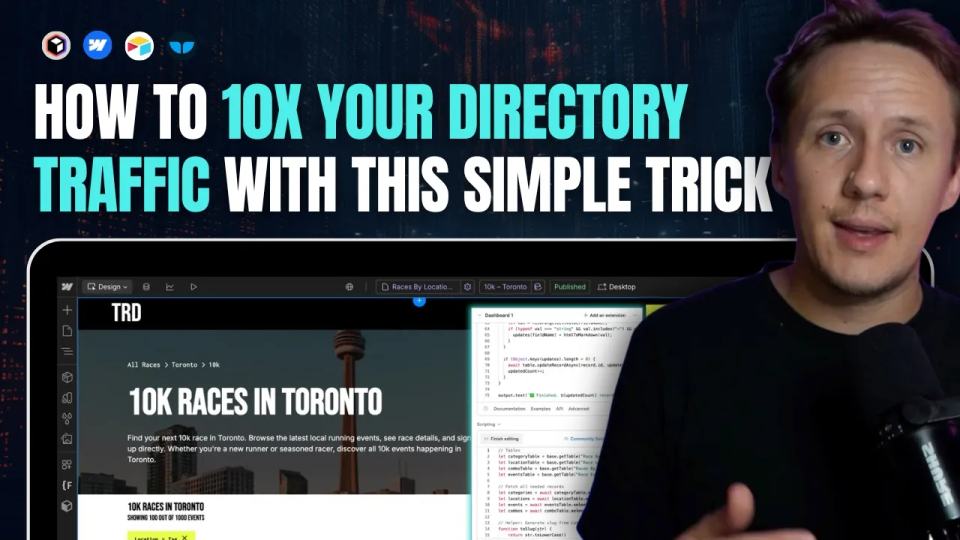
Build Directory Category and Location Pages for Long-Tail Searches
Design directory category and location pages with useful listings, unique URLs, checked sync behavior, and realistic SEO expectations.

How to Build a Directory Outreach System
Prepare directory outreach drafts using listing previews and videos. Keep sends manual and track replies and stop rules.