
How to Use AI in Your Marketplace
Explore AI job drafts, support drafts, and marketplace recommendations, with human review and specific measures for assessing usefulness.
 OpenAI
 Glide
GlideWatch the original How to Use AI in Your Marketplace video
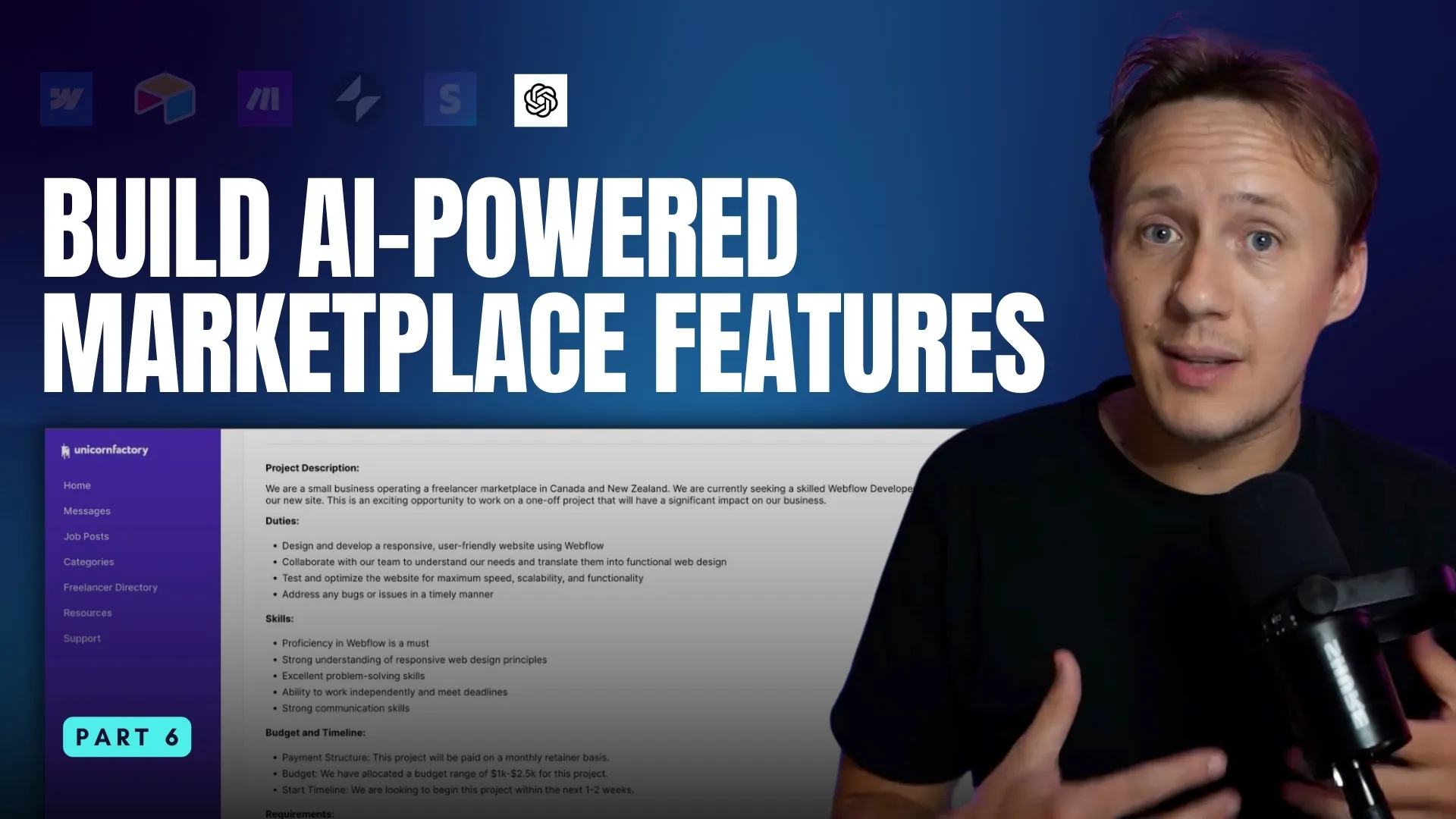
How to Optimize Listings with AI
One of the first ways I started using AI on Unicorn Factory was to tackle a major issue: low-quality job listings. When clients post vague or incomplete jobs, freelancers are often hesitant to apply, and that creates a frustrating experience on both sides. To address this, I improved the listing process for clients by incorporating AI to my job listing experience. Here is how it works:
- Step 1: Clients fill out a simple form with their job details, then they set preferences like budget, timeline, and job requirements.
- Step 2: The AI transforms these inputs into a polished, long-form job listing that the client can review and edit.
- Step 3: Once the client approves, the listing is published, and the system automatically notifies suitable freelancers.
The client reviews the draft before publication. Measure editing time and application quality before claiming an improvement.
How to Use AI to Answer Support Tickets
Support has always been a bottleneck for me. It’s enough work to require a few hours of my attention each week but not enough to justify hiring someone to manage it for me. I typically spend a few hours per week (on dedicated days) responding to emails. While this works, it sometimes means that clients don't get immediate replies, which is not great. To tackle this, I implemented an AI-powered workflow to handle support queries more efficiently:
- Step 1: Train an AI assistant using a knowledge base. This can be a PDF upload or a database like Airtable linked to a CustomGPT Assistant.
- Step 2: When a support email comes in, the AI analyzes the query and retrieves relevant information from the knowledge base.
- Step 3: If an answer is available, the AI drafts a reply email that is added to my draft folder - I still review all emails. If not, it logs the query as a new entry in the knowledge base for future responses.
Keep unanswered questions in a review queue. Approve new answers before adding them to the knowledge base.
How to Generate AI Recommendations for Customers
For many clients, choosing the right freelancer from dozens of options can feel overwhelming. New buyers often don’t know where to start, making it hard to see which freelancers are the best fit. To simplify this, I introduced an AI recommendation feature that matches clients and freelancers based on their preferences. Here’s how the system works:
- Step 1: Both buyers and sellers complete a short questionnaire during sign-up, outlining their preferences and offerings.
- Step 2: When a match is made, the system evaluates the responses and calculates a compatibility score.
- Step 3: The recommendation score is displayed on the job listing page, along with tips for how buyers and sellers can best work together.
A compatibility score is a suggestion, not proof of suitability. Explain the inputs and let the client review the original profiles.
How to Use AI to Improve Your Marketplace Operations
AI has uses far beyond job listings and support. Choose one repeated task and measure the quality of its output before expanding it. Here are some additional ways AI can improve your platform:
- Refine User-Generated Content: AI can polish profiles bios, job listings, and case studies pages, making sure they’re professional and engaging.
- Simplify Decision-Making: Use AI to review new applicants, filter spam inquiries, and prioritize buyer and seller matches.
- Improve User Experience: Tools like AI-powered recommendation scores, automated workflows for job postings, and smart support systems can make your marketplace easier and more fun to use.
The Best No-Code Tools for Using AI
But how can you use AI with no-code? If you’re building AI workflows in your marketplace, there are some excellent options that make it simple:
- GPT Integration in Make.com: Make.com allows you to connect OpenAI’s GPT models directly into your workflows. This is perfect for automating processes like drafting responses or generating content.
- Glide AI: Glide’s native AI features make it easy to implement AI workflows directly in your apps. I highly recommend checking out their work around agents, which adds powerful AI-driven functionality to your Glide projects.
Start with drafts that a person reviews before publication or delivery.
Review and measure each workflow
For job listings, compare the draft against the client's budget, timeline, and original requirements. Require approval before publishing or notifying freelancers. Keep the approved listing ID so a retry does not repeat the notifications.
For support, keep replies as drafts until a person checks the answer and recipient. Do not add an unanswered customer's message directly to a shared knowledge base. Remove private details and approve the reusable answer first.
For recommendations, explain which preferences affect the score. Do not infer protected or personal characteristics from a profile. Compare suggestions with a human review before using scores to hide or reject applicants.
Record draft acceptance, corrections, review time, and failed runs. The examples above describe the source article's reported implementation. They do not establish current live behaviour or measured outcomes. For app-level AI inputs, see the five Glide AI patterns.
Keep learning
More guides, free videos and course access for existing members, all in one place.
Go to LearnRather have it built for you?
We'll match you with vetted agentic talent who build it with AI, inside the tools you already use.
Schedule a callRelated posts

Build Custom AI Agents for Other Businesses
Scope a custom business agent around one workflow, approved sources, read-only testing, and human review.
How to Use Stripe for Marketplace Payments
Stripe can collect your platform's own fees or support payments involving independent sellers. Those require different designs.
How To Automate Marketplace Workflows with Make.com
Explore marketplace workflows with Make, including onboarding, enquiries, CMS updates, reviewed AI drafts, and failure checks.