Build Custom AI Agents for Other Businesses
Build a focused AI agent for a business's customers or team. Use Eve to test one workflow with company knowledge and approved tools.
TL;DR
ChatGPT, Claude, and Cursor help a business's team work faster. A customer-facing agent solves a different problem.
A custom agent gives customers or staff a guided way to use business knowledge and approved tools. It can ask questions, retrieve information, and prepare an action.
Start with one repeated workflow. Define what the agent can read, prepare, and change. Then measure whether it helps people complete that job.
What a custom agent adds
General-purpose assistants can use tools, remember context, and automate tasks. The useful difference is ownership and design.
A business can define the agent's instructions, sources, tools, channel, and user flow. It can decide which actions stay read-only. It can also configure approval for consequential actions.
The customer or staff member gets a focused experience. They do not need to learn the business's prompts, tools, or internal process.
This does not make a custom agent automatically better. It makes the experience more specific. The business still needs clear source material, useful permissions, and a way to handle uncertainty.
Start with one workflow
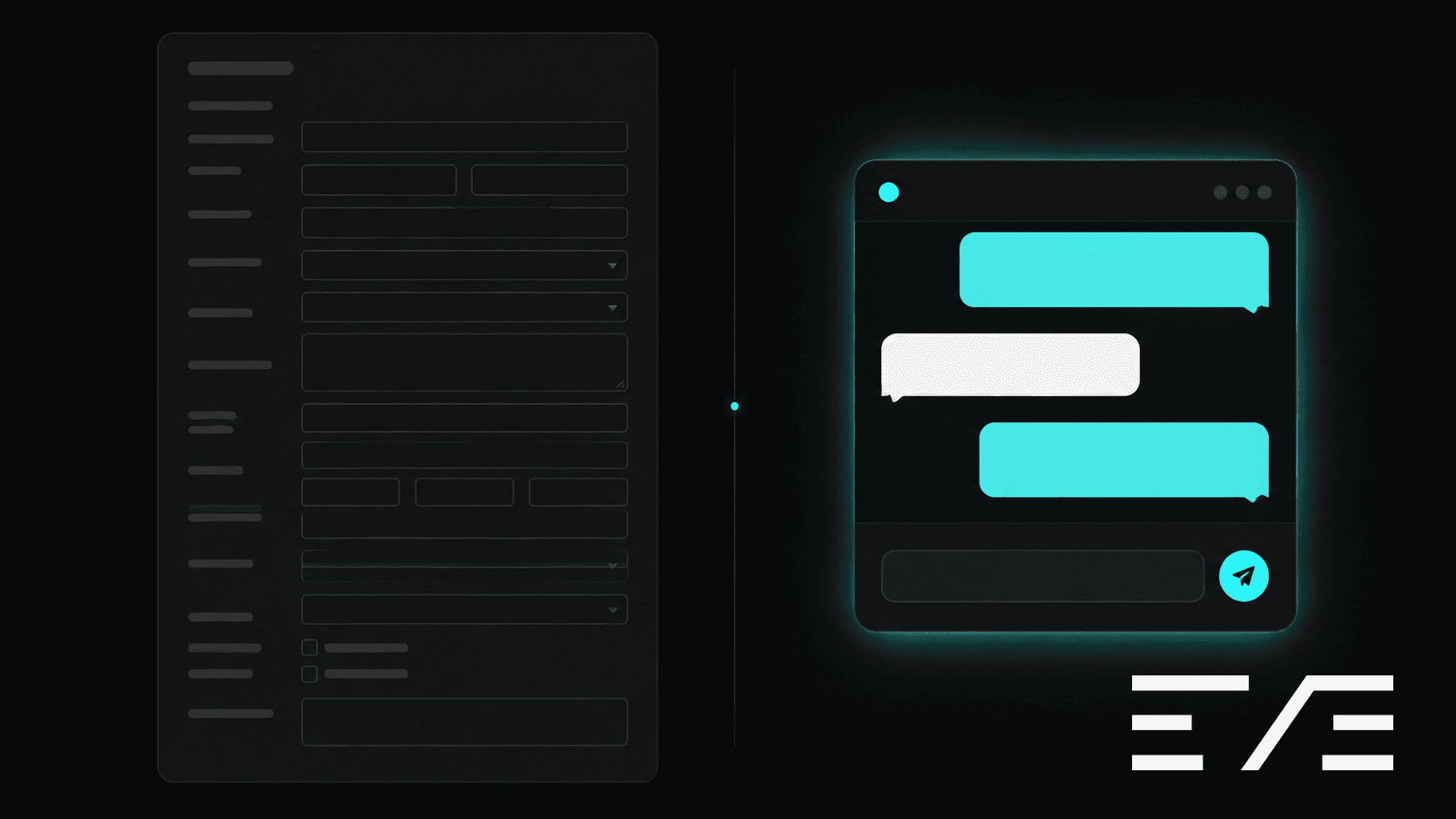
Signup is a useful example because the existing process is easy to observe. A business may use a long form, several screens, and a generic confirmation page.
A custom agent could ask one question at a time. It could explain why each question matters. It could collect answers in a structured record. It could hand the conversation to a person when the request falls outside its rules.
Treat any conversion improvement as a hypothesis. Compare the agent with the existing flow. Track completion rate, handoffs, unanswered questions, and support requests. Do not promise an improvement before you measure it.
The same pattern works for other workflows:
- Help a prospective customer choose the right service.
- Answer questions from an approved knowledge base.
- Collect details for a quote or enquiry.
- Prepare a support response for someone to review.
- Guide a team member through an internal process.
Choose a workflow with a clear owner. Give the agent only the information and actions it needs.
A customer-agent use case
Imagine a training company with several courses. A prospective customer asks which course fits their goals.
The agent can ask about experience, schedule, and the desired outcome. It can explain course differences from approved material. It can prepare a draft enquiry for the sales team.
The agent should not invent availability or promise a result. Configure approval for outbound messages, bookings, payments, or other consequential changes. Keep a human handoff available.
The first version does not need to answer every question. It needs to handle one useful conversation and hand off the rest.
If you already build directories or marketplaces, this is a related service. You are helping a business present its knowledge and workflow through a more direct interface.
Eve is one current way to build it
Vercel's eve documentation describes eve as an open-source, filesystem-first framework for durable backend AI agents. Eve is currently in beta. Its APIs, documentation, and behavior may change.
An eve project keeps the agent definition in files. agent/instructions.md describes behavior. agent/agent.ts configures the runtime. Files under agent/tools/ define actions the agent can use. The compiled app can run locally or on Vercel.
Review the instructions and actions before testing. Treat eve as a way to build and inspect an experiment.
Examples worth studying
The eve template list shows current examples. These are useful starting points for different workflows:
- Chat provides a web chat with browser-persisted starter mode. Its production mode adds authentication and database-backed history.
- Marketing Team routes work from a lead agent to specialists. It creates drafts in connected tools and waits for approval before irreversible actions.
- Software Factory moves GitHub or Linear work through specialist stages. It returns a reviewed draft pull request for a person to review and merge.
- Content Agent drafts content in Slack and uses Notion as a source and publishing surface.
- Sanity Copilot shows how an agent can query and edit a Sanity project through controlled tools.
These examples show patterns, not ready-made products for every business. Read each template's current setup guide before using its commands or integrations.
Build a small first version
1. Define the job
Write one sentence describing the job. Then list what the agent may read, what it may prepare, and what requires approval.
For example, help a prospective student choose a course and prepare an enquiry. The agent may read course details. It may prepare an enquiry. A person approves outbound messages.
2. Create the project
The current eve documentation uses this command to scaffold an agent project:
npx eve@latest init my-agent
Follow the generated README because project details can change while eve remains in beta.
3. Add instructions and tools
Start with a short instruction file. Define the audience, job, allowed sources, and handoff rules.
Add one tool for each necessary action. Describe its inputs and outputs clearly. Keep write actions separate from read actions.
4. Run a local conversation
Use the project's documented development command:
pnpm dev
Test ordinary requests, missing information, uncertain requests, and requests outside scope. Check whether the agent asks useful questions. Check whether it explains a handoff clearly.
5. Deploy a preview
Vercel's CLI documentation currently uses this basic flow:
vercel login
vercel
Deploy a preview before production. Check authentication, data access, logs, and approval prompts. Do not connect a real customer workflow until you understand its available actions.
6. Measure the workflow
Choose a few measures before inviting people to test. Track completed conversations, human handoffs, unanswered questions, and time to resolve an enquiry.
Compare these results with the existing process. Change the instructions or tools when the evidence points to a problem.
Keep the boundary clear
A customer agent may handle sensitive information. Give it only the access required for its job. Configure approval for emails, purchases, bookings, deletes, and published content. Keep a human handoff available when the agent lacks information or reaches a decision outside its rules.
What to do next
Pick one real business and one repeated conversation. Write the agent's job in one sentence. List its approved sources and actions.
Build a read-only prototype first. Watch several conversations with the business owner. Record where the agent asks the wrong question, lacks information, or needs a person.
Then add one approved action. Measure the workflow again. Use that evidence to decide whether the agent belongs in a signup flow, team channel, or another customer touchpoint.
Ready to learn more? Check out our Playbooks for step-by-step guidance.
View PlaybooksContinue Reading