
Fedjobs.ca: How We Built A Simple Mini Course Platform in Webflow
The FedJobs.ca mini-course case study covers static lessons, memberships, support, learner outcomes, and access checks.
 Webflow
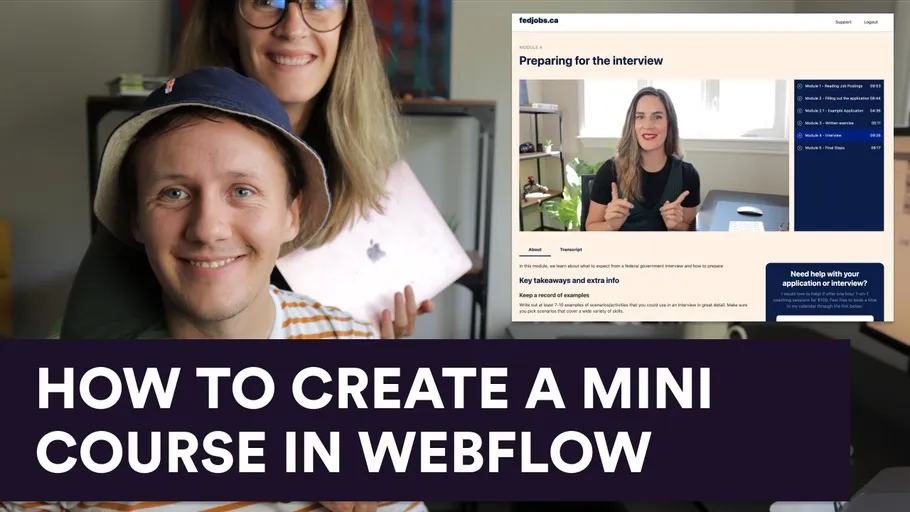
FedJobs.ca was a mini-course project I built with my wife, Marielle.
She brought public-sector experience and a process for preparing government job applications. We packaged that knowledge into a small course.
The course focused on helping learners prepare their applications.
The tools and course structure
I used Webflow for the pages and Memberstack for accounts and access. Wistia hosted the videos.
Zapier connected workflows, while Airtable organized support questions and user records.
We used static module pages because the course had a small scope. Each module included video, transcripts, resources, and templates.
The landing page introduced the modules and included a trailer. It also linked to login, downloads, and coaching bookings.
Membership and support
The original setup used one membership tier with a one-time fee. Coupons supported promotional pricing.
A support form included the member ID and module context. Airtable tracked questions for Marielle and me to resolve.
A browser-supplied member ID helps describe a request. A trusted service must verify identity before exposing private support records.
Define an achievable learner outcome
For your own course, choose a task the learner can complete. An illustrative outcome is producing a draft application checklist.
Connect every lesson and template to that task. Review the result with someone from your intended audience.
Early feedback helped us refine the original course. Feedback from target learners gives a stronger check than encouragement alone.
Test access and support
Use a test account with access, one without access, and a logged-out browser. Try direct module and download URLs.
Check access removal after a refund in a test billing setup. Keep video or file delivery protected when the content requires it.
Confirm a support submission reaches the correct private record. Test missing module context and a failed automation.
Webflow memberships with Memberstack explain the account setup before these checks.
Keep the first course small
Start with a landing page and one complete module. Include captions or transcripts and a working support path.
At the time, I planned to explore Google Ads promotion and future expansion.
Compare custom e-learning platforms before adding features your learners do not need.
Original video
Keep learning
More guides, free videos and course access for existing members, all in one place.
Go to LearnRather have it built for you?
We'll match you with vetted agentic talent who build it with AI, inside the tools you already use.
Schedule a callRelated posts
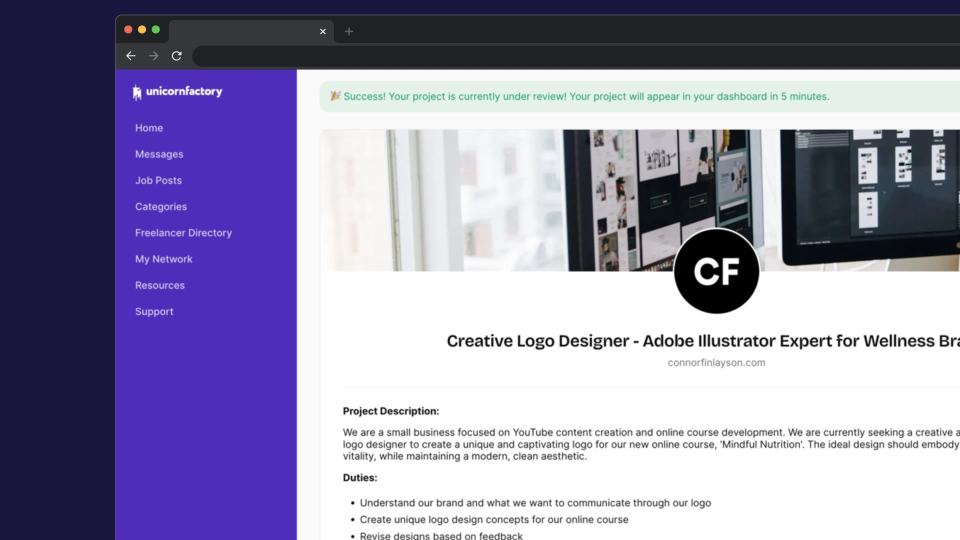
How I Built a Job Board with Automated Workflows
A Unicorn Factory job-board case study with automated workflows, human approvals, private-data checks, and failure handling.
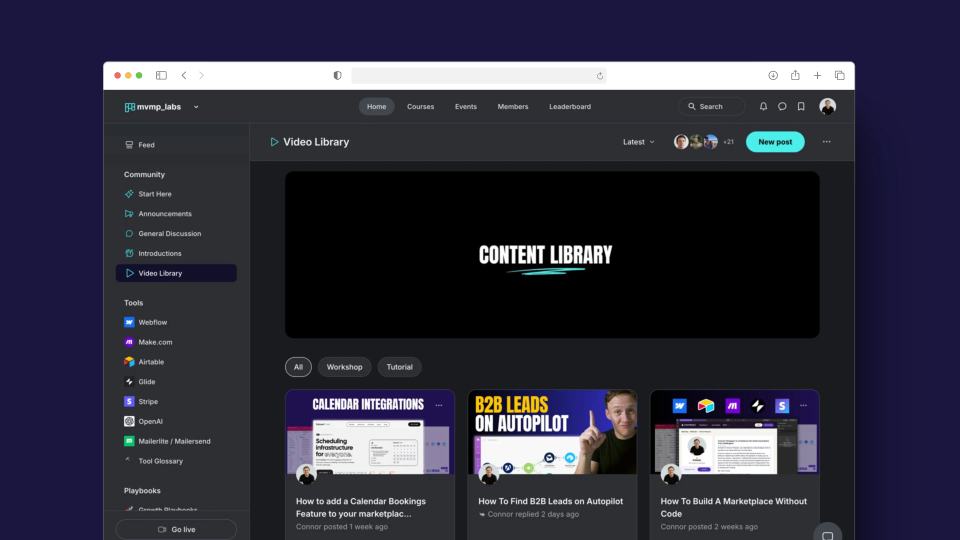
Introducing MVMP Labs: Build Your MVP with No-Code Tools
Historical announcement, updated October 7, 2026: this article describes the original MVMP Labs community beta. The course library is closed to new members. Existing members.
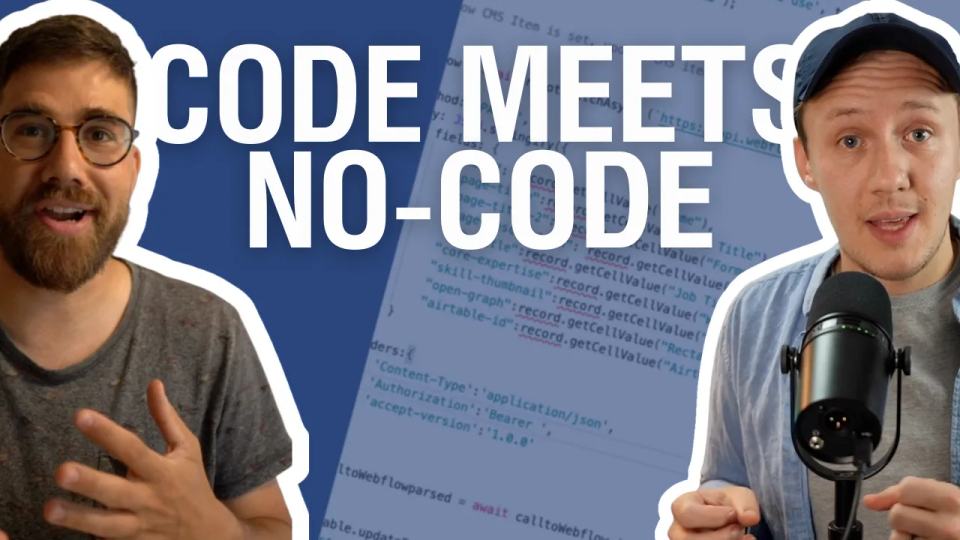
Code Meets No-Code: The Original Airtable Script Library Launch
The historical Code Meets No-Code launch announcement, with a current learning route for beginner Airtable scripts.