
Airtable Interface Designer: My First Look and a Team Exercise
A historical Airtable Interface Designer first look, with a focused enquiry-review exercise and current permission guidance.
 Airtable
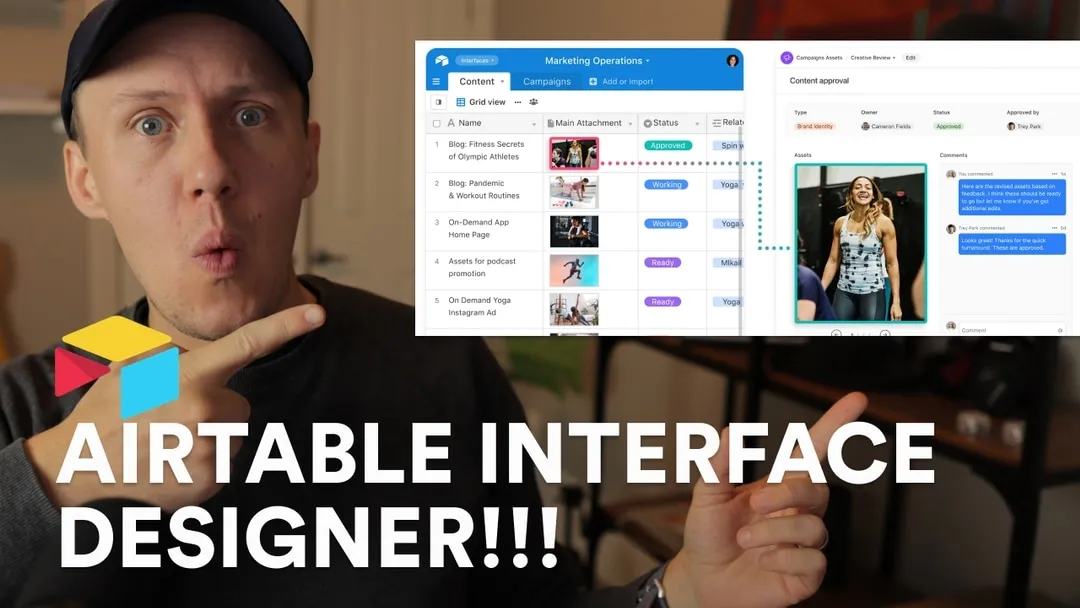
This November 2021 recording captures my first look at Airtable Interface Designer. I explored its collaboration potential, built a first interface, and discussed a feature wishlist. Treat the wishlist as historical feedback, rather than a list of current missing features.
Original video chapters
- 00:00 Overview
- 00:41 What is Interface Designer?
- 00:55 Why is Interface Designer useful?
- 02:12 Setting up my first interface
- 09:53 Feature wishlist
Try a focused team interface
Choose one task, such as reviewing new enquiries. Use a test base with a title, owner, status, and notes field. Build a page that shows those fields and lets the intended person update the status.
An interface layout and its filters do not replace permission checks. Review Airtable's current permissions guidance before sharing private records. Test what a collaborator can view and edit using their actual access level. For the underlying data model, compare Airtable and Google Sheets.
Start with one team task and one collaborator test before expanding the interface.
Keep learning
More guides, free videos and course access for existing members, all in one place.
Go to LearnRather have it built for you?
We'll match you with vetted agentic talent who build it with AI, inside the tools you already use.
Schedule a callRelated posts

Circle AI Agents Review: Automate Community Management with AI
Read my Circle AI Agent tests, current plan notes, and a support-demand method for evaluating cost and answer quality.

How to Import Relume Styles and Pages into Webflow
Approve a Relume sitemap and style direction, import one page into Webflow, and check classes, content, and accessibility.

Webflow AI Site Builder: My HueSync First Look
I used a fictional Canadian agency, HueSync, to explore Webflow's AI site builder. The first look showed a useful starting layout, followed by editing work inside Webflow. I still needed to review the copy, images, forms, and mobile spacing.