
How To Manage Large Scale No-Code Projects
Document no-code workflows using triggers, owners, inputs, outputs, dependencies, failure alerts, and recovery steps.
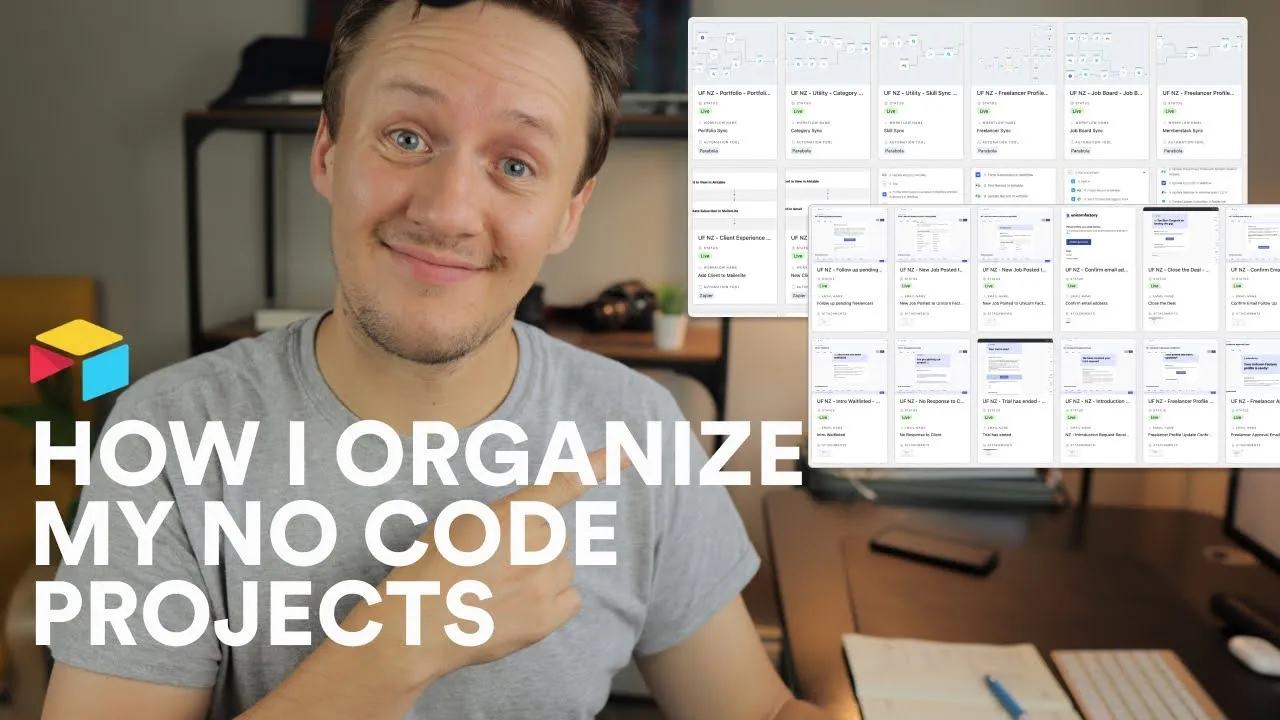
Watch: How To Manage Large Scale No-Code Projects
How do I keep track of all of the workflows, processes and tools for my no-code projects? In today's video, I take you behind the scene of my no-code docs base and show you how I keep track of all my workflows (in Zapier, Airtable, Integromat and Parabola), as well as all of my emails in Mailersend.
🛠 MY NO CODE STACK: https://www.connorfinlayson.com/a/airtable https://www.connorfinlayson.com/a/webflow https://www.connorfinlayson.com/a/memberstack https://www.connorfinlayson.com/a/circle https://www.connorfinlayson.com/a/parabola https://www.connorfinlayson.com/a/mailersend
A reusable workflow record
My docs base tracks workflows across Zapier, Airtable, Make, and Parabola, plus MailerSend emails. Use one record per workflow so you can find its owner and recovery steps quickly.
| Field | Example |
|---|---|
| Name | Approved profile to public CMS |
| Owner | Person responsible for this workflow |
| Trigger | Profile status becomes Approved |
| Inputs | Freelancer ID and approved profile fields |
| Outputs | Webflow item ID and sync timestamp |
| Dependencies | Airtable base, Webflow Collection, automation connection |
| Field ownership | This workflow owns biography and availability |
| Failure alert | Where a failure reaches the owner |
| Recovery | Inspect destination ID, then retry the failed update |
| Last reviewed | Date the owner checked the workflow |
Keep direct links to the actual automation and its run history. Store credential names or locations, never secret values. For email workflows, document recipients, template versions, and when sending must stop.
Start by documenting one workflow that fails often. Ask another person to explain its recovery using the record. If they cannot, add the missing step before documenting the next workflow. Use this inventory when deciding whether to change a tool or work within its limits.
Keep learning
More guides, free videos and course access for existing members, all in one place.
Go to LearnRather have it built for you?
We'll match you with vetted agentic talent who build it with AI, inside the tools you already use.
Schedule a callRelated posts

Build Custom AI Agents for Other Businesses
Scope a custom business agent around one workflow, approved sources, read-only testing, and human review.

How to Build Custom Webflow CMS Features with ChatGPT & AI
I built a weekly calendar for The Running Directory Canada using Webflow CMS content and ChatGPT-assisted JavaScript. The calendar grouped run-club events by weekday and moved today's day to the front.

How to Map Common Airtable Fields to Webflow CMS
Map Airtable values to Webflow CMS types using option IDs, image objects, deterministic rich text, and staged JSON examples.