
How I Built AI-Assisted Book Landing Pages with Webflow
A booknotes.ai case study covering checked AI drafts, Airtable records, Webflow pages, review, and recommendation limits.
 Airtable
 Webflow
 OpenAI
 Whalesync
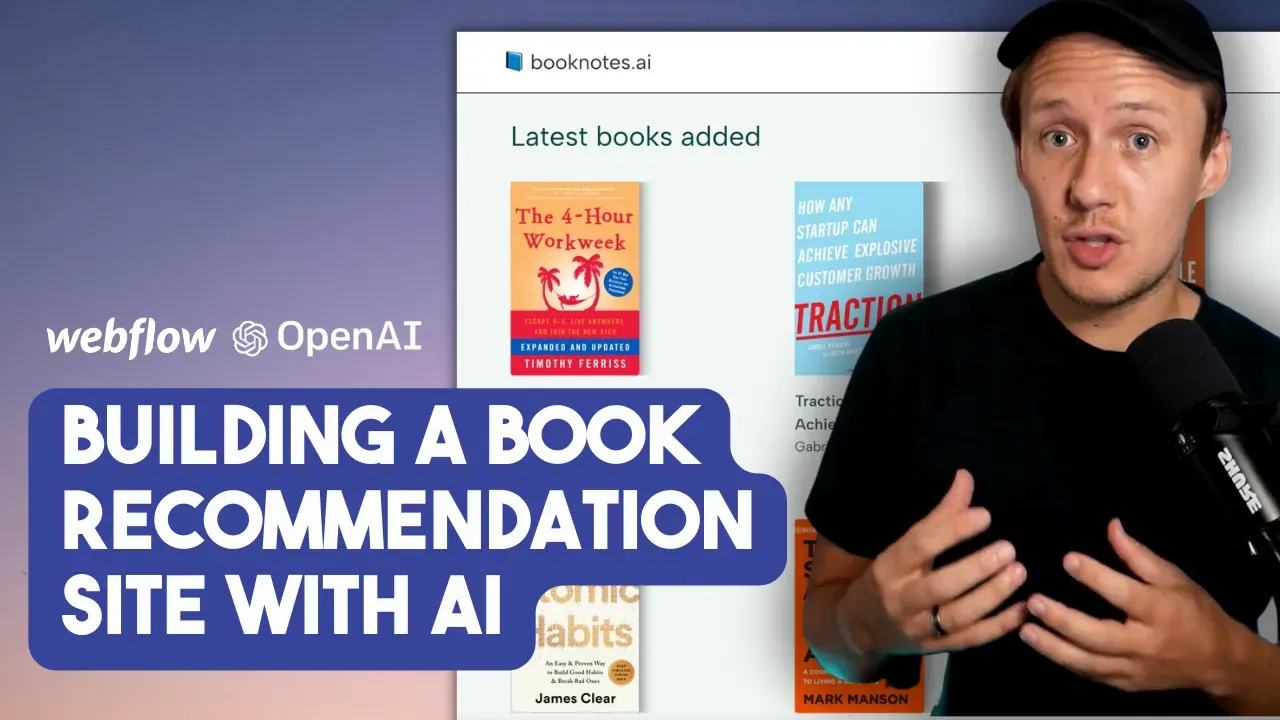
I built booknotes.ai to create landing pages for books I wanted to share.
The original project generated summaries and key takeaways. It displayed book pages with purchase links.
It did not establish a personalized recommendation engine. This case study explains the content workflow and its limits.
The original stack
I used GPT-3.5 for draft content, Airtable for records, and Make for automation. Webflow displayed the pages through Whalesync.
Relume components helped me assemble the layout. The original tool and model choices describe that project’s period.
Airtable held the title, author, genre, summary, takeaways, and intended audience. A web clipper helped me add selected books.
Give the model checked material
Generating a book summary from its title can produce invented details. Supply notes you have checked and have permission to use.
Here is an illustrative prompt for a new version of the workflow:
Create a book landing-page draft from the supplied notes.
Use only the facts in those notes.
Return: title, author, short_summary, takeaways, audience, missing_information.
Do not invent chapters, quotations, awards, reviews, or purchase links.
If the notes cannot support a field, leave that field empty.
Book title: supplied title
Author: supplied author
Notes: supplied checked notes
This is a new example prompt, rather than the recovered prompt from the original recording.
Keep purchase URLs in a separate verified field. Do not ask the model to generate them.
Review before syncing
Store generated content as Draft. Check the author, summary claims, and each takeaway against your notes.
For an illustrative test, supply notes containing only a title and author. The summary and takeaways should remain empty.
Then supply three checked takeaways. Confirm every generated takeaway traces to those notes before approving the page.
The original project included manual review and prompt adjustments. Its published text does not contain checked model outputs to reproduce here.
Publish approved book pages
Map Airtable fields to corresponding Webflow CMS fields through Whalesync. Keep stable record IDs for updates.
Sync one approved test page first. Check the text, purchase URL, image rights, and update behavior.
Do not promise instant publishing. Review sync errors and Webflow publishing behavior before expanding the workflow.
A purchase link is a destination for readers. Disclose affiliate links when they apply.
Add recommendations only when you can explain them
A simple recommendation feature could filter books by a reader-selected genre or audience. Clearly name the matching rule.
An AI recommendation needs stronger evidence. Check that recommended books exist and explain why each book matches the request.
Do not present a generated preference as a measured user outcome.
Check costs for your chosen model
The original article’s $0.02 calculation lacks enough usage evidence to reuse. Calculate costs from actual input and output usage.
Use OpenAI’s current API pricing for the selected model. API usage differs from a ChatGPT subscription.
The marketplace automation guide explains triggers and actions if Make is new to you.
Start with one book and three checked notes. Approve that page before automating the rest of your library.
Original video
Keep learning
More guides, free videos and course access for existing members, all in one place.
Go to LearnRather have it built for you?
We'll match you with vetted agentic talent who build it with AI, inside the tools you already use.
Schedule a callRelated posts
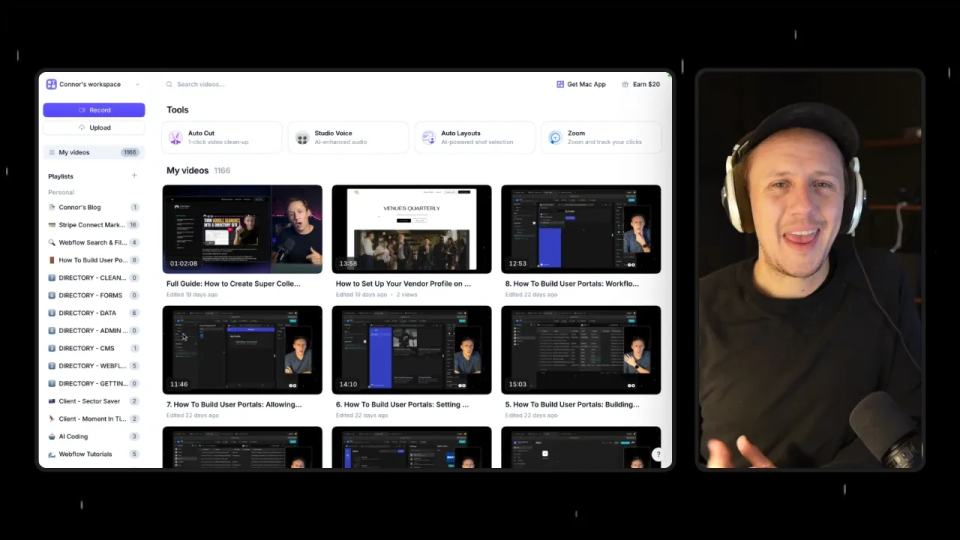
Use the Tella Video API for Library Sync and Blog Drafts
Use Tella API pagination and playlist events for a library sync or reviewed blog draft, with duplicate and readiness checks.

Circle AI Agents Review: Automate Community Management with AI
Read my Circle AI Agent tests, current plan notes, and a support-demand method for evaluating cost and answer quality.

Build Custom AI Agents for Other Businesses
Scope a custom business agent around one workflow, approved sources, read-only testing, and human review.