
How To Build A Simple User Analytics Dashboard in Webflow
Plan a freelancer analytics dashboard with GA4 reports, consistent date windows, and private account access.
 Airtable
 Webflow
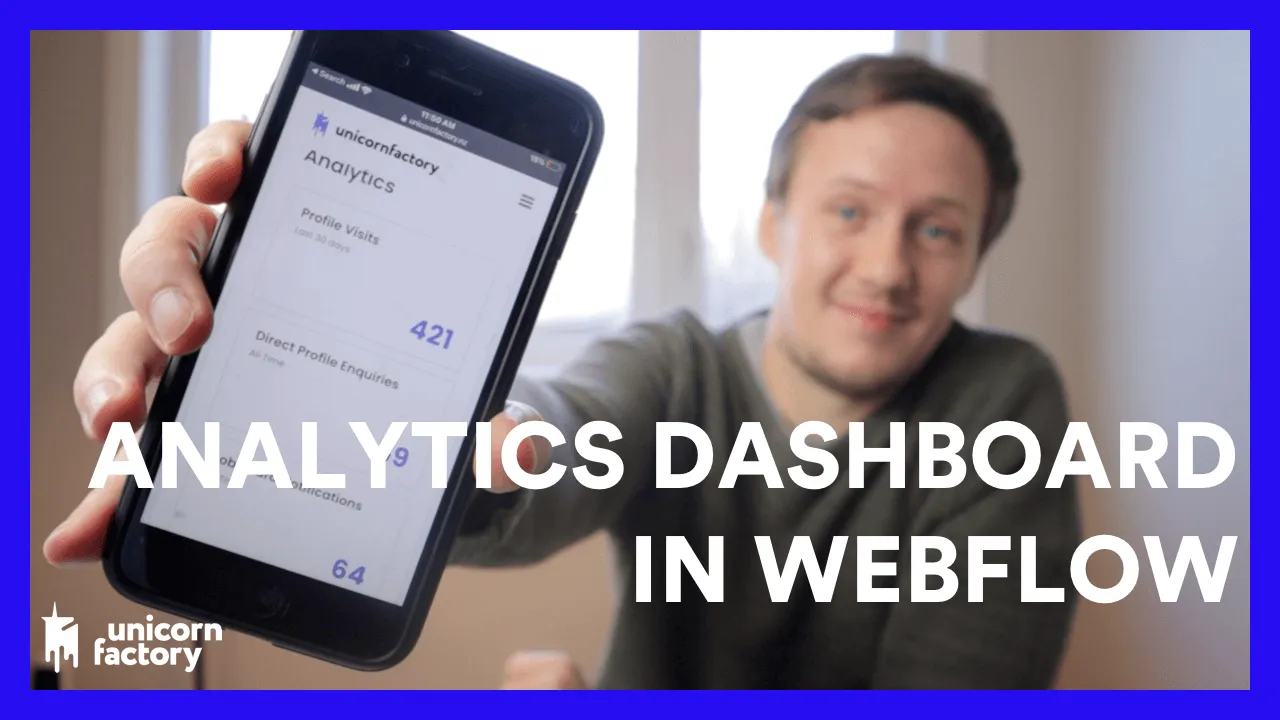
The original Unicorn Factory dashboard showed freelancers their profile views and enquiry counts.
I used Webflow, Airtable, Memberstack, and Parabola. The recording’s Google Analytics screens belong to an older setup.
Use a GA4 data path today
Choose the measures before building the screen. Profile views and enquiries answer different questions, so keep them separate.
For GA4, use its Data API from a trusted server or authorized automation.
Request the relevant date range, page path dimension, and view metric. Map each profile path to a stable freelancer ID.
Store the reporting window and last refresh time. Explain that views can include repeat visits and depend on tracking consent.
Count enquiries from the enquiry database using the same reporting window. Do not substitute page views for enquiries.
Protect the dashboard data
Keep analytics credentials outside Webflow’s browser code. Do not send the whole marketplace report to every member’s browser.
A server should verify the member, resolve their freelancer ID, and return only their aggregate figures.
Memberstack fields can display public profile information. Use protected storage for private analytics rather than relying on hidden elements.
Check the result
Use two test accounts with different counts. Confirm each account gets its own results and the same date boundaries.
Try another account’s ID in a direct request. The data service should deny access or return only the signed-in account’s data.
Check logged-out access, a failed refresh, and a period with no activity. Display zero or a clear unavailable state appropriately.
Begin with measuring marketplace growth to choose useful measures.
Recording timestamps
- 01:43: Webflow page design.
- 02:24: Memberstack fields.
- 04:14: Airtable fields.
- 06:13: Historical Google Analytics page views.
- 08:23: Importing and combining data.
- 10:18: Exporting figures to Memberstack.
Original video
Keep learning
More guides, free videos and course access for existing members, all in one place.
Go to LearnRather have it built for you?
We'll match you with vetted agentic talent who build it with AI, inside the tools you already use.
Schedule a callRelated posts

Build Custom AI Agents for Other Businesses
Scope a custom business agent around one workflow, approved sources, read-only testing, and human review.

How to Build Custom Webflow CMS Features with ChatGPT & AI
I built a weekly calendar for The Running Directory Canada using Webflow CMS content and ChatGPT-assisted JavaScript. The calendar grouped run-club events by weekday and moved today's day to the front.

How to Map Common Airtable Fields to Webflow CMS
Map Airtable values to Webflow CMS types using option IDs, image objects, deterministic rich text, and staged JSON examples.