
How to Research Keywords for Useful Directory Pages
Map directory search phrases to useful calendar and detail pages using checked sources, then measure indexing and visitor actions.
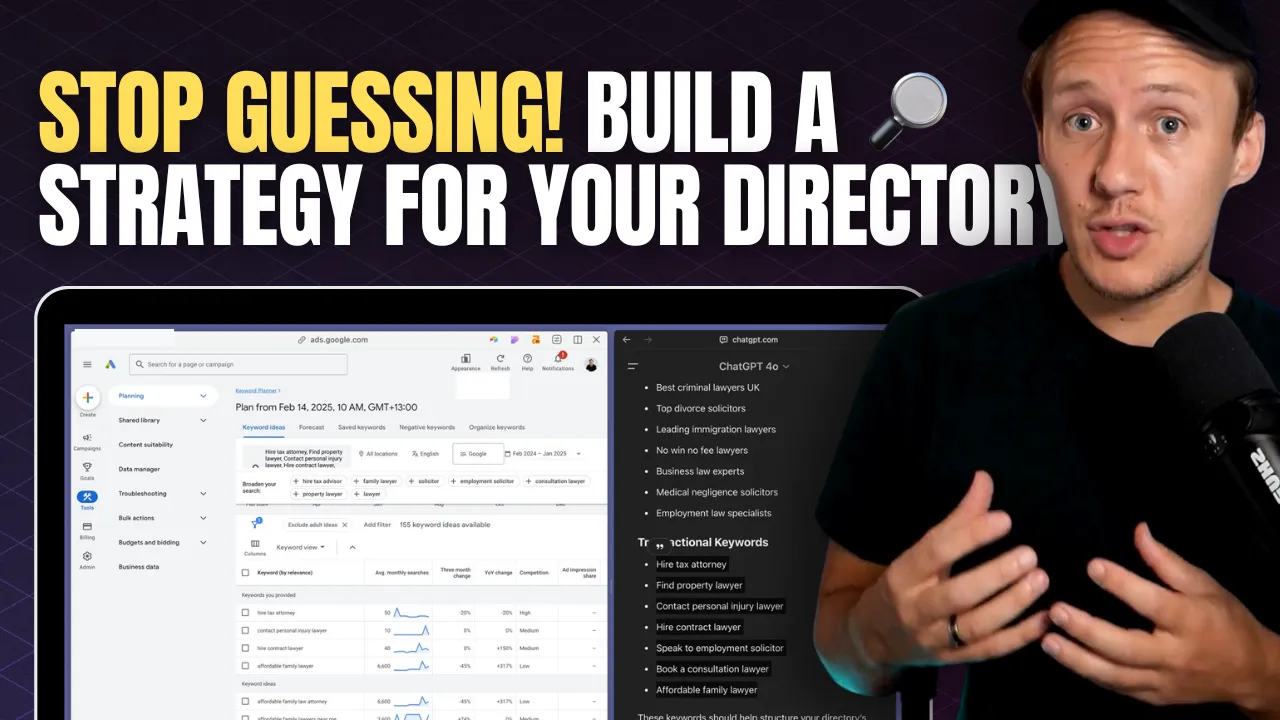
Keyword research helps you choose which useful directory pages to build first. It does not ensure search traffic.
For The Running Directory, readers may look for races by location, distance, date, or event type.
Start with those reader decisions. Turn them into candidate pages only when you have enough checked listings.
Start with the task behind the phrase
A search such as running races Toronto suggests browsing events in one city. A race-name search usually needs one event’s details.
A question such as how to choose a first marathon needs advice. It does not need the same page as a calendar.
Keep these tasks separate. Avoid building several nearly identical pages for small wording changes.
Use tools to collect candidates
Google Autocomplete and People Also Ask can suggest wording and questions. They do not give you verified search volumes.
ChatGPT can group phrases by audience or task. Treat generated phrases as candidates, then check real demand.
Keyword Planner can provide estimates for a selected geography and period. Its competition measure describes advertisers, rather than organic ranking difficulty.
Third-party keyword difficulty scores are estimates. Review actual result pages before choosing a term.
Record the phrase, audience, location, intended page, and evidence date in a spreadsheet. Keep missing values empty.
The original article included an Airtable research template. Copy it only if access and fields fit your work.
A checked keyword-to-page example
On October 7, 2026, The Running Directory’s race page linked to city and distance browsing.
Its Toronto link provides a concrete destination for a city search. That observation does not establish volume or ranking.
For the candidate phrase running races Toronto, use a city calendar that answers these questions:
- Which upcoming events are actually in Toronto?
- What dates and distances are offered?
- Where can the runner check official details and registration?
- When was each listing checked?
The TCS Toronto Waterfront Marathon organizer listed marathon, half marathon, and 5K events when checked.
That official source can support a listing. Do not infer that every event uses the same date or registration rules.
| Candidate phrase | Reader task | Useful page | Evidence needed |
|---|---|---|---|
running races Toronto | Compare local events | Toronto race calendar | Checked locations, dates, and official links |
Toronto Waterfront Marathon | Research one event | Event detail page | Organizer details for the named edition |
5K races Canada | Browse one distance | Distance calendar | Consistent distance values and current listings |
These are candidate mappings. No live keyword-volume report or ranking position was captured for this article.
Review the search results
Search each candidate with your intended geography in mind. Note whether results mainly show calendars, event pages, or advice.
Read several results and identify what readers still need. Record useful differences rather than copying their wording.
Consider whether you can maintain accurate dates and registration links. A larger page count creates more review work.
A competitor’s authority score does not tell you whether your page will rank. Useful content still needs discovery and indexing.
Build one page before expanding
Use a clear title and heading that describe the calendar’s scope. Include descriptive links to each event’s detail page.
Add source links, checked dates, and an empty-state explanation. Keep expired editions distinguishable from upcoming events.
Start with checked directory data. Then build the listing page.
Avoid creating an indexed page for every possible filter combination. Thin combinations may not help readers.
Google’s SEO guide explains crawlable links, descriptive content, and search discovery.
More words, lower bounce rates, or user reviews alone do not promise better rankings. Use reviews only when they help readers.
Measure the page after release
Check the page in Search Console. Confirm the intended URL is discoverable and inspect its indexing state.
Track impressions, clicks, and relevant queries over a stated period. Compare those signals with useful visitor actions.
A low-volume page can still help someone choose an event. A high-volume phrase can still attract the wrong audience.
Document what you learn before adding more city or distance pages. Keep the expansion tied to maintained data and reader demand.
For the next planning step, review long-tail directory pages.
Original video
Keep learning
More guides, free videos and course access for existing members, all in one place.
Go to LearnRather have it built for you?
We'll match you with vetted agentic talent who build it with AI, inside the tools you already use.
Schedule a callRelated posts

How to Monetize a Directory Website with Paid Online Communities
A directory can introduce vendors to a paid community. The community needs its own useful offer beyond exposure on your website.

Build Directory Category and Location Pages for Long-Tail Searches
Design directory category and location pages with useful listings, unique URLs, checked sync behavior, and realistic SEO expectations.

How to Build a Directory Outreach System
Prepare directory outreach drafts using listing previews and videos. Keep sends manual and track replies and stop rules.