
11 Webflow Tools: A Historical Tour and Selection Checklist
A historical tour of eleven Webflow tools, with practical checks for accounts, search, translation, consent, analytics, and commerce.
 Webflow
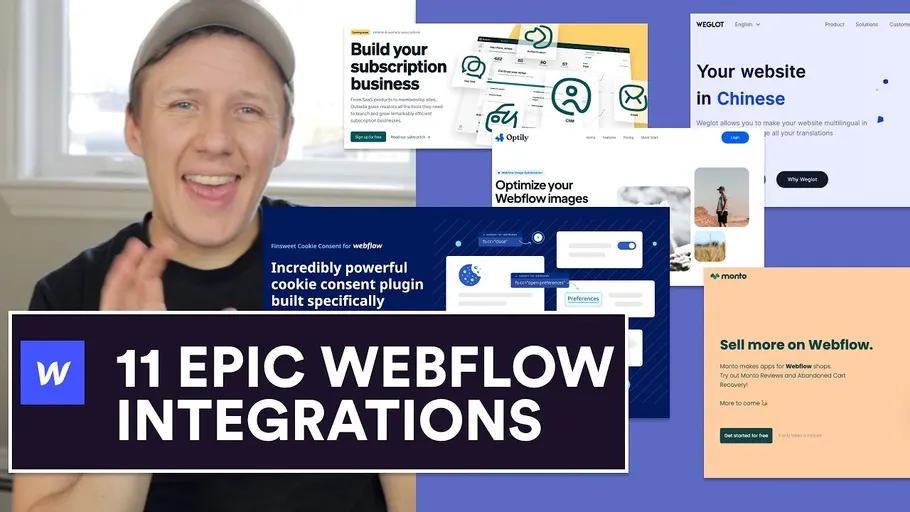
Webflow extensions solve different problems: accounts, filtering, translation, consent, analytics, and commerce. This April 2021 tour introduces eleven tools. Use it as a starting list rather than a current buying recommendation.
Choose by the problem you need to solve
| Need | Original tool | What to check before setup |
|---|---|---|
| Image optimisation | Optily | Compare image quality and file size on a copy first. |
| Search and filtering | Jetboost | Test your actual CMS list, filters, and pagination. |
| CMS enhancements | Finsweet CMS Library | Use current Finsweet Attributes documentation for new builds. |
| User accounts | Memberstack | Plan authentication and private data access separately from visible page elements. |
| Accounts and business operations | Outseta | Decide which system owns customer and billing records. |
| Translation | Weglot | Compare its workflow with native Webflow Localization for your content. |
| Cookie consent | Finsweet Cookie Consent | Its original URL now leads to Consent Pro. Test script blocking before consent. |
| Policy documents | TermsFeed | A generator needs accurate details about your business and data handling. |
| Analytics | Nocodelytics | Identify the event you need to measure before adding another script. |
| Commerce extensions | Monto | Check compatibility with your actual checkout and subscription requirements. |
| Member messaging | Memberchat demo | Treat this as a historical demo, not proof of a supported production service. |
A cookie banner does not establish GDPR compliance. Test its behaviour and review your actual data practices. Do not add every tool. Start with one missing capability, then compare setup effort and ongoing maintenance. For feedback, components, and app interfaces, review six more Webflow tools.
Original video chapters
- 00:00 Intro
- 01:34 Optily
- 03:10 Jetboost
- 03:59 Finsweet CMS Library
- 04:47 Memberstack
- 05:30 Outseta
- 06:15 Weglot
- 07:20 Finsweet Cookie Consent for Webflow
- 07:53 TermsFeed
- 08:53 Nocodelytics
- 09:50 Monto
- 11:08 Memberchat
Choose one requirement and test its simplest version on a staging site.
Keep learning
More guides, free videos and course access for existing members, all in one place.
Go to LearnRather have it built for you?
We'll match you with vetted agentic talent who build it with AI, inside the tools you already use.
Schedule a callRelated posts

Circle AI Agents Review: Automate Community Management with AI
Read my Circle AI Agent tests, current plan notes, and a support-demand method for evaluating cost and answer quality.

How to Import Relume Styles and Pages into Webflow
Approve a Relume sitemap and style direction, import one page into Webflow, and check classes, content, and accessibility.

Webflow AI Site Builder: My HueSync First Look
I used a fictional Canadian agency, HueSync, to explore Webflow's AI site builder. The first look showed a useful starting layout, followed by editing work inside Webflow. I still needed to review the copy, images, forms, and mobile spacing.