
6 Ways To Become A Better Webflow Developer
Six practical Webflow habits covering style guides, components, class names, realistic content, and on-page search basics.
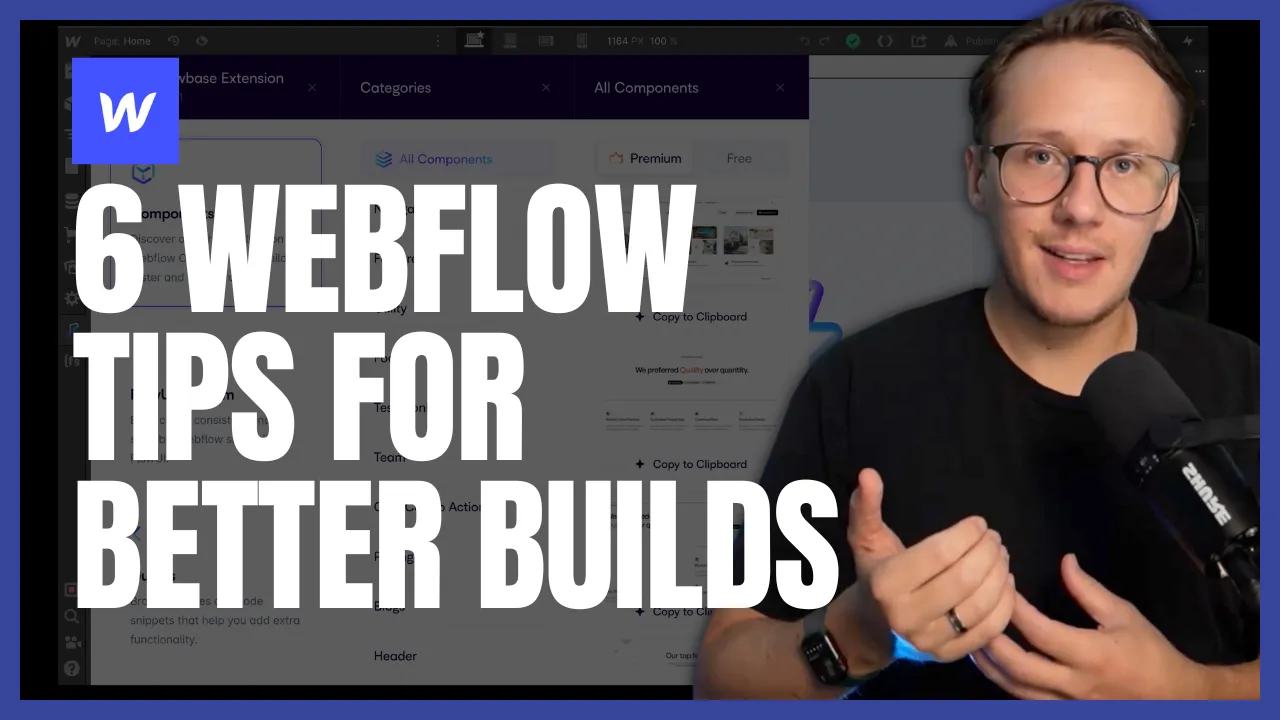
 Webflow
A repeatable build process makes Webflow projects easier to change and review. These six habits cover styles, components, class names, content, and search basics. Apply them to one page first, then reuse what works.
Start with a style guide
Define fonts, headings, buttons, colours, and spacing before building several pages. Create examples of each shared element on a style-guide page. For example, give your primary button one shared class and check its default, hover, and focus states. A later colour change then has one clear place to start.
Use component libraries
A component library such as Relume can provide a starting layout. Choose a component that fits your content and visitor's task. Adapt its classes and spacing to your style guide. Check the finished page on mobile; imported components do not ensure your final content fits.
Adopt a class naming framework
A class name should explain an element's purpose or shared style. Use Finsweet's Client-First documentation when adopting Client-First. The original article also mentioned Mast as another naming approach. Choose one convention and document it for your team. Avoid mixing conventions without an agreed mapping.
Reuse existing components
Reuse a navigation bar, footer, or enquiry section once you have tested it. Keep reusable components separate from page-specific content. When importing from another project, check fonts, variables, and class collisions. Change one instance and confirm the result before applying shared changes broadly.
Use realistic content
Lorem Ipsum hides problems caused by real names, long headlines, and missing images. Use a realistic profile with a short bio and another with a longer bio. You can use ChatGPT or Relume Ipsum for draft wording, but review the facts before publishing. For structured pages, plan your directory detail fields before styling every section.
Take care of on-page SEO
Write a clear page title, description, and visible main heading. Choose accurate image text and keep the page usable on mobile. SEMFlow was one tool mentioned in the original article; it is optional to this process. These changes help communicate the page's subject. They do not ensure rankings or traffic. Use Search Console to inspect the queries and pages receiving impressions.
Finish one page with real content, then check desktop, mobile, keyboard access, and its main action.
Keep learning
More guides, free videos and course access for existing members, all in one place.
Go to LearnRather have it built for you?
We'll match you with vetted agentic talent who build it with AI, inside the tools you already use.
Schedule a callRelated posts

Build Custom AI Agents for Other Businesses
Scope a custom business agent around one workflow, approved sources, read-only testing, and human review.

How to Build Custom Webflow CMS Features with ChatGPT & AI
I built a weekly calendar for The Running Directory Canada using Webflow CMS content and ChatGPT-assisted JavaScript. The calendar grouped run-club events by weekday and moved today's day to the front.

How to Map Common Airtable Fields to Webflow CMS
Map Airtable values to Webflow CMS types using option IDs, image objects, deterministic rich text, and staged JSON examples.