
Moving Unicorn Factory Workflows From Zapier to Make: My 2022 Update
A historical Unicorn Factory migration update, with a practical checklist for comparing one Zapier and Make workflow before moving it.
 Make
Make Zapier
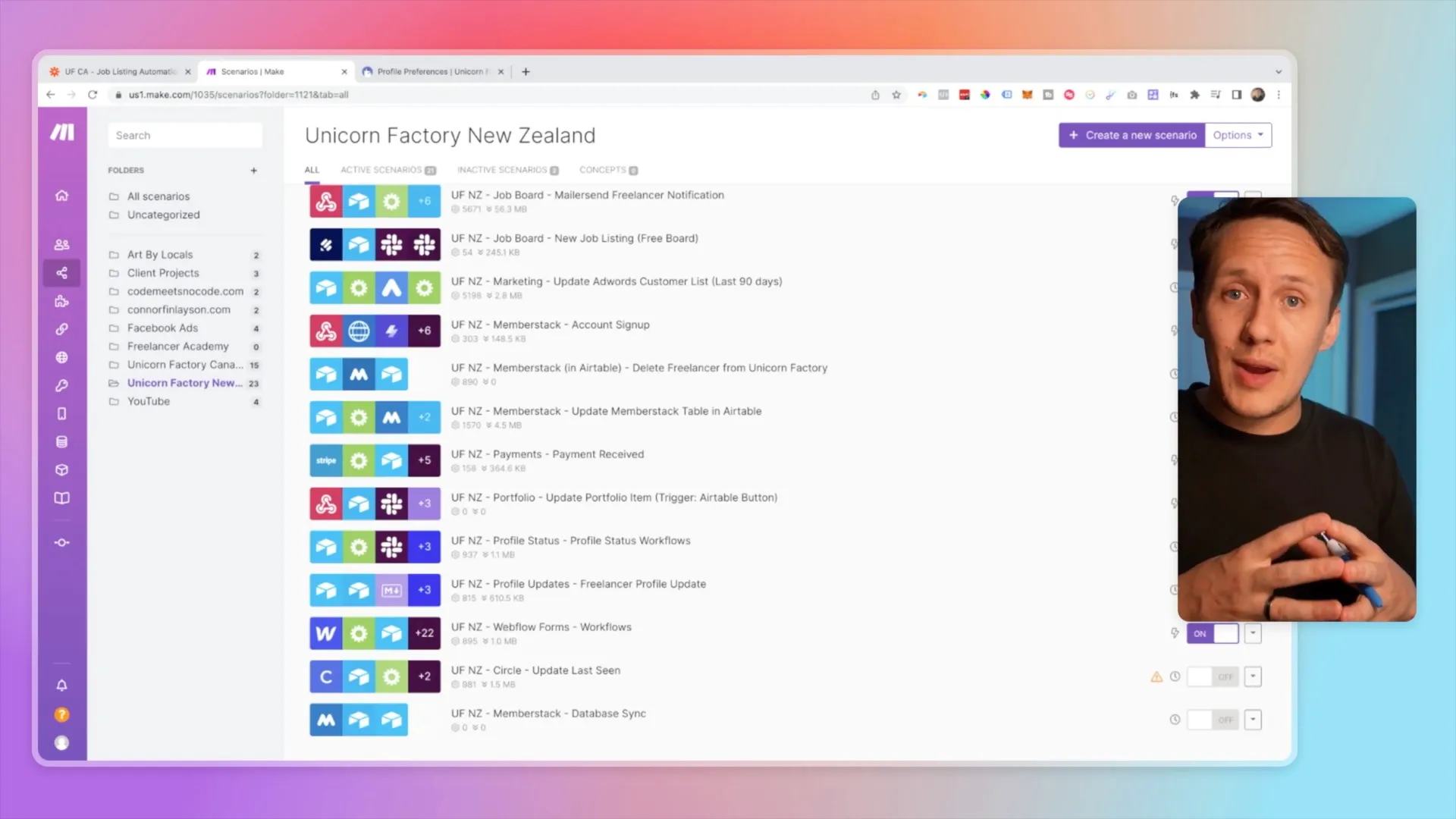
In June 2022, I moved 90% of my Unicorn Factory workflows from Zapier to Make. I also upgraded onboarding and the freelancer dashboard. The original video records that update and its discussion.
My choice reflected my workflows at the time. Compare current features, usage costs, and maintenance before choosing for your project.
Compare one workflow before moving it
List the trigger, actions, branching, credentials, stored IDs, and failure recovery. Use a copy with test data and disable customer messages while comparing tools. Check whether both platforms support your required actions. Calculate usage using the actual workflow and current plan terms, rather than an old headline price.
A hypothetical enquiry flow retrieves a record, checks its status, and updates the destination. Compare the same inputs and expected result in both tools. Then check a missing field, repeated trigger, and failed destination write. Use the Airtable-to-Webflow workflow as a concrete mapping example.
Move one workflow at a time
Keep the original workflow disabled but recoverable during the test period. Only one version should handle live events after the switch. Record the old and new IDs so retries do not create duplicate records. Make's incomplete-execution guidance explains its recovery tools.
Choose one workflow and prove the same result before planning a wider migration.
Keep learning
More guides, free videos and course access for existing members, all in one place.
Go to LearnRather have it built for you?
We'll match you with vetted agentic talent who build it with AI, inside the tools you already use.
Schedule a callRelated posts

Circle AI Agents Review: Automate Community Management with AI
Read my Circle AI Agent tests, current plan notes, and a support-demand method for evaluating cost and answer quality.

How to Import Relume Styles and Pages into Webflow
Approve a Relume sitemap and style direction, import one page into Webflow, and check classes, content, and accessibility.

Webflow AI Site Builder: My HueSync First Look
I used a fictional Canadian agency, HueSync, to explore Webflow's AI site builder. The first look showed a useful starting layout, followed by editing work inside Webflow. I still needed to review the copy, images, forms, and mobile spacing.