
How To Use Output.Set in Airtable Automations
Pass named script outputs into later Airtable automation actions with a complete mock response example and missing-value checks.
 Airtable
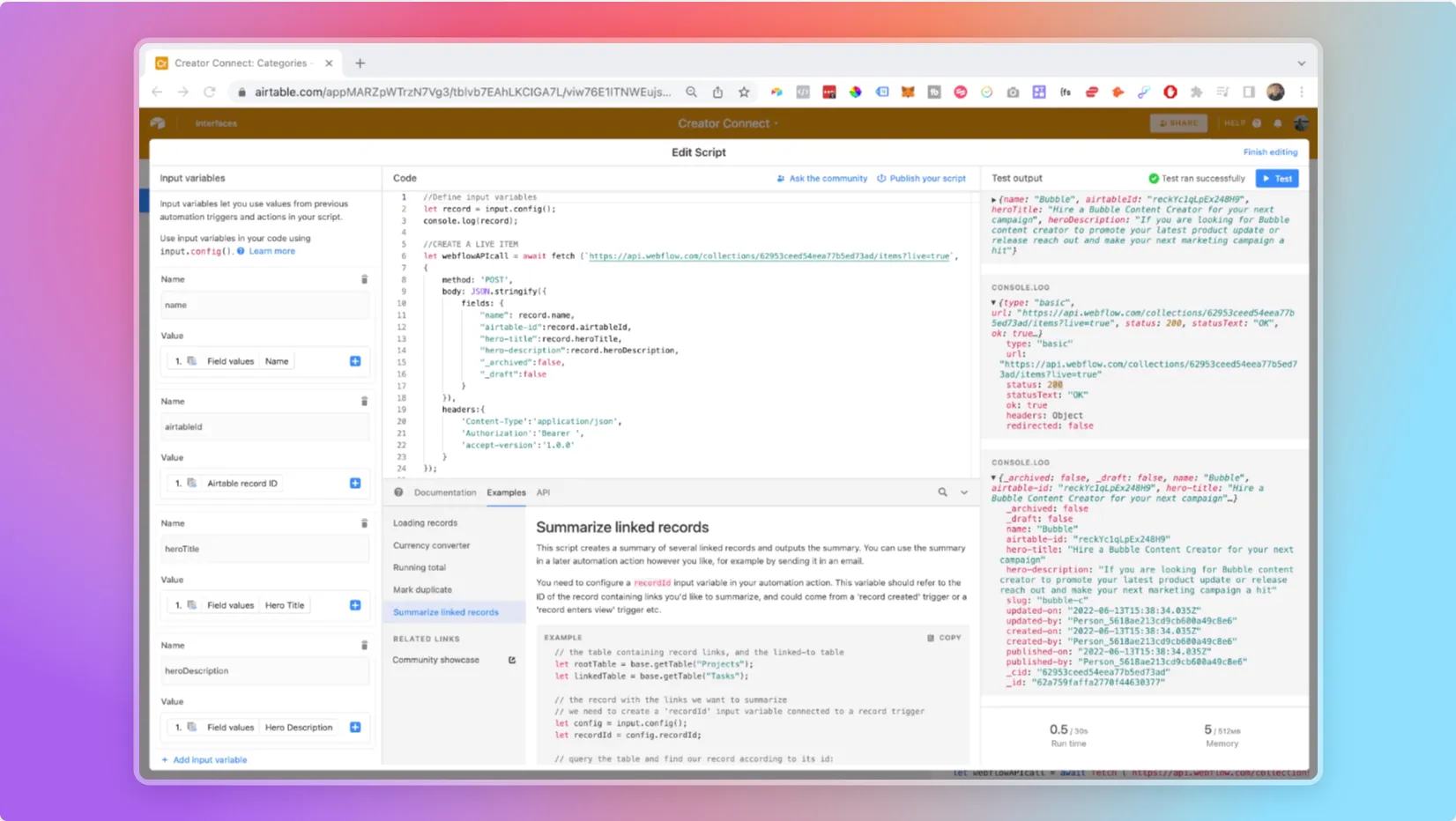
Pass named values to the next action
output.set() makes a value available to later automation steps.
It does not save that value into an Airtable field by itself.
Airtable documents this API for the Run a script action.
Here is a complete sample response example. It uses invented response values and makes no API call.
const response = {
  id: "example-webflow-item-id",
  fieldData: { slug: "example-freelancer" }
};

const itemId = response.id;
const slug = response.fieldData?.slug;
if (typeof itemId !== "string" || !itemId) {
  throw new Error("The response has no item ID.");
}
if (typeof slug !== "string" || !slug) {
  throw new Error("The response has no slug.");
}
output.set("webflowItemId", itemId);
output.set("webflowSlug", slug);
After your real API call, replace the sample response with its parsed response. Check the response status before using its body. Match the actual API version's response shape. For a list response, select the intended item explicitly instead of assuming the first item is yours.
Add an Update record action after the script. Use the trigger's Airtable record ID as its target.
Map webflowItemId and webflowSlug from the script outputs into separate fields.
Test a missing ID and missing slug. The script must stop before the update action runs.
The sample response was checked locally with a mock output API. It was not run inside Airtable or against Webflow. If you are new to scripts, start with your first Airtable script.
Keep learning
More guides, free videos and course access for existing members, all in one place.
Go to LearnRather have it built for you?
We'll match you with vetted agentic talent who build it with AI, inside the tools you already use.
Schedule a callRelated posts

Build Custom AI Agents for Other Businesses
Scope a custom business agent around one workflow, approved sources, read-only testing, and human review.

How to Build Custom Webflow CMS Features with ChatGPT & AI
I built a weekly calendar for The Running Directory Canada using Webflow CMS content and ChatGPT-assisted JavaScript. The calendar grouped run-club events by weekday and moved today's day to the front.

How to Map Common Airtable Fields to Webflow CMS
Map Airtable values to Webflow CMS types using option IDs, image objects, deterministic rich text, and staged JSON examples.