
How to Start Writing Airtable Automation Scripts
An Airtable automation script can send data to an external API. Start with a read-only request before allowing account changes.
 Airtable
An Airtable automation script can send data to an external API. Start with a read-only request before allowing account changes.
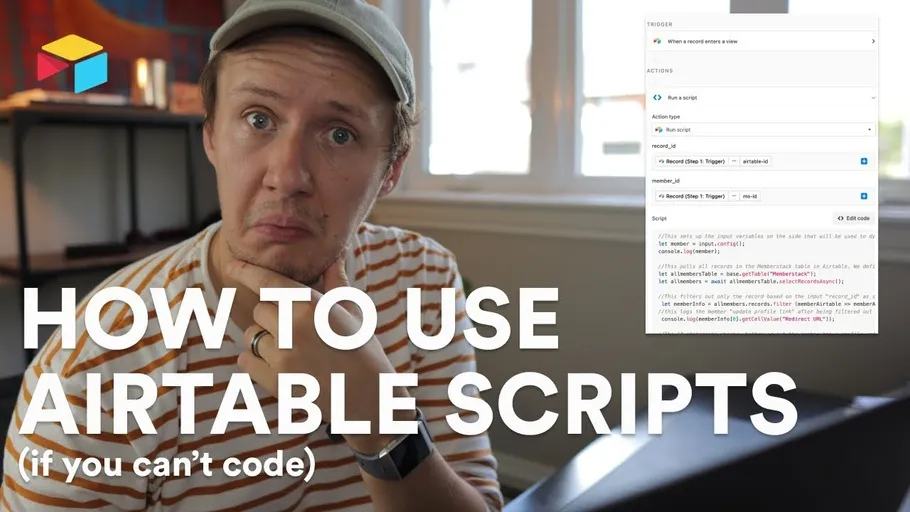
The original recording shows Aron from Automate All the Things and me sending a redirect value to Memberstack. That recording uses an older setup. This example uses Memberstack's current Admin REST interface to inspect one test member.
Configure the inputs
Add a Run a script action with an input variable named memberId.
Map it to a Memberstack sandbox member ID stored on your test Airtable record.
Store the sandbox API key as an automation secret named memberstackSandboxKey.
Keep secret keys out of browser code, ordinary table fields, and logs.
const { memberId } = input.config();
const apiKey = input.secret.memberstackSandboxKey;
if (!memberId || !apiKey) throw new Error('Missing test member or secret');
if (!apiKey.startsWith('sk_sb_')) throw new Error('Use a sandbox key');
const response = await fetch(
  `https://admin.memberstack.com/members/${encodeURIComponent(memberId)}`,
  { headers: { 'X-API-KEY': apiKey } }
);
if (!response.ok) throw new Error(`Member lookup failed: ${response.status}`);
await response.json();
output.set('lookupSucceeded', true);
The script reads one member and reports success without printing personal data. It does not update redirects or memberships. Airtable's scripting guide documents automation inputs and secrets. Memberstack's Admin REST guide documents sandbox keys and member lookup.
Check the result
Use a fake member in the intended sandbox. Test a valid member ID and an invalid ID. The invalid request should fail visibly. Do not swallow the error and mark the workflow complete. Confirm the member remains unchanged after both tests.
Before adding a write, identify the exact endpoint, allowed fields, and rollback method. For record-only practice, process multiple Airtable records in a script with a small dry run.
To connect later automation steps, pass script results with output.set.
Original video
Watch the original video on How to Start Writing Airtable Automation Scripts.
Keep learning
More guides, free videos and course access for existing members, all in one place.
Go to LearnRather have it built for you?
We'll match you with vetted agentic talent who build it with AI, inside the tools you already use.
Schedule a callRelated posts

Build Custom AI Agents for Other Businesses
Scope a custom business agent around one workflow, approved sources, read-only testing, and human review.

Durable workflows: how to stop automations disappearing after a button click
Save business changes and queued work together, then use claims, retries, provider checks, and crash recovery.
Trigger Make Workflows from Airtable with Webhooks
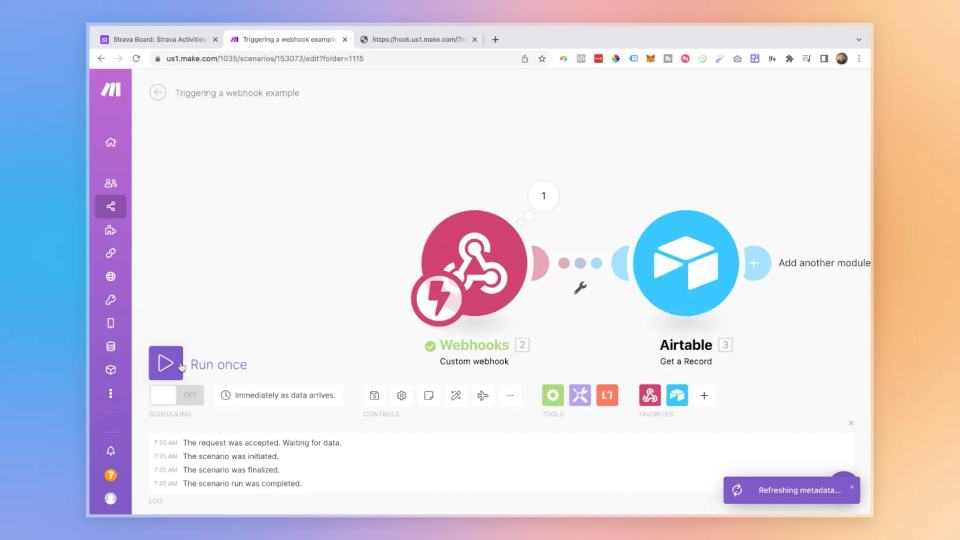
An Airtable automation can send a record ID to Make through a webhook. Make can then retrieve that record and continue the workflow.