
Trigger Make Workflows from Airtable with Webhooks
An Airtable automation can send a record ID to Make through a webhook. Make can then retrieve that record and continue the workflow.
 Airtable
 Make
MakeAn Airtable automation can send a record ID to Make through a webhook. Make can then retrieve that record and continue the workflow.
A webhook avoids waiting for scheduled polling. Delivery still depends on both services and their execution limits.
Set up the receiver first
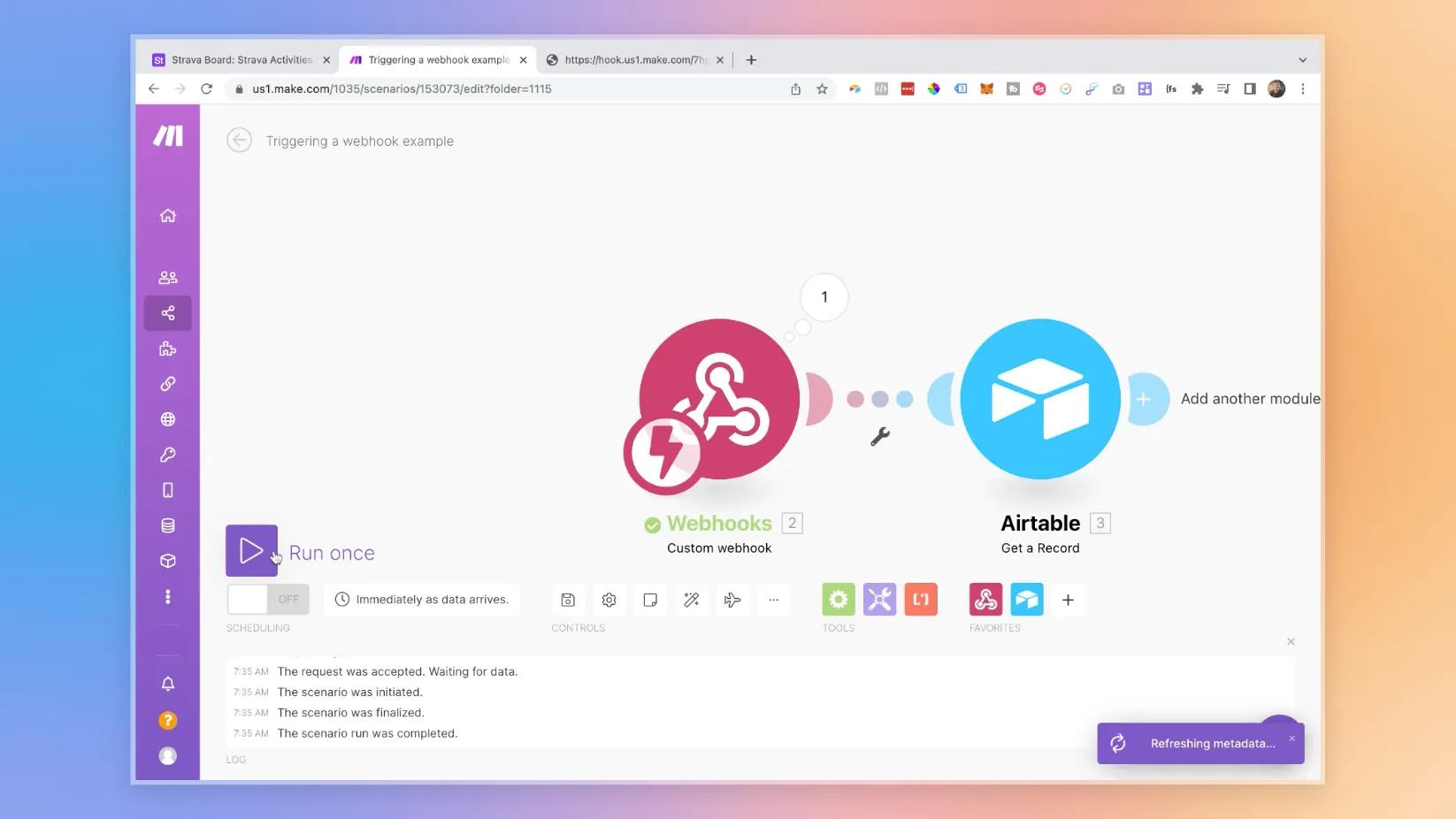
Create a Make scenario with a Custom webhook trigger. Copy its URL and start listening for sample data. Keep the URL private. Anyone who knows an unprotected webhook URL may send requests to it. Make's webhook guide covers receiving and processing requests.
Add the Airtable automation
Use a condition such as Status becoming Ready. Add a Run a script action.
Create input variables named recordId and webhookUrl. Map the trigger record ID and your Make URL.
Airtable documents these inputs in its Run a script guide.
const { recordId, webhookUrl } = input.config();
if (!recordId || !webhookUrl) throw new Error('Missing recordId or webhookUrl');
const response = await fetch(webhookUrl, {
  method: 'POST',
  headers: { 'Content-Type': 'application/json' },
  body: JSON.stringify({ recordId, event: 'record_ready' })
});
if (!response.ok) throw new Error(`Webhook failed: ${response.status}`);
output.set('sentRecordId', recordId);
Test one record
Use a test record and a scenario without email, billing, or publication actions.
Confirm Make receives recordId. Fetch the record from the intended base and inspect its values.
A successful HTTP response confirms acceptance. It does not prove every later action completed.
Check Make's execution history for that result.
Before adding a Webflow update, save the Webflow item ID beside the Airtable record. Update that item rather than creating a new item each time. Record completion so repeated events do not duplicate later actions.
If the request fails, inspect both execution logs before retrying. Fix the cause and retry only the failed record. For the underlying concept, read how to understand webhook triggers.
Before adding more triggers, organize Airtable automations for maintenance.
Keep learning
More guides, free videos and course access for existing members, all in one place.
Go to LearnRather have it built for you?
We'll match you with vetted agentic talent who build it with AI, inside the tools you already use.
Schedule a callRelated posts

Build Custom AI Agents for Other Businesses
Scope a custom business agent around one workflow, approved sources, read-only testing, and human review.

Durable workflows: how to stop automations disappearing after a button click
Save business changes and queued work together, then use claims, retries, provider checks, and crash recovery.
Airtable Scripts: How to Bulk Update Multiple Records Easily
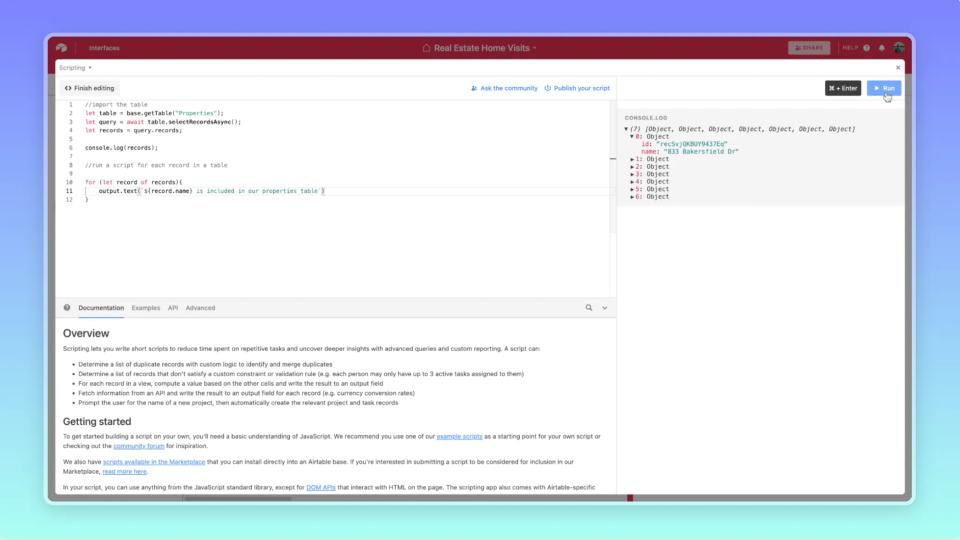
An Airtable script can update a selected group of records. Keep that group explicit before changing any values.