
How To Organize Automations For Scale
Keep Airtable workflow views separate from everyday views, and check eligibility before connected automations run.

Changing an Airtable view can change which records enter a connected Zapier workflow.
In the original recording, I use emojis, sections, and locked views to make workflow views easier to recognize.
Separate workflow views from everyday views
Suppose a Zap watches an Approved Freelancers view. Its filter includes only records with Status = Approved.
A teammate removes that filter while exploring the base. Pending freelancers now enter the watched view.
Rename the automation view ⚙️ AUTOMATION — Approved Freelancers. Put it in a dedicated section and lock its configuration where available. Locked views require a supported paid plan.
Create a separate Explore Freelancers view for everyday sorting and filtering. Write the connected Zap’s name in the automation view’s description.
A warning label helps people notice the risk. Permissions and workflow checks control what can actually happen.
Check the action before enabling it
Pause the connected workflow before changing its trigger view. Record the original filter and eligible record count.
Use three test records: approved, pending, and already processed. Only the approved, unprocessed record should reach the action.
Recheck status inside the workflow before sending a message or publishing a profile. Store a completed-action marker against the source record.
If retries matter, design the workflow to recover from interruptions.
Recording timestamps
- 01:23: How automation disasters happen.
- 03:18: Emojis.
- 03:41: Airtable sections.
- 04:23: Locked views.
Start by listing every view that triggers an external action. Give each view an owner and a separate exploration view.
Original video
Keep learning
More guides, free videos and course access for existing members, all in one place.
Go to LearnRather have it built for you?
We'll match you with vetted agentic talent who build it with AI, inside the tools you already use.
Schedule a callRelated posts

Build Custom AI Agents for Other Businesses
Scope a custom business agent around one workflow, approved sources, read-only testing, and human review.
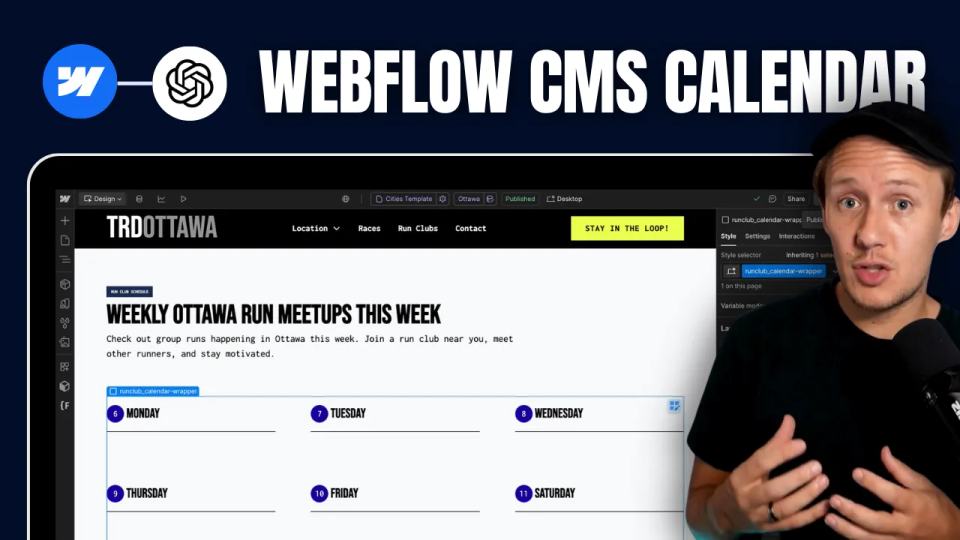
How to Build Custom Webflow CMS Features with ChatGPT & AI
I built a weekly calendar for The Running Directory Canada using Webflow CMS content and ChatGPT-assisted JavaScript. The calendar grouped run-club events by weekday and moved today's day to the front.
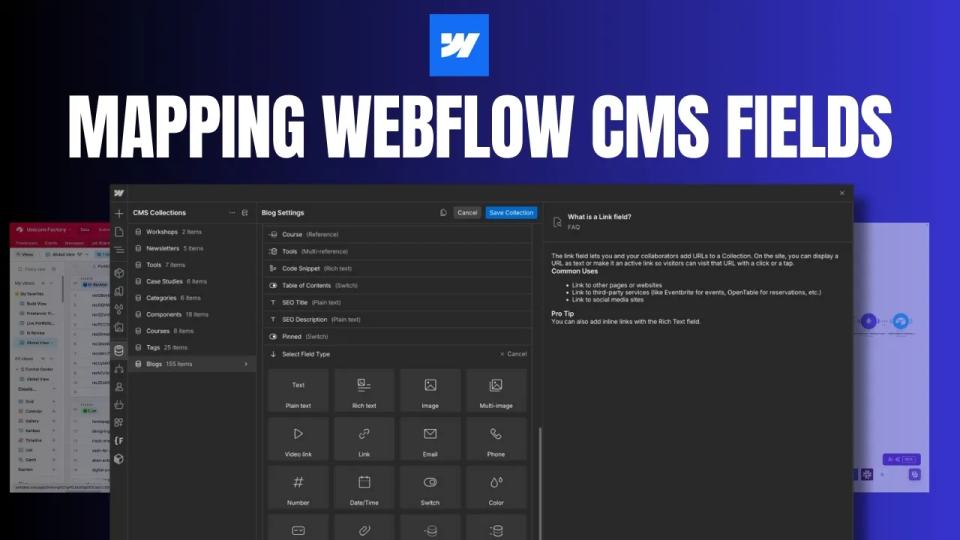
How to Map Common Airtable Fields to Webflow CMS
Map Airtable values to Webflow CMS types using option IDs, image objects, deterministic rich text, and staged JSON examples.