
How To Build A User-Generated Portfolio Site
Build a linked portfolio gallery in Webflow, with freelancer references, approved images, and create-once update checks.
 Airtable
 Webflow
 Zapier
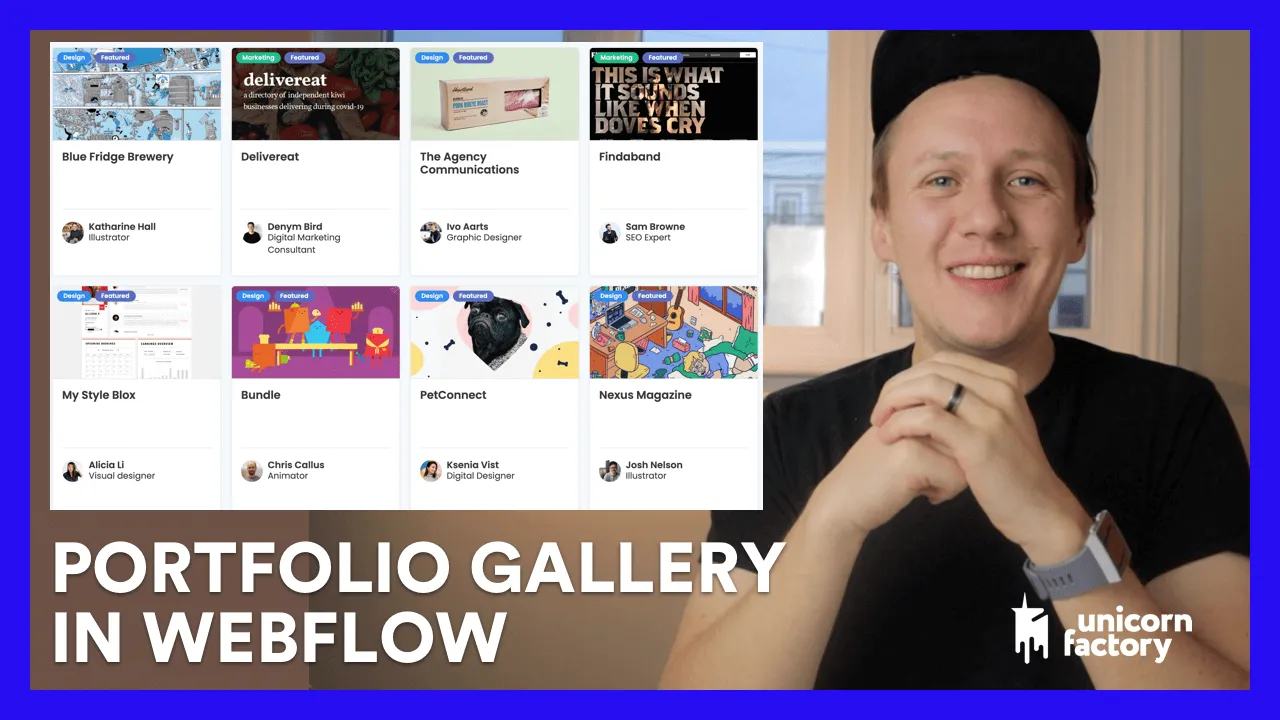
I used Webflow, Airtable, Zapier, and Parabola to build portfolio galleries for freelancers on Unicorn Factory.
The gallery gives clients evidence of a freelancer’s work beside their profile. This article accompanies the original demonstration.
The original video description claimed three times better conversion for profiles with case studies. It included no measurement method or period.
Treat that as an unverified historical observation. Measure your own enquiries before drawing a conversion conclusion.
Structure the portfolio collection
Create a Portfolio collection with these fields:
NameandSlugfor the project page.Freelancerreference to the owner’s profile.SummaryandProject URLfor the work.Cover ImageandGallery Imagesfor approved assets.Source Record IDfor matching automation updates.
Keep Webflow ID in Airtable after creation. Store approval status and image permission beside the submission.
On each freelancer template, filter the portfolio list by the current freelancer reference. Include a clear empty state.
Handle submissions and updates
Accept project details through a form. Confirm the signed-in freelancer owns the target profile before accepting the submission.
Review the text and images before publication. Create a draft item, save its ID, and update by that ID later.
The recording also uses Parabola to handle gallery images. Verify your current integration’s supported image fields before running it.
Check one gallery
Use two test freelancers and one portfolio item each. Confirm each profile displays only its own project.
Update a project twice and check that its item ID stays the same. Test missing images and long project titles around 390px.
Start with form submissions into Airtable if you need a submission path.
Recording timestamps
- 02:17: Adding case studies.
- 03:07: Portfolio collection setup.
- 04:38: Case studies on profile pages.
- 05:23: Airtable setup.
- 05:46: Zapier creation workflow.
- 07:03: Hiding an empty portfolio section.
- 08:06: Gallery images through Parabola.
Original video
Keep learning
More guides, free videos and course access for existing members, all in one place.
Go to LearnRather have it built for you?
We'll match you with vetted agentic talent who build it with AI, inside the tools you already use.
Schedule a callRelated posts

Build Custom AI Agents for Other Businesses
Scope a custom business agent around one workflow, approved sources, read-only testing, and human review.

How to Build Custom Webflow CMS Features with ChatGPT & AI
I built a weekly calendar for The Running Directory Canada using Webflow CMS content and ChatGPT-assisted JavaScript. The calendar grouped run-club events by weekday and moved today's day to the front.

How to Map Common Airtable Fields to Webflow CMS
Map Airtable values to Webflow CMS types using option IDs, image objects, deterministic rich text, and staged JSON examples.