
How To Send Webflow Form Submissions Directly To Airtable
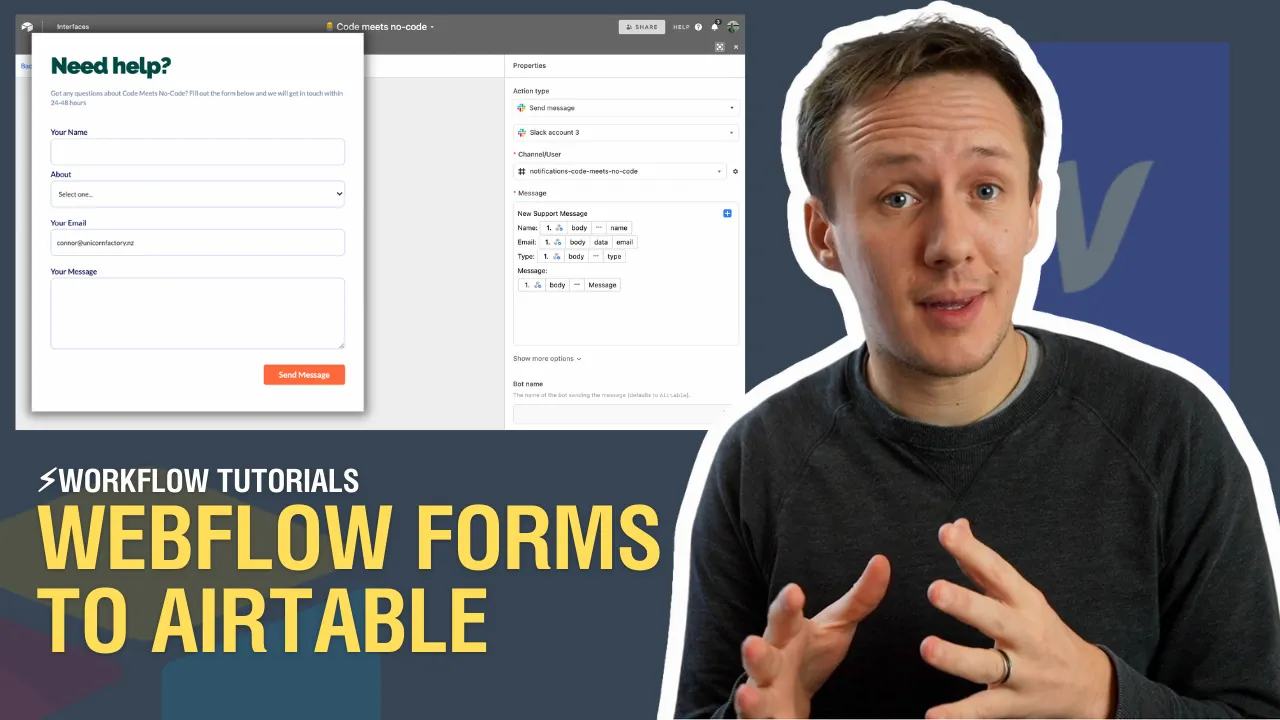
You can receive Webflow form submissions with Airtable's incoming webhook automation. This historical lesson connects a Webflow form to a Messages table without.
 Airtable
 Webflow
You can receive Webflow form submissions with Airtable's incoming webhook automation. This historical lesson connects a Webflow form to a Messages table without Zapier or Integromat.
Create the receiver first
In Airtable, create a Messages table with Submission ID, Name, Email, Message, and Source fields. Create an automation using When webhook received and copy its generated URL. Airtable accepts POST requests and requires a JSON object for JSON payloads.
Register a Webflow form-submission webhook with that receiver URL. Use a private setup tool or backend for authenticated Webflow configuration. Do not put a Webflow API token in page code. Submit a permitted test form, then inspect the actual receiver payload. Webflow's event documentation describes its fields.
An illustrative received envelope has this shape:
{
  "triggerType": "form_submission",
  "payload": {
    "id": "example-submission-id",
    "name": "Contact Form",
    "data": {
      "Name": "Alex",
      "Email": "test@example.com",
      "Message": "Please send more information."
    }
  }
}
Use the field paths from your captured sample, including capitalization. Add a Find records action matching Submission ID before creating a Messages record. Create only when that ID does not exist. Review overlapping runs if strict duplicate prevention matters.
Understand this shortcut's limits
Anyone with the Airtable webhook URL can trigger it. Airtable's receiver does not verify webhook signatures. It limits incoming requests to five per second and payloads to 100kb. Runs also count against your workspace allowance.
For trusted verification and controlled retries, put a backend receiver between Webflow and Airtable. Use the direct approach only when its limits fit the workflow. Test one retry and confirm whether another record appears.
If the form appears on CMS templates, capture the page identifier before mapping Source. When a form needs different questions, add conditional fields and test both branches.
Keep learning
More guides, free videos and course access for existing members, all in one place.
Go to LearnRather have it built for you?
We'll match you with vetted agentic talent who build it with AI, inside the tools you already use.
Schedule a callRelated posts

Build Custom AI Agents for Other Businesses
Scope a custom business agent around one workflow, approved sources, read-only testing, and human review.
How to Build Custom Webflow CMS Features with ChatGPT & AI
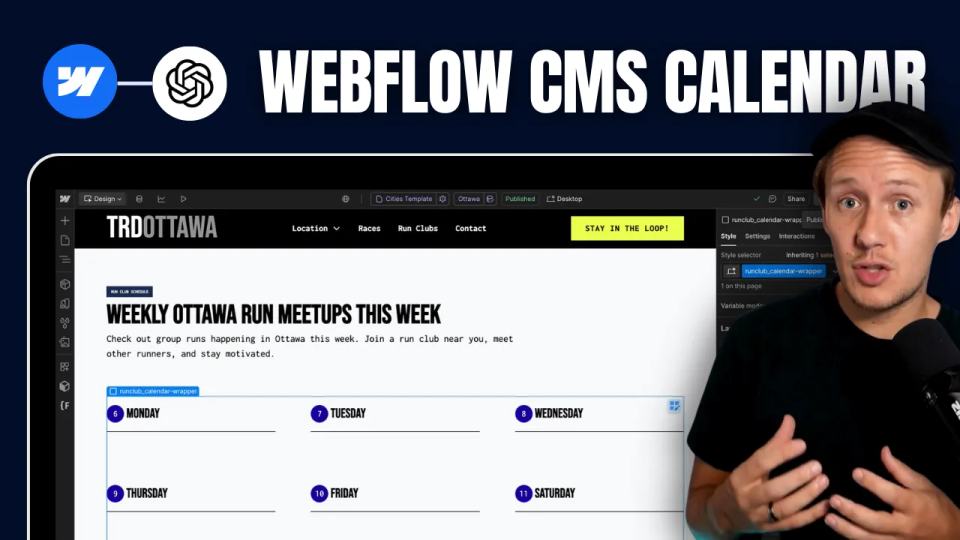
I built a weekly calendar for The Running Directory Canada using Webflow CMS content and ChatGPT-assisted JavaScript. The calendar grouped run-club events by weekday and moved today's day to the front.
How to Map Common Airtable Fields to Webflow CMS
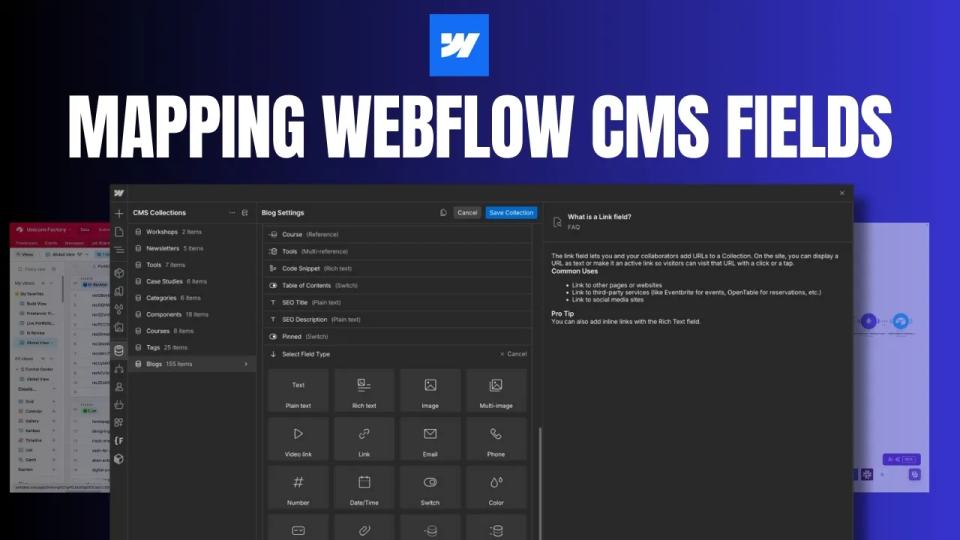
Map Airtable values to Webflow CMS types using option IDs, image objects, deterministic rich text, and staged JSON examples.