
How To Write Webflow CMS Scripts in Airtable
Create a Webflow draft from Airtable with a complete v2 script, named inputs, secrets, dry run, and duplicate stop rules.
 Airtable
 Webflow
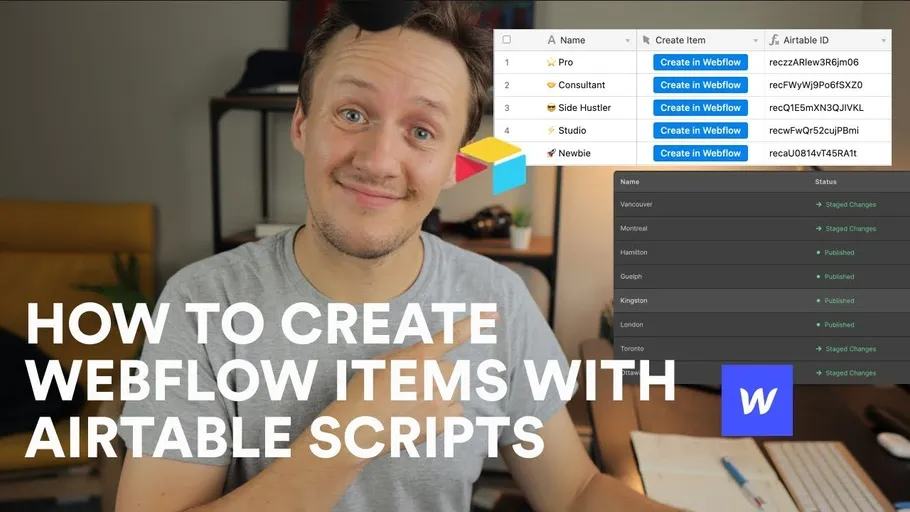
The original 2021 tutorial created Webflow CMS items from Airtable scripts. Its downloadable library is not reproduced here.
This replacement uses Airtable’s automation scripting action and Webflow Data API v2. It creates a draft item in a test collection.
Prepare the fields and inputs
Create an Airtable table named Listings. Add text fields Name, Slug, and Webflow ID.
Use a test Webflow collection with only its standard required fields. Extra required fields need corresponding fieldData values.
Add automation inputs named recordId, collectionId, and dryRun. Start with dryRun set to true.
Add a script secret named webflowToken containing a test-site token with CMS write access. Never put it in browser code.
See Airtable’s scripting action for inputs and secrets.
Create one draft item
const { recordId, collectionId, dryRun } = input.config();
const token = input.secret.webflowToken;
if (!recordId || !collectionId) throw new Error('Missing record or collection ID.');
const table = base.getTable('Listings');
const record = await table.selectRecordAsync(recordId);
if (!record) throw new Error('Record not found.');
const existingId = record.getCellValueAsString('Webflow ID').trim();
if (existingId) throw new Error('Already mapped; use an update workflow.');
const name = record.getCellValueAsString('Name').trim();
const slug = record.getCellValueAsString('Slug').trim();
if (!name || !/^[a-z0-9]+(?:-[a-z0-9]+)*$/.test(slug)) {
  throw new Error('Supply a name and a lowercase hyphenated slug.');
}
const payload = {
  isArchived: false,
  isDraft: true,
  fieldData: { name, slug }
};
if (dryRun !== false) {
  output.set('preview', JSON.stringify(payload));
} else {
  if (!token) throw new Error('Missing Webflow token.');
  const response = await fetch(
    `https://api.webflow.com/v2/collections/${encodeURIComponent(collectionId)}/items`,
    {
      method: 'POST',
      headers: {
        Authorization: `Bearer ${token}`,
        'Content-Type': 'application/json'
      },
      body: JSON.stringify(payload)
    }
  );
  if (!response.ok) throw new Error(`Webflow create failed: ${response.status}`);
  const item = await response.json();
  if (!item.id) throw new Error('Created item did not return an ID.');
  await table.updateRecordAsync(recordId, { 'Webflow ID': item.id });
  output.set('createdItemId', item.id);
}
The endpoint and payload follow Webflow’s staged-item creation reference.
The sample supports a simple collection without localization. Adapt required fields and locale settings from your actual schema.
Check create-once behavior
Run dry mode on one tagged test record. Confirm the preview contains the expected name and slug.
Set dryRun to boolean false only for that test collection. Confirm one draft appears and its ID reaches Airtable.
Run the same record again. The saved ID should stop another create.
Do not run concurrent creates for the same record. This Airtable guard is not an atomic cross-system lock.
If Webflow succeeds but saving its ID fails, stop. Reconcile the created item before retrying.
A timeout can also leave an uncertain result. Do not create again until you check the destination.
For higher-volume work, use a durable queue with a unique source-operation identity.
The example does not publish the draft. Confirm fields and references before a separate publication step.
Use field mapping when adding references, images, or rich text.
Original recording timestamps
- 01:52: What the script does.
- 02:58: Modifying the original script.
- 06:53: Original testing section.
Original video
Keep learning
More guides, free videos and course access for existing members, all in one place.
Go to LearnRather have it built for you?
We'll match you with vetted agentic talent who build it with AI, inside the tools you already use.
Schedule a callRelated posts

Build Custom AI Agents for Other Businesses
Scope a custom business agent around one workflow, approved sources, read-only testing, and human review.

Durable workflows: how to stop automations disappearing after a button click
Save business changes and queued work together, then use claims, retries, provider checks, and crash recovery.
Trigger Make Workflows from Airtable with Webhooks
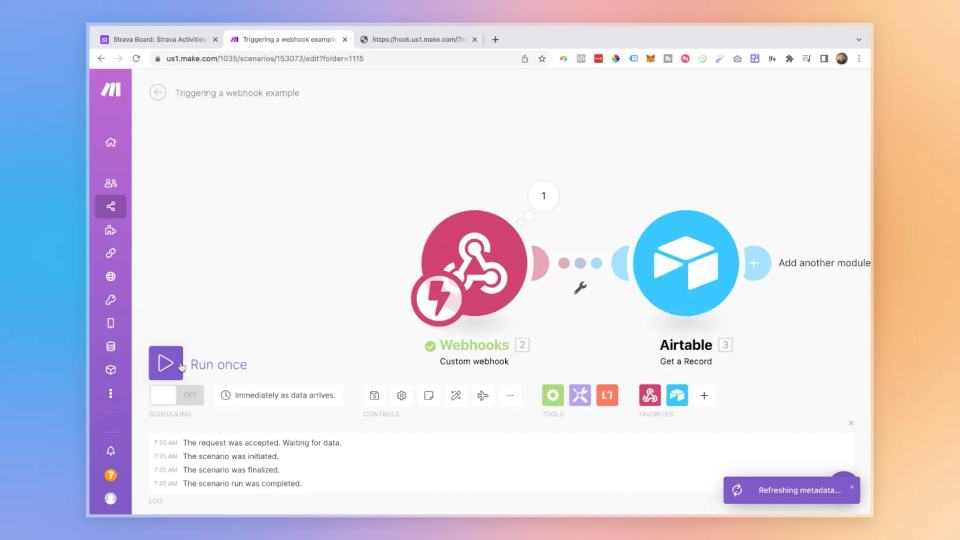
An Airtable automation can send a record ID to Make through a webhook. Make can then retrieve that record and continue the workflow.