
How To Prefill Airtable Forms
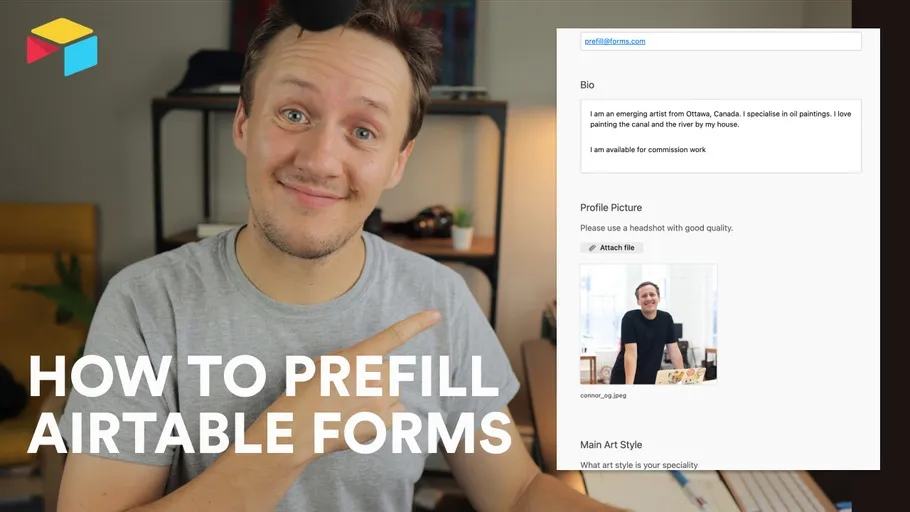
A prefilled Airtable form starts with values supplied in its URL. It can reduce typing when someone submits profile changes.
 Airtable
A prefilled Airtable form starts with values supplied in its URL. It can reduce typing when someone submits profile changes.
Prefilling does not establish the submitter's identity. A person can edit the URL and its values.
Build a sample URL
Suppose your form has fields named Name and Profile Record.
This illustrative URL fills those fields:
https://airtable.com/shrEXAMPLE?prefill_Name=Alex%20Rivera&prefill_Profile%20Record=recEXAMPLE
Replace the form address and record ID with your own test values. Encode spaces and special characters in field names and values. Airtable's prefill guide explains supported values and hidden fields. Do not put private data or secrets into URLs.
Update the original record carefully
A standard submission creates a new response record. It does not automatically update the original profile. Use a separate Profile Updates table linked to the profile record. Review the submission before applying approved fields. Verify who may edit that profile through an authenticated flow or a manual review. A hidden prefilled record ID provides a reference, not permission.
Map only fields you intend to replace. Empty values can clear existing fields in an update action. Airtable's form-update guide describes available approaches. For ongoing editing, consider how to give clients an Airtable interface.
Test one submission with fake profile data. Confirm the response and approved update affect only the intended record.
Original video
Keep learning
More guides, free videos and course access for existing members, all in one place.
Go to LearnRather have it built for you?
We'll match you with vetted agentic talent who build it with AI, inside the tools you already use.
Schedule a callRelated posts

Build Custom AI Agents for Other Businesses
Scope a custom business agent around one workflow, approved sources, read-only testing, and human review.

How to Build Custom Webflow CMS Features with ChatGPT & AI
I built a weekly calendar for The Running Directory Canada using Webflow CMS content and ChatGPT-assisted JavaScript. The calendar grouped run-club events by weekday and moved today's day to the front.

How to Map Common Airtable Fields to Webflow CMS
Map Airtable values to Webflow CMS types using option IDs, image objects, deterministic rich text, and staged JSON examples.