
How To Automate Webflow Reference Fields with Zapier
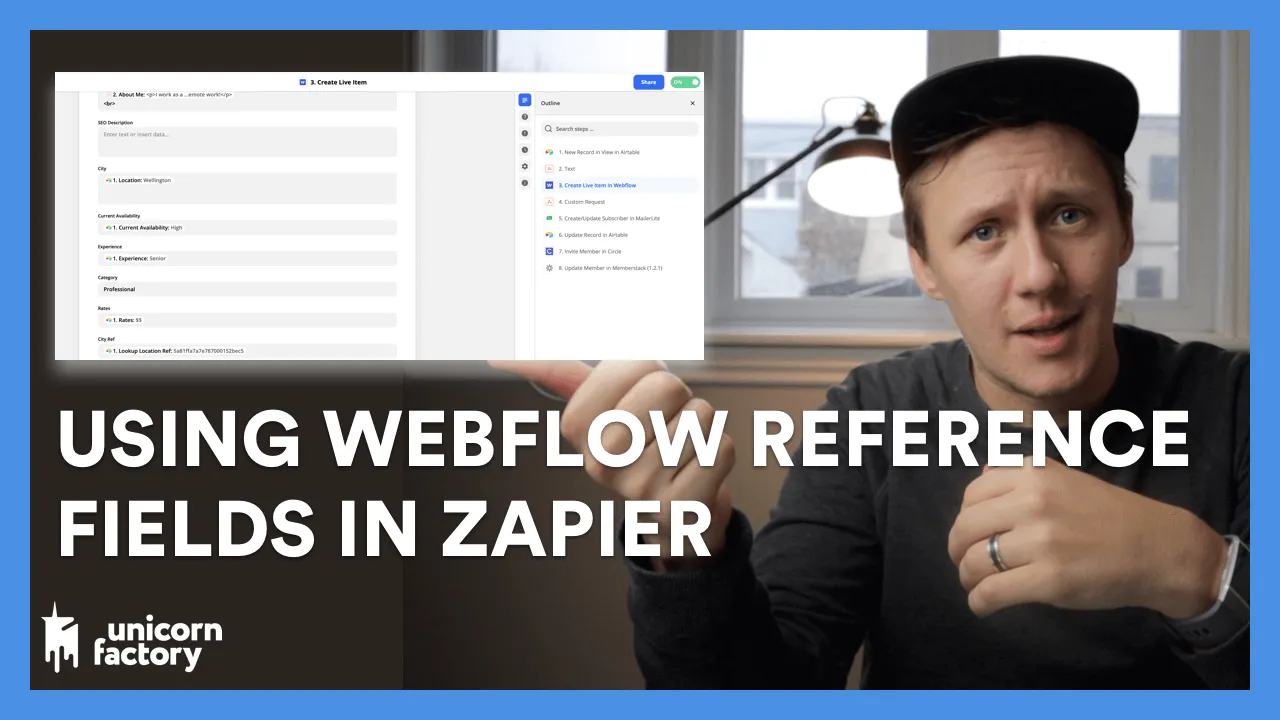
A Webflow Reference field connects one CMS item to another. A Multi-reference field connects it to several items.
 Webflow
 Zapier
A Webflow Reference field connects one CMS item to another. A Multi-reference field connects it to several items.
Use references when several profiles share the same category. You can edit the category once instead of repeating its details.
Create two collections
| Collection | Fields | Example |
|---|---|---|
| Skills | Name, Slug | Web Design |
| Freelancers | Name, Primary Skill, Additional Skills | Alex Rivera |
Set Primary Skill as a Reference to Skills. Set Additional Skills as a Multi-reference to Skills.
Create the Skills items before importing profiles that reference them.
Map Webflow item IDs
Airtable record IDs identify Airtable records. Webflow reference fields need Webflow item IDs from the referenced collection. Save each Skills item's Webflow ID beside its Airtable record. In Zapier, find the relevant skill and map its saved Webflow ID into the profile action.
Illustrative API values look like this:
{
  "primary-skill": "webflow_skill_item_id",
  "additional-skills": ["webflow_skill_item_id", "webflow_second_skill_item_id"]
}
These values are examples, not usable IDs. A connector may present a selector or line-item input instead of raw JSON. Webflow's field reference documents single IDs and arrays.
Test the relationship
Create one draft profile with one reference. Read back the item and inspect the displayed skill. Then add two multi-references and check both. Stop if any source skill lacks a saved Webflow ID. Do not silently drop missing references or create a second skill with the same name.
First structure a Webflow CMS automation so updates keep the same profile ID. Then add references to that working path.
For the remaining fields, map Airtable values to Webflow field types.
Original video
Watch the original video on How To Automate Webflow Reference Fields with Zapier.
Keep learning
More guides, free videos and course access for existing members, all in one place.
Go to LearnRather have it built for you?
We'll match you with vetted agentic talent who build it with AI, inside the tools you already use.
Schedule a callRelated posts

Build Custom AI Agents for Other Businesses
Scope a custom business agent around one workflow, approved sources, read-only testing, and human review.

How to Build Custom Webflow CMS Features with ChatGPT & AI
I built a weekly calendar for The Running Directory Canada using Webflow CMS content and ChatGPT-assisted JavaScript. The calendar grouped run-club events by weekday and moved today's day to the front.

How to Map Common Airtable Fields to Webflow CMS
Map Airtable values to Webflow CMS types using option IDs, image objects, deterministic rich text, and staged JSON examples.