
How To Structure Webflow CMS Workflows in Make and Zapier
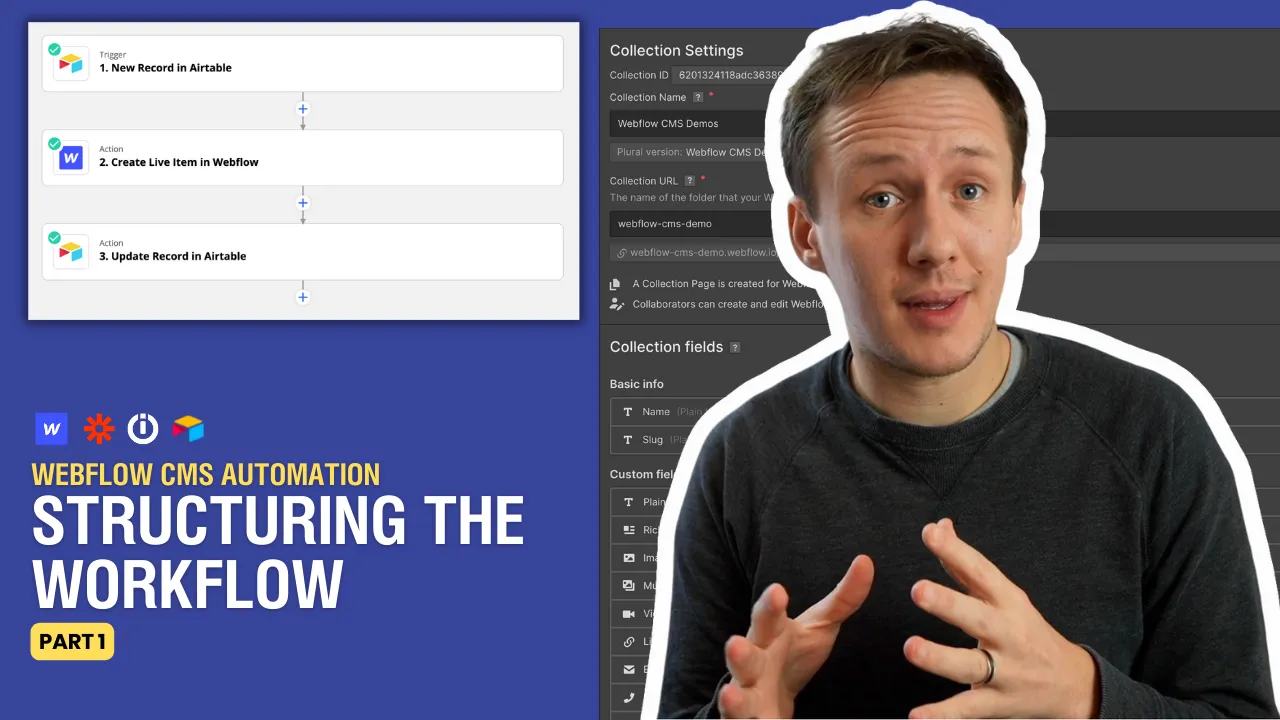
A Webflow CMS workflow needs to distinguish new items from existing items. Save the Webflow item ID when you create each item.
 Airtable
 Make
Make Webflow
A Webflow CMS workflow needs to distinguish new items from existing items. Save the Webflow item ID when you create each item.
The original series uses Zapier and Integromat, now called Make. The routing principle still applies.
Store the identifiers
In your source table, keep the source record ID, Webflow Collection ID, and Webflow item ID separately. The Collection ID identifies the group. The item ID identifies the specific entry.
Route create and update actions
- Load the source record and its saved Webflow item ID.
- If an item ID exists, update that item.
- If no item ID exists, check whether an earlier create already succeeded.
- Create the item only when no matching item exists.
- Save the returned item ID before marking the workflow complete.
Use the source record ID as your matching key. Do not rely on a name that someone may change. Prevent concurrent runs from creating the same source record twice.
Separate content changes from publication
Webflow's CMS API distinguishes staged content from live content. Check whether your connector creates a draft, updates staged data, or publishes content. Start with one draft item. Change its name and confirm the workflow updates the same item ID. Check a failed run before retrying a create action.
Continue with field mapping in part two. Then review reference fields before linking collections.
For a current implementation path, update Webflow CMS items from Airtable with Make.
Original video
Watch the original video on How To Structure Webflow CMS Workflows in Make and Zapier.
Before expanding the workflow, map Airtable values to Webflow field types.
Keep learning
More guides, free videos and course access for existing members, all in one place.
Go to LearnRather have it built for you?
We'll match you with vetted agentic talent who build it with AI, inside the tools you already use.
Schedule a callRelated posts

Build Custom AI Agents for Other Businesses
Scope a custom business agent around one workflow, approved sources, read-only testing, and human review.

How to Build Custom Webflow CMS Features with ChatGPT & AI
I built a weekly calendar for The Running Directory Canada using Webflow CMS content and ChatGPT-assisted JavaScript. The calendar grouped run-club events by weekday and moved today's day to the front.

How to Map Common Airtable Fields to Webflow CMS
Map Airtable values to Webflow CMS types using option IDs, image objects, deterministic rich text, and staged JSON examples.