
Map Webflow CMS Fields in Zapier or Make: Part 2
A Webflow field needs a value in the correct format. Similar-looking Airtable fields may produce different output shapes.
 Make
Make Webflow
A Webflow field needs a value in the correct format. Similar-looking Airtable fields may produce different output shapes.
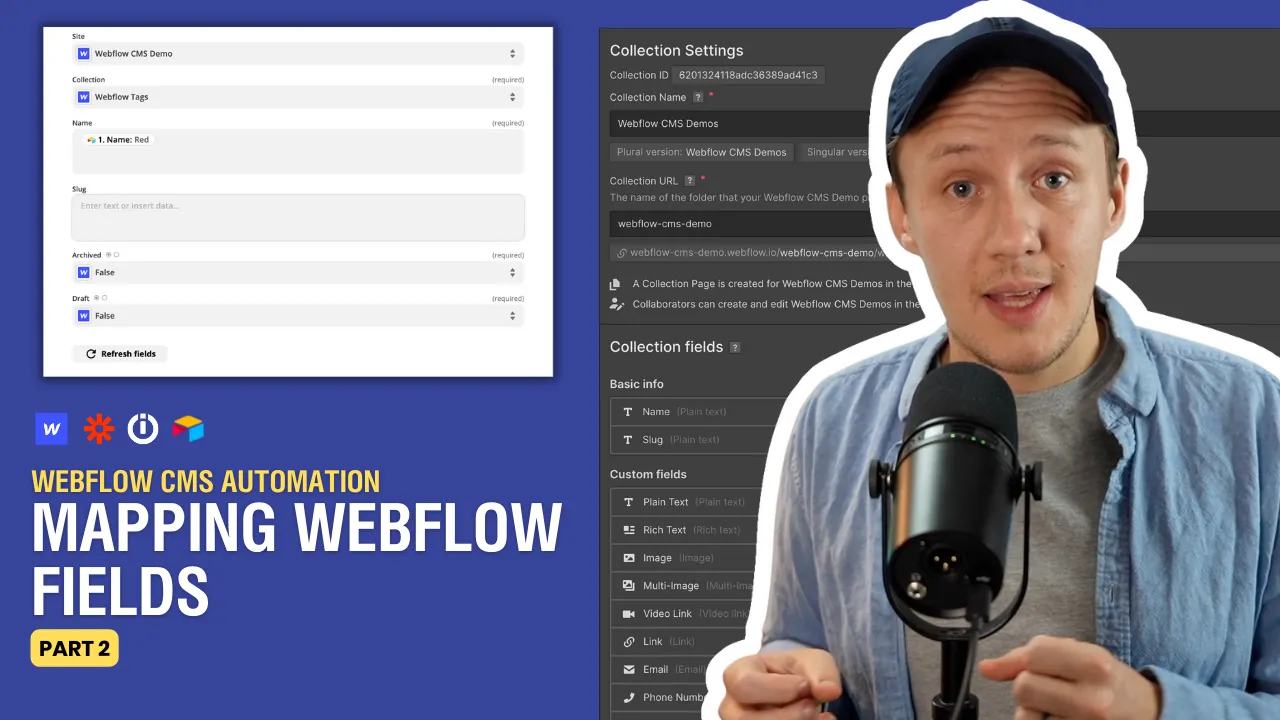
This second part follows create and update routing. Set up one draft item before mapping the whole collection.
Compare field formats
These illustrative values describe Webflow API inputs. Zapier and Make may present their own input controls.
| Webflow field | Source value | API input example |
|---|---|---|
| Plain text | A string | "Alex Rivera" |
| Rich text | HTML | "<p>Profile introduction</p>" |
| Number | A number | 42 |
| Switch | A boolean | true |
| Date/Time | ISO 8601 string | "2026-10-07T12:00:00Z" |
| Link or VideoLink | URL string | "https://example.com" |
| Image | Public image URL and metadata | { "url": "https://example.com/photo.jpg", "alt": "Profile photo" } |
| Option | Collection option ID | "option_id" |
| Reference | Referenced Webflow item ID | "item_id" |
| Multi-reference | Array of Webflow item IDs | ["item_id", "second_item_id"] |
Webflow's field reference documents the accepted shapes. A source attachment may contain several objects. Select the intended image URL rather than mapping the whole array. A reference needs the destination item's Webflow ID, not its Airtable record ID.
Test values and empty fields
Map one field at a time into the draft item. Read it back and check the visible result. Test a true and false switch, a number, a date, and a missing optional value. Decide whether an empty source means clear the destination or leave it unchanged. Do not assume every connector treats blanks the same way.
For images, confirm the source URL remains accessible long enough for the upload. Attachment download URLs may expire. Test rich text formatting separately. Webflow's API does not support every Rich Text feature, including code blocks.
Use the original recording for its field-by-field demonstration. Its connector controls may have changed. For a broader mapping plan, map Airtable values to Webflow field types. Start with one draft item and compare every mapped field before adding more records.
Original video
Watch the original video on Map Webflow CMS Fields in Zapier or Make: Part 2.
Keep learning
More guides, free videos and course access for existing members, all in one place.
Go to LearnRather have it built for you?
We'll match you with vetted agentic talent who build it with AI, inside the tools you already use.
Schedule a callRelated posts

Build Custom AI Agents for Other Businesses
Scope a custom business agent around one workflow, approved sources, read-only testing, and human review.

How to Build Custom Webflow CMS Features with ChatGPT & AI
I built a weekly calendar for The Running Directory Canada using Webflow CMS content and ChatGPT-assisted JavaScript. The calendar grouped run-club events by weekday and moved today's day to the front.

How to Map Common Airtable Fields to Webflow CMS
Map Airtable values to Webflow CMS types using option IDs, image objects, deterministic rich text, and staged JSON examples.