
How To Work With Reference Fields In The Webflow CMS
Map single and multi-reference Webflow fields using destination item IDs, unresolved-link checks, and full-request guidance.
 Webflow
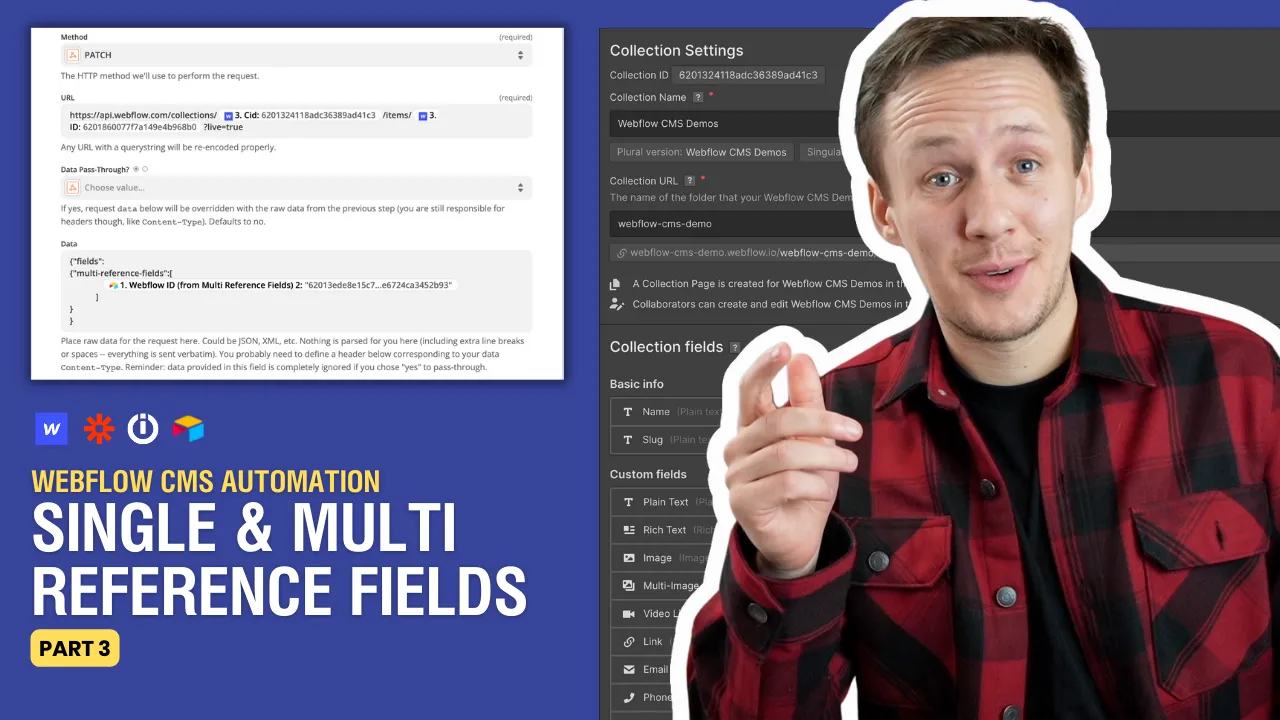
Watch: How To Work With Reference Fields In The Webflow CMS
In this video, we are going to go over mapping single and multi-reference fields to the Webflow CMS inside of Zapier and Integromat. We are also dive into some low-code concepts that will allow you go beyond some of Zapier's limitations with the Webflow CMS. 🕚TIMESTAMPS:
- 00:00 Intro
- 03:30 Single reference field workflow
- 08:15 Multi-reference field workflows
- 10:40 Code Meets No-code
- 12:00 Custom request step in Zapier
- 18:00 Postman
- 24:00 Formatting Webflow IDs in Zapier
Reference values are item IDs
Webflow references point to items in a specified Collection. The current field reference defines single references as an item ID and multi-references as an array.
Here is illustrative fieldData for a freelancer linked to a city and two service records:
{
  "name": "Example freelancer",
  "slug": "example-freelancer",
  "city": "5f8d0d55a9337c5f0e0e7e0d",
  "services": ["5f8d0d55a9337c5f0e0e7e1f", "5f8d0d55a9337c5f0e0e7e2a"]
}
Replace the example IDs with actual items from each field's referenced Collection. Keep the source-to-Webflow ID mapping in Airtable. Names alone can match several records. Stop when a linked source record has no destination ID. Do not convert an empty lookup into a guessed ID. For intentional clearing, test the field's accepted empty value on a copied item before updating real content.
Zapier or Make may expose native reference fields. Use a custom API request only when the module cannot express the required values. The complete field-mapping guide includes a full request body and difficult field types.
The Zapier reference-field guide covers the companion workflow.
Keep learning
More guides, free videos and course access for existing members, all in one place.
Go to LearnRather have it built for you?
We'll match you with vetted agentic talent who build it with AI, inside the tools you already use.
Schedule a callRelated posts

Build Custom AI Agents for Other Businesses
Scope a custom business agent around one workflow, approved sources, read-only testing, and human review.

How to Build Custom Webflow CMS Features with ChatGPT & AI
I built a weekly calendar for The Running Directory Canada using Webflow CMS content and ChatGPT-assisted JavaScript. The calendar grouped run-club events by weekday and moved today's day to the front.

How to Map Common Airtable Fields to Webflow CMS
Map Airtable values to Webflow CMS types using option IDs, image objects, deterministic rich text, and staged JSON examples.