
Send Airtable Multi-Reference Values to Webflow with Zapier
Webflow multi-reference fields store several related Collection item IDs. My historical Zapier lesson built a JSON array from Airtable values. Keep that array idea,.

 Webflow
 Zapier
Webflow multi-reference fields store several related Collection item IDs. My historical Zapier lesson built a JSON array from Airtable values. Keep that array idea, but use the current API's request structure.
Use actual Webflow IDs
A skill name or an Airtable record ID is not a Webflow Collection item ID. Resolve each linked skill to the matching item in the referenced Webflow Collection first. Stop when a match is missing or ambiguous. For a single relationship, review reference fields in Zapier.
Build an array, not a comma string
The original v1 example wrapped updates in fields.
The current staged v2 update uses fieldData:
{
  "fieldData": {
    "skills": ["WEBFLOW_ITEM_ID_1", "WEBFLOW_ITEM_ID_2"]
  }
}
Replace skills with the actual API field slug and both sample values with real referenced item IDs.
Use PATCH on /v2/collections/{collection_id}/items/{item_id} for the existing parent item.
Use private authentication in Zapier's action, not public page code.
The historical Airtable formula added quotes around each ID:
""" & {Webflow Item ID} & """
That explains the older manual JSON assembly.
For new scripts, use JSON.stringify({fieldData: {skills: ids}}) where ids is an actual array.
This avoids broken quoting and trailing commas.
Review empty values deliberately
An empty array can clear the field's relationships. Do not convert missing source data into an empty array unless clearing is your intended action. Read back the parent item after a one-item test and inspect each reference. Publishing remains separate from the staged update.
For attachments, lookups, and other mapping cases, use the complete field-mapping guide. Start with two relationships on one draft item before sending a larger array.
Keep learning
More guides, free videos and course access for existing members, all in one place.
Go to LearnRather have it built for you?
We'll match you with vetted agentic talent who build it with AI, inside the tools you already use.
Schedule a callRelated posts

Build Custom AI Agents for Other Businesses
Scope a custom business agent around one workflow, approved sources, read-only testing, and human review.
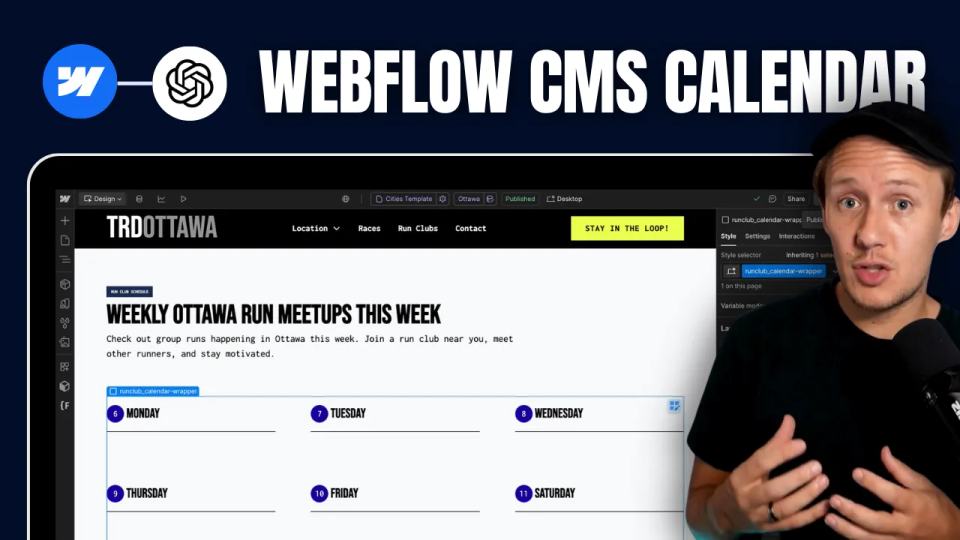
How to Build Custom Webflow CMS Features with ChatGPT & AI
I built a weekly calendar for The Running Directory Canada using Webflow CMS content and ChatGPT-assisted JavaScript. The calendar grouped run-club events by weekday and moved today's day to the front.
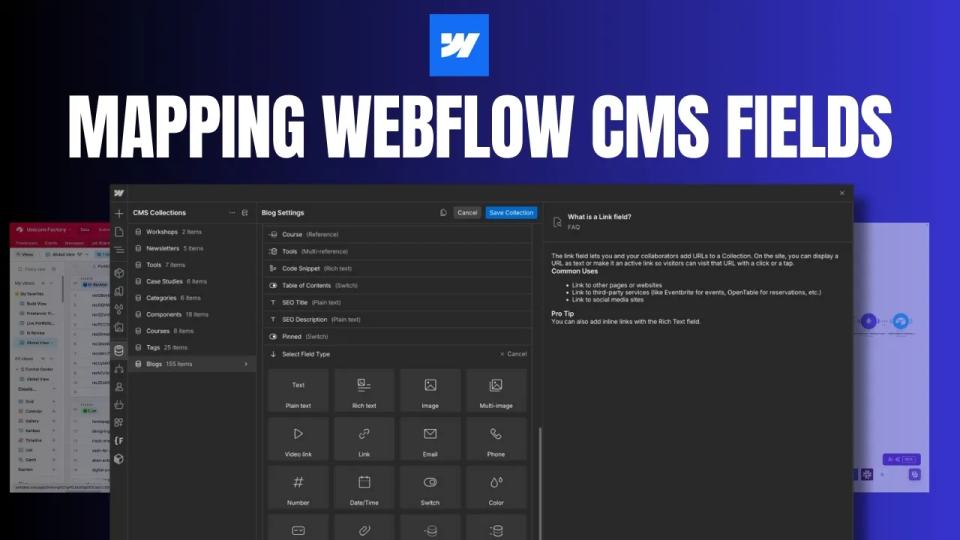
How to Map Common Airtable Fields to Webflow CMS
Map Airtable values to Webflow CMS types using option IDs, image objects, deterministic rich text, and staged JSON examples.