
How To Automatically Generate A Slide Deck From Airtable
Generate Google Slides from Airtable lesson records using template tags, private destinations, and repeat-run tracking.
 Airtable
 Make
MakeWatch: How To Automatically Generate A Slide Deck From Airtable
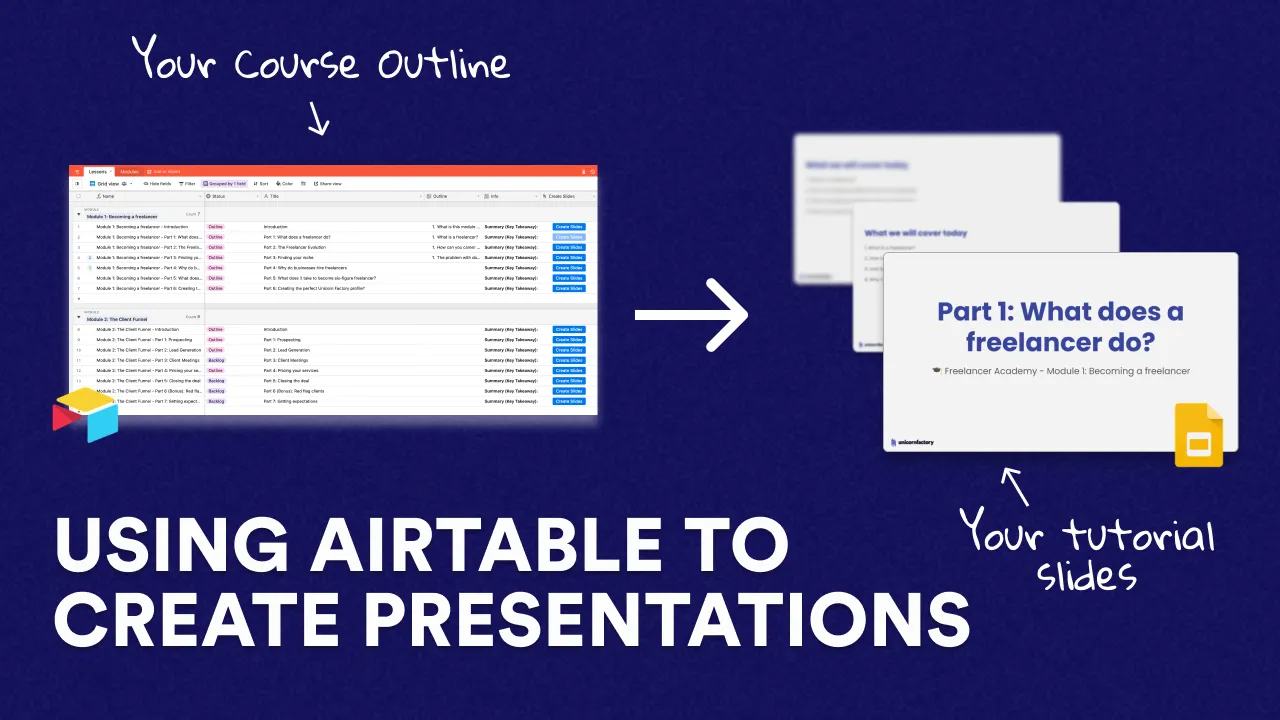
This workflow will teach you how to automatically create slide decks for your course or tutorials using Airtable and Make, formerly Integromat. 🕛 TIMESTAMPS:
- 00:00 Intro
- 00:38 The workflow
- 02:09 Set up an Airtable base with modules and lessons
- 03:20 Set up a Google Slides Template
- 04:20 Using variables in Google Slides
- 05:42 Set up the workflow in Make
- 07:30 Workflow Demo
Prepare one lesson record and one template
Integromat is now Make. The original lesson used Airtable modules and lessons to populate Google Slides. Make’s Google Slides guide documents template tags and presentation destinations.
| Airtable field | Example | Template tag |
|---|---|---|
Module | Webflow CMS | {{module}} |
Lesson | Reference fields | {{lesson}} |
Learning outcome | Map a linked item ID | {{outcome}} |
Lesson ID | lesson-001 | Used for your output record |
Put the tags into text boxes in your template presentation.
In Make’s tag mapping field, enter the tag name without the braces, such as lesson.
Connect a Google account that can read the template and write to the destination folder.
Choose a private destination while testing. Check the sharing setting before creating the deck.
Store the returned presentation ID against Lesson ID and a content version.
A repeated trigger should find that output record rather than create another deck unexpectedly.
Inspect a copied slide for missing tags, long headings, and empty fields before creating a full module.
Keep the source template unchanged. If you later add a webhook, first check how webhook triggers work.
For other CMS automations, define the workflow structure before building transformations.
Keep learning
More guides, free videos and course access for existing members, all in one place.
Go to LearnRather have it built for you?
We'll match you with vetted agentic talent who build it with AI, inside the tools you already use.
Schedule a callRelated posts

Build Custom AI Agents for Other Businesses
Scope a custom business agent around one workflow, approved sources, read-only testing, and human review.

How to Build Custom Webflow CMS Features with ChatGPT & AI
I built a weekly calendar for The Running Directory Canada using Webflow CMS content and ChatGPT-assisted JavaScript. The calendar grouped run-club events by weekday and moved today's day to the front.

How to Map Common Airtable Fields to Webflow CMS
Map Airtable values to Webflow CMS types using option IDs, image objects, deterministic rich text, and staged JSON examples.