
My 2022 Code Meets No-Code Tools Tour
Review my 2022 Code Meets No-Code tool tour and separate member identity, private data, and payment access requirements.
 Memberstack
 Webflow
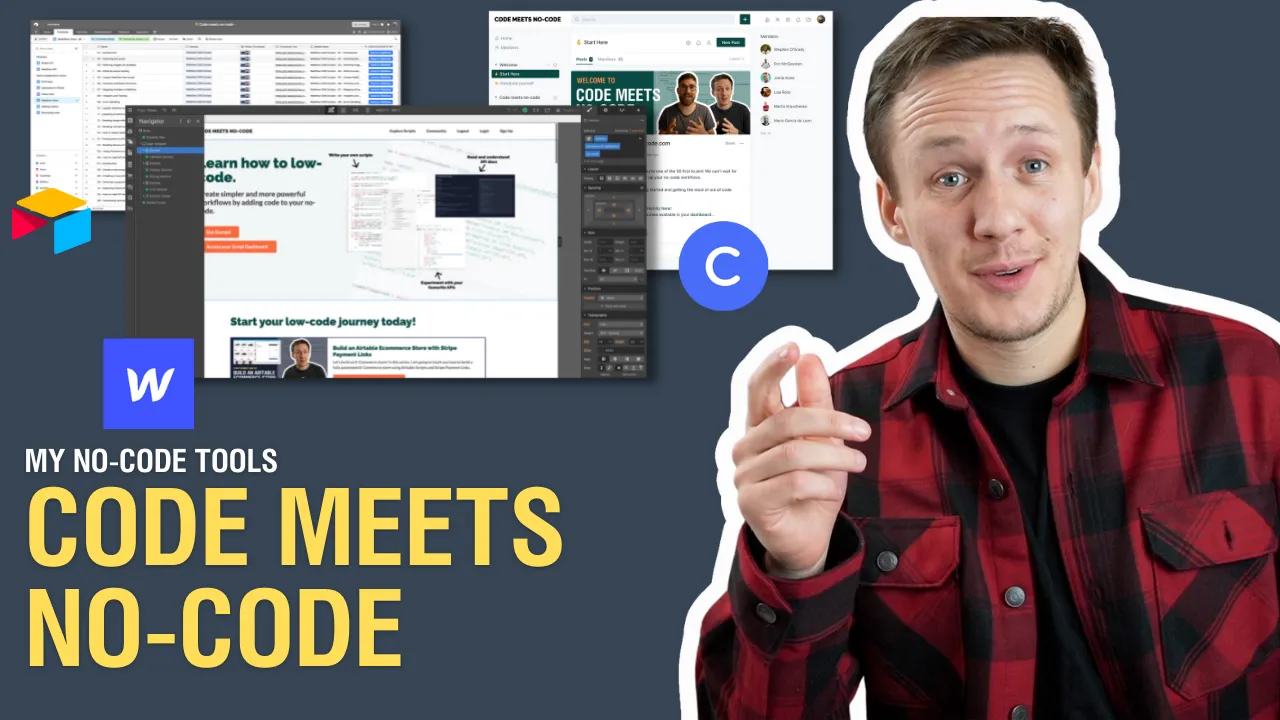
Watch: My 2022 Code Meets No-Code Tools Tour
A historical Code Meets No-Code stack tour
The original recording is my 2022 Code Meets No-Code tool tour. It helps you examine how a learning library's website, member accounts, and content fit together.
When reviewing a membership stack, separate three questions:
- How does someone create and verify an account?
- Which records or resources can that account access?
- What changes access after a payment, cancellation, or expiry?
For a current build, use Memberstack membership setup as the implementation starting point. Hide/show attributes can adjust the interface. They do not protect private data already delivered to the browser. Test signed-out visitors, members with access, and members without access before exposing private resources. The Code Meets No-Code recording remains a historical tour, not a current enrollment offer.
Include email verification when your access model requires a confirmed address.
Keep learning
More guides, free videos and course access for existing members, all in one place.
Go to LearnRather have it built for you?
We'll match you with vetted agentic talent who build it with AI, inside the tools you already use.
Schedule a callRelated posts

Build Custom AI Agents for Other Businesses
Scope a custom business agent around one workflow, approved sources, read-only testing, and human review.

How to Build Custom Webflow CMS Features with ChatGPT & AI
I built a weekly calendar for The Running Directory Canada using Webflow CMS content and ChatGPT-assisted JavaScript. The calendar grouped run-club events by weekday and moved today's day to the front.

How to Map Common Airtable Fields to Webflow CMS
Map Airtable values to Webflow CMS types using option IDs, image objects, deterministic rich text, and staged JSON examples.