
Webflow Backups and Airtable: Plan a Safe Recovery
Restoring Webflow can affect the systems connected to your site. This historical lesson used Parabola to reconcile Webflow items with Airtable after a restore.

 Webflow
 Zapier
Restoring Webflow can affect the systems connected to your site. This historical lesson used Parabola to reconcile Webflow items with Airtable after a restore.
What changed
Webflow now preserves Collection and item IDs for backups created after March 25, 2024. Older backups can still reset IDs. Check the restore point's date before planning recovery. A site restore also does not restore your external Airtable base to the same moment.
Keep a recoverable mapping
Before restoring, save the Airtable data and Webflow item mapping separately. Keep an immutable external key on each listing. Names can change and are not reliable join keys. Pause outbound updates while you compare the restored site with Airtable.
The original recovery sequence imports Webflow and Airtable into Parabola, joins matching rows, and exports corrected IDs to Airtable. Use the external key for that join. Stop when a key is missing or appears more than once. Preview the proposed ID changes before applying them.
Read back one corrected item before resuming the full workflow. Check content, references, form delivery, and publishing status as well as IDs. Review queued items and spam protection after restoring. Webflow documents changes to both settings.
For ongoing syncing, evaluate a two-way sync workflow. Whichever tool you choose, design recovery around saved state before scheduling automatic updates.
Keep learning
More guides, free videos and course access for existing members, all in one place.
Go to LearnRather have it built for you?
We'll match you with vetted agentic talent who build it with AI, inside the tools you already use.
Schedule a callRelated posts

Build Custom AI Agents for Other Businesses
Scope a custom business agent around one workflow, approved sources, read-only testing, and human review.
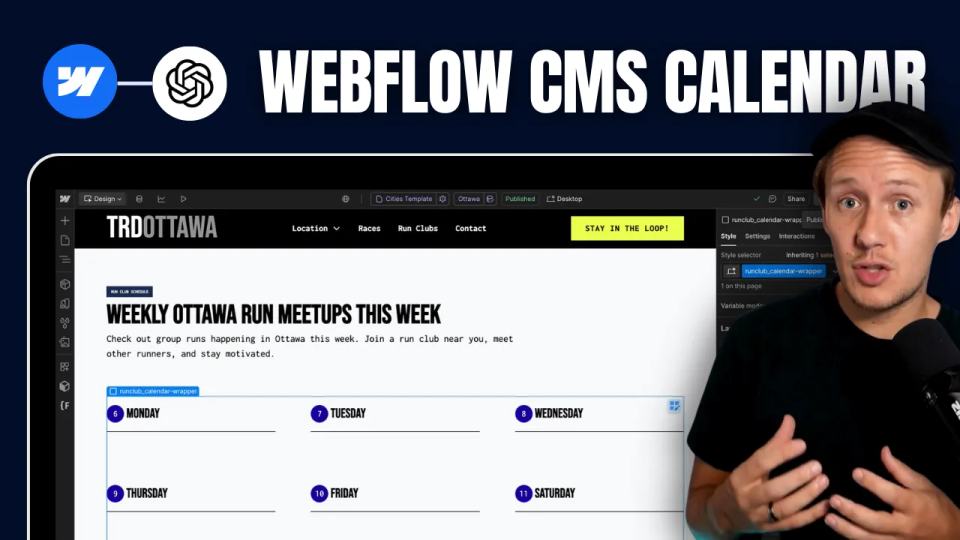
How to Build Custom Webflow CMS Features with ChatGPT & AI
I built a weekly calendar for The Running Directory Canada using Webflow CMS content and ChatGPT-assisted JavaScript. The calendar grouped run-club events by weekday and moved today's day to the front.
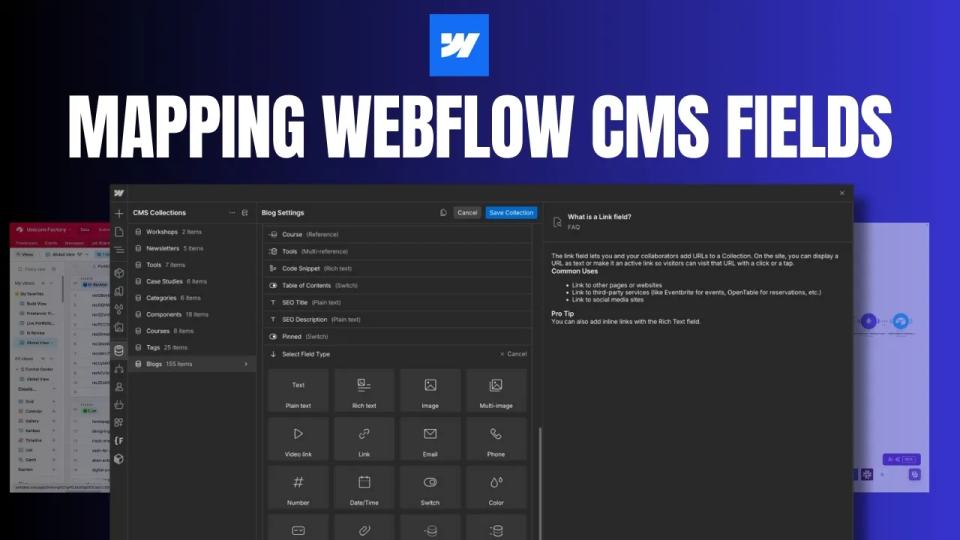
How to Map Common Airtable Fields to Webflow CMS
Map Airtable values to Webflow CMS types using option IDs, image objects, deterministic rich text, and staged JSON examples.