
How To Use Airtable Scripts To Automate The Webflow CMS - Part 2
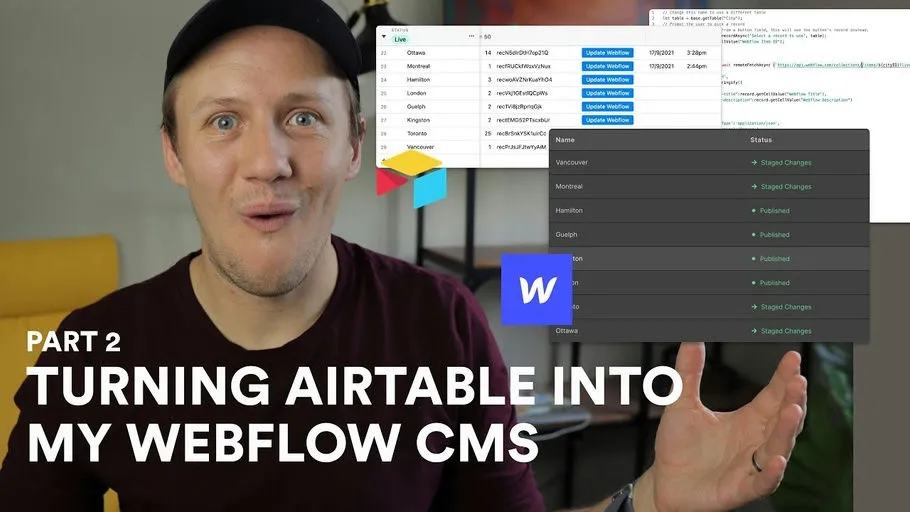
This is part two of my Airtable-to-Webflow scripting series. The original lesson used Airtable scripts and buttons to update existing CMS items without Zapier or.
 Airtable
 Webflow
This is part two of my Airtable-to-Webflow scripting series. The original lesson used Airtable scripts and buttons to update existing CMS items without Zapier or Integromat.
Start with one existing item
Store the Collection ID and Webflow Item ID before updating anything. An update changes an existing item. It should stop when the Item ID is missing. Learn Airtable scripting first if scripts are new to you.
This replacement example uses an Airtable automation's Run a script action.
Set input variables recordId and collectionId. Create a webflowToken secret in that action.
Use a table named Pages with Webflow Item ID and Name text fields.
const {recordId, collectionId} = input.config();
const token = input.secret.webflowToken;
const table = base.getTable('Pages');
const record = await table.selectRecordAsync(recordId);
if (!record || !collectionId) throw new Error('Missing record or collection');
const itemId = record.getCellValueAsString('Webflow Item ID').trim();
const name = record.getCellValueAsString('Name').trim();
if (!itemId || !name) throw new Error('Missing item ID or name');
const response = await fetch(
  `https://api.webflow.com/v2/collections/${encodeURIComponent(collectionId)}/items/${encodeURIComponent(itemId)}`,
  {
    method: 'PATCH',
    headers: {Authorization: `Bearer ${token}`, 'Content-Type': 'application/json'},
    body: JSON.stringify({fieldData: {name}})
  }
);
if (!response.ok) throw new Error(`Webflow update failed: ${response.status}`);
const saved = await response.json();
if (saved.id !== itemId) throw new Error('Unexpected item returned');
output.set('updatedItemId', saved.id);
The current staged update endpoint uses fieldData.
This changes the staged item. Publishing is a separate decision.
Airtable's automation script environment differs from an interactive Scripting extension.
Do not paste automation-only inputs into a button script unchanged.
Test on one draft item, then read back its name in Webflow. Rerunning this example updates the same item rather than creating another. For new items, continue to part three's creation workflow.
Keep learning
More guides, free videos and course access for existing members, all in one place.
Go to LearnRather have it built for you?
We'll match you with vetted agentic talent who build it with AI, inside the tools you already use.
Schedule a callRelated posts

Build Custom AI Agents for Other Businesses
Scope a custom business agent around one workflow, approved sources, read-only testing, and human review.

Durable workflows: how to stop automations disappearing after a button click
Save business changes and queued work together, then use claims, retries, provider checks, and crash recovery.
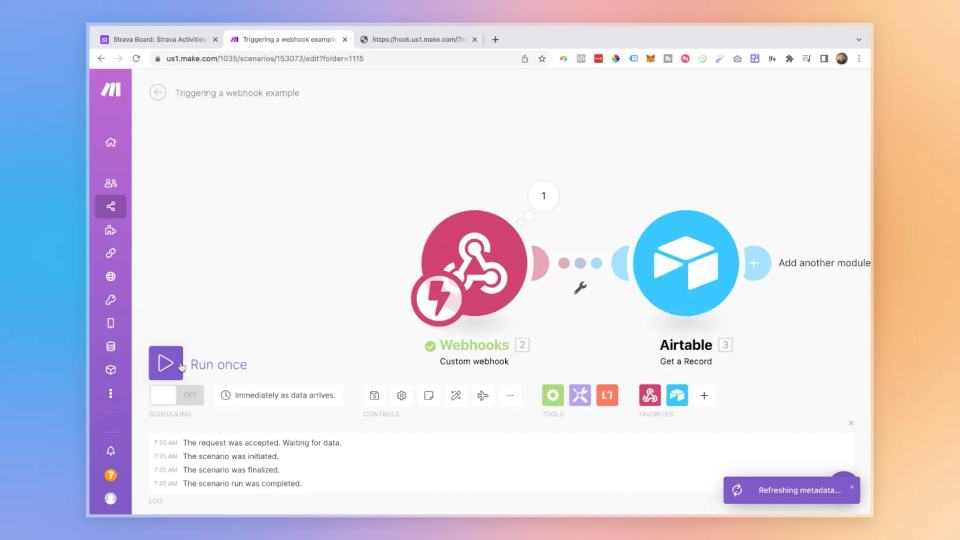
Trigger Make Workflows from Airtable with Webhooks
An Airtable automation can send a record ID to Make through a webhook. Make can then retrieve that record and continue the workflow.