
Nobull: A Historical Airtable and Webflow Sync Tour
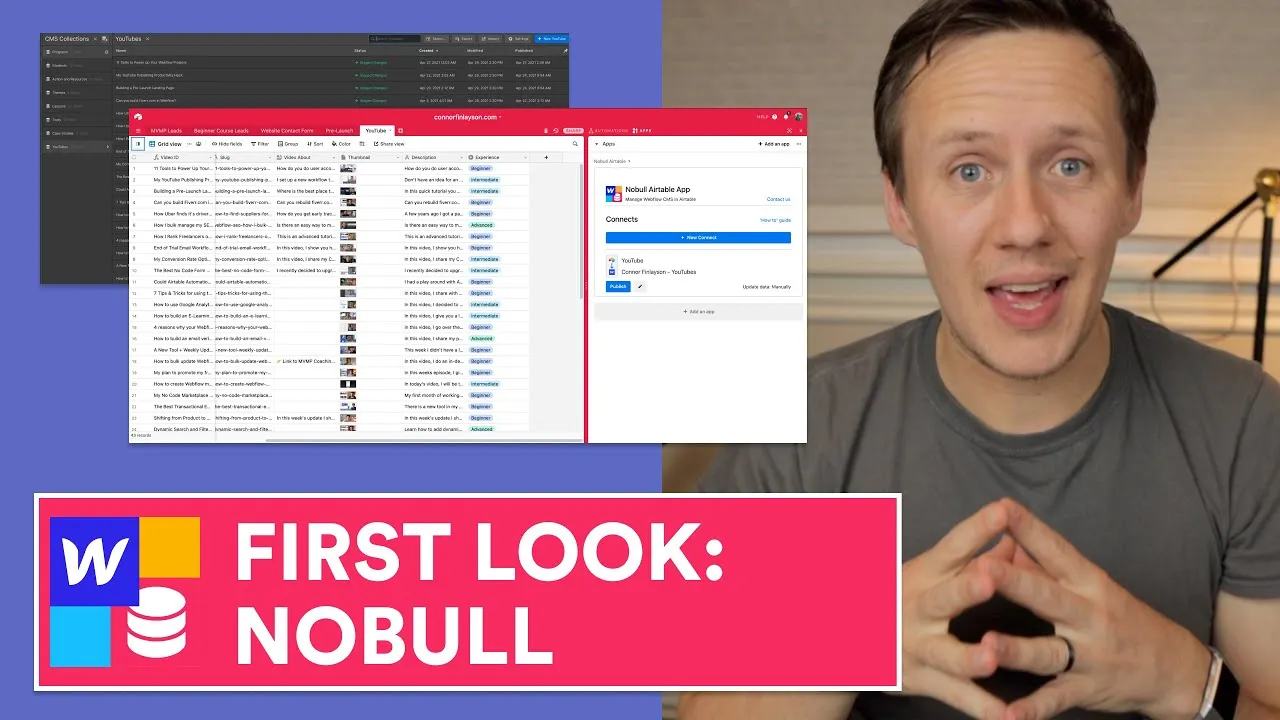
This historical first look explores Finsweet's Nobull Airtable app for Webflow. The recording first exports Webflow content into Airtable, then sends edited content back.
 Finsweet
This historical first look explores Finsweet's Nobull Airtable app for Webflow. The recording first exports Webflow content into Airtable, then sends edited content back.
Follow the original tour
The saved chapters cover Webflow-to-Airtable at 03:01 and Airtable-to-Webflow at 08:00. Later sections discuss strengths at 11:35 and improvements at 13:00. The Nobull project page remains the reference for this specific app.
A round trip has two directions. It does not establish conflict-safe simultaneous editing in both tools. Choose which system owns each field before enabling writes. For example, Airtable may own profile descriptions while Webflow owns layout settings.
Prepare the mapping
Keep the Webflow Item ID in Airtable, then test one existing record. Review text, attachments, single references, and multiple references separately. A successful text update does not prove every field type behaves correctly.
Structure your CMS workflow before choosing a sync tool. Then map the actual field types with a small test collection. Confirm the app's current support and compatibility before relying on the historical recording for a production workflow.
Keep learning
More guides, free videos and course access for existing members, all in one place.
Go to LearnRather have it built for you?
We'll match you with vetted agentic talent who build it with AI, inside the tools you already use.
Schedule a callRelated posts

Circle AI Agents Review: Automate Community Management with AI
Read my Circle AI Agent tests, current plan notes, and a support-demand method for evaluating cost and answer quality.

How to Import Relume Styles and Pages into Webflow
Approve a Relume sitemap and style direction, import one page into Webflow, and check classes, content, and accessibility.

Webflow AI Site Builder: My HueSync First Look
I used a fictional Canadian agency, HueSync, to explore Webflow's AI site builder. The first look showed a useful starting layout, followed by editing work inside Webflow. I still needed to review the copy, images, forms, and mobile spacing.