
Landing-Page Series: Send Approved Airtable Fields to Webflow
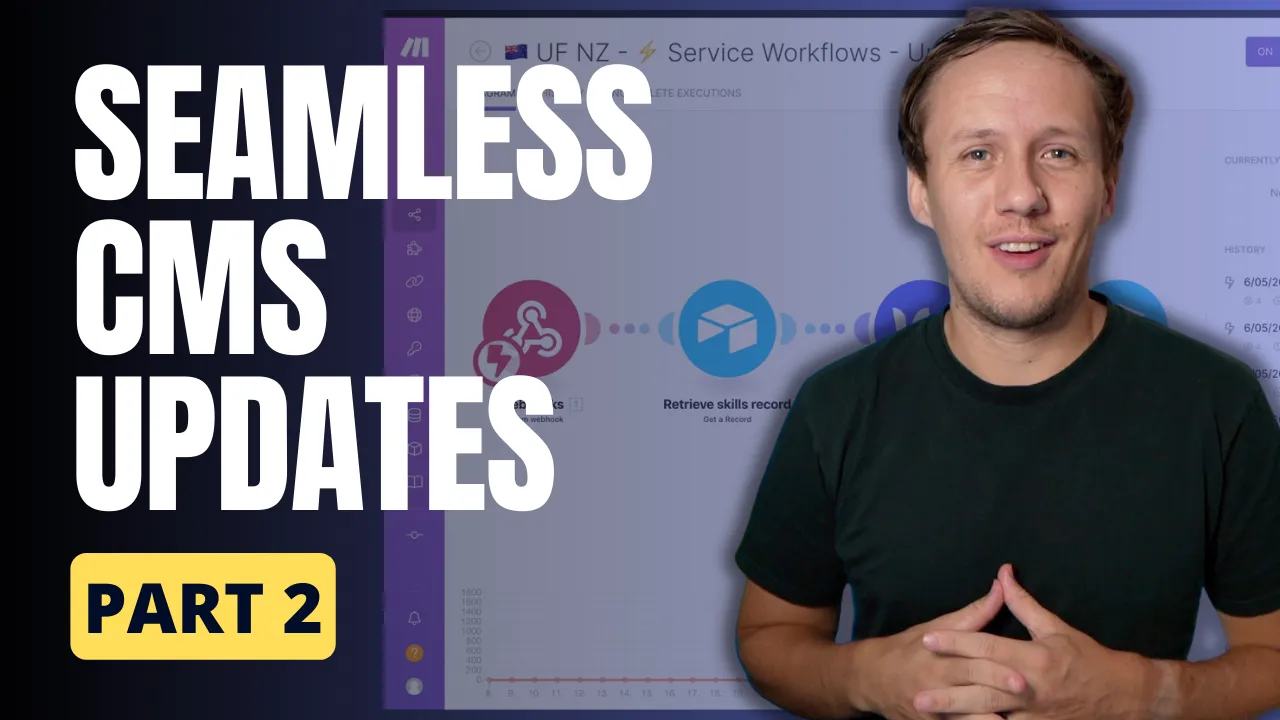
This second landing-page lesson sends approved Airtable copy to an existing Webflow CMS item. It follows [the drafting.
 Airtable
 Make
Make Webflow
This second landing-page lesson sends approved Airtable copy to an existing Webflow CMS item. It follows the drafting step and precedes the Placid image step.
Keep the original sequence
The original workflow starts when selected Airtable fields change. A script sends a webhook to Make. Make retrieves the current record, updates Webflow, and records Last CMS Update. Use a dedicated approval or sync-ready condition rather than every edit. Otherwise, writing Last CMS Update can trigger another run.
Plan field ownership and identifiers before configuring the automation. Store Record ID, Webflow Item ID, Collection ID, Approved, and Last CMS Update. Send only the record ID to Make, then retrieve current values there.
A replacement outbound webhook script needs recordId and webhookUrl inputs:
const {recordId, webhookUrl} = input.config();
if (!recordId || !webhookUrl) throw new Error('Missing webhook input');
const response = await fetch(webhookUrl, {
  method: 'POST',
  headers: {'Content-Type': 'application/json'},
  body: JSON.stringify({recordId})
});
if (!response.ok) throw new Error(`Webhook failed: ${response.status}`);
Keep the receiver URL private. Acceptance means Make received the request, not that Webflow finished updating.
Update, then record success
Retrieve the record and stop if approval or Webflow Item ID is missing.
Map only the approved title, description, headings, and other intended fields.
The current API uses fieldData for staged updates. Publishing requires its own deliberate step.
Read back the changed Webflow item before marking Last CMS Update.
Preserve the previous timestamp when an update fails.
For full mapping, retries, and publishing choices, use the current Airtable and Make update guide. This page retains the original series sequence and its completion timestamp.
Keep learning
More guides, free videos and course access for existing members, all in one place.
Go to LearnRather have it built for you?
We'll match you with vetted agentic talent who build it with AI, inside the tools you already use.
Schedule a callRelated posts

Build Custom AI Agents for Other Businesses
Scope a custom business agent around one workflow, approved sources, read-only testing, and human review.

How to Build Custom Webflow CMS Features with ChatGPT & AI
I built a weekly calendar for The Running Directory Canada using Webflow CMS content and ChatGPT-assisted JavaScript. The calendar grouped run-club events by weekday and moved today's day to the front.

How to Map Common Airtable Fields to Webflow CMS
Map Airtable values to Webflow CMS types using option IDs, image objects, deterministic rich text, and staged JSON examples.