

Tutorials
Build Custom AI Agents for Other Businesses
Scope a custom business agent around one workflow, approved sources, read-only testing, and human review.
7 min read · Aug 15, 2026
Plain-language guides from the developers, marketers and operators who put AI to work every day, so you can see what it can do for your business.
176 articles
Scope a custom business agent around one workflow, approved sources, read-only testing, and human review.

Save business changes and queued work together, then use claims, retries, provider checks, and crash recovery.

Find useful Tella transcript moments, convert trim boundaries into seconds, and review a copied clip before export.


Export Tella videos, stop on failed exports, upload privately to YouTube, and review before public publishing.

Turn a Tella transcript into an article draft while preserving meaning, checking claims, and completing human review.

Connect Tella to Claude through current connector methods, test read access, inspect tool inputs, and review bounded edits.

A directory can introduce vendors to a paid community. The community needs its own useful offer beyond exposure on your website.


Design directory category and location pages with useful listings, unique URLs, checked sync behavior, and realistic SEO expectations.




Prepare directory outreach drafts using listing previews and videos. Keep sends manual and track replies and stop rules.

Follow a beginner directory roadmap from a Notion prototype to reviewed listings, CMS pages, automation, and revenue tests.
+1
Build directory detail pages with useful content blocks, CMS fields, reviewed source facts, and a clear Airtable-to-Webflow ownership model.
+1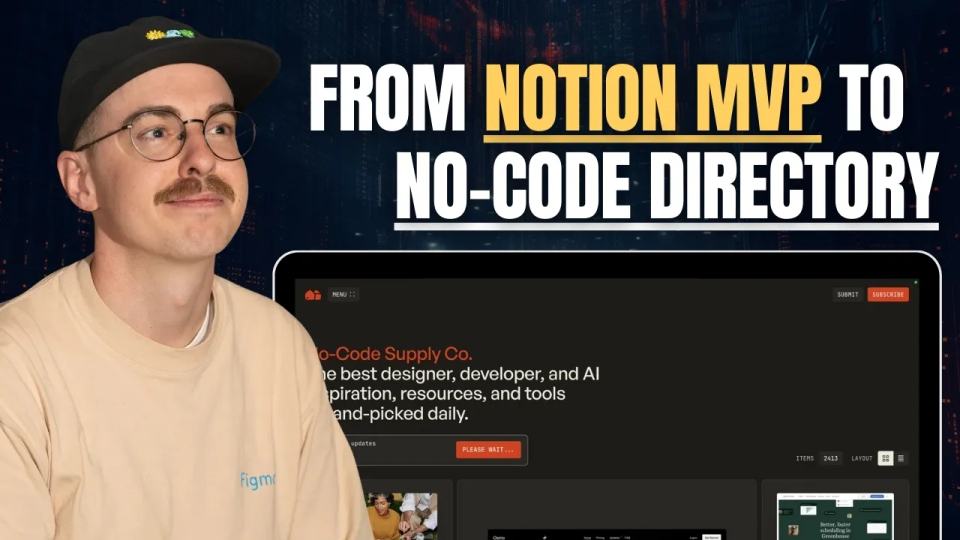
Corey Moen’s No-Code Supply case study covers curation, Webflow, Airtable, scripts, sponsorships, and design choices.

This interview describes how Whalesync built an AI tools directory using Webflow and Airtable. The one-week timeline and listing count describe the team's original account, not.
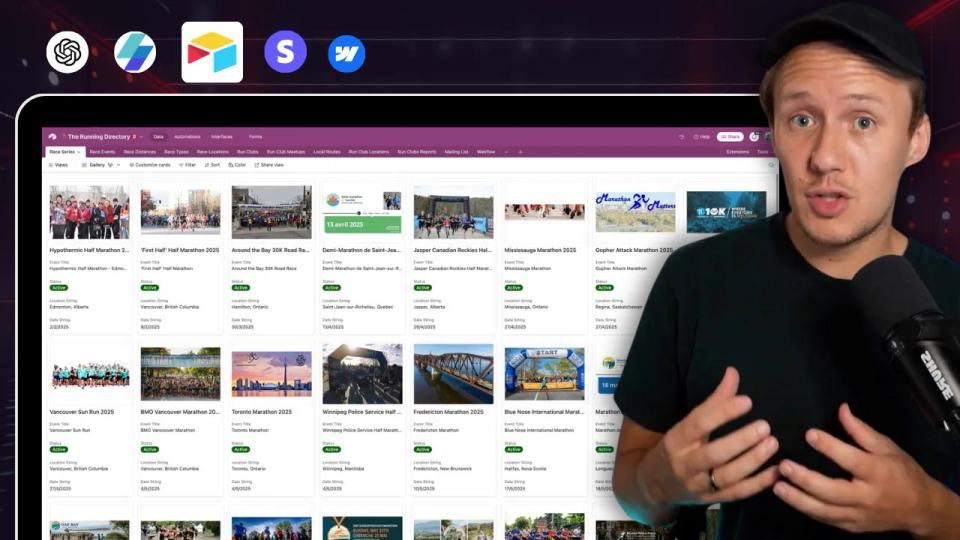
Choose between Webflow CMS, Airtable, and a relational database; design listing relationships and check recovery limits.

Approve a Relume sitemap and style direction, import one page into Webflow, and check classes, content, and accessibility.


I used a fictional Canadian agency, HueSync, to explore Webflow's AI site builder. The first look showed a useful starting layout, followed by editing work inside Webflow. I still needed to review the copy, images, forms, and mobile spacing.
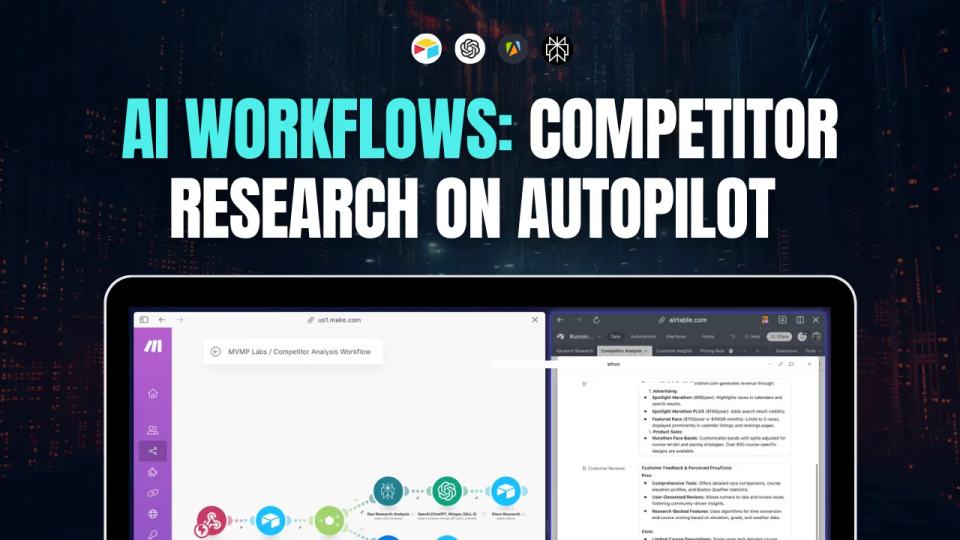
Competitor research helps you understand what customers already use. Automation can organize evidence, but a person still needs to review it.

 +1
+1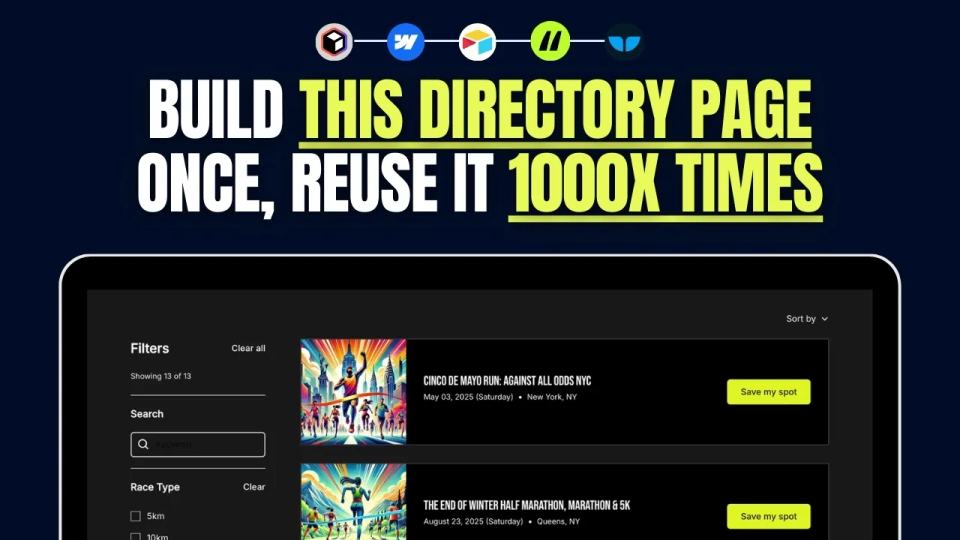
Build a directory listing page with Webflow CMS and current Finsweet filters, then check usability and indexing separately.
+1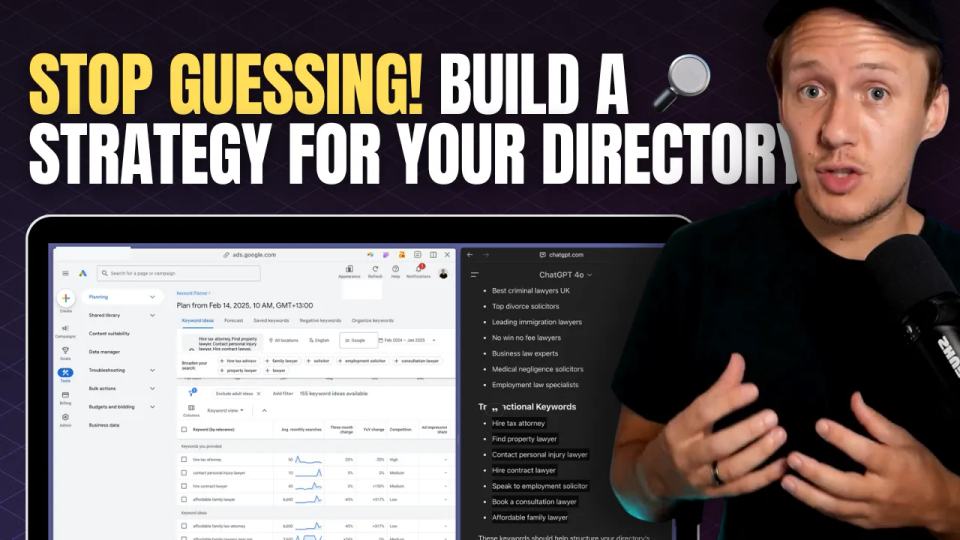
Map directory search phrases to useful calendar and detail pages using checked sources, then measure indexing and visitor actions.

Use five checks to evaluate a directory niche, then test buyer and supplier assumptions with a small interview exercise.
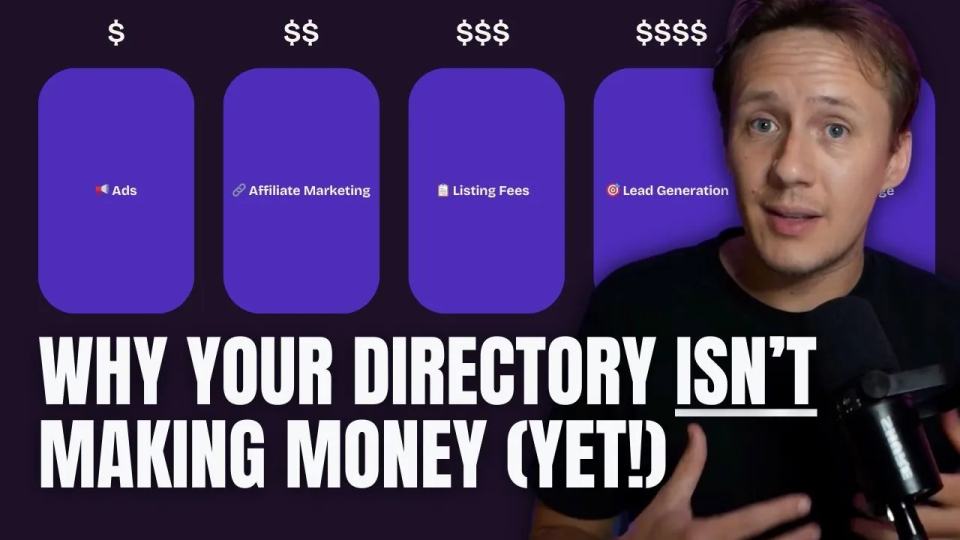
A new directory can sell a useful service before it attracts a large audience. Start with work you can deliver directly.

I built a weekly calendar for The Running Directory Canada using Webflow CMS content and ChatGPT-assisted JavaScript. The calendar grouped run-club events by weekday and moved today's day to the front.
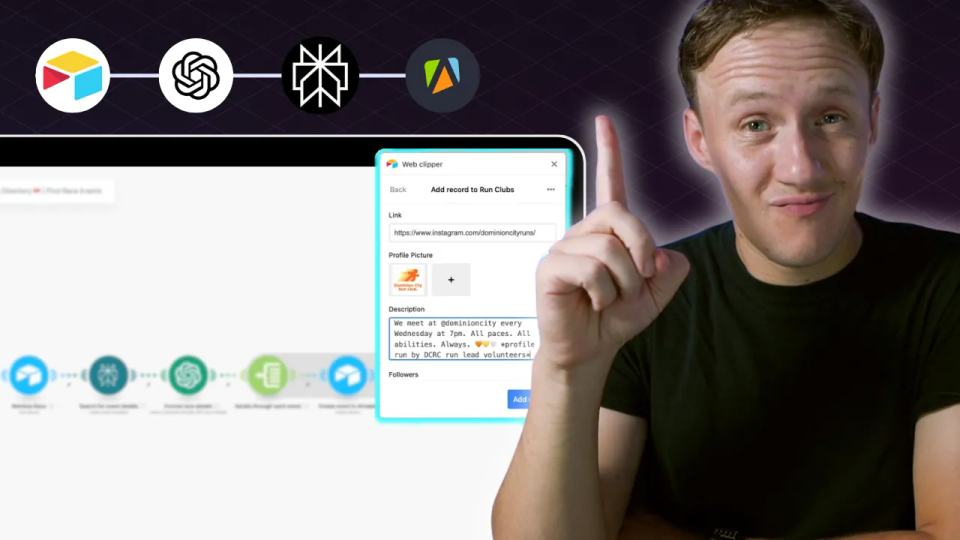
Find and check directory data, document image permission, review AI research, and standardize race distances deterministically.
+1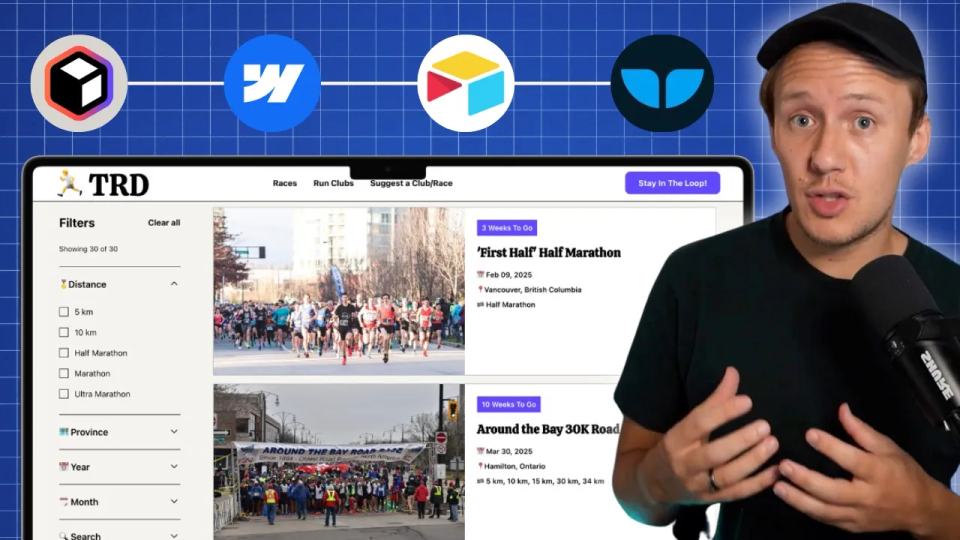
Explore the original Running Directory build, including four pages, Airtable schema, syncing, current filters, and test steps.
+2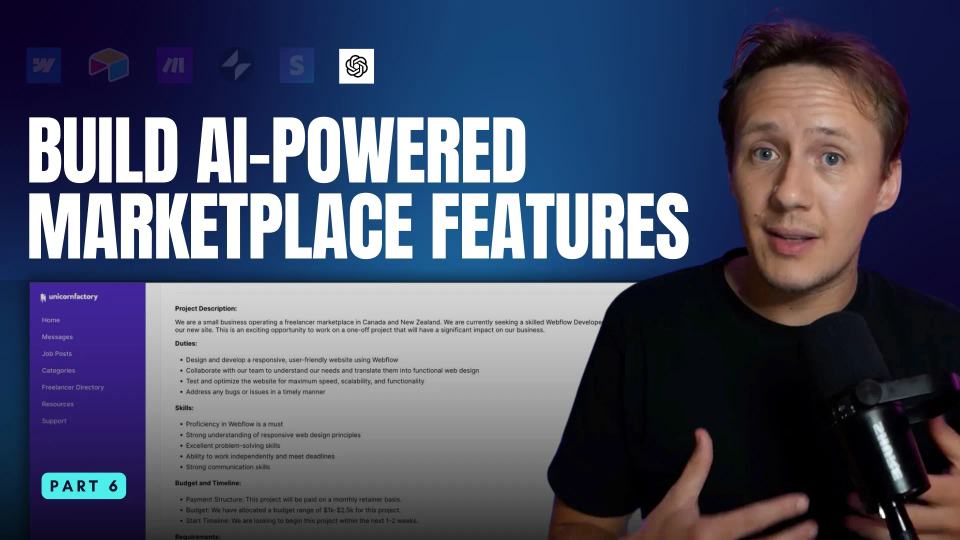
Explore AI job drafts, support drafts, and marketplace recommendations, with human review and specific measures for assessing usefulness.

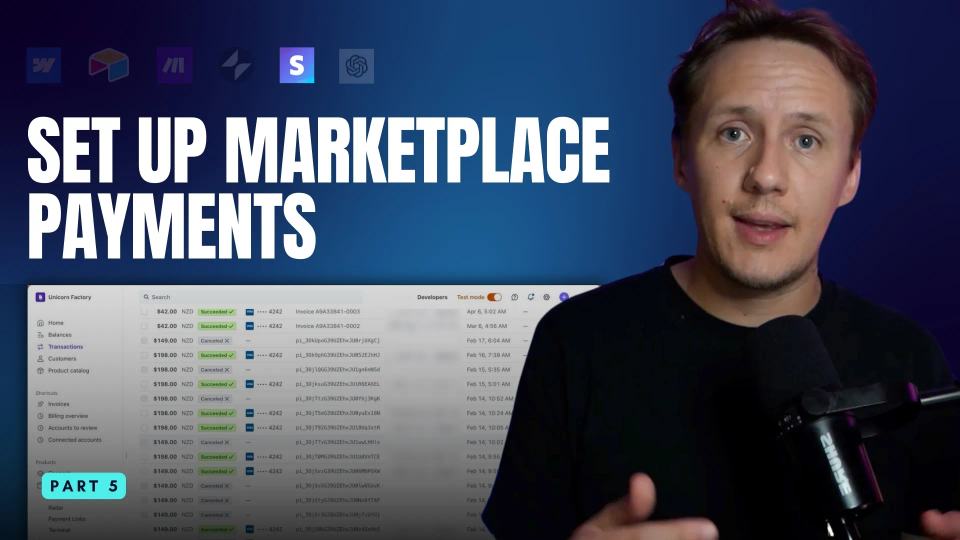
Stripe can collect your platform's own fees or support payments involving independent sellers. Those require different designs.

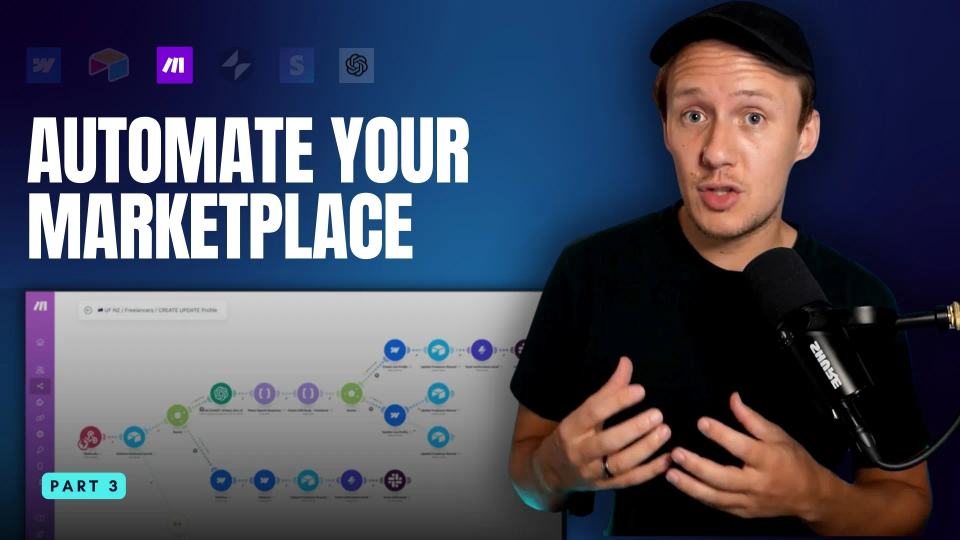
Explore marketplace workflows with Make, including onboarding, enquiries, CMS updates, reviewed AI drafts, and failure checks.
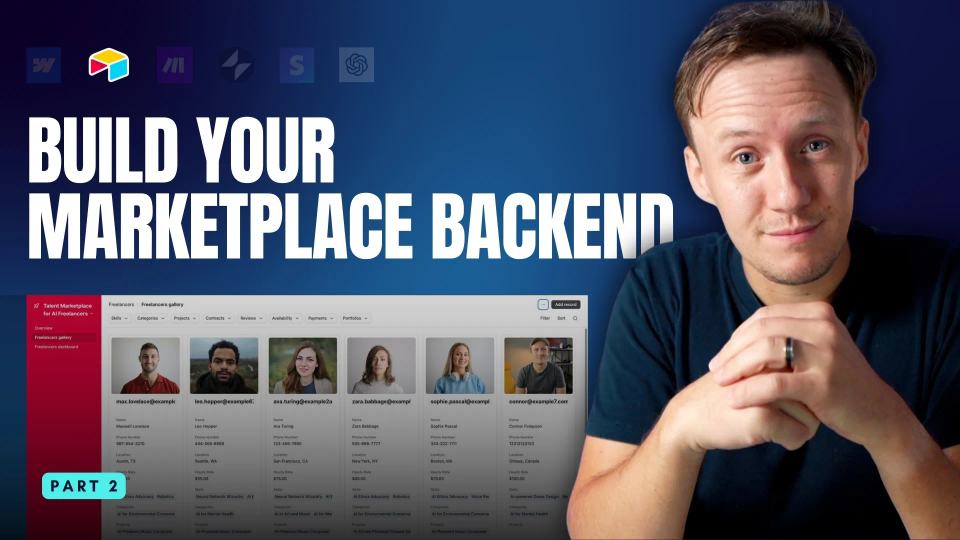
A marketplace needs clear relationships between people, projects, and applications. Airtable can provide an editing workspace for that information.

Build an enquiry-based marketplace MVP with Webflow pages, CMS profiles, a contact form, and an end-to-end submission check.
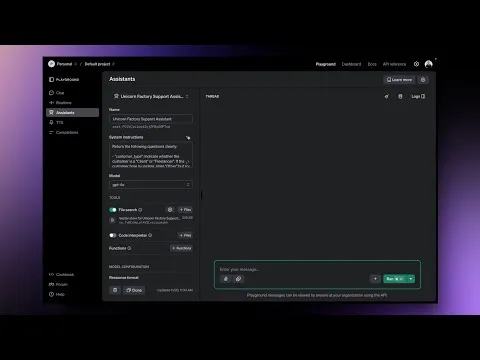
A support assistant needs approved business knowledge and clear limits before it needs automatic sending. The original example asked how a freelancer could join Unicorn Factory. Use that question to design a reviewed answer workflow.

Use a small outreach test, review feedback, and set limits before increasing effort or expecting better conversion rates.
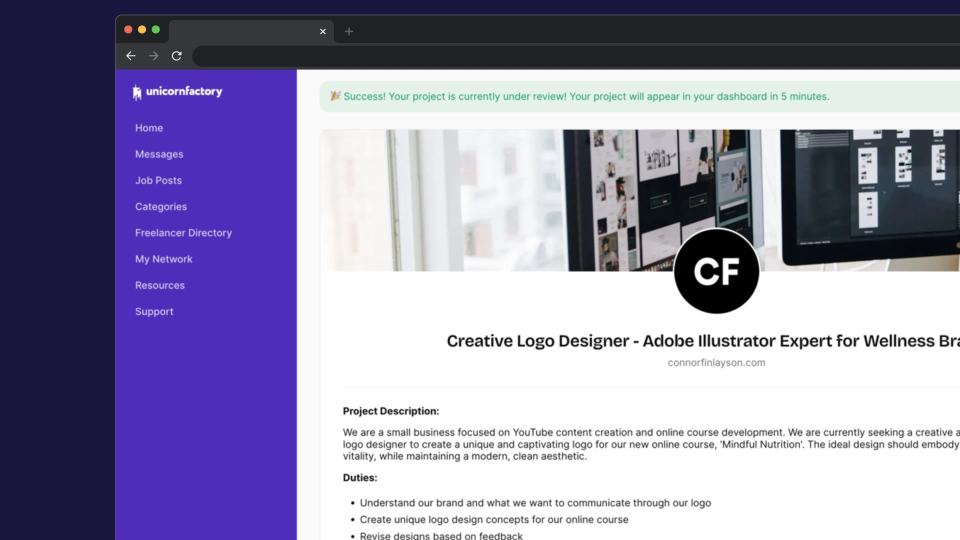
A Unicorn Factory job-board case study with automated workflows, human approvals, private-data checks, and failure handling.
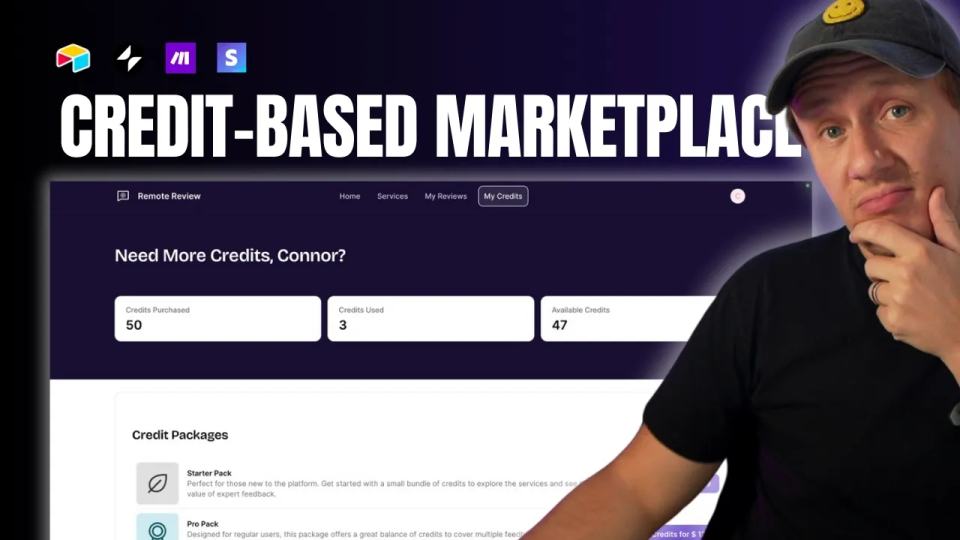
Design a marketplace credit ledger with verified purchases, enforced redemption, duplicate handling, and refund rules.

Map Airtable values to Webflow CMS types using option IDs, image objects, deterministic rich text, and staged JSON examples.
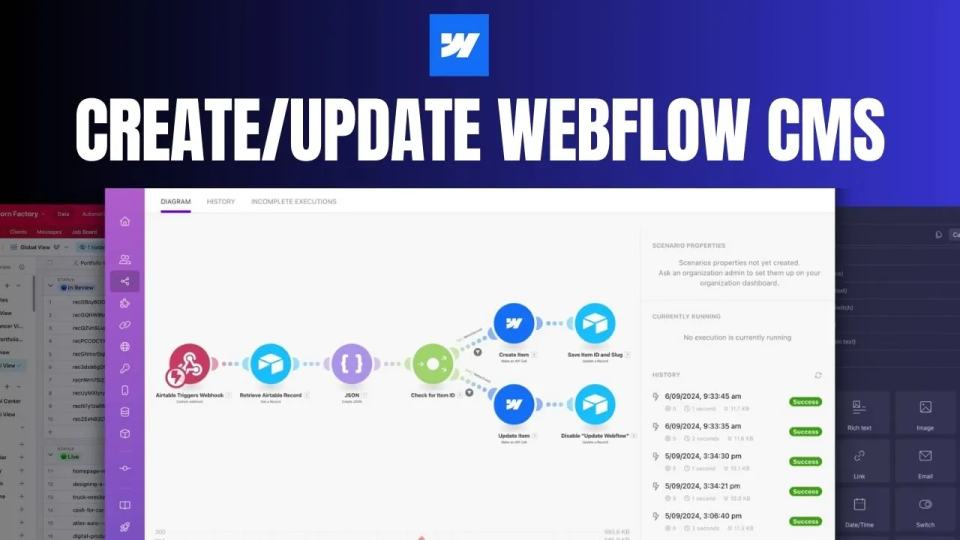
Create and update Webflow CMS items from Airtable through Make, with stored IDs, staged JSON, duplicate handling, and recovery checks.
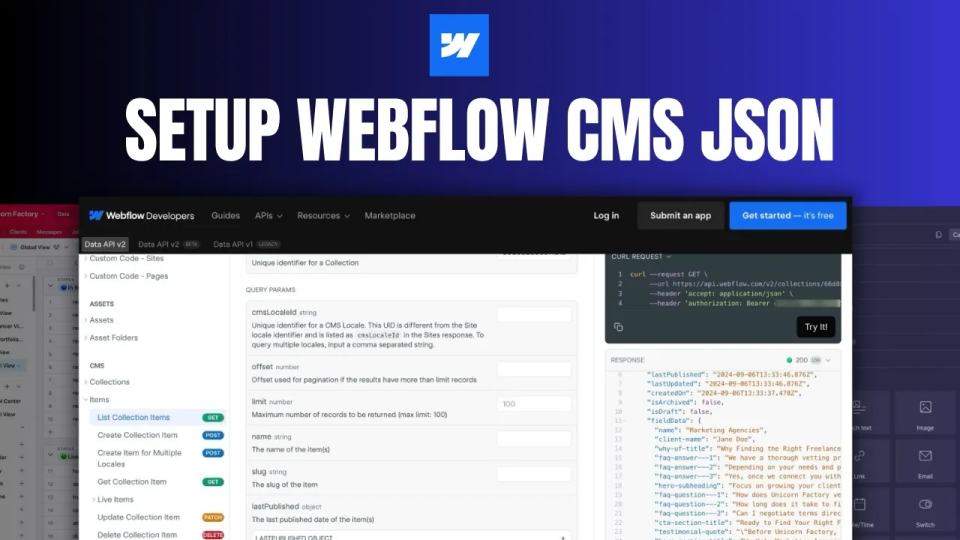
Build Webflow fieldData JSON in Make with staged sample reads, option IDs, complete request examples, and explicit reuse.
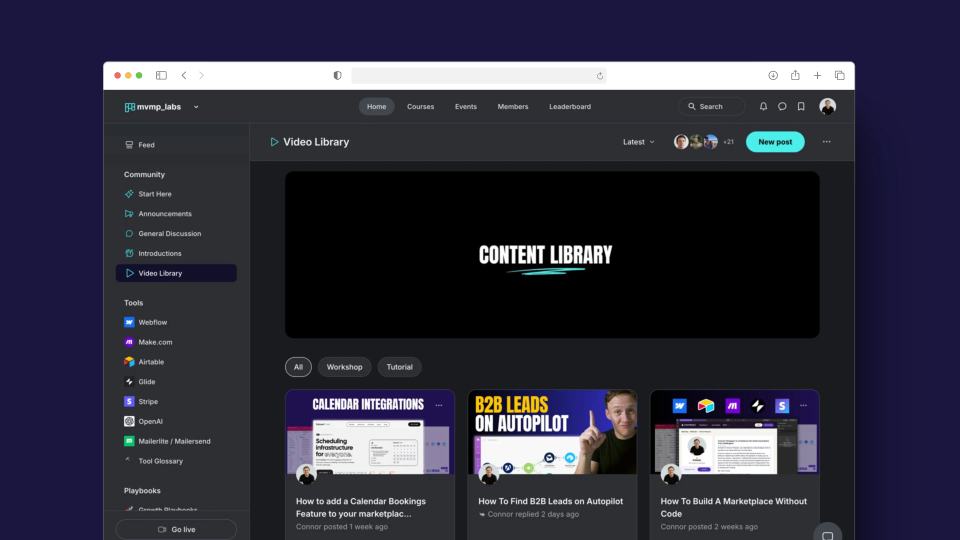
Historical announcement, updated October 7, 2026: this article describes the original MVMP Labs community beta. The course library is closed to new members. Existing members.
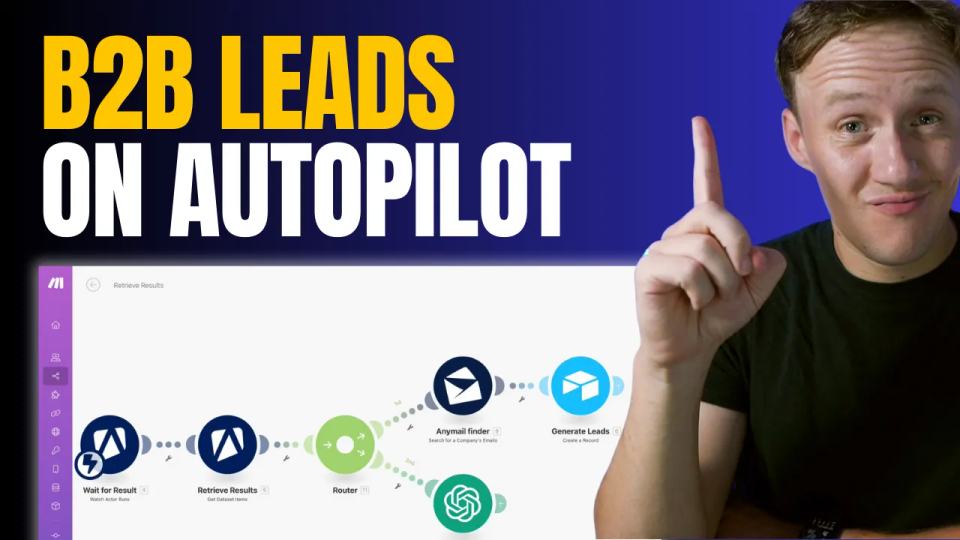
Build a reviewed B2B research list with Apify, Make, and Airtable, using source evidence, duplicate checks, and controlled enrichment.

Compare Circle and Skool through navigation, automation, current advertised plans, and clearly labeled cost assumptions.
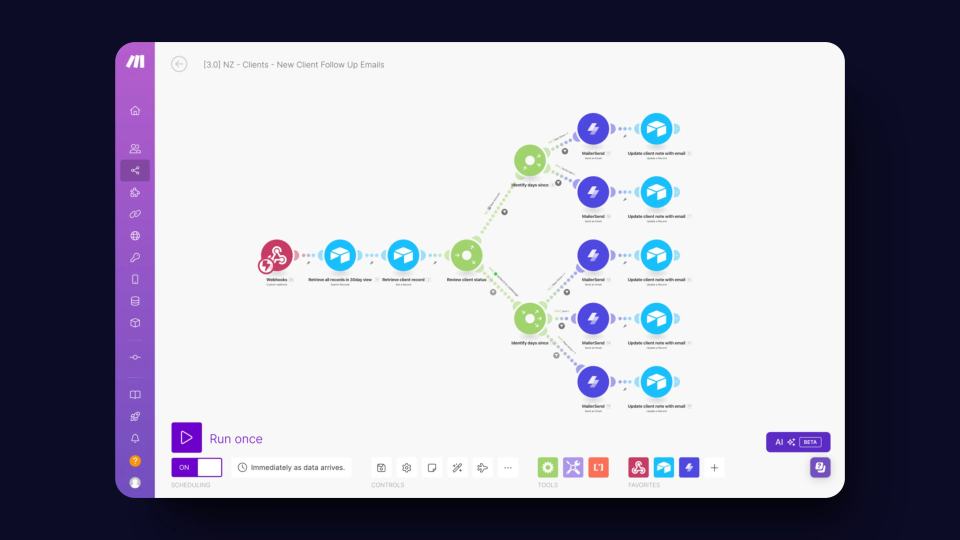
Plan status-based client follow-ups with Make and Airtable, using due dates, stop rules, duplicate checks, and delivery evidence.
You can set up a marketplace demand test in one day. Collecting meaningful evidence usually takes longer, especially without an existing audience. This method suits talent marketplaces where you manually match clients with suitable freelancers.

Your marketplace business model decides who pays and what they receive. Compare that value with the cost of providing it.
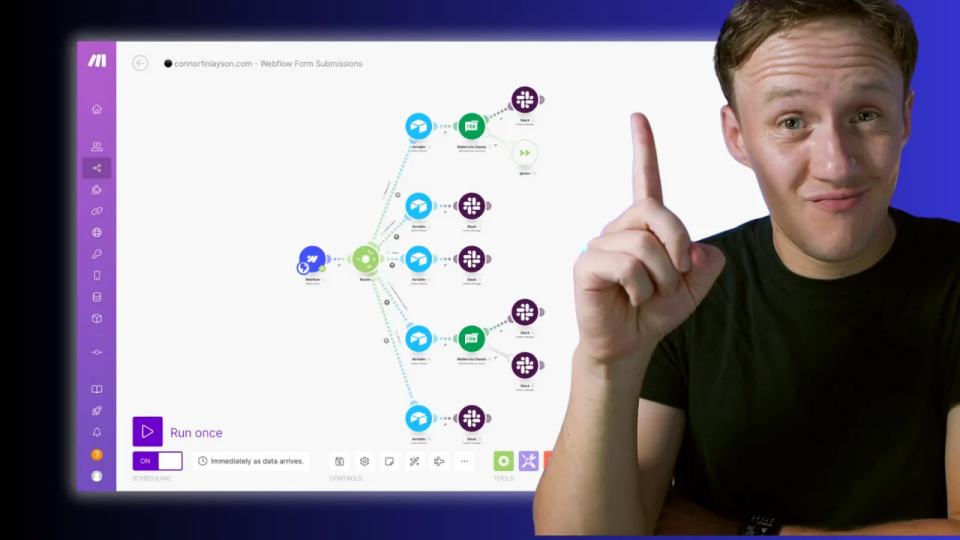
If one form appears across your CMS pages, each submission needs a useful page identifier. For workshops, pass the workshop name or slug through a hidden input. Then send that value to Airtable with the rest of the enquiry.

Your marketplace budget changes as you move from testing demand to fulfilling paid work. Separate recurring software, setup work, transaction fees, and customer acquisition before choosing tools.

A marketplace niche gives you one buyer group and one problem to investigate. Start there before building a broad platform.
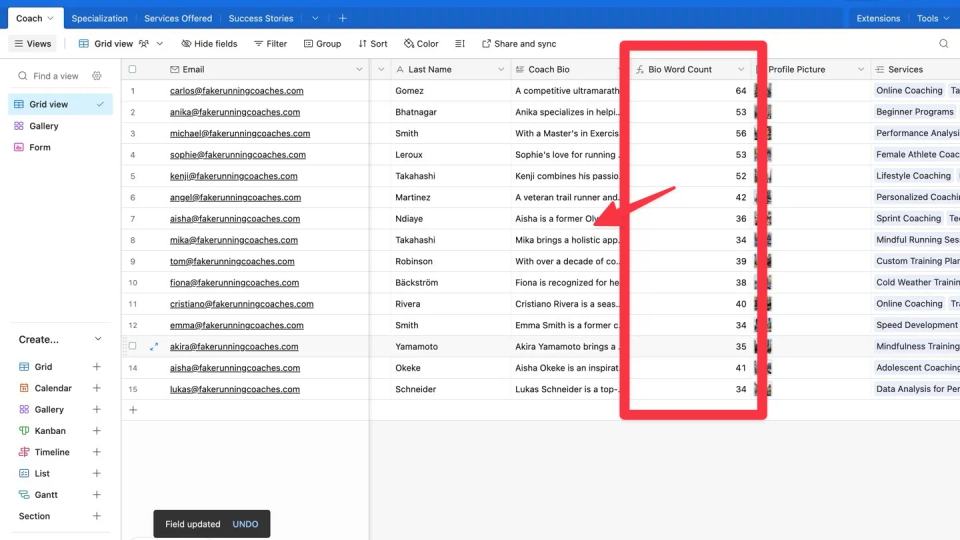
Count whitespace-separated words in Airtable with normalised text, blank handling, and checks for repeated spaces, tabs, and line breaks.

Review my 2024 marketplace stack and evaluate data ownership, private access, sync limits, payments, and operating costs.
+4
Webflow Apps brought more third-party tools into the Designer. My original tour discussed Unsplash, Jasper AI, and Finsweet Table. The useful question is which task an app completes, and what access it needs.

Five AI app patterns for text drafts, knowledge answers, audio transcripts, documents, and receipts, with focused review steps.

Use a beginner Relume travel-blog prompt to plan a sitemap, edit wireframes, review copy, and prepare the next export step.

A custom Open Graph image can show a page's own title and product screenshot when someone shares its link. This final landing-page lesson uses Placid to create that image from Airtable data. It follows approved Webflow updates.

This second landing-page lesson sends approved Airtable copy to an existing Webflow CMS item. It follows the drafting step and precedes the Placid image step.
Six practical Webflow habits covering style guides, components, class names, realistic content, and on-page search basics.

This landing-page series starts by drafting title tags, descriptions, and headings in Airtable. AI can produce a first draft from approved page facts. You still decide what gets published.
Use Memberstack 2.0 visibility attributes for login and plan states while enforcing private data access separately.


Review AI landing-page copy against verified facts, compare illustrative drafts, and approve wording before importing it.
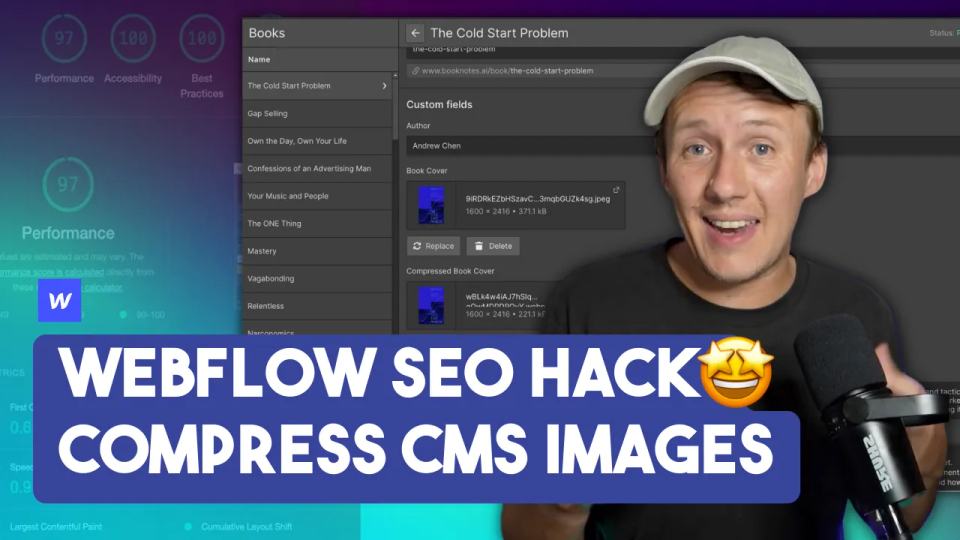
This workflow converts CMS images from PNG or JPEG to WebP using Kraken.io and Make. I originally used Airtable as the image source, with Webflow as the publishing destination. Measure the result before claiming a performance improvement.

A slow Webflow page needs a measured diagnosis before you change its design. Lighthouse provides a repeatable starting point.

Preserve the coverletter.ai project flow while planning protected requests, input limits, loading states, and reviewed cover-letter drafts.
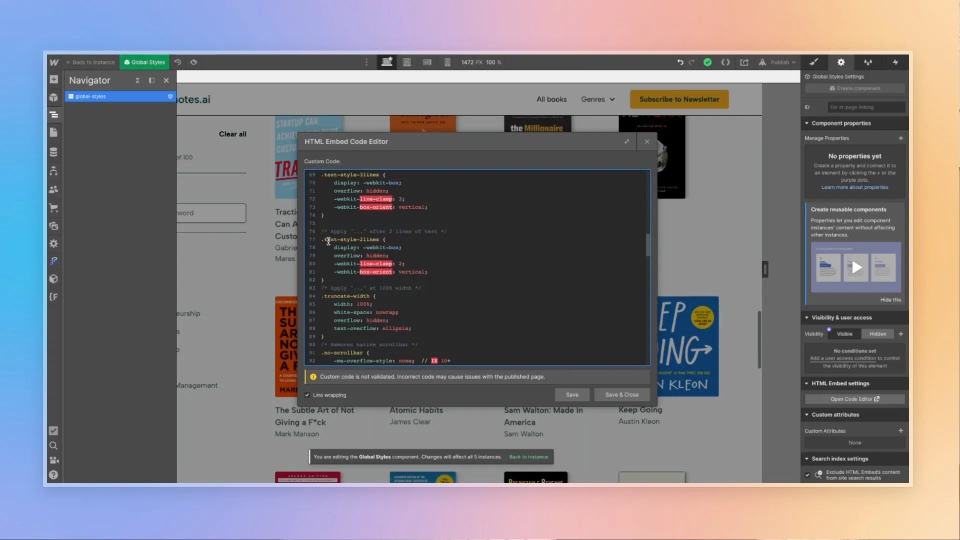
Apply two- and three-line CSS clamping to Webflow card previews, with correct style placement and small-screen checks.

Build a book search and filter page with numeric sorting, GA4 page-view imports, consistent URL matching, and Airtable-to-Webflow sync.


Build an AI social-post draft workflow with Airtable, Make, and Placid. Review posts before scheduling and handle failures safely.

A booknotes.ai case study covering checked AI drafts, Airtable records, Webflow pages, review, and recommendation limits.
+1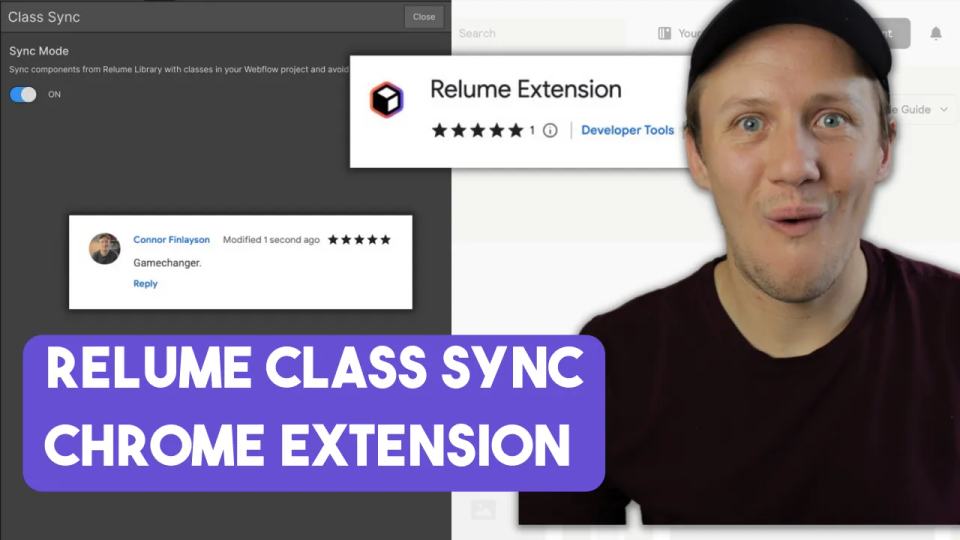
Use Relume Class Sync to match incoming Webflow classes, inspect collisions, and clean up existing duplicates.
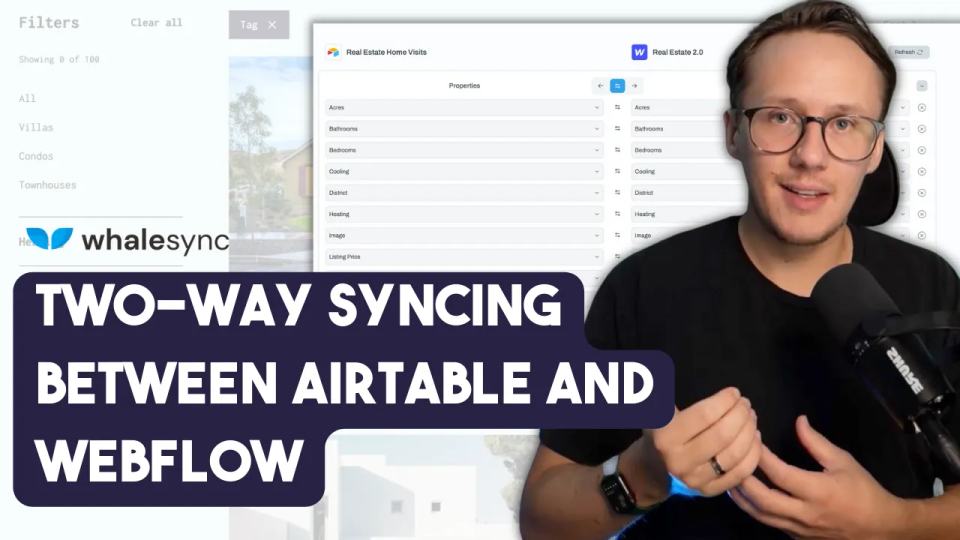
Whalesync connects corresponding records across tools such as Airtable and Webflow. Two-way syncing can support editors working in either tool.
Migrating a membership site needs an inventory of members, plans, workflows, and custom code. Changing the installed script is only one step.
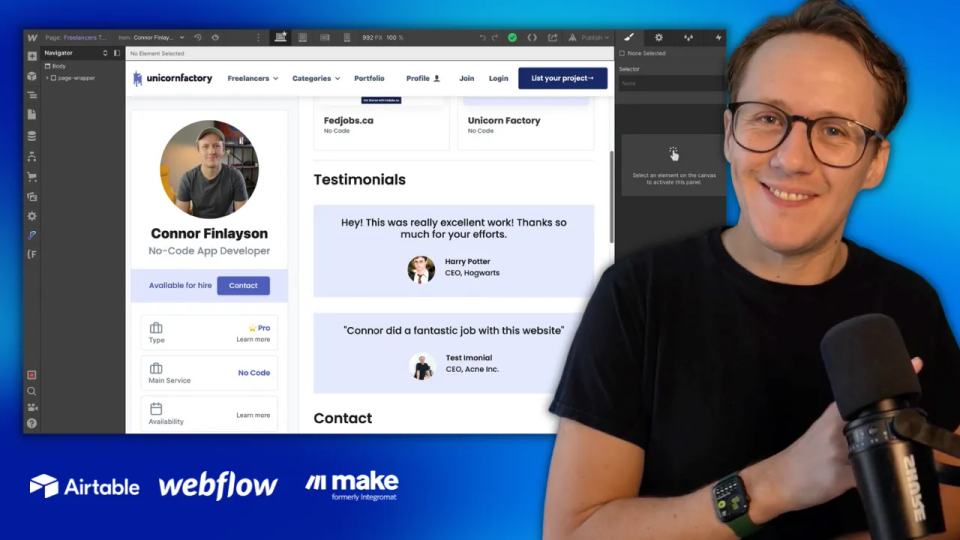
Build linked testimonial collections in Webflow and match approved Airtable testimonials to one CMS item.

Build an Airtable client interface with controlled editing, a complete Make webhook script, and limited record tests.
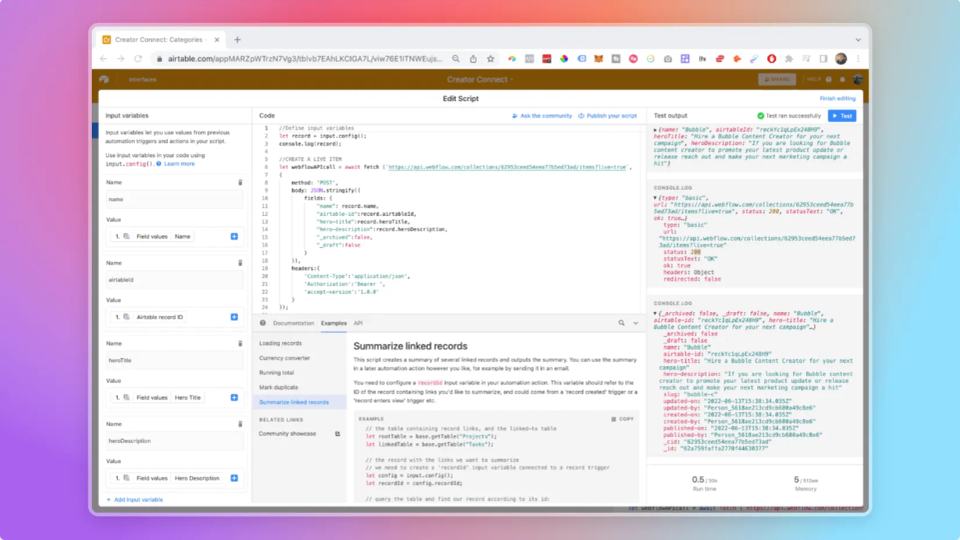
Pass named script outputs into later Airtable automation actions with a complete mock response example and missing-value checks.
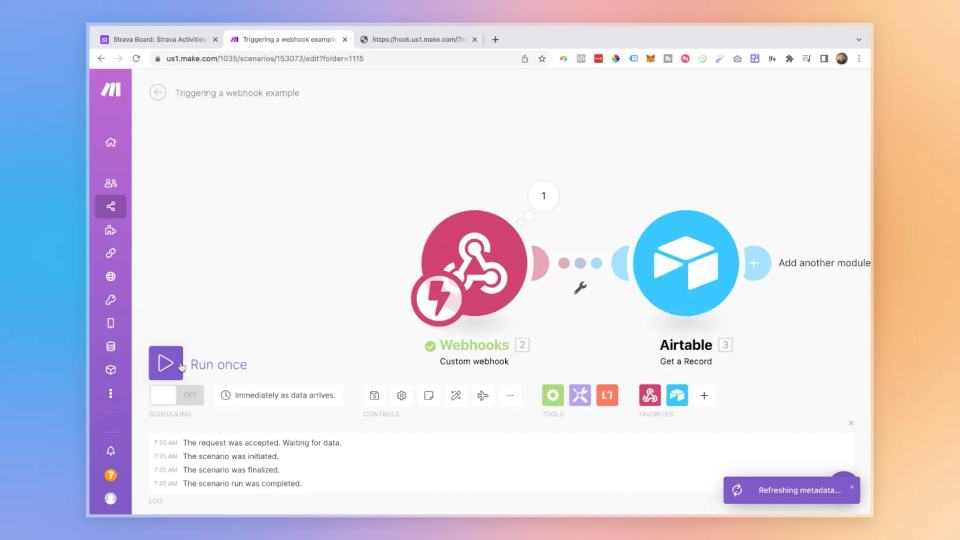
An Airtable automation can send a record ID to Make through a webhook. Make can then retrieve that record and continue the workflow.
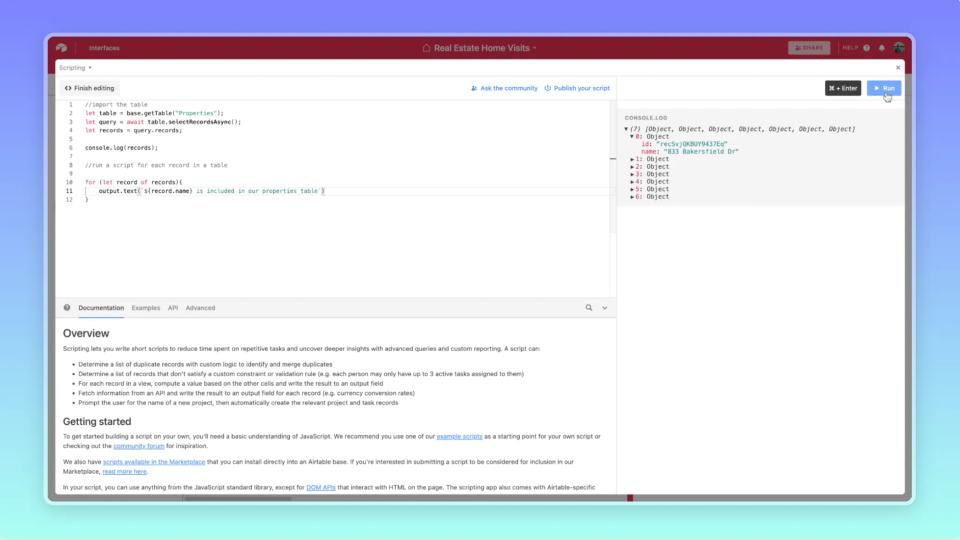
An Airtable script can update a selected group of records. Keep that group explicit before changing any values.

Create a staged Webflow item from Airtable Automations using a complete JSON body, a scoped token, and returned-ID checks.
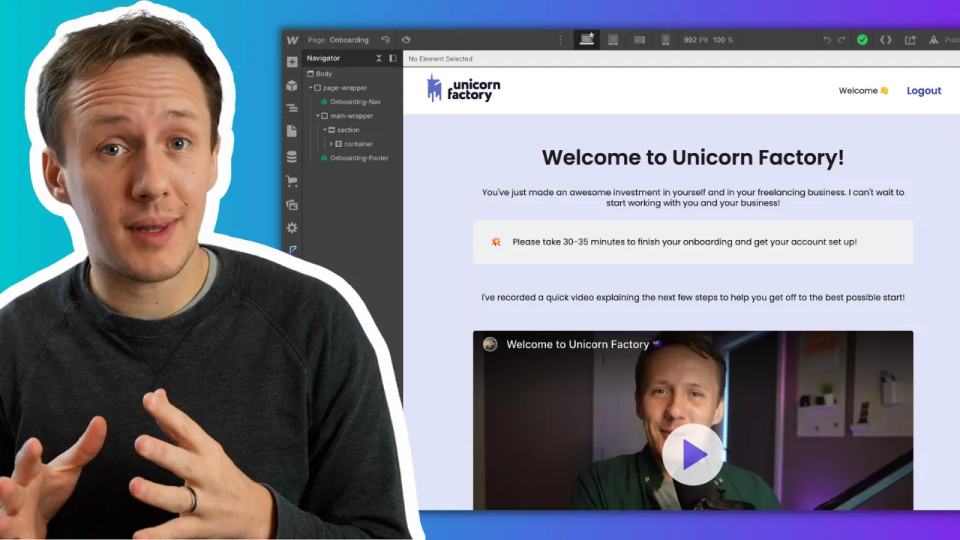
A historical Unicorn Factory onboarding video, with practical notes for placing focused walkthroughs beside the task they explain.
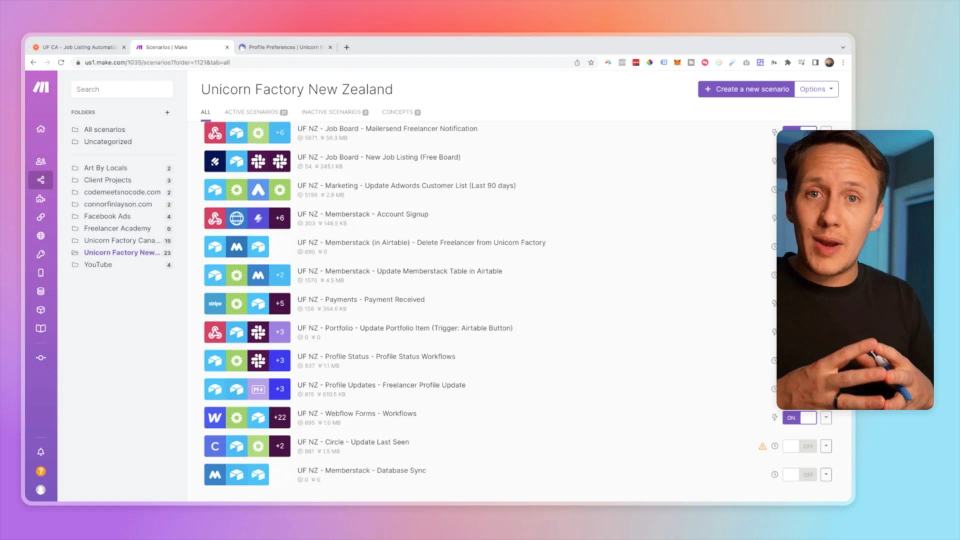
A historical Unicorn Factory migration update, with a practical checklist for comparing one Zapier and Make workflow before moving it.


Watch my first SaaS business story and use a simple reflection exercise to choose one assumption to test next.
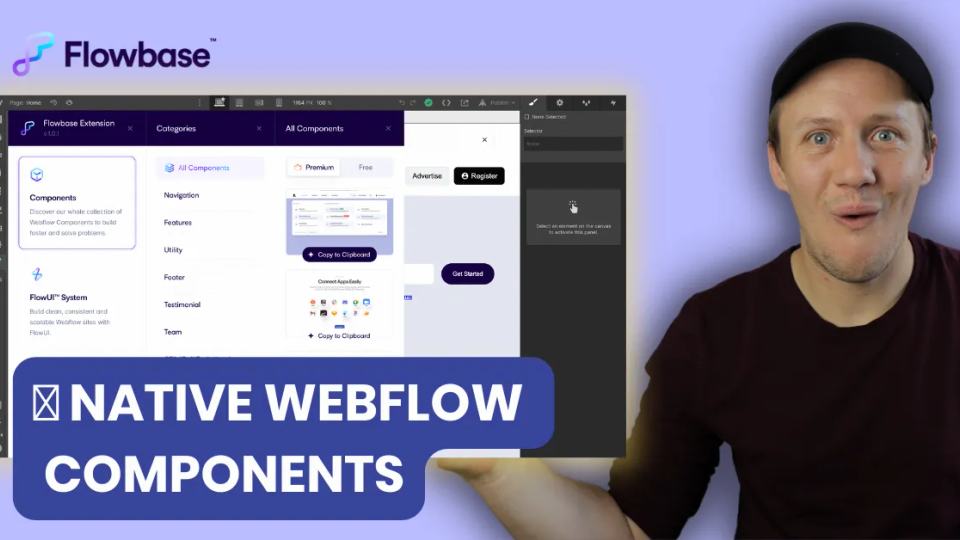
Review the historical Flowbase extension tour, current component access, class checks, and licensing considerations.


Watch my Unicorn Factory copying story and separate evidence, customer impact, and response choices before taking action.

A dated Circle feature review covering live streams, events, mobile access, and paywalls, with a current comparison next step.
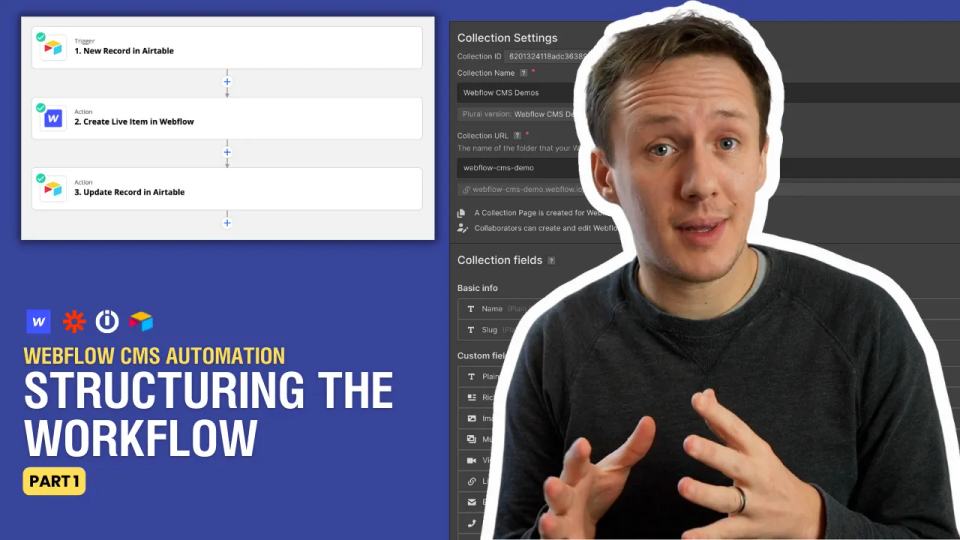
A Webflow CMS workflow needs to distinguish new items from existing items. Save the Webflow item ID when you create each item.

A Webflow field needs a value in the correct format. Similar-looking Airtable fields may produce different output shapes.
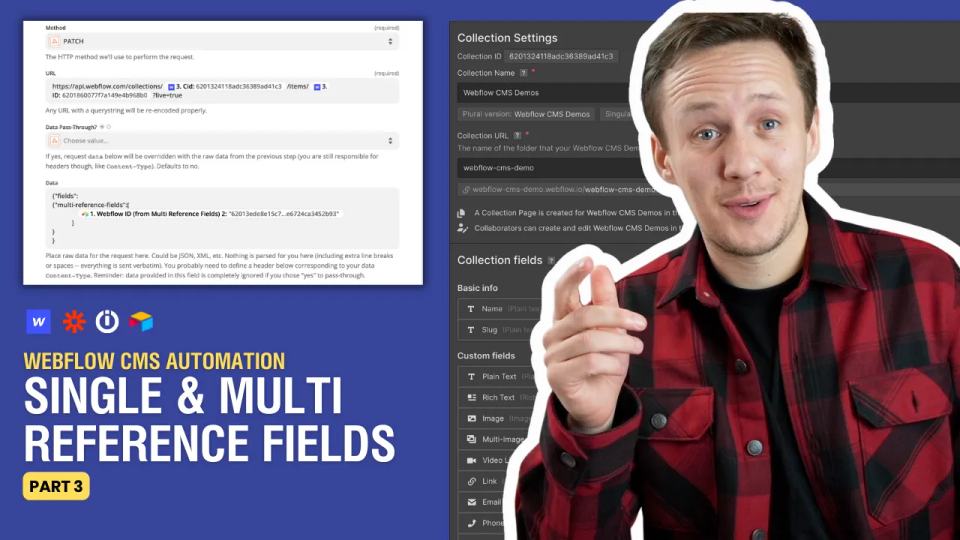
Map single and multi-reference Webflow fields using destination item IDs, unresolved-link checks, and full-request guidance.

Use an Airtable catalog with Stripe Payment Links, then confirm payments, create unique orders, and fulfill once.
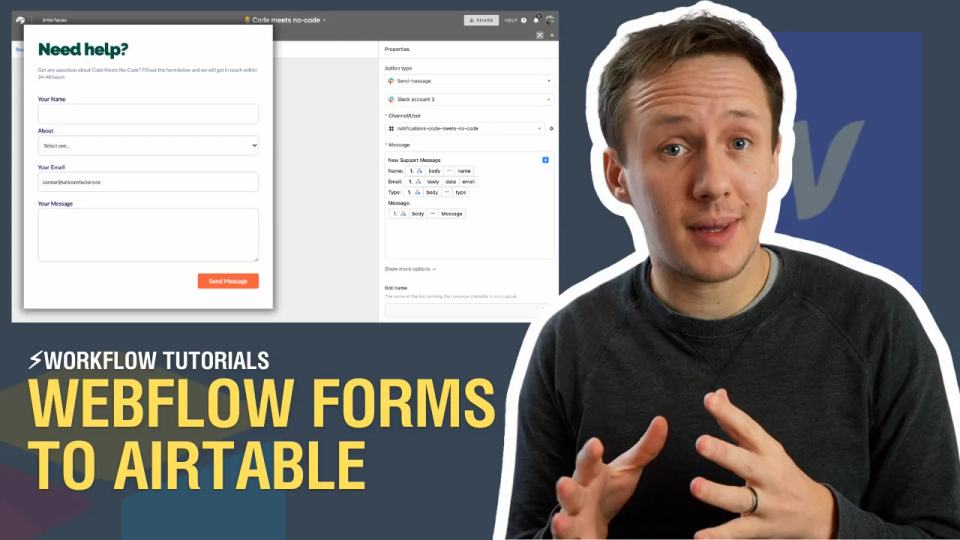
You can receive Webflow form submissions with Airtable's incoming webhook automation. This historical lesson connects a Webflow form to a Messages table without Zapier or Integromat.

Use Airtable conditional actions with an approved/rejected rule and clear matching and nonmatching test outcomes.

Review my 2022 Code Meets No-Code tool tour and separate member identity, private data, and payment access requirements.

The historical Code Meets No-Code launch announcement, with a current learning route for beginner Airtable scripts.
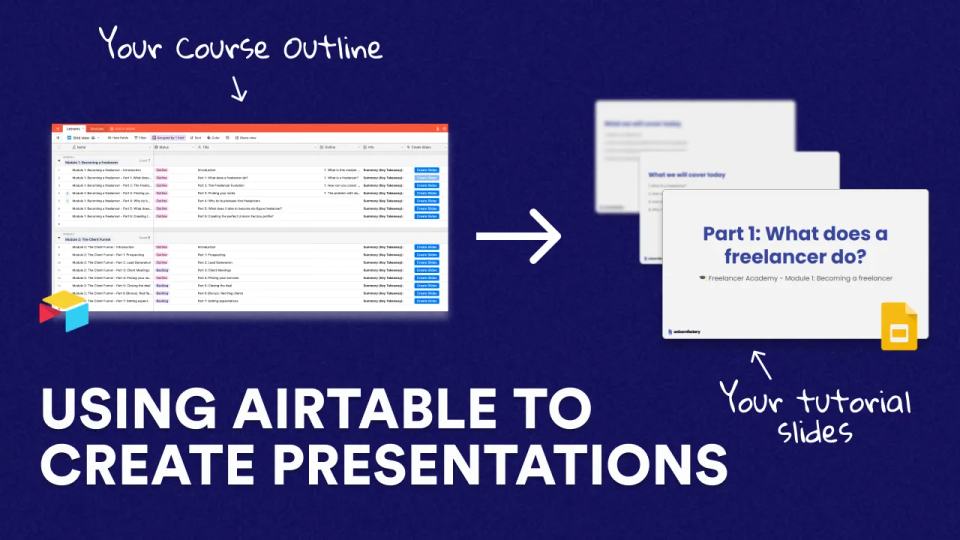
Generate Google Slides from Airtable lesson records using template tags, private destinations, and repeat-run tracking.
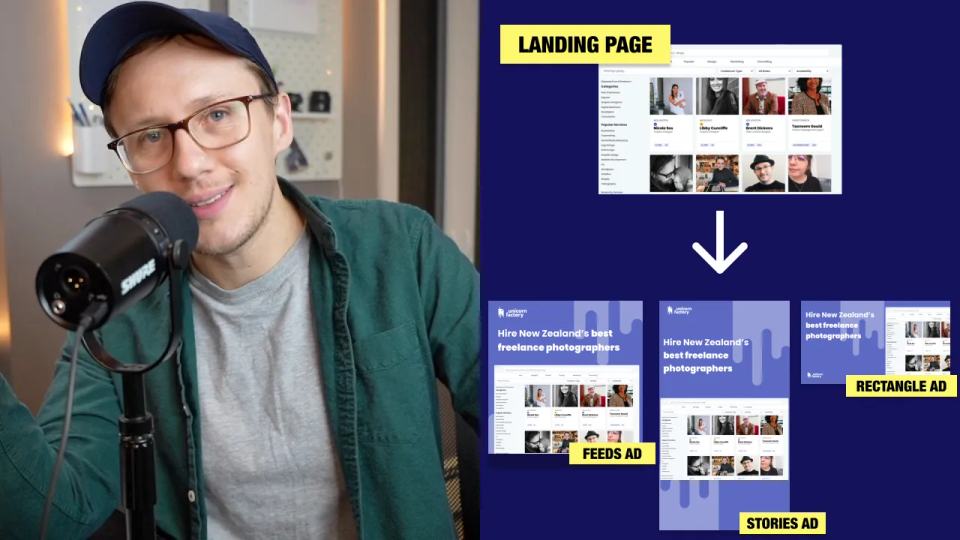
Generate landing-page ad image drafts with Figma, Placid, Airtable, and Make, then review layouts and destination details.

Map Placid image outputs into Webflow CMS Open Graph fields, with fallback images and social-share output checks.

Five skills from a historical Unicorn Factory video, with practical first projects for exploring website, automation, data, ads, and copywriting work.
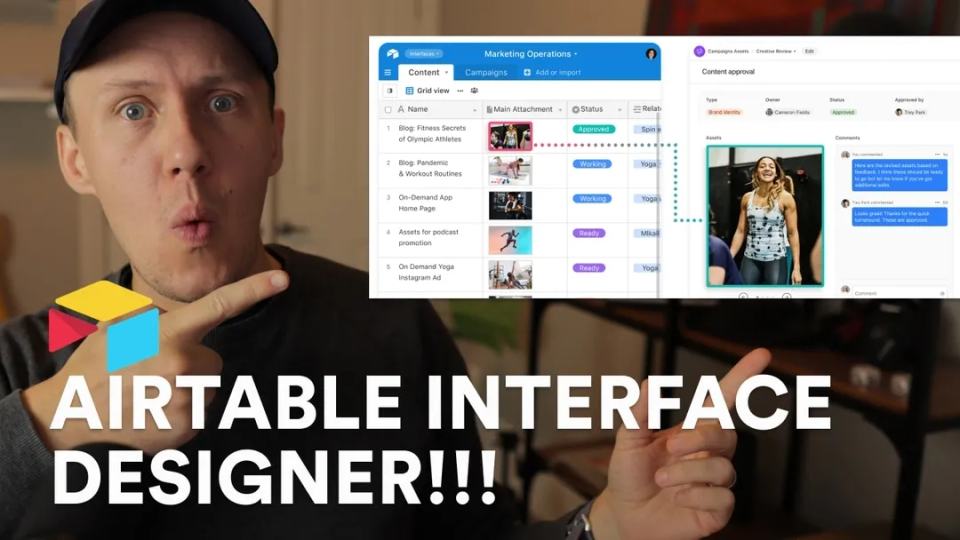
A historical Airtable Interface Designer first look, with a focused enquiry-review exercise and current permission guidance.

Plan a limited Airtable-to-Sheets transfer with source IDs, field mapping, matching counts, and controlled retries.
A five-step no-code MVP process covering the goal, page design, static build, CMS fields, and automation, with a full user-journey check.

Convert user-submitted Markdown into Webflow rich text with a small input/output example, sanitization, and field mapping.
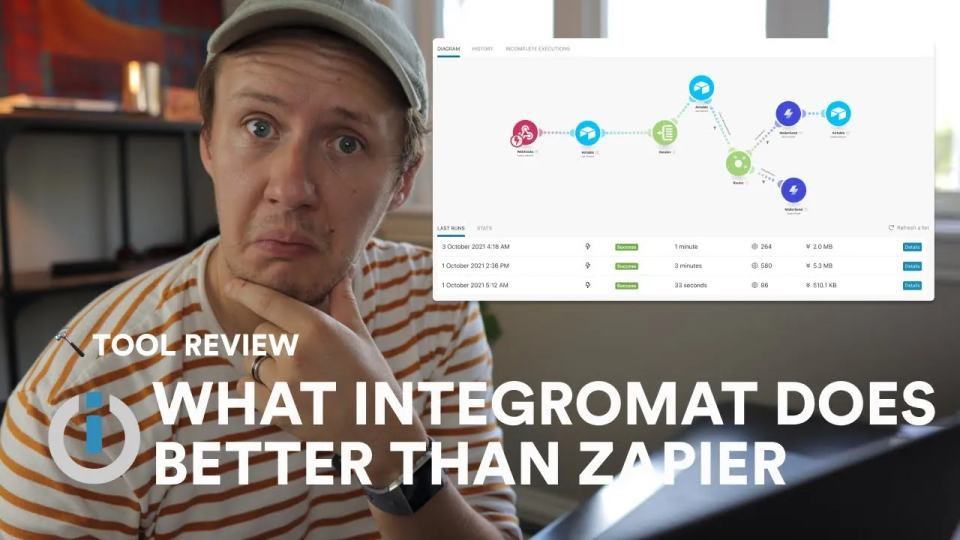
This historical recording compares Integromat with Zapier through a Unicorn Factory workflow. Integromat is now called Make. The useful comparison starts with your workflow's shape, volume, and recovery needs.

Delete one confirmed Webflow test draft from Airtable with a default dry run, saved snapshot, and recovery guidance.
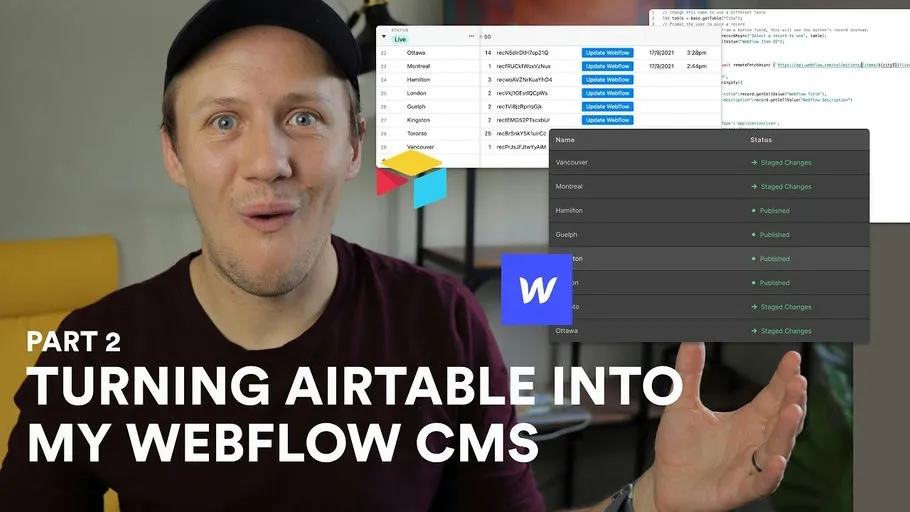
This is part two of my Airtable-to-Webflow scripting series. The original lesson used Airtable scripts and buttons to update existing CMS items without Zapier or Integromat.
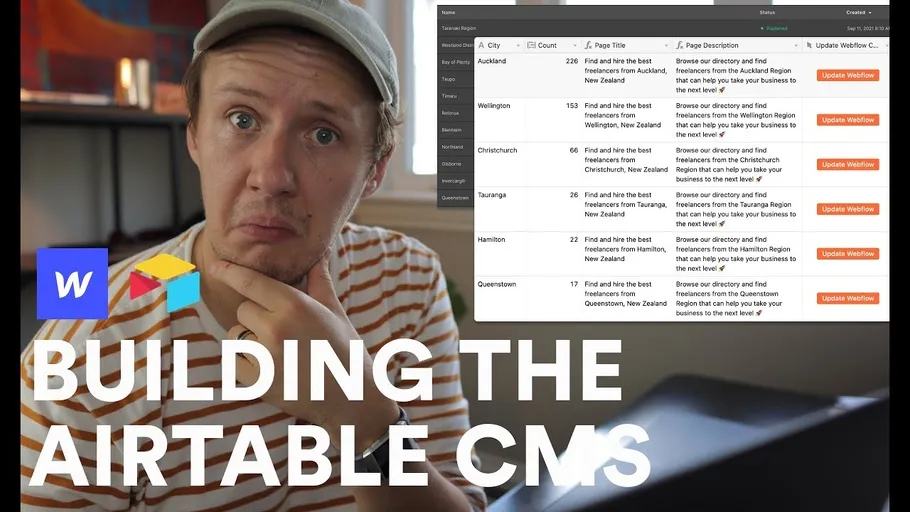
You can use Airtable as an editing interface for Webflow CMS content. The workflow sends Airtable changes to the matching Webflow item.
This five-step process starts with the outcome a customer needs. My original Unicorn Factory example focused on contacting a freelancer.
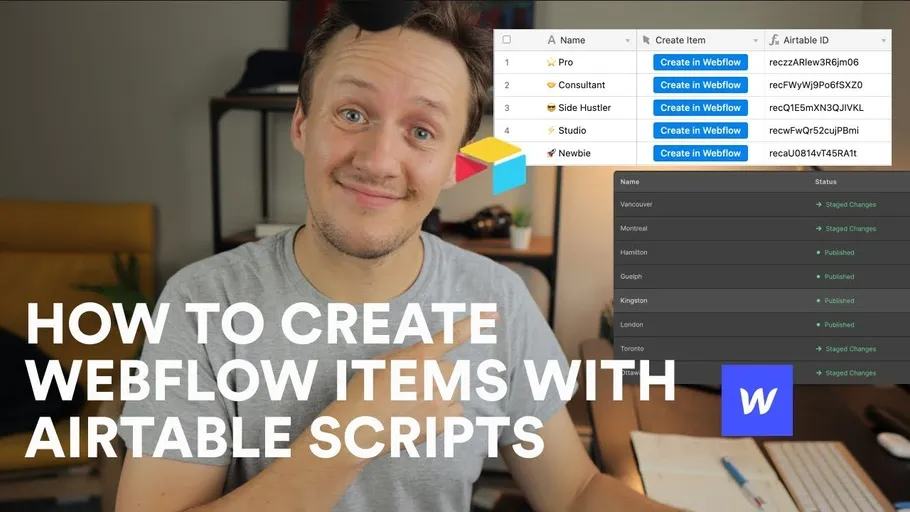
Create a Webflow draft from Airtable with a complete v2 script, named inputs, secrets, dry run, and duplicate stop rules.

Use return on effort, learning, shared ideas, and bottlenecks to decide whether another side project fits your commitments.

Measure marketplace growth through leads, supply and demand stages, qualified-lead definitions, and duplicate handling.
Document no-code workflows using triggers, owners, inputs, outputs, dependencies, failure alerts, and recovery steps.

Decide whether to change no-code tools by checking current limits, requirements, recovery effort, and migration costs.

An Everything Marketplaces question prompted this discussion about Unicorn Factory's early product decisions. The recording covers pre-launch goals, the feature discussion, and how I thought about marketplace growth.

This recording is a historical first look at Ycode as an alternative website builder. Use it to understand the earlier tour, then compare today's product against your own brief.

I used Webflow for the public website layer of Unicorn Factory. This historical recording explains that choice within my marketplace setup.
An Airtable automation script can send data to an external API. Start with a read-only request before allowing account changes.
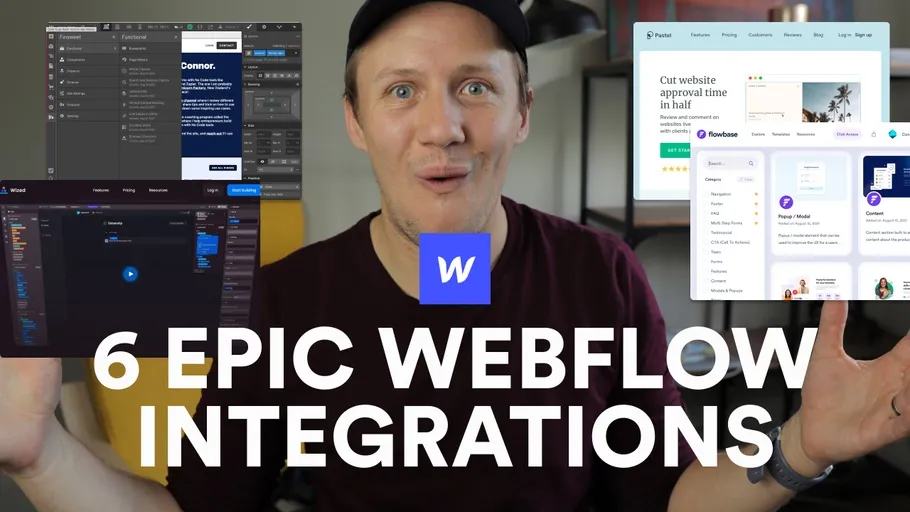
Six Webflow tool examples for client feedback, components, interfaces, CMS browsing, and animation, with practical selection checks.

The Art By Locals case study preserves its original marketplace story, tool choices, community lessons, and recording.
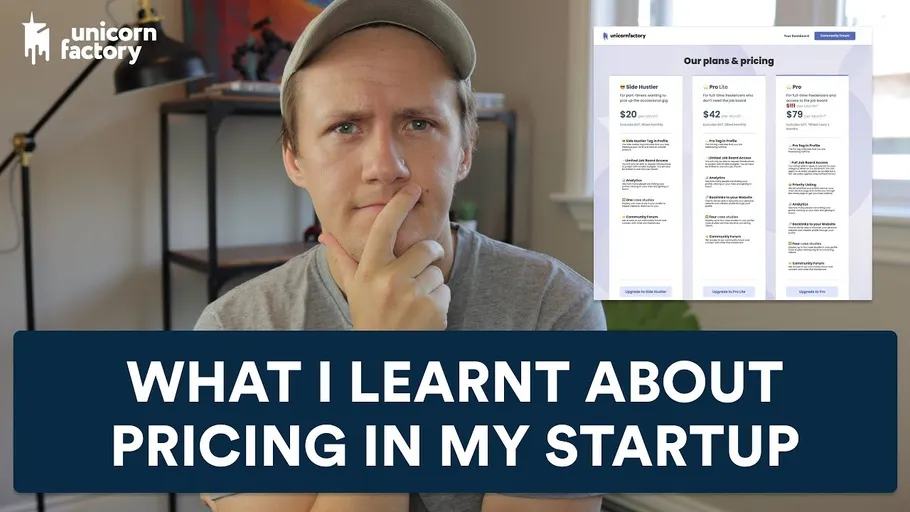
Five marketplace pricing principles covering free plans, operating costs, price changes, investment, and delivery expectations.

This historical marketplace lesson focuses on preparation before building the full product. Use the recording as a starting discussion, then define the demand test you can actually run.
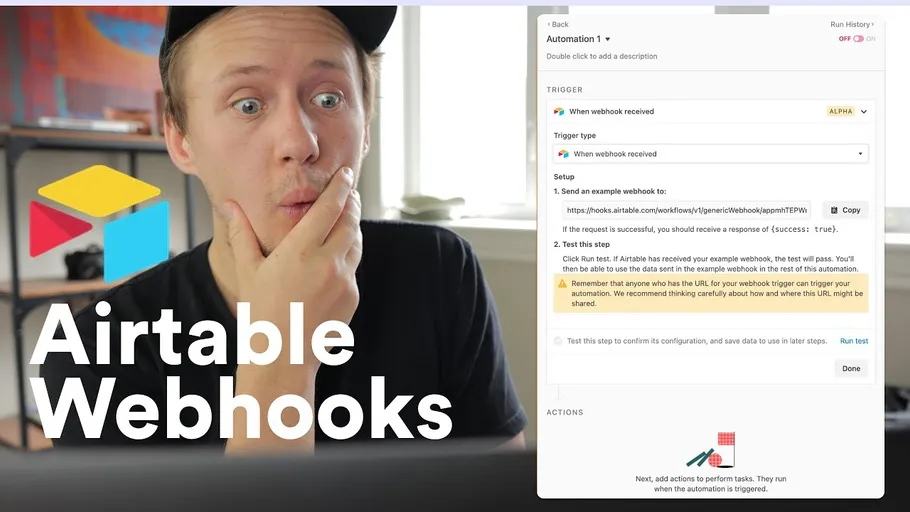
An incoming webhook lets another system start an Airtable automation. Airtable gives the automation a receiving URL.

Explore the historical Unicorn Factory Webflow portal stack and clarify identity, private data, and public sync ownership.

For my first two years using Webflow, I did not understand the benefit of global color swatches. The practical lesson was simple: one shared color should have one shared definition. Webflow now provides color variables for that job.
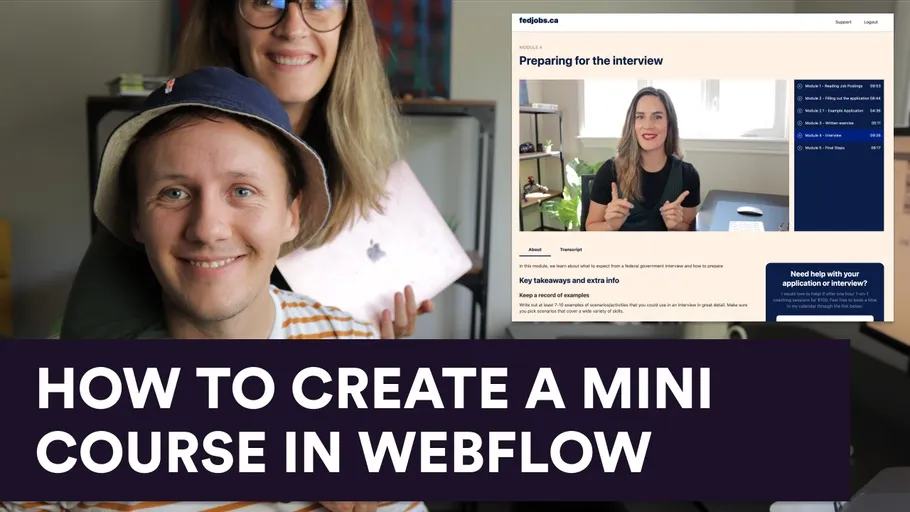
The FedJobs.ca mini-course case study covers static lessons, memberships, support, learner outcomes, and access checks.

Choose a payment setup based on what you sell and what happens after payment. A payment button alone does not manage delivery or membership access.

I used MailerLite for Unicorn Factory's community updates and MailerSend for individual client enquiry notifications. Those emails serve different purposes, even when both start from an automated event.



I explored Flowbase's component library as an alternative to starting every Webflow project from a full template. The original lesson focused on copying individual components into a project without cloning an entire site.
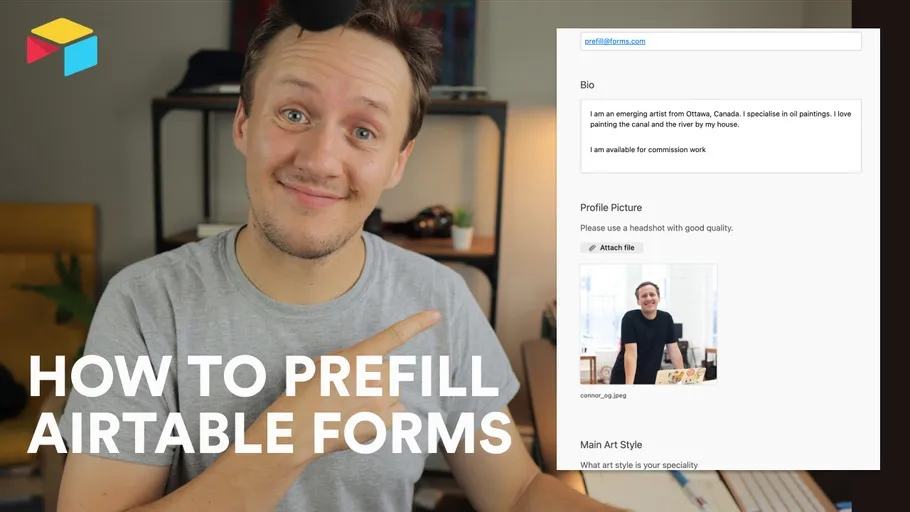
A prefilled Airtable form starts with values supplied in its URL. It can reduce typing when someone submits profile changes.

Use Google Search Console to choose a website property, read search queries, and assess one page before changing its title or content.

An IF formula chooses a result based on a condition. You can use it to label records before an automation acts.
Explore five historical Webflow CMS project examples and use their listing patterns to plan a small directory or marketplace.

Keep Airtable workflow views separate from everyday views, and check eligibility before connected automations run.

A webhook is a message one service sends to another when an event happens. The receiving service supplies a URL.


I used five automation tools around Unicorn Factory: Zapier, Integromat, Parabola, Airtable Automations, and Nobull. Integromat is now Make. Each tool addressed a different kind of work. Choose the job before comparing subscriptions.

Compare Airtable and Google Sheets around relationships, formulas, team editing, and automation before choosing a database for your project.
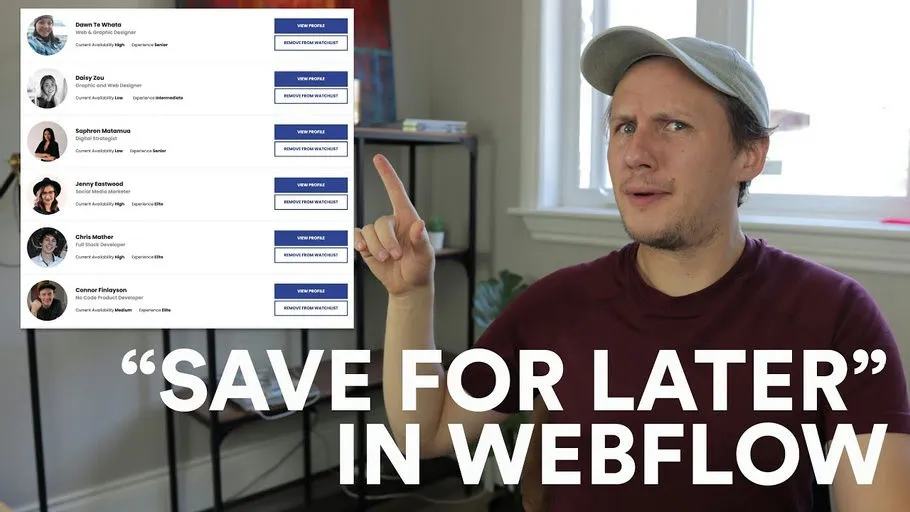
Plan a Webflow saved-items feature with Jetboost and Memberstack, including persistence and separate-user checks.

See how I organized Unicorn Factory onboarding and discussions with Circle spaces after using Slack.

Review my historical Chipbot Pylons video popup experiment and plan a small website test without assuming conversion gains.

Stripe Payment Links provide a hosted checkout you can share from a website button. You can use them for a product, service, or subscription.
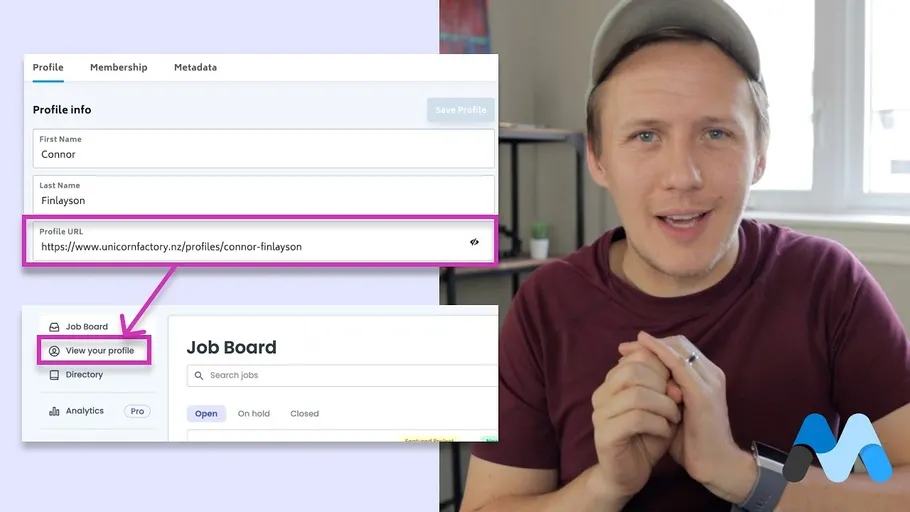
Use Memberstack 2.0 to add member-specific profile links in Webflow, with URL validation and logged-out checks.

Use Webflow interactions to show form questions. Understand default states, required fields, and branch submission checks.

Six founder skills from building Unicorn Factory, with a first-week checklist for marketing, websites, sales, automation, hiring, and finance.
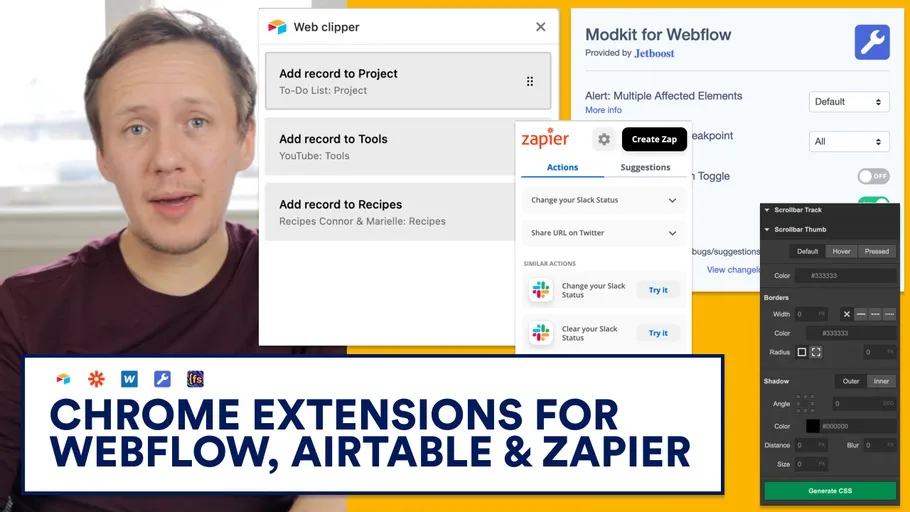
A historical tour of seven browser extensions, with current checks for support, permissions, shared classes, and data capture.

An early Unicorn Factory recording about choosing no-code tools and starting with one useful customer task.
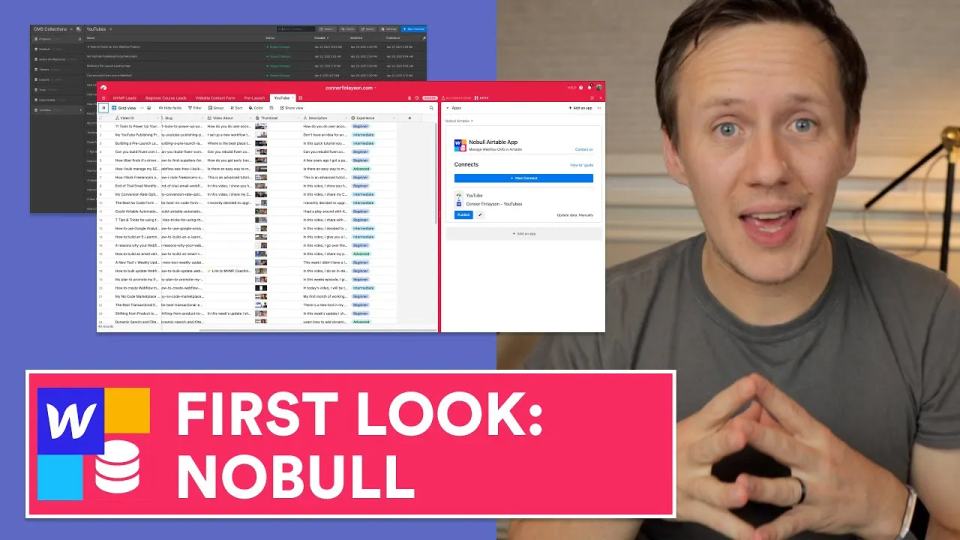
This historical first look explores Finsweet's Nobull Airtable app for Webflow. The recording first exports Webflow content into Airtable, then sends edited content back.
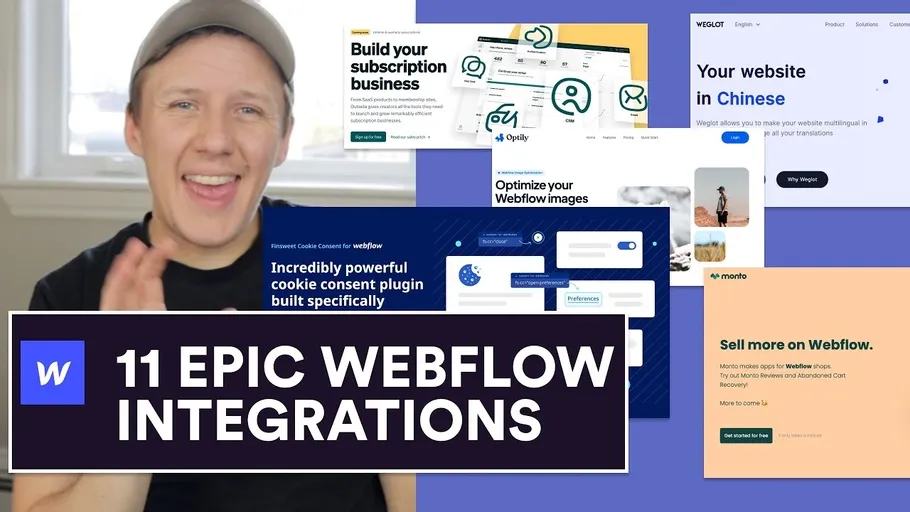
A historical tour of eleven Webflow tools, with practical checks for accounts, search, translation, consent, analytics, and commerce.
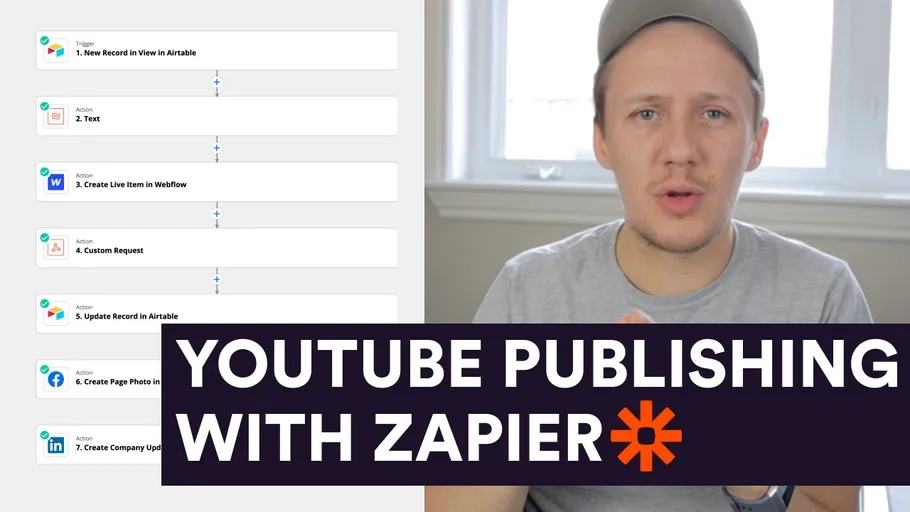
Plan a YouTube publishing workflow with separate website, Facebook, and LinkedIn fields, approvals, and posted-status records.
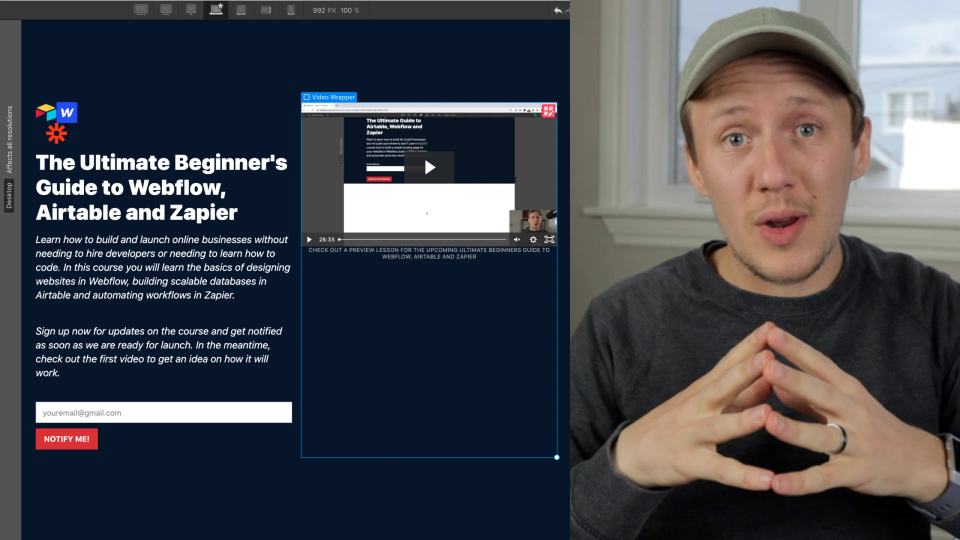
Build a pre-launch page with Webflow, Airtable, and Zapier, then check form mapping, duplicate handling, and the promised signup outcome.

Scope a Fiverr-style marketplace with Webflow. Compare listings, accounts, messaging, payments, and the limits of a first version.

Preserve the Uber Wellington supplier-onboarding story and apply its early recruiting lesson to a marketplace.
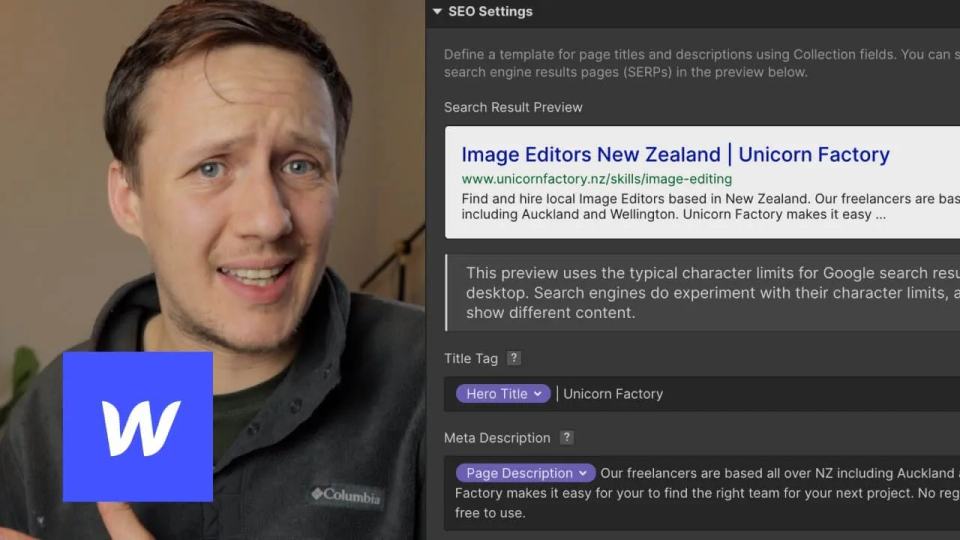
I used Airtable formulas and Parabola to manage SEO titles and descriptions across Webflow CMS pages. The useful idea is to review metadata in a table before sending it to the website.

Understand the original no-code ranking lesson and use a labeled sample score to explore inputs, ties, and refresh rules.

Plan an end-of-trial email sequence with Airtable state, MailerLite rules, upgrade suppression, and duplicate-send checks.

A historical Google Optimize testing tour, with a current method for defining conversions, variations, and experiment review.

Review my 2021 Jotform choice and test a current job-board payment flow with approval and publication handled separately.

Use Google Analytics to answer a specific question about your website. Start with the action that matters to your business.
A six-topic Webflow CMS checklist covering page text, filters, sorting, badges, related records, and nested lists.
Evaluate Airtable Automations through profile updates, overwrite behavior, current limits, and workflow requirements.

Compare a custom Webflow learning platform with hosted course options through access, support, and maintenance requirements.
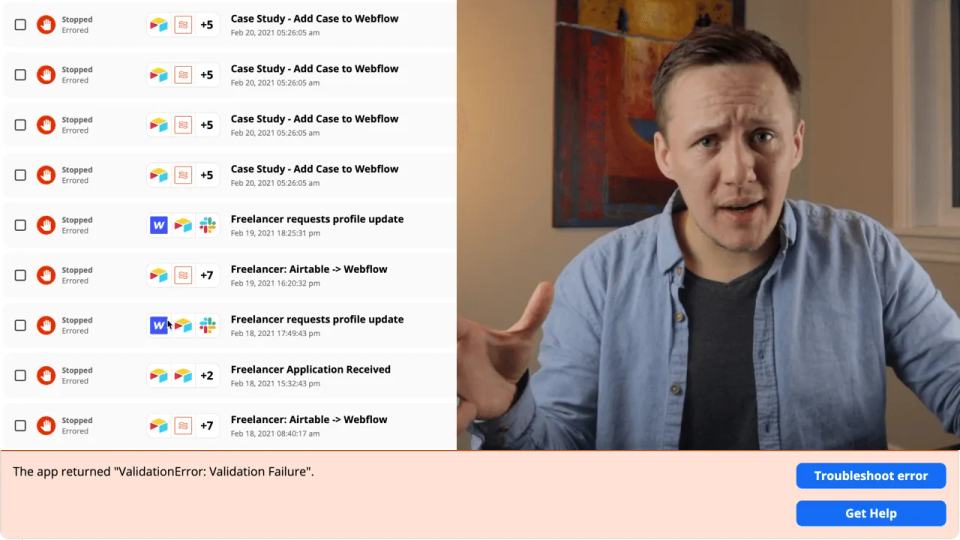
Diagnose Webflow CMS validation failures by checking collection changes, reference IDs, field types, and publishing state.

Use Memberstack email verification modes and check unverified access, expired links, and membership entitlement.

A historical social media workflow video, with planning notes for approved sources, draft review, and duplicate prevention.
Match Airtable rows to Webflow item IDs in Parabola before limited bulk updates, count checks, and recovery planning.
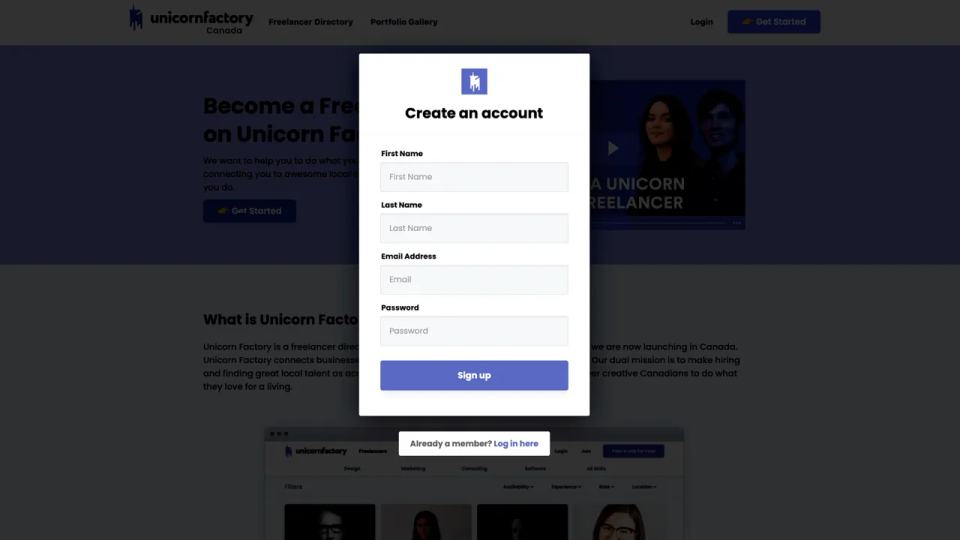
Plan Webflow memberships with Memberstack, including signup, plans, private data, and unauthorized-access checks.

Map MailerSend personalization variables, use a verified sender, test with your own address, and check provider delivery activity.

Set up a Jetboost search and filter overview for Webflow CMS, then check known results, empty states, and mobile use.

I learned Webflow, Airtable, and Zapier while building Unicorn Factory. Bubble later made me reconsider which parts belonged in a website and which needed application behavior. Choose between them using the prototype's actual requirements.
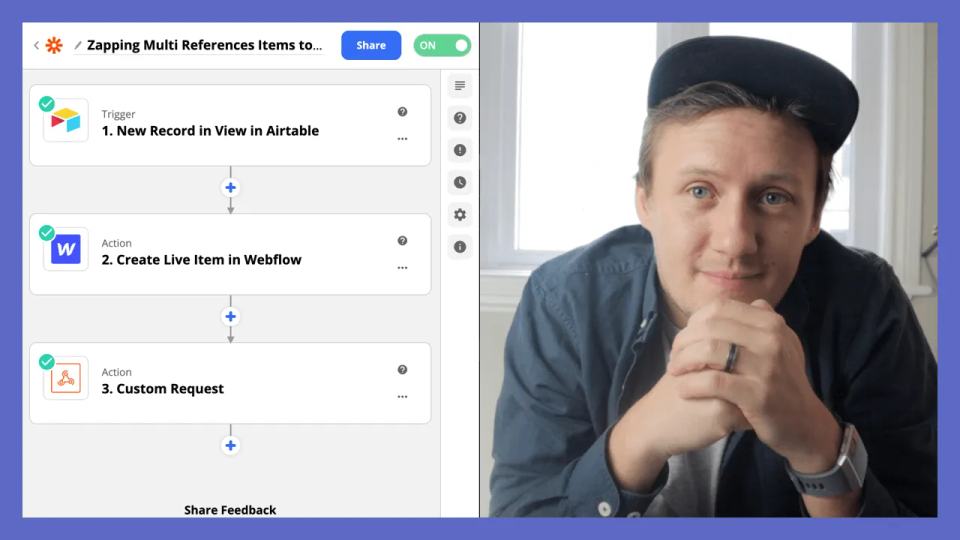
Webflow multi-reference fields store several related Collection item IDs. My historical Zapier lesson built a JSON array from Airtable values. Keep that array idea, but use the current API's request structure.
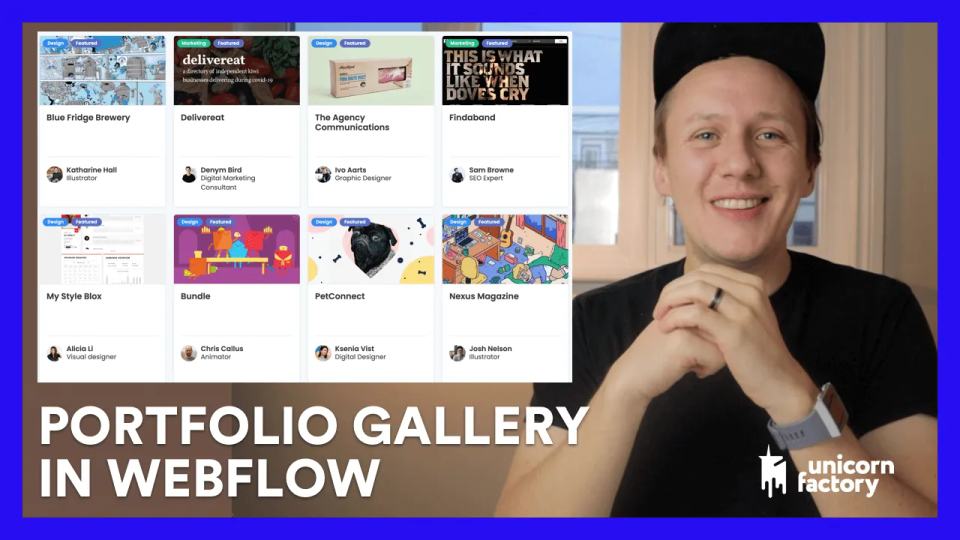
Build a linked portfolio gallery in Webflow, with freelancer references, approved images, and create-once update checks.

A marketplace can charge suppliers, buyers, or partners. Choose who receives the clearest value before choosing a payment tool.

Restoring Webflow can affect the systems connected to your site. This historical lesson used Parabola to reconcile Webflow items with Airtable after a restore.

New marketplaces need buyers and suppliers before either group receives much value. Start by helping one small group complete a useful match.
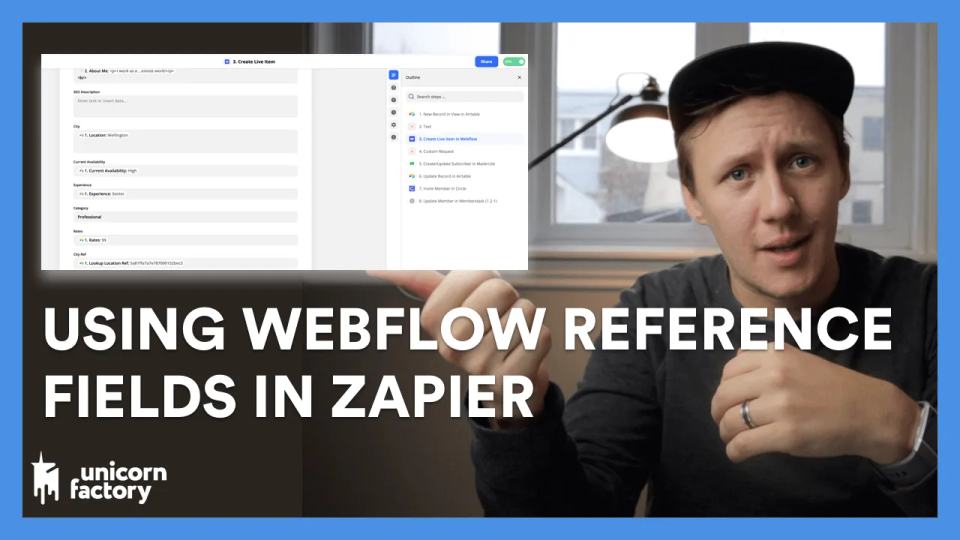
A Webflow Reference field connects one CMS item to another. A Multi-reference field connects it to several items.
Explore my historical 2020 no-code tool bill chapters and build your own current budget without assuming old prices apply.

Plan a freelancer analytics dashboard with GA4 reports, consistent date windows, and private account access.

A simple restaurant directory helped illustrate how an Airtable base can become a useful first directory. Start with a small set of records you can check yourself.

Store and review marketplace leads, match trusted freelancer records, and track approved email delivery without duplicate sends.
Learn Webflow by changing small projects and explaining what changed. A finished practice page teaches more than another saved tutorial.

Review a historical freelancer profile-update workflow with owner checks, approved fields, and recoverable sync requests.

My example Zap starts when a YouTube idea becomes ready for production in Airtable. It creates a Drive folder, a script document, and a Calendar event. Start with one test video before automating your whole production list.
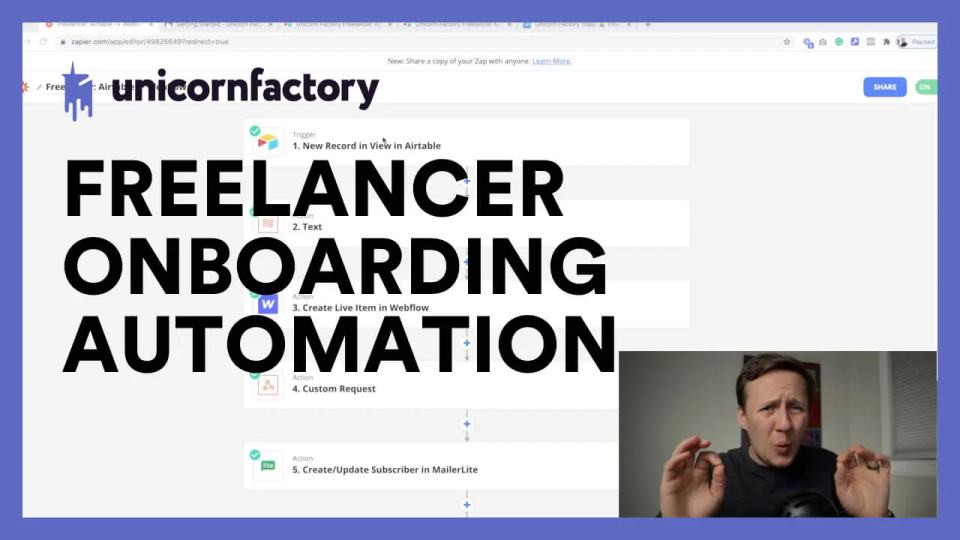
Explore my historical freelancer onboarding system, with review states, identity binding, publication checks, and recovery paths.

My 2020 Unicorn Factory tool stack explains Webflow, Airtable, Zapier, Memberstack, Jetboost, Parabola, and MailerLite roles.
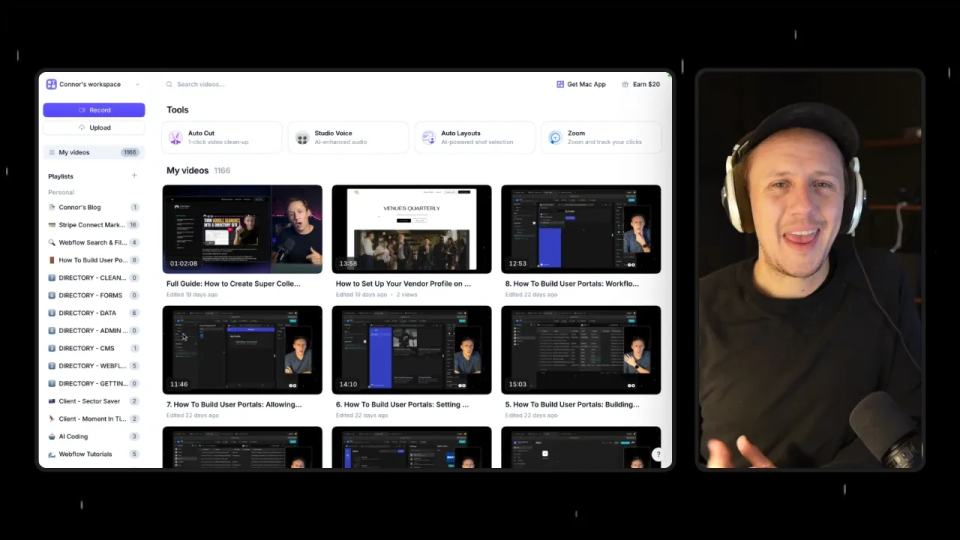
Use Tella API pagination and playlist events for a library sync or reviewed blog draft, with duplicate and readiness checks.

Read my Circle AI Agent tests, current plan notes, and a support-demand method for evaluating cost and answer quality.
Want more than the posts? Free videos and member courses are on the Learn page. Rather have it built for you? Schedule a call